What if the slowest part of your workday isn’t your internet, your laptop, or your coffee machine, but the printer sitting in the corner? It’s a common story. People move into a home office, buy the cheapest box on the shelf, and then spend two years fighting paper jams and ink bills. The good news is that the fix is simple: match the printer to the job. A household that prints ten pages a week needs something very different from a one-person business that churns out contracts, invoices, and color brochures.
This roundup skips the theory and goes straight to named options that reviewers have actually tested. Each pick below covers who it suits, what it does well, where it falls short, and what it costs when a price is confirmed.
Quick Comparison: The Shortlist at a Glance
| Printer | Best for | Type | Standout strength | Known limitation |
|---|---|---|---|---|
| HP OfficeJet Pro 9120 | Small offices with mixed print, scan, copy, fax | Color inkjet all-in-one | Fast, full-featured, reliable Wi-Fi | Photo output shows dimpling |
| Brother MFC-L2900DW | High-volume text printing | Monochrome laser all-in-one | Speed and efficiency on long documents | No color |
| Epson EcoTank ET-1910 | Frequent printing on a budget | Color inkjet, printer only | Very low running costs | No scanning or copying |
| Canon MAXIFY GX5550 | Small teams needing color and refillable ink | Color inkjet all-in-one | Strong value with ink tanks | Slow color printing |
| Canon imageClass LBP247dw | Basic, dependable document printing | Monochrome laser, printer only | Excellent text quality and speed | Single-function design |
| Canon Pixma TR4720 | Tight budgets and light use | Color inkjet all-in-one | Cheap to buy and simple to set up | Small ink cartridges |
| Epson EcoTank ET-18100 | Photo-heavy and creative work | Color inkjet, wide format | Beautiful prints at low cost per page | Large footprint |
What Makes a Printer Right for a Home Office?
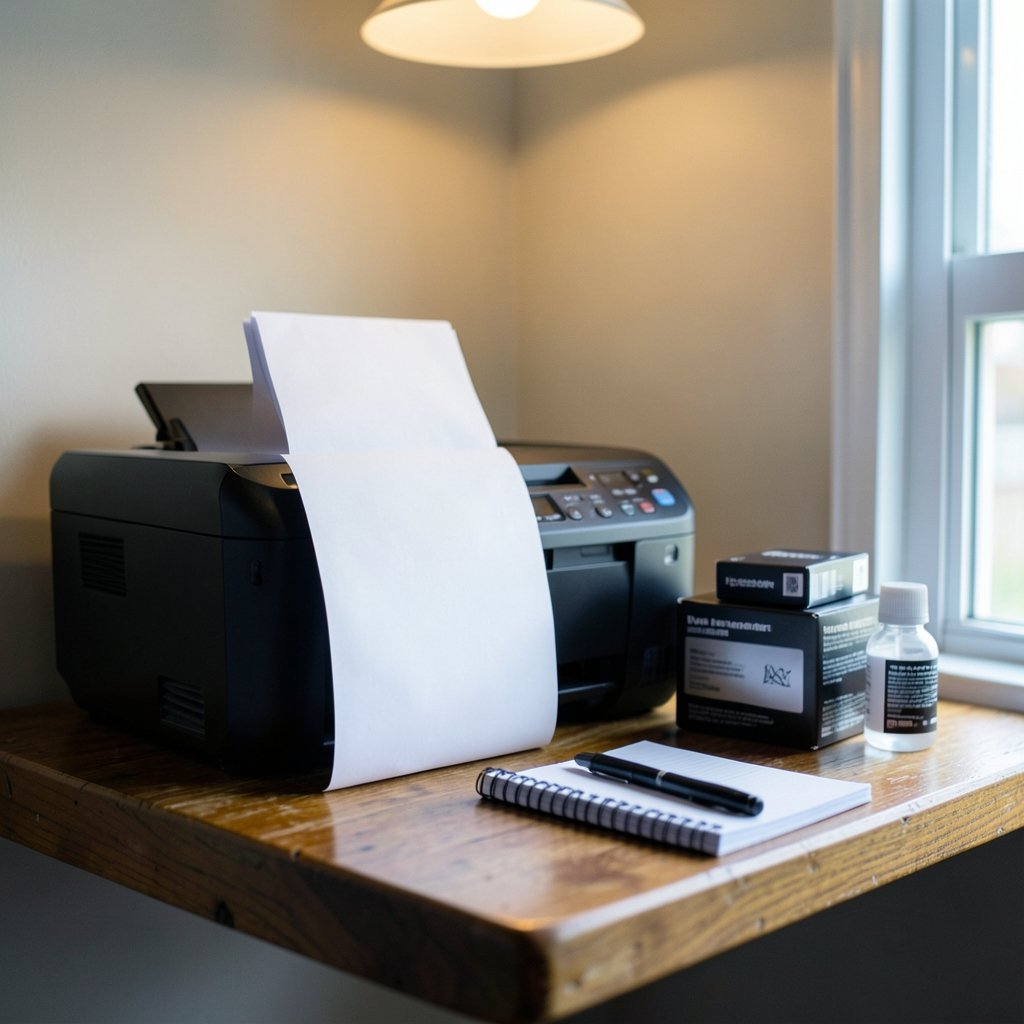
Before the picks, one quick reality check. Most home printers sell for roughly $50 to $250, and at that price almost every model is an inkjet. Laser printers cost more upfront but tend to win on text quality and consistency. Ink-tank models cost more than cartridge models too, but they cut running costs dramatically. The catch, as reviewers keep pointing out, is that tank printers only save you money if you print enough pages to offset the higher purchase price.
That single trade-off explains most of the choices below. Light printers should buy cheap and accept cartridge costs. Heavy printers should pay more upfront and save on ink. Everyone in between should compare total cost of ownership rather than sticker price.
1. HP OfficeJet Pro 9120: Best All-Rounder for a Busy Home Office
For a home office with one or two people using it, this is the model testers name as the overall pick. It prints, copies, scans, and faxes, so it replaces several devices at once. In testing, it printed and scanned quickly, held a large paper tray, and stayed connected to Wi-Fi without a single signal drop.
Who it suits: freelancers, remote employees, and small home businesses that need a bit of everything.
What it does well: speed, reliability, and a feature set that covers contracts, scans, and school forms in one box.
The limitation: photo printing is not its strength. Testers noticed visible dimpling in images, so don’t buy it as a photo printer.
Price: not confirmed in the reviewed sources, so check current retail listings.
If you are also outfitting the rest of the room, the same logic that applies to choosing the best home printer without wasting money on ink applies here: buy for your real monthly page count, not the spec sheet.
2. Brother MFC-L2900DW: Best for Long Documents and Heavy Text
Some home offices print in black and white, all day, and never touch color. For that crowd, a monochrome laser is the sensible tool. The Brother MFC-L2900DW prints lots of pages quickly and efficiently, and it adds copying, scanning, and faxing to the package. It is also voice-assistant compatible and suits small businesses as well as home desks.
Who it suits: anyone printing proposals, shipping labels, scripts, or legal paperwork at volume.
What it does well: a strong pages-per-minute rate and the consistency lasers are known for.
The limitation: setup instructions could be clearer, and there is no color at all.
Price: not confirmed in the reviewed sources.
The practical tip here is to keep a laser like this away from damp areas and use quality paper. Cheap paper curls under laser heat and causes jams that people blame on the machine.
3. Epson EcoTank ET-1910: Best for Frequent Printing on a Tight Budget
Here is the value story in one sentence: this printer’s list price of $159.99 includes enough ink for thousands of pages. It uses bottled ink poured into reservoirs instead of cartridges, which is why its running costs are so low. It is also unusually affordable for a tank printer.
Who it suits: homes that print often but don’t need to copy or scan.
What it does well: a low total cost of ownership and a rare printer-only design that keeps the price down.
The limitation: it has just one paper tray, and it cannot scan or copy. If your home office needs a scanner, this is not the machine.
Price: $159.99 list price, per the reviewed testing.
One common mistake with tank printers is topping up all four tanks when only one is low. Refill the color that’s actually empty, and keep the bottles upright and sealed between fills.
4. Canon MAXIFY GX5550: Best Ink-Tank All-in-One for Small Teams
The MAXIFY GX5550 brings refillable ink tanks to a full office machine. Reviewers praise its overall package and its value, and it handles the everyday mix of documents and color work that a two- or three-person home team generates.
Who it suits: small teams and side businesses that want low ink costs plus scanning and copying.
What it does well: a balanced all-around experience with cheap refills.
The limitation: color printing is slow, so don’t queue up a big color job five minutes before a meeting.
Price: not confirmed in the reviewed sources.
5. Canon imageClass LBP247dw: Best for Basic, Dependable Printing
Consumer Reports identified this model as the top laser option for average home office use, citing reliable print quality and speed for basic tasks. Owner reviews on Canon’s own site and on Amazon follow a similar pattern, and the toner supplies are described as accessible and affordable.
Who it suits: the person who prints a steady stream of plain documents and wants zero drama.
What it does well: text quality, speed, and low-fuss operation.
The limitation: it is a printer only, with no scanner or copier built in.
Price: not confirmed in the reviewed sources.
6. Canon Pixma TR4720: Best Cheap Pick for Light Printing
Not every home office needs a workhorse. If you print a few pages a week, the Canon Pixma TR4720 is a sensible entry point. Testers highlight its impressive text quality, quiet operation, and easy setup, and it covers print, copy, scan, and fax.
Who it suits: students, occasional remote workers, and anyone who prints more than they’d like to admit but less than a business does.
What it does well: a low purchase price with genuinely good text output.
The limitation: the ink cartridges are incredibly small, so running costs climb fast if you print a lot.
Price: not confirmed in the reviewed sources.
This is where most buyers go wrong. They buy the cheapest printer and then spend the savings twice over on cartridges. If you print more than roughly a ream of paper a month, a tank or laser model usually wins on total cost.
7. Epson EcoTank ET-18100: Best for Photos and Creative Work
The ET-18100 is a photo printer at heart, and its low running costs are the star of the show. Replacement ink costs up to £12 per color, and a full tank delivers around 2,100 prints, which works out to about 3.3p per postcard print. It ships with a full set of ink bottles in the box.
Who it suits: designers, photographers, craft sellers, and anyone printing images regularly.
What it does well: excellent photo quality with genuinely cheap ink.
The limitation: it is a big machine, and its strengths are wasted on plain text documents.
Price: ink costs as listed above; printer price not confirmed in the reviewed sources.
If your home office shares space with a hobby or side business, treat the printer like any other equipment purchase and budget for it properly, the same way you would plan a home renovation budget rather than guessing at costs.
Which One Should You Actually Buy?
The decision comes down to three questions, in this order.
- Do you need color? If not, a monochrome laser such as the Brother MFC-L2900DW or Canon imageClass LBP247dw will be faster and cheaper to run.
- How many pages per month? Under about 50 pages, a budget cartridge model like the Pixma TR4720 is fine. Over a few hundred, move to a tank model like the ET-1910 or MAXIFY GX5550.
- Do you need to scan and copy? If yes, cross the ET-1910 and LBP247dw off your list, since both are printer-only designs.
A few practical notes from hands-on testing apply to every pick. Print something at least once a week, because inkjet print heads clog when idle and self-cleaning cycles waste ink. Keep the printer on a flat, stable surface away from direct sun. And set up Wi-Fi during installation rather than later, since connection problems are among the most common complaints in owner reviews.
It also helps to think about the whole workspace rather than the printer alone. A quiet, well-organized office makes any device easier to live with, whether you are adding luxury home scents to soften the room or planning a home expansion that finally gives the printer its own corner. The point is that the machine should fit the room and the routine, not the other way around.
Conclusion
The best home office printer is not the one with the longest feature list. It is the one that matches your monthly page count, your color needs, and whether you ever scan anything. For most mixed-use home offices, the HP OfficeJet Pro 9120 covers the widest range of jobs. For text-heavy work, the Brother MFC-L2900DW and Canon imageClass LBP247dw are the dependable choices. For cheap ink over years of use, the Epson EcoTank ET-1910 and Canon MAXIFY GX5550 earn their higher upfront price. And for light printing or photo work, the Canon Pixma TR4720 and Epson EcoTank ET-18100 fill their niches well. Pick by routine, not by hype, and the printer stops being the slowest part of your day.
Frequently Asked Questions
Is an inkjet or a laser printer better for a home office?
It depends on what you print. Lasers generally produce higher-quality text and stay consistent over long runs, which suits contracts and reports. Inkjets usually print better photos. Some modern inkjets produce text that is nearly laser quality, though it can smudge if the paper gets wet.
How much does a home office printer cost?
Most home printers sell for roughly $50 to $250, and at that price nearly all are inkjets. Tank models and lasers cost more upfront. For example, the Epson EcoTank ET-1910 lists at $159.99 with enough ink for thousands of pages included.
Are ink-tank printers worth the extra money?
Only if you print enough. Tank printers cost significantly more to buy than cartridge models, so the lower ink cost has to offset that gap over time. If you print a few pages a week, a cheap cartridge printer is usually the better deal.
Why do reviewers disagree about which printer is best?
Because they test different jobs. One reviewer may prioritize photo quality, another text speed, another running costs. That is why the same model can be called excellent by one outlet and merely adequate by another. Match the reviewer’s use case to your own.
How can I keep my printer from clogging?
Print at least a page or two every week. Inkjet print heads dry out when idle, and the self-cleaning cycles that follow waste ink. Store spare cartridges sealed, keep the printer out of direct sunlight, and use paper that suits the technology.
Do I need a printer that scans and copies?
Only if your work involves paper coming in as well as going out. If you sign and return documents, scan receipts, or copy forms, an all-in-one is worth it. If you only print files you already have digitally, a printer-only model like the Epson EcoTank ET-1910 saves money.