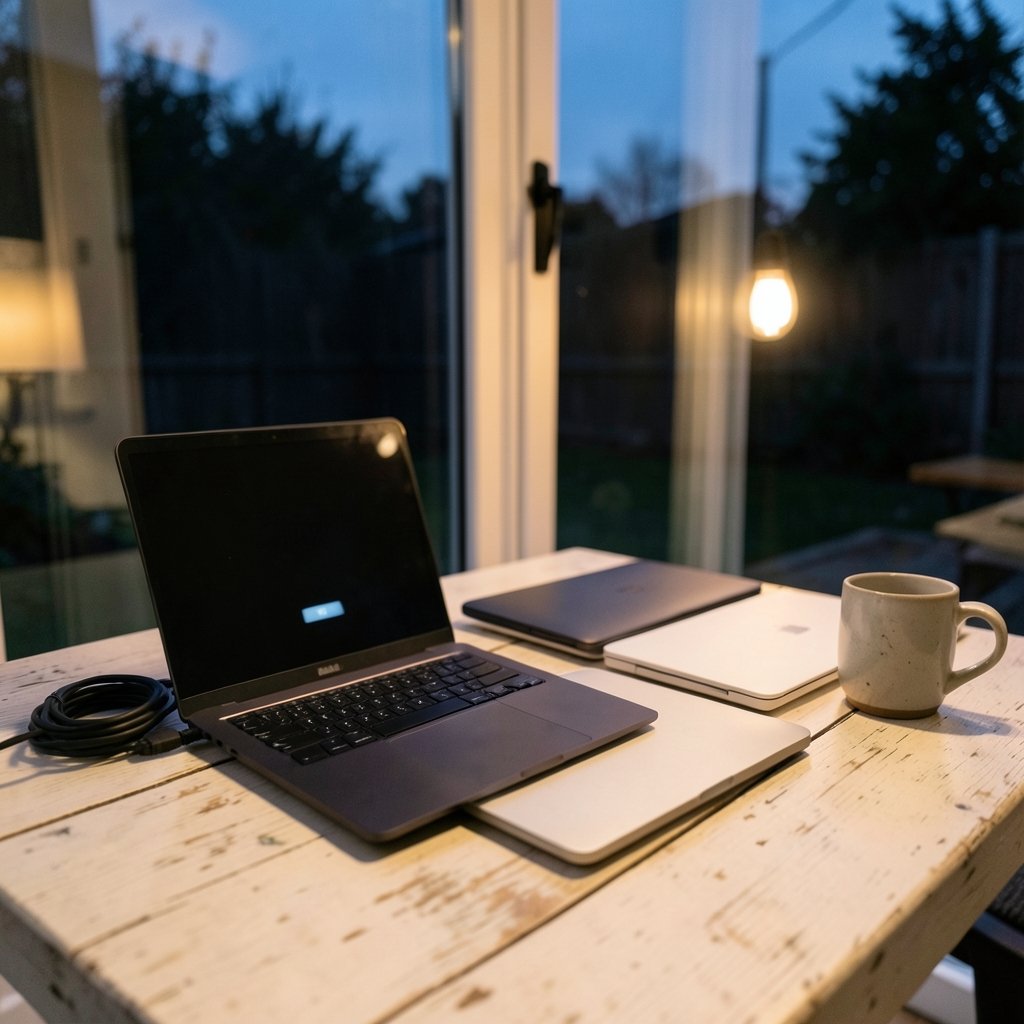
What if the laptop you need costs less than a phone? That is not a fantasy anymore. Budget machines have quietly caught up to the middle of the market, and the gap between a $400 clamshell and a $1,200 one is smaller than it has ever been. The trick is knowing which cheap laptops are real bargains and which ones will make you regret saving $150.
This roundup names specific machines, explains who each one suits, and flags the one limitation that matters. No vague advice about “considering your needs.” Just a shortlist you can act on.
Quick Comparison: Best Cheap Laptops at a Glance
| Laptop | Best for | Standout strength | Main trade-off | Listed price |
|---|---|---|---|---|
| Apple MacBook Neo | Students, Apple households | Aluminum build, sharp 13-inch screen, best speakers in class | Baseline 256GB fills fast; Touch ID costs extra | $600 ($500 with student discount) |
| Acer Aspire 16 AI | Big-screen home and school use | 16-inch 1440p screen, long battery, sharp webcam | Some app compatibility quirks | Not stated |
| Acer Aspire 3 | All-day battery on a tight budget | Up to 17 hours of runtime, Wi-Fi 6 | Modest 8GB RAM and 128GB storage | Not stated |
| Microsoft Surface Laptop 7 | Windows users who want premium feel | Durable design, class-leading battery | Entry model is the only “cheap” one | Entry config under $1,000 |
| Lenovo IdeaPad 3 Chromebook | Browsing, Docs, Zoom | Light 2.47 lb body, touchscreen option | ChromeOS won’t run Windows software | Not stated |
| HP 2-in-1 14-inch Chromebook | The absolute lowest spend | 360-degree touchscreen hinge, mouse included | Just 4GB RAM and 64GB storage | $349 |
Apple MacBook Neo: The Best Cheap Laptop for Students
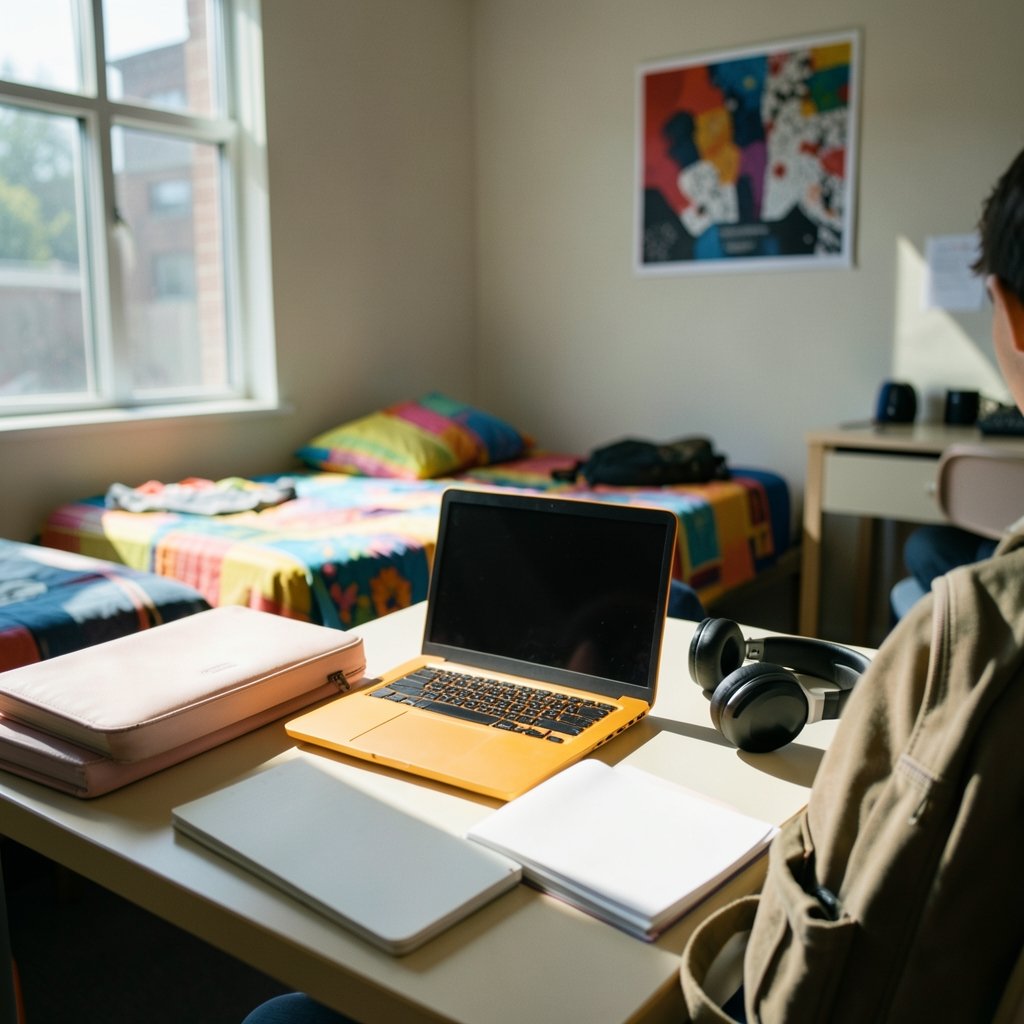
The MacBook Neo is the surprise of the budget category. Reviewers who test laptops for a living keep landing on the same conclusion: it is the best laptop for school use, especially if the buyer already carries an iPhone.
Why it works: most budget laptops are plastic slabs. The Neo has a fully aluminum chassis and comes in colors like citrus and blush. Its 13-inch Liquid Retina display has a higher resolution than every other laptop on the budget shortlist, so text looks crisp and video looks sharp. It also has the best speakers in its price class, with Dolby Atmos and Spatial Audio support, which is genuinely rare at this end of the market.
At just under three pounds, it carries like a 13.3-inch MacBook Air. The A18 Pro chip is powerful enough to deliver a full macOS experience, not a watered-down one.
The limitation is storage and extras. The baseline 256GB SSD will fill up fast if you keep photos, games, and video projects on board, and Touch ID costs $100 more. There is no MagSafe and no fast charging, and the battery is smaller than the MacBook Air’s.
Price: $600, or $500 with Apple’s student discount. If you want the full picture on how budget machines separate from pretenders, this breakdown of the best gaming laptop 2025 actually separated winners shows the same logic applied to a more demanding category.
Acer Aspire 16 AI: Best Big-Screen Budget Laptop
Want a large screen without paying large-screen prices? The Aspire 16 AI is the first big-screen laptop to consider on a tight budget.
It brings a 16-inch, fast, sharp display to the budget category, and the Snapdragon X chip handles everyday tasks quickly while sipping power. Battery life runs well beyond a workday or a school day. Build quality exceeds what the price suggests, and the touchpad glides smoothly. The webcam is an unusually sharp 1440p unit, which matters more than people admit now that every class and every meeting happens on video.
The one real caveat: some apps have compatibility issues on Snapdragon hardware. Most people who live in a browser, Office, and streaming apps will never notice. If you depend on niche desktop software, check compatibility before you buy.
Acer Aspire 3: The Battery Champion Under Budget
Some people do not need a gorgeous screen. They need a laptop that survives a full day of classes, a shift at a desk, and a bus ride home without hunting for an outlet. The Aspire 3 is that machine.
Its headline number is up to 17 hours of battery life. It pairs an AMD Ryzen 3 7320U with 8GB of RAM and 128GB of storage, a 15.6-inch 1920 x 1080 display, AMD Radeon graphics, Wi-Fi 6, and Bluetooth 5.2. At 3.77 pounds and 0.75 inches thick, it is portable enough to live in a backpack.
The limitation is future-proofing. 8GB of RAM and 128GB of storage are fine for documents, streaming, and browsing, but they leave little room for heavy multitasking or a large local photo library. Buyers who plan to keep a laptop for four or five years should stretch for more storage if the option exists.
Microsoft Surface Laptop 7: Best Cheap Windows Laptop
If you want Windows and you refuse to accept a creaky chassis, the Surface Laptop 7 is the answer. The model reviewers tested sells for roughly $1,500, but the entry-level configuration lands under $1,000, which puts it inside most definitions of “cheap” for a premium-feeling machine.
It earns its place with a beautiful, durable design, class-leading battery life, strong performance, and an accurate, bright touchscreen with a 120Hz refresh rate. The port selection is generous for a thin laptop.
The limitation is that only the entry configuration is cheap. Step up for more RAM or storage and the price climbs quickly. The good news is that Surface hardware goes on sale often, so patience pays.
Lenovo IdeaPad 3 Chromebook: Best Lightweight Budget Pick
At 2.47 pounds, the IdeaPad 3 Chromebook disappears into a bag. It runs an Intel Core i3-N305 with 64GB, 128GB, or 256GB of storage, a 1920 x 1080 touchscreen at 60Hz, Intel UHD graphics, and just over 13 hours of battery life.
It suits anyone whose day lives in a browser: Google Docs, email, video calls, streaming, and research. ChromeOS boots fast, updates quietly, and shrugs off most malware.
The limitation is the operating system itself. ChromeOS will not run traditional Windows software, so accounting packages, heavy photo editors, and some school-specific exam tools are off the table. Check your required software list before committing.
HP 2-in-1 14-inch Chromebook: The Cheapest Option That Still Works
At $349, this is the most affordable laptop on the shortlist, and it is the only one with a 360-degree hinge and a 14-inch HD touchscreen. That means it folds into a tablet for reading and sketching. HP Fast Charge tops up the battery quickly, and a wireless mouse comes in the box, a small touch that saves another $15 to $20.
The limitation is blunt: 4GB of RAM and 64GB of storage. That is enough for one browser with a handful of tabs, Google Docs, and Zoom. It is not enough for dozens of tabs plus Spotify plus a video call. Buy it as a second machine or a first laptop for a younger student, not as a primary work computer.
How to Choose a Cheap Laptop Without Regret
After the shortlist, the decision comes down to five checks. Run them in this order.
- Name your software first. ChromeOS cannot run Windows programs. Snapdragon-based Windows laptops may hit app compatibility issues. Apple’s macOS runs its own ecosystem beautifully. The software list decides the platform before anything else matters.
- Set a RAM floor. 8GB is the practical minimum for Windows or macOS. 4GB only works for a single-purpose browser machine. RAM is usually soldered down on budget laptops, so you cannot add it later.
- Treat storage as a hard limit. 128GB disappears fast once you install updates, apps, and a photo library. 256GB is comfortable. Cloud storage helps, but it does not help on a plane or in a lecture hall with weak Wi-Fi.
- Weigh the screen against the bag. A 16-inch panel is a joy at a desk and a burden on a commute. Under three pounds is the sweet spot for daily carrying.
- Check the battery claim, not the battery spec. Runtime figures vary wildly by test. Reviews that measure real rundown time are worth more than a spec sheet.
One more practical note: budget laptops are where a $100 difference buys a dramatically better screen or double the storage. If you can stretch slightly, stretch on the display and the storage, not on the processor. The CPU is rarely the bottleneck for everyday tasks, but a dim, low-resolution screen will annoy you every single day.
If you are also weighing a machine for games, the same discipline applies, and this guide on how to find best cheap gaming laptops without wasting money walks through where budget gaming rigs cut corners. And if you ever see a bundled machine at a big-box store or a university bookshop, it is worth knowing what a Strayer university hp laptop bundle really includes before you assume the bundle is a bargain.
The Mistakes That Turn a Bargain Into a Regret
The most common error is buying on processor alone. A fast chip behind a dim 1366 x 768 panel feels worse than a modest chip behind a sharp 1080p screen. The second most common error is ignoring the weight. A 5-pound laptop that stays on a desk is fine; the same laptop in a daily backpack becomes a chore by week three.
The third mistake is assuming the cheapest listing is the same machine as the reviewed model. Budget lines ship in many configurations, and the $349 version often has half the RAM of the reviewed model. Match the exact model number rather than the family name alone.
Finally, do not skip the return window. Open the box, install your real software, and use it for a full day within the return period. A laptop that feels fine in a store can feel wrong after two hours of typing.
Conclusion
The best cheap laptop is not the one with the lowest price tag. It is the one whose compromises you will never notice. For most students and Apple households, the MacBook Neo at $600 is the standout, with a premium build and a screen that embarrasses its price class. For big-screen comfort, the Acer Aspire 16 AI delivers. For pure battery endurance, the Aspire 3 keeps going. Windows loyalists get the Surface Laptop 7’s entry model, light travelers get the IdeaPad 3 Chromebook, and the absolute lowest spenders get the HP 2-in-1 at $349.
Pick the platform your software demands, set an 8GB RAM floor, and buy the best screen and storage your budget allows. Do that, and a cheap laptop stops being a compromise and starts being a smart purchase.
Frequently Asked Questions
What is the best cheap laptop overall?
The Apple MacBook Neo is the strongest all-around pick at $600, or $500 with the student discount. It has an aluminum chassis, a sharp 13-inch Liquid Retina display, and the best speakers in its price range. Buyers who need Windows should look at the entry-level Microsoft Surface Laptop 7 instead.
Is a $349 laptop good enough for schoolwork?
It can be, with limits. The HP 2-in-1 14-inch Chromebook handles browsing, Google Docs, and Zoom, and it folds into a tablet. But 4GB of RAM and 64GB of storage mean it struggles with many tabs open at once. It works best as a second machine or a first laptop for lighter workloads.
Should I choose a Chromebook or a Windows laptop?
Choose ChromeOS if everything you do happens in a browser. It is fast, secure, and cheap. Choose Windows if you need traditional desktop software, since ChromeOS will not run it. Check your required software list before you buy, because this single decision matters more than any spec.
How much RAM does a cheap laptop need?
8GB is the practical minimum for Windows and macOS. It handles browsing, documents, video calls, and streaming comfortably. 4GB only suits a single-purpose browser machine. Because budget laptops usually have soldered RAM, you cannot upgrade later, so buy the 8GB model if the option exists.
Why is battery life so different between reviews and real use?
Manufacturer figures come from controlled tests at low brightness with light workloads. Real use involves video calls, bright screens, and many tabs, all of which drain power faster. Look for reviewers who publish measured rundown times rather than trusting the spec sheet number.
Are big-screen budget laptops worth it?
Yes, if the laptop mostly stays on a desk. The Acer Aspire 16 AI pairs a 16-inch 1440p screen with a Snapdragon X chip that runs well beyond a workday on a charge. If you carry the laptop daily, a model under three pounds like the MacBook Neo or the IdeaPad 3 Chromebook will serve you better.