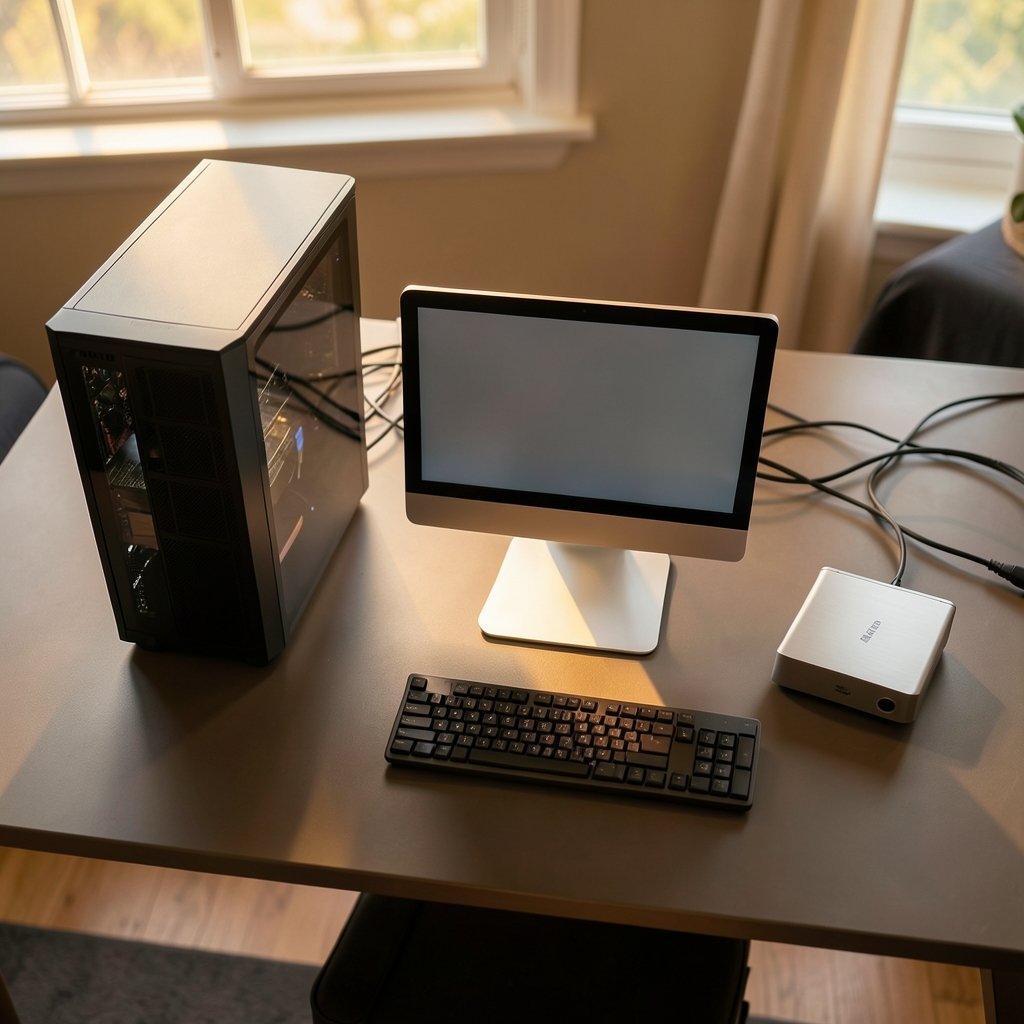
What if the slowest part of your workday is the machine sitting on your desk? For anyone running spreadsheets, editing video, or juggling twenty browser tabs, a desktop still delivers more performance per dollar than a laptop ever will. The catch is that “best” depends entirely on what you plan to do with it.
This roundup cuts straight to named options that tested well in independent reviews. It covers towers, all-in-ones, and mini PCs, with the trade-offs spelled out so you can match a machine to your actual workload instead of a spec sheet.
Quick comparison of the top desktop picks
| Desktop | Best for | Standout spec | Watch out for |
|---|---|---|---|
| MSI Codex R2 | All-around tower, gaming and creative work | Intel Core Ultra 7 265, 32 GB RAM, 2 TB SSD, Nvidia RTX 5060 | Tower footprint, not a space saver |
| Apple all-in-one (M6 chip) | Design-conscious home offices | 16 GB RAM as the new base, six-speaker system | 256 GB base SSD fills fast |
| Lenovo Legion Tower 7i Gen 8 | Mainstream gaming | Strong 1080p and 4K frame rates | Pricing varies by config |
| HP EliteStudio All-in-One 27-inch | Productivity and front-desk work | Large 27-inch display, tidy single-unit setup | Limited upgrade path |
| Asus NUC 16 Pro Mini | Tiny desks and light creative work | Compact chassis, generous port selection | Integrated graphics only |
| HP Z2 Mini G1a | Local AI work and heavy compute in small spaces | AMD Ryzen AI MAX+ Pro 395, up to 128 GB unified memory | Business pricing, niche appeal |
| Dell Precision 3680 | Workstation-grade reliability | Proven business workstation build | Not a gaming-first machine |
MSI Codex R2: the best all-around tower
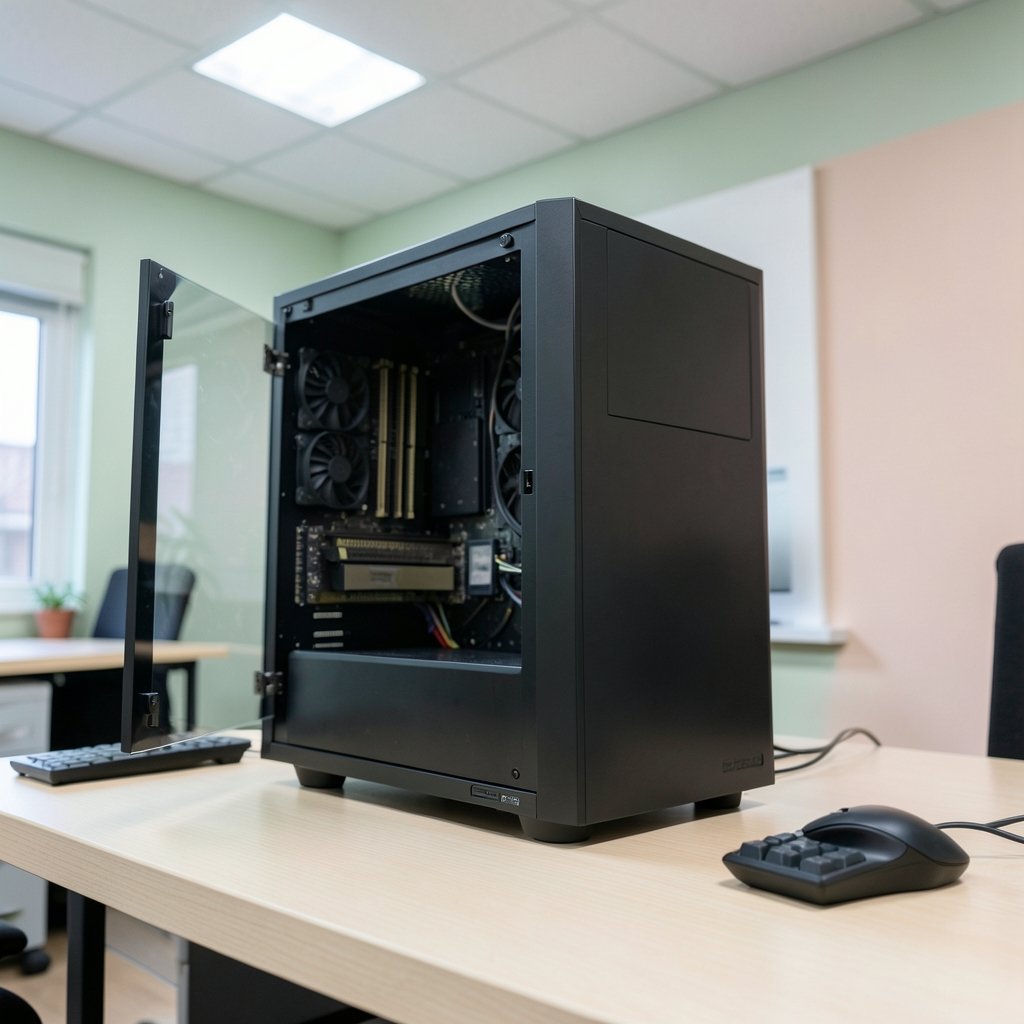
If you want one machine that handles work by day and games by night, the Codex R2 is the safest bet on this list. Consumer Reports ranked it at the top of its tower category with the best overall score in that group, and its combination of an Intel Core Ultra 7 265 processor, 32 GB of memory, a 2 TB solid-state drive, and an Nvidia RTX 5060 graphics card put it among the fastest machines tested for spreadsheet work, video editing, and gaming. It costs around $1,400.
Who it suits: gamers who also do real work, and anyone who wants headroom without paying flagship prices.
What it does well: that 32 GB of RAM matters more than most buyers realize. It keeps large spreadsheets, browser tabs, and editing software from fighting each other. The 2 TB SSD means you will not be deleting game installs to make room for project files.
The limitation: it is a full tower. If your desk is a corner of the kitchen counter, measure before you buy. Also note that the RTX 5060 is a sensible mid-range card, not a 4K-max-settings monster.
Apple’s M6 all-in-one: the cleanest desk setup
Apple’s latest desktop earned strong marks for its compact design, and the base model now ships with 16 GB of RAM without a price increase. Reviewers also praised the six-speaker sound system and the optional nano-texture glass, which genuinely reduces glare in bright rooms.
Who it suits: people who want one cable, one screen, and zero clutter, especially in living rooms or shared home offices.
What it does well: the display and speakers are the point. You are buying a monitor that happens to contain a computer, and the M6 chip handles everyday creative work comfortably.
The limitation: the standard 256 GB SSD is simply too small for a photo or video library, and storage upgrades are expensive. Buyers should also know it misses out on Wi-Fi 7. If you plan to edit photos seriously, budget for external storage and read up on which photo editing apps actually work on phone and desktop before you commit to a workflow.
Lenovo Legion Tower 7i Gen 8: mainstream gaming done right
The Legion Tower 7i Gen 8 is the gaming pick for most people. Testers highlighted great 1080p and 4K performance, quick and easy upgrade options, good looks with plenty of lighting, and quiet operation even under sustained load.
Who it suits: first-time gaming desktop buyers who want something that works out of the box but can grow later.
What it does well: the upgrade path. Easy access to components means you can add storage or swap a graphics card in a couple of years instead of replacing the whole machine.
The limitation: Lenovo’s pricing is murky. The same model can swing hundreds of dollars between retailers and configurations, so compare carefully before checkout.
HP EliteStudio All-in-One 27-inch: the productivity workhorse
Not everyone needs a graphics card. The EliteStudio All-in-One is built for offices, reception desks, and home workspaces where the screen is the star. Its 27-inch panel and single-unit design keep cables to a minimum, and it tested well on overall reliability.
Who it suits: remote workers, front-desk staff, and anyone who lives in email, documents, and video calls.
What it does well: it disappears into a room. No tower under the desk, no cable spaghetti, no separate speakers to buy.
The limitation: all-in-ones are hard or impossible to upgrade. When the processor feels old in five years, the whole unit goes. Pair it with a riser desk or sit-stand converter that actually works so the screen sits at eye level rather than forcing you to hunch.
Asus NUC 16 Pro Mini: small box, real performance
Mini PCs have quietly become good enough for serious work. The NUC 16 Pro Mini earned an editors’ choice nod for its compact chassis, deep port selection, punchy processor performance in the tested Core Ultra X7 configuration, fast DDR5 memory, and quiet operation under load. Storage is easy to upgrade, and RAM is upgradable on lower-end models.
Who it suits: small apartments, shared desks, and anyone who wants the computer hidden behind a monitor.
What it does well: ports. Mini PCs often skimp here, and this one does not. Fast memory also lifts integrated graphics enough for light photo editing and casual games.
The limitation: integrated graphics. There is no discrete GPU, so modern AAA games and heavy 3D rendering are out.
HP Z2 Mini G1a: workstation power in a lunchbox
This is the specialist pick. The Z2 Mini G1a packs an AMD Ryzen AI MAX+ Pro 395 processor and Radeon 8060S integrated graphics with up to 128 GB of unified memory in its top configuration. Reviewers described it as a blistering machine built for running AI models locally, with two Thunderbolt 4 ports among its connections, and it can mount behind a display.
Who it suits: developers, researchers, and businesses that need local compute without a server closet.
What it does well: unified memory. Large memory pools let you load models that would choke a consumer desktop.
The limitation: price and purpose. This is a business machine, and most home users will never touch its ceiling. AMD’s Ryzen AI line is also newer territory, so check driver support for your specific software.
Dell Precision 3680: the boring, reliable workstation
The Precision 3680 shows up on best-of lists for one reason: it is a known quantity. Dell’s workstation line is built for offices that need machines to run for years with predictable support.
Who it suits: small businesses buying fleets, and anyone who values service contracts over flashy specs.
What it does well: configurability and support. You can spec it modestly or heavily, and replacement parts are easy to source.
The limitation: it is not exciting. Gamers should look elsewhere, and the base configurations can feel underwhelming for the money.
How to choose without overpaying
Work through these steps in order. Most buyers get this backwards and start with a budget instead of a workload.
- Name your heaviest task. Video editing, 3D rendering, and modern gaming need a discrete GPU from Nvidia or AMD. Email, writing, and spreadsheets do not.
- Set a RAM floor. 16 GB is the sensible minimum for Windows machines, and 32 GB is the comfortable amount for creative work. Apple’s base models now start at 16 GB.
- Check the SSD model, not only the capacity. A 256 GB drive is tight for anyone with a photo library or a game collection. 1 TB is the sweet spot.
- Decide on upgradeability. Towers and mini PCs let you swap storage and sometimes RAM. All-in-ones usually do not.
- Match the form factor to your space. A tower needs floor or desk room, a mini can hide behind a monitor, and an all-in-one replaces the monitor entirely.
A few practical notes from experience. Dust filters matter more than reviewers admit, since a clogged intake turns a quiet PC loud within a year. Cable management is not vanity either; tidy cables make upgrades and cleaning far easier. And if you are choosing between two configurations, put the money into RAM and storage before the processor. You will feel the difference every day.
If you run Linux or a dual-boot setup, know that desktop hardware support varies. Handheld-focused distributions behave differently on a desktop, and it helps to learn how to switch to desktop mode and get things done before you wipe a drive. Similarly, if your workspace is tight, a walking pad chosen for your desk space and budget can turn a stationary setup into an active one, but measure the clearance under your desk first.
Common mistakes buyers make
The biggest one is buying for benchmarks instead of behavior. A machine that wins synthetic tests but runs loud under load will annoy you daily. Reviewers noted fan noise as a genuine drawback on some otherwise excellent desktops, so read the noise section of any review, not only the score.
The second mistake is underestimating storage. Operating systems and games have grown, and a base drive that looked generous two years ago now fills up in months.
The third is ignoring the monitor. A fast desktop paired with a dim, low-resolution screen wastes the upgrade. Budget for the display as part of the purchase.
Conclusion
The best desktop PC for most people is the MSI Codex R2, because it covers work and play at a price that does not require justification. Apple’s M6 all-in-one wins on design and simplicity if you accept the storage limits. Gamers should look at the Legion Tower 7i Gen 8, office workers at the EliteStudio, and small-space users at the Asus NUC 16 Pro Mini. The Z2 Mini G1a and Precision 3680 serve narrower, professional needs well.
Pick the machine that matches your heaviest regular task, leave room in the budget for storage and a decent screen, and you will get years of use out of it.
FAQ
What is the best desktop PC overall?
The MSI Codex R2 is the strongest all-around choice. It pairs an Intel Core Ultra 7 265, 32 GB of RAM, a 2 TB SSD, and an Nvidia RTX 5060, and it ranked at the top of its tower category in independent testing for spreadsheets, video editing, and gaming.
How much RAM do I need in a desktop?
16 GB is the practical minimum for Windows desktops. 32 GB gives comfortable headroom for creative work and heavy multitasking. Apple’s current base all-in-one now starts at 16 GB, which reflects where the market has settled.
Is an all-in-one or a tower better?
All-in-ones win on space and simplicity, while towers win on upgrades and repair. If you might want a new graphics card or more storage later, buy a tower or a mini PC. If you want one clean unit and never plan to open it, an all-in-one is fine.
Do I need a dedicated graphics card?
Only if you game seriously, edit high-resolution video, or render 3D. Integrated graphics from Intel, AMD, and Apple handle office work, streaming, and light photo editing without trouble. The Asus NUC 16 Pro Mini proves how far integrated options have come.
What should I check before buying a mini PC?
Check the port count, whether RAM and storage are upgradable, and how loud it runs under load. Mini PCs trade expandability for size, so confirm it has the connections your monitor, drives, and peripherals need before you commit.
Is it worth buying a workstation desktop for home use?
Usually not, unless you run local AI models or heavy engineering software. Machines like the HP Z2 Mini G1a exist for professional compute. For everyday home use, a mainstream tower or all-in-one delivers better value per dollar.