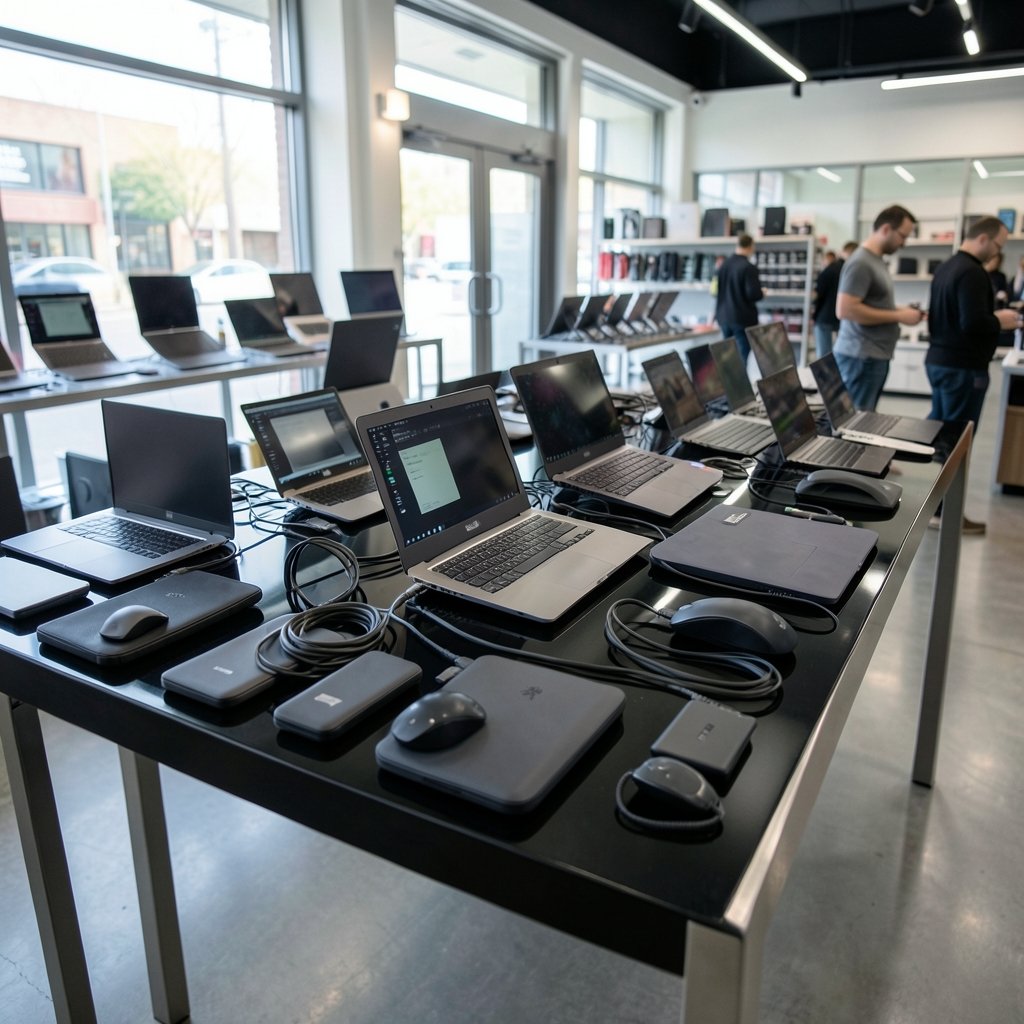
What if the hardest part of buying a laptop in 2027 isn’t the price, but figuring out which of the dozens of near-identical spec sheets actually matters? Walk into any electronics store and you’ll see the same words repeated: Core Ultra, Snapdragon, NPU, 16GB RAM, OLED. The labels blur together fast. The good news is that the 2027 crop of laptops is genuinely more capable than the last generation, and a handful of named models stand out for very different reasons. (8 new superyacht concepts redefining luxury 2027)
This roundup skips the theory and goes straight to specific machines. Each pick below names who it suits, what it does well, one honest limitation, and a price only where a published source states one. If you’re shopping for a laptop that has to last through 2027 and beyond, these are the models worth shortlisting. (10 best waterfront restaurants yacht docks 2027)
Quick comparison of the top picks
| Model | Best for | Standout strength | Watch out for | Price (where stated) |
|---|---|---|---|---|
| Apple MacBook Neo | Everyday basics, students | Build quality and screen at a budget price | 8GB RAM, no keyboard backlight, no Touch ID on base model | Not stated |
| Lenovo ThinkPad X1 Carbon Gen 13 | Frequent travellers | Light 14-inch body with business security | AI performance varies by chip configuration | Not stated |
| Microsoft Surface Laptop for Business 8 | Business fleets | Up to 50 TOPS on Core Ultra 7/X7 | Higher starting cost | From $2,299.99 |
| Dell Pro 14 Premium | Security-first IT buyers | Endpoint protection focus | Premium positioning | Not stated |
| HP EliteBook X G1i | Fixed-spec corporate buyers | Strong onboard memory options | RAM is not upgradable | Not stated |
| ASUS ROG Zephyrus / Strix | Gamers on the move | Power in slim designs across budgets | Specific models change fast | Not stated |
| Razer Blade 14 and 16 | Mobile gamers | Aluminium build and design | Premium pricing tier | Not stated |
| Acer Predator Helios Neo 16 AI | Streaming and 4-camera production | Desktop-class graphics in a 16-inch body | Heavy for daily carrying | $2,549.00 |
1. Apple MacBook Neo: the budget Mac that punches up

Apple’s new budget MacBook goes straight after Chromebooks and cheap Windows machines, and it does surprisingly well. Reviewers praise its fine build quality, sharp screen and good everyday performance. For students, commuters and anyone whose workload is browsing, documents and video calls, it feels like a far more complete product than a bargain Windows laptop.
The limitations are real, though. The base model ships with only 8GB of RAM, no keyboard backlighting and no Touch ID. That last one stings if you’re used to signing in with a fingerprint. The RAM figure is the bigger issue for anyone planning to keep the machine for four or five years.
Who it suits: buyers who want a polished, light laptop for daily tasks and don’t need to run heavy software.
2. Lenovo ThinkPad X1 Carbon Gen 13: the traveller’s workhorse
The ThinkPad X1 Carbon Gen 13 Aura Edition combines a lightweight 14-inch design with Intel Core Ultra processors and business-oriented security and connectivity features. For people who fly often, that portability matters as much as raw speed.
Here’s the trap. Not every configuration delivers the same AI performance. Configurations with the Intel Core Ultra 7 258V offer up to 47 NPU TOPS and qualify as Copilot+ PCs. Other configurations, including the Core Ultra 7 255U, deliver roughly 12 NPU TOPS. That’s a huge gap hiding behind an almost identical model name. Buyers should verify the exact chip before ordering, rather than relying only on the product family.
Who it suits: mobile professionals who want a light, secure laptop and will check the spec sheet line by line.
3. Microsoft Surface Laptop for Business 8: the fleet-friendly option
Microsoft’s business Surface offers up to 47 TOPS with Core Ultra 5 and up to 50 TOPS with Core Ultra 7 and X7 chips. Memory comes in 16GB, 32GB or 64GB LPDDR5x configurations, and the machine starts at $2,299.99 with a one-year limited hardware warranty.
That starting price puts it firmly in premium territory, and the warranty length is worth noting if you’re buying for a team. It’s the pick for organisations that want a consistent, manageable Windows fleet with headroom for AI-assisted workloads.
Who it suits: businesses standardising on Windows who need high NPU performance and flexible memory tiers.
4. Dell Pro 14 Premium: built for locked-down IT
Dell’s entry on the business shortlist is aimed at organisations prioritising endpoint security and the protection of sensitive data. That’s the whole pitch, and for regulated industries it’s a sensible one.
The trade-off is that security-first design rarely comes cheap, and the published shortlist doesn’t state a price. Buyers should confirm the exact configuration and support terms directly with the vendor.
Who it suits: IT teams in finance, healthcare or legal settings where data protection outranks raw benchmark scores.
5. HP EliteBook X G1i: predictable specs, zero upgrades
The EliteBook X G1i offers 16GB or 32GB of onboard memory. Note the word onboard: the RAM is not upgradable. That’s increasingly common in thin business laptops, and it’s the single biggest mistake buyers make. People buy 16GB to save money, then discover two years later that they can’t add more.
If you plan to run virtual machines, large spreadsheets or AI tools locally, buy the 32GB version at checkout. There is no second chance.
Who it suits: corporate buyers who want fixed, predictable specifications across a fleet.
6. ASUS ROG Zephyrus and Strix: gaming power without the brick
ASUS’s Republic of Gamers range is one of the most respected names in gaming laptops. The Zephyrus models combine power with slim, portable designs, while the Strix line focuses on maximum performance. That split makes ROG a strong choice across budgets, which is rare in gaming hardware.
The honest limitation: specific models change quickly, so check the latest versions and reviews before buying. A configuration praised six months ago may already be replaced by a different chassis with a similar name.
Who it suits: gamers who want one machine for both play and portable work.
7. Razer Blade 14 and 16: the premium design pick
Razer’s Blade laptops are known for premium aluminium builds, sleek design and high-quality displays. The Blade 14 targets mobility, while the Blade 16 suits people who need a more versatile device with a larger screen.
You pay for that finish. The Blade line sits at the top of the price ladder, and the aluminium body doesn’t change the fact that a 14-inch gaming laptop will run hot under sustained load.
Who it suits: buyers who want a gaming laptop that looks professional in a meeting room.
8. Acer Predator Helios Neo 16 AI: the streaming workhorse
For live production, the recommended vMix machine is the Acer 16-inch Predator Helios Neo 16 AI (PHN16-I71-90LV). It pairs an Intel Core Ultra 9 290HX Plus 24-core processor with 16GB DDR5, a 1TB PCIe 4.0 SSD, a 16-inch 2560 x 1600 IPS 240Hz display and an NVIDIA GeForce RTX 5070 Ti with 12GB GDDR7. Ports include HDMI, USB-C, USB-A, Thunderbolt 4 and 2.5GbE networking, plus Wi-Fi 6E and Bluetooth 5.4. It retails for $2,549.00 but is often on sale.
That’s enough for a four-camera production with streaming and recording at an affordable price point. The catch is weight and battery life: this is a desktop replacement, not a commuter laptop.
Who it suits: streamers, church AV teams and small production crews who need reliable multi-camera encoding.
How to choose without getting burned
Once you’ve narrowed the list, the decision comes down to four checks. Do them in this order.
- Match the chip to the model name. As the ThinkPad example shows, two laptops with the same name can differ by more than 30 NPU TOPS. Ask for the full processor code.
- Buy RAM you can’t upgrade at the top end. Onboard memory is now standard in thin business machines. If the RAM is soldered, decide for your needs in year four, not year one.
- Check how the warranty is handled, beyond its length. A one-year limited hardware warranty means different things across regions. Confirm who repairs it and where.
- Verify the generation. Laptop lineups refresh quietly. Check the year of production and the full configuration before comparing prices.
One more practical note: a same-named laptop can be sold with different processors, graphics cards, screens and memory amounts. Comparing prices without comparing configurations is the most common buying mistake in this category.
What about ARM laptops?
ARM-based Windows machines have matured significantly. Most student software now runs natively or through emulation, and buyers in price-sensitive markets are shortlisting Snapdragon X Elite and MediaTek Dimensity models for 15 to 20 hours of battery life and near-silent, fanless operation. A performance-first 2-in-1 with 32GB RAM, 1TB of storage and a 2K touch display can handle data science, architecture and multimedia workloads while keeping 15-plus hours of battery life.
The catch is compatibility. Check that your specific software, dock and printer drivers work before committing. If your tools are niche, an Intel Core Ultra machine is the safer bet. (10 best yacht table culinary charters 2027)
Conclusion
The best laptop for 2027 isn’t one machine, it’s the right machine for your actual week. If you browse and write, the MacBook Neo delivers surprising polish for the money, as long as 8GB of RAM won’t haunt you later. If you travel for work, the ThinkPad X1 Carbon Gen 13 is light and secure, provided you buy the 258V configuration. If you need a managed fleet, the Surface Laptop for Business 8 and HP EliteBook X G1i offer predictable specs, and the Dell Pro 14 Premium leads on endpoint security. Gamers get slim power from ASUS ROG and premium design from Razer Blade, while the Acer Predator Helios Neo 16 AI handles live production for $2,549.00.
Pick the two models that fit your workload, verify the exact configuration, then buy. That’s the whole game.
Frequently asked questions
How much RAM should a laptop have in 2027?
For everyday use, 16GB is the sensible floor, and 32GB is worth buying if the memory is soldered and you plan to keep the machine for years. The MacBook Neo’s base 8GB is fine for browsing and documents but tight for multitasking. Business machines like the EliteBook X G1i cap out at what you order, so decide at checkout.
What does NPU TOPS mean, and does it matter?
TOPS measures how many trillion operations per second an NPU can handle for on-device AI tasks. It matters if you want Copilot+ features or local AI tools. The Lenovo ThinkPad X1 Carbon Gen 13 shows why the number matters: the Core Ultra 7 258V configuration reaches up to 47 NPU TOPS, while the 255U version delivers roughly 12.
Are gaming laptops good for work and study?
Yes, with caveats. Machines like the ASUS ROG Zephyrus combine power with slim, portable designs, so they handle both. But gaming laptops are heavier and louder than business ultrabooks, and battery life suffers. If you rarely game, a Core Ultra business laptop is the better daily companion.
Is a budget MacBook worth it compared with a cheap Windows laptop?
Reviewers who tested the MacBook Neo found it a far more complete and attractive product than cheap Windows machines, thanks to build quality, a sharp screen and solid everyday performance. The trade-offs are 8GB of RAM, no keyboard backlight and no Touch ID on the base model. If those don’t bother you, it’s a strong value.
Should I buy an ARM laptop or an Intel Core Ultra model?
Choose ARM if battery life and silent operation top your list, and confirm your software runs natively or well under emulation. Choose Intel Core Ultra if you need maximum compatibility with docks, peripherals and niche professional software, or if you want the highest NPU figures for AI work.
When is the best time to buy a laptop?
Watch for end-of-year sales and back-to-school windows, when outgoing generations get discounted. The Acer Predator Helios Neo 16 AI, for example, retails at $2,549.00 but is often on sale. Always confirm the processor code and year of production, because retailers mix generations on the same shelf.