What if the single biggest jump in your frame rate isn’t a new graphics card at all, but the chip sitting under your cooler? That question drives more build decisions than almost any other, and the answer has shifted in a surprising direction over the last few generations. Raw clock speed is no longer the headline. Cache is.
The shortlist below covers the chips that actually matter for gaming, from a $500 flagship to budget-friendly options that won’t bottleneck a mid-range GPU. Each entry explains who it suits, what it does well, where it falls short, and what it costs when a price is confirmed. Specs and prices move fast, so verify current figures on the retailer or manufacturer page before you buy.
Best Gaming Processors at a Glance
| Processor | Best for | Cores | Key strength | Listed price |
|---|---|---|---|---|
| AMD Ryzen 7 9850X3D | Pure competitive gaming at 1080p | 8 | Fastest gaming chip tested | $500 |
| AMD Ryzen 7 9800X3D | High-end gaming value | 8 | Proven X3D performance | Launched at $479 |
| AMD Ryzen 9 9950X3D | Gaming plus content creation | 16 | Top gaming and threaded work | Not stated |
| AMD Ryzen 7 9700X | Balanced mid-range builds | Not stated | Solid all-rounder | Not stated |
| Intel Core Ultra 5 250K Plus | Budget-conscious gaming | Not stated | Strong price-to-performance | Not stated |
| Intel Core Ultra 9 285K | Intel loyalists and productivity | Not stated | Best Intel all-rounder | Not stated |
AMD Ryzen 7 9850X3D: The Fastest Gaming Chip You Can Buy
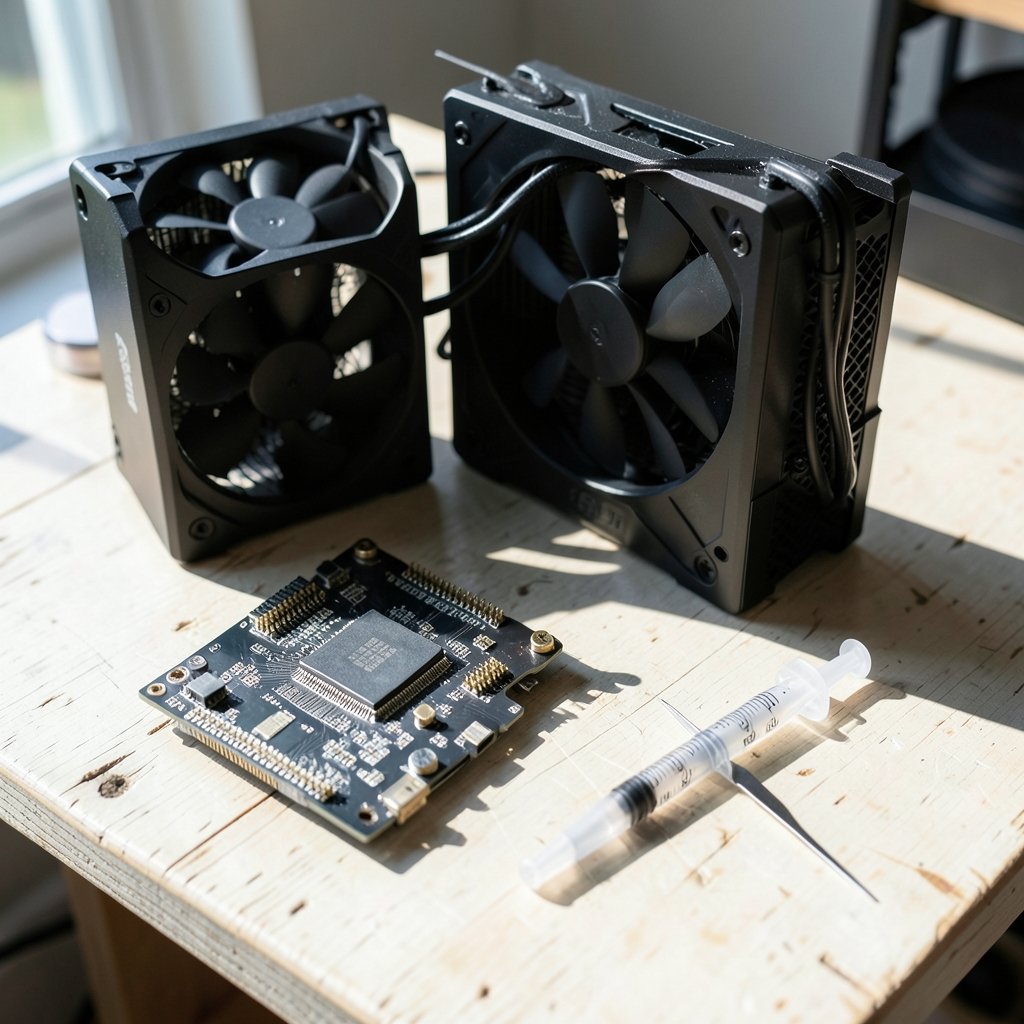
This is the current frame-rate champion. The Ryzen 7 9850X3D packs eight Zen 5 cores, a peak boost clock of 5.6GHz, and AMD’s second-generation 3D V-Cache, which stacks extra L3 cache to feed data-hungry game engines. At 1080p, where the processor carries the heaviest load, it sets the reference point at 100 percent in comparative benchmarks. Its closest rival is its own predecessor, the 9800X3D, at 98.9 percent. Intel’s top Core Ultra 9 285K trails by nearly 15 percent.
The price is $500, just $30 above the chip it replaces. That makes the upgrade math awkward for anyone already running a 9800X3D, since the two are nearly indistinguishable in real gameplay. For a fresh high-end build, though, it is the obvious pick.
Who it suits: competitive players chasing maximum frames on high-refresh monitors, especially at 1080p or 1200p.
The limitation: it runs hot and demands serious cooling. It also delivers little over the 9800X3D for the extra money.
AMD Ryzen 7 9800X3D: The Smarter High-End Buy
Here’s the thing about the 9800X3D: it was the undisputed gaming leader for roughly a year, and it still lands within about one percent of the newest flagship in gaming tests. It launched at $479 and now sees frequent discounts, sometimes dropping under $449. For most buyers, that gap in price buys more real-world value than the gap in performance.
The thermal redesign is the main difference. AMD placed the 3D V-Cache beneath the cores rather than on top, letting the chip maintain higher boost clocks, reach up to 5.2GHz, and run cooler than first-generation X3D parts. Full overclocking is supported, and the chip can hold over 5.0GHz across all cores. In practice, that means consistent leadership in esports titles like Counter-Strike 2 and Valorant as well as demanding AAA games.
Who it suits: anyone building a serious gaming PC who wants flagship-class frames without paying flagship prices.
The limitation: if you already own one, there is no upgrade path worth taking yet.
AMD Ryzen 9 9950X3D: For Gamers Who Also Create
Some people game and stream, edit video, or compile code on the same machine. The Ryzen 9 9950X3D handles that split better than anything else on this list. Its 16 native cores are the top of what mainstream desktop platforms offer, and the added 64MB of cache is genuinely useful for data-hungry games.
The gaming advantage is real but situational. It shows up most at lower resolutions and reduced graphics settings, where the CPU becomes the limit rather than the GPU. Pair it with a top-end graphics card and a fast monitor and you get the smoothest experience currently available. Pair it with a mid-range GPU at 1440p and much of that advantage evaporates.
Who it suits: AMD-loyal competitive gamers and creators who want one machine to do everything.
The limitation: it costs more than the 9850X3D while offering no gaming benefit at higher resolutions, where the graphics card takes over.
AMD Ryzen 7 9700X: The Balanced Mid-Range Option
Not everyone needs the fastest chip on the planet. The Ryzen 7 9700X sits in the sensible middle: enough cores for modern games, enough headroom for streaming or a browser full of tabs, and a price that leaves room in the budget for a better GPU. That last point matters more than most buyers realize.
The honest advice here is that a mid-tier CPU paired with a stronger graphics card will beat a flagship CPU paired with a weaker one in almost every game at 1440p and above. If you are weighing where to spend, a sensible approach is to sort out the CPU first, then put the savings toward the part that actually draws your frames. The same logic applies when you choose the best food processor for your real cooking habits in the kitchen: match the tool to the job, not to the spec sheet.
Who it suits: 1440p and 4K gamers, first-time builders, and anyone pairing a mid-range GPU.
The limitation: it gives up measurable frame rate in CPU-bound competitive titles at low settings.
Intel Core Ultra 5 250K Plus: The Value Play
Intel’s case in this market is straightforward: no other chip goes as hard for so little money. The Core Ultra 5 250K Plus boosts gaming performance over its Arrow Lake predecessor at a price that is hard to pass up. It is not the fastest gaming CPU around, and it will not win a benchmark shootout against an X3D part, but it wins on dollars per frame for budget builds.
It also tends to do well in mixed workloads. If your PC has to game, stream, and handle office work, Intel’s broader strength outside gaming is worth weighing. That balance point is familiar to anyone who has compared gear categories, much like weighing features when you choose the best gaming keyboard for your setup rather than simply buying the most expensive board on the shelf.
Who it suits: budget builders and anyone who games but also does plenty of non-gaming work.
The limitation: it trails AMD’s X3D chips in pure gaming frame rates, particularly at 1080p.
Intel Core Ultra 9 285K: The Intel Flagship
The Core Ultra 9 285K is Intel’s top desktop chip, and in gaming it lands roughly 15 percent behind the 9850X3D at 1080p. That is a real gap, and it is why AMD holds the gaming crown. But the 285K remains a capable all-rounder with strong multi-threaded performance and platform features Intel users value.
Buy it if you are already invested in an Intel platform, need heavy threaded performance, or simply prefer the ecosystem. Do not buy it expecting to top gaming benchmark charts.
Who it suits: Intel loyalists, productivity-first users, and mixed-use machines.
The limitation: it is not the gaming leader, and the price premium is hard to justify on frame rate alone.
How to Choose the Right Gaming Processor
Work through these in order, because the first two decide most of the outcome.
- Match the CPU to your resolution. At 1080p, the processor is often the limit, so X3D cache pays off. At 1440p and 4K, the graphics card does the heavy lifting and the CPU gap between tiers shrinks sharply.
- Check the cache before the clock speed. Games spend their time looking up game-state data thousands of times per frame. A large L3 cache keeps that data close. In simulation, strategy, open-world, and low-settings competitive shooters, extra cache does more for your 1% lows than another 300MHz ever would.
- Pick a core count that fits your habits. Six fast cores still play everything. Eight is the comfortable number if you stream, record, or keep a browser full of tabs open while gaming.
- Budget for cooling. The fastest X3D chips require substantial cooling. A cheap cooler on a flagship chip is money wasted.
- Price the whole platform. Motherboard and memory costs vary by socket, and they can erase a chip’s price advantage. Factor them in before you commit.
One common mistake: buying the flagship CPU and then pairing it with a GPU that cannot keep up. The frames never arrive, and the money is gone. Another: assuming more cores always means more frames. Past eight cores, gaming gains flatten while prices climb.
If you are building a full setup rather than just upgrading a chip, it helps to think about the whole desk. The same discipline that goes into picking a processor applies when you find the best cheap gaming laptops without wasting money or decide which budget gaming chair actually matters before you spend. Spend where it changes the experience, and save where it does not.
Conclusion
The best processor for gaming right now is the AMD Ryzen 7 9850X3D, provided you have $500 and a serious cooler to match. For nearly everyone else, the Ryzen 7 9800X3D is the smarter purchase, since it delivers within a hair of the flagship for less money. If you game and create, the Ryzen 9 9950X3D earns its keep. If you are building on a budget, Intel’s Core Ultra 5 250K Plus turns limited dollars into real frames. Pick the chip that matches your resolution and your GPU, not the one at the top of the benchmark chart, and you will end up with a machine that feels fast for years.
FAQ
Which processor is best for gaming right now?
The AMD Ryzen 7 9850X3D is the fastest gaming processor in current benchmarks, leading at 1080p with eight Zen 5 cores, a 5.6GHz peak boost, and 3D V-Cache. It sells for $500. The Ryzen 7 9800X3D comes within about one percent in games for less money.
Is AMD or Intel better for gaming?
AMD holds the gaming performance lead with its X3D chips, which beat Intel’s current generation by margins that often exceed 30 percent in some comparisons. Intel remains competitive on price in lower tiers and stronger in heavily threaded productivity work.
Do I need an X3D processor for gaming?
Not always. The X3D cache advantage is largest at 1080p and 1200p with reduced graphics settings, where the CPU limits frame rate. At 1440p and above, the graphics card usually becomes the bottleneck and the advantage shrinks or disappears.
How many cores do I need for gaming?
Six fast cores still play everything on the market. Eight is the comfortable choice if you stream, record, or multitask heavily while playing. Beyond eight cores, gaming gains flatten quickly while prices rise.
Is the Ryzen 7 9850X3D worth upgrading to from a 9800X3D?
No. The two chips perform so closely in actual gameplay that existing 9800X3D owners have no reason to upgrade. Buyers choosing between them at full price should take the 9850X3D, but the step up is small.
Does a better CPU increase FPS at 4K?
Rarely by much. At 4K the graphics card does most of the work, so a mid-range CPU paired with a strong GPU usually beats a flagship CPU paired with a weaker one. Spend the difference on the graphics card instead.