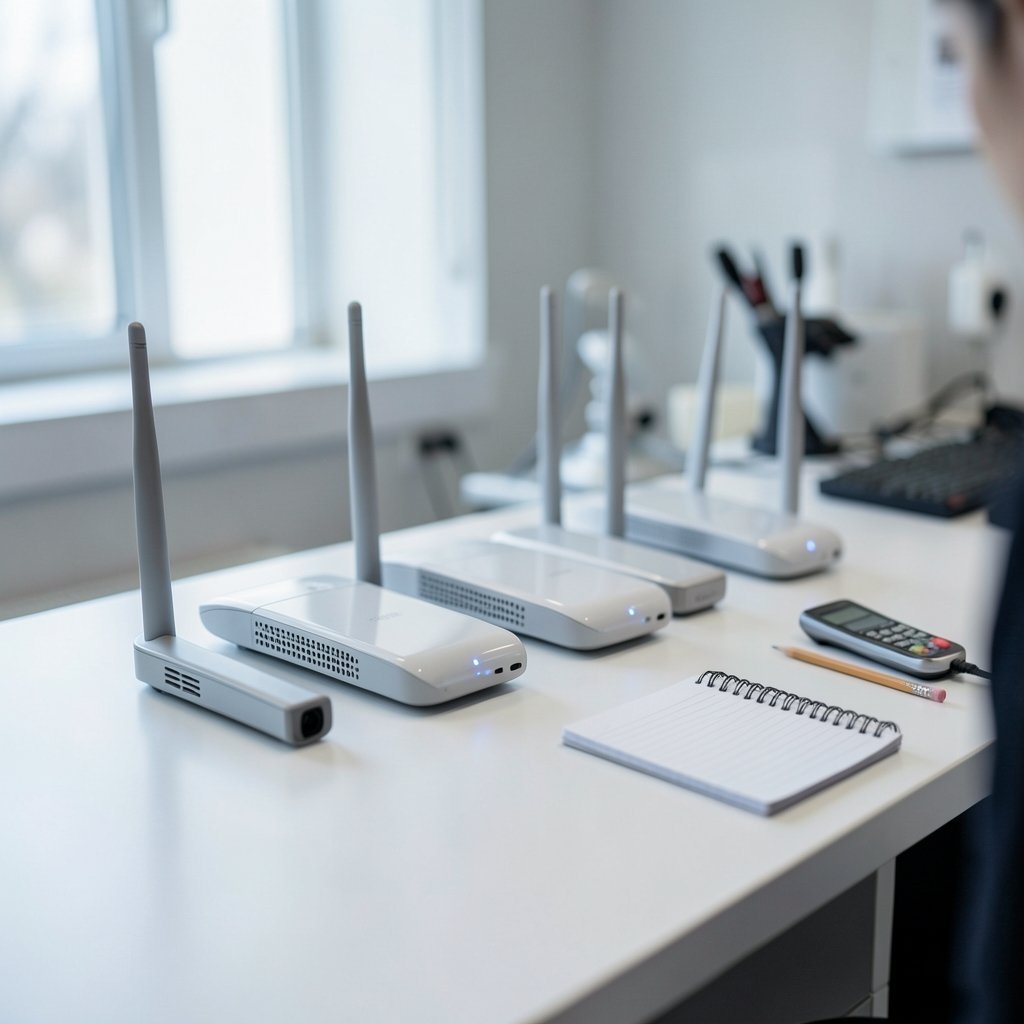
What if the slowest thing in your house isn’t your internet plan but the box sitting in the corner collecting dust? That question matters more in 2027 than ever, because the router market just split into two camps: flashy new Wi-Fi 8 hardware arriving in stages, and mature Wi-Fi 6 and Wi-Fi 7 models that finally cost real money instead of a month’s rent. Picking wrong means paying for speed you never see. (10 best waterfront restaurants yacht docks 2027)
This roundup names six specific routers. Each entry says who it suits, what it does well, and where it falls short, so you can shortlist in minutes rather than weeks.
The shortlist at a glance
| Router | Standard | Listed max speed | Best for | Price (where stated) |
|---|---|---|---|---|
| TP-Link Archer 8 Ultra (BN19000) | Wi-Fi 8 | 19Gbps combined | Early adopters who want the newest standard | Not stated |
| Netgear Nighthawk RS700S | Wi-Fi 7 | 19Gbps | Gaming and heavy multi-device homes | €698 |
| Netgear Nighthawk RS600 | Wi-Fi 7 | 18Gbps | Most buyers wanting Wi-Fi 7 | €510 |
| ASUS ROG Rapture GT6 | Wi-Fi 6 | 10Gbps | Whole-home coverage in a large house | Not stated |
| TP-Link Archer AX55 (AX3000) | Wi-Fi 6 | 2.4Gbps | Tight budgets | Under $150 |
| Netgear Orbi RBKE963B | Wi-Fi 6E | 10.8Gbps | Big homes that need a mesh kit | Not stated |
A quick note on that table: “max speed” numbers are manufacturer figures added together across bands. No single device will ever hit 19Gbps. Treat them as a rough ranking, not a promise.
TP-Link Archer 8 Ultra: the Wi-Fi 8 flagship
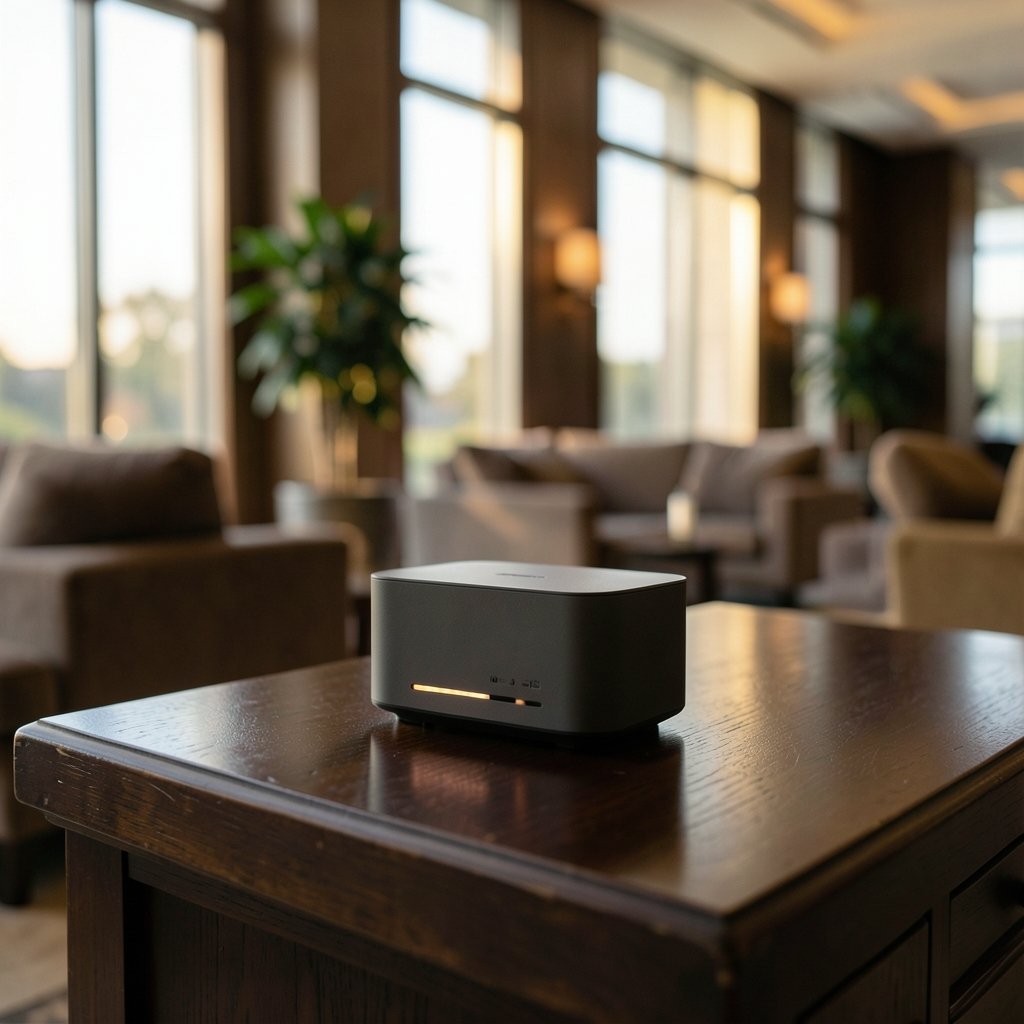
TP-Link showed its first Wi-Fi 8 lineup at IFA 2026, headlined by the Archer 8 Ultra, also sold as the BN19000 or Archer BN800. It is a tri-band router rated for up to 19Gbps combined wireless speed with 10Gbps wired connectivity, and it arrived just in time for Black Friday and the holiday shopping season.
Who it suits: people who keep hardware for five or more years and would rather buy once at the top of the stack.
What it does well: it is the first product with Wi-Fi 8 technology from TP-Link Systems, the California-based company that is no longer tied to the China-based TP-Link Technologies. A Danish review described it as built like a battleship, with an understated design and a single LED strip on the front that can be switched off. That last detail matters more than it sounds if the router lives in a living room.
The limitation: you are paying flagship money for a standard almost no client device supports yet. The rest of the lineup follows later, with the Deco 8 mesh system due in the first quarter of 2027 and the Roam 8 travel router plus range extenders and adapters arriving in the second quarter. If you want mesh, you wait.
Netgear Nighthawk RS700S: the gaming pick
The RS700S is a Wi-Fi 7 router rated at 19Gbps, and it tops one Dutch comparison’s list with a perfect 10/10 score at €698. A separate tested roundup rated it 4/5 and called it the best choice for gaming.
Who it suits: households where latency during online matches matters as much as raw download speed.
What it does well: it pairs Wi-Fi 7 headroom with the low-latency features gamers actually notice, and it has the port speed to feed a multi-gig fiber line.
The limitation: it is the most expensive single unit here, and the 4/5 rating hints that the value case is thinner than the spec sheet suggests. If gaming is the priority, a wired connection still beats any wireless router, and a dedicated gaming guide is worth reading before you spend.
Netgear Nighthawk RS600: the sensible Wi-Fi 7 buy
The RS600 is the RS700S’s quieter sibling: Wi-Fi 7, rated at 18Gbps, priced at €510, and scored 10/10 as a strong choice for most buyers in the same comparison.
Who it suits: anyone who wants Wi-Fi 7 without flagship pricing.
What it does well: it keeps the modern standard and multi-gig capability while trimming the premium. For most homes, the gap between 18Gbps and 19Gbps is invisible.
The limitation: it is still a single-unit router. In a long house with thick walls, no single box wins, and you will want mesh nodes instead.
ASUS ROG Rapture GT6: best for a large home
A tested roundup of routers for big homes rated the GT6 4.5/5 and named it best overall, with a Wi-Fi 6 rating of 10Gbps.
Who it suits: people fighting dead zones at the far end of the house.
What it does well: it was chosen on price, features, range, signal strength and in-house testing, and it scored highest of the five picks. A mesh-capable design stretches coverage further than a single router can.
The limitation: it is Wi-Fi 6, not 7 or 8. That is fine for gigabit plans and normal households, but it is not future-proofing.
TP-Link Archer AX55: the budget workhorse
The Archer AX55, also called the AX3000, was named best overall in a roundup of routers under $150, with 3,000 Mbps class speeds, OFDMA for better performance across many devices, and four 1Gbps LAN ports.
Who it suits: renters, students, and anyone whose plan tops out at a gigabit.
What it does well: it covers the basics without drama. OFDMA helps when a dozen devices are chatting at once, which is the real-world problem most people misdiagnose as “slow internet.”
The limitation: 1Gbps ports cap you. On a 2Gbps fiber line, this router is the bottleneck, no matter what the Wi-Fi numbers say.
Netgear Orbi RBKE963B: the mesh kit for difficult floor plans
The Orbi RBKE963B is a Wi-Fi 6E mesh system rated at 10.8Gbps, rated 4.5/5 and picked as best high-end and best mesh in two separate tested roundups.
Who it suits: multi-floor homes, brick walls, and anyone who has already tried a single router and lost.
What it does well: mesh nodes share one network name and hand devices off cleanly as you move around. That is the feature people actually feel.
The limitation: Wi-Fi 6E, not 7. You are buying coverage over future standards, and the kit costs more than a single router of the same generation.
If your home setup extends beyond the house itself, the same logic applies to connectivity on the water: the roundup of new marina resorts opening in 2027 shows how much difference a good access point makes when you are away from home. (8 new superyacht concepts redefining luxury 2027)
How to choose without overpaying
Work through these in order. Most buyers get the answer in under ten minutes.
- Test your wired speed first. Plug a laptop into Ethernet next to your fiber box and run a speed test, then run it again on Wi-Fi where you actually sit. If the wired number is fine and the Wi-Fi number is not, new Wi-Fi gear helps. If both are low, call your provider before buying anything.
- Count your walls, not your square meters. Two routers with identical specs behave differently in a 1930s brick house and an open-plan apartment.
- Check your port speed. A multi-gig router on a gigabit plan is wasted money. A gigabit router on a 2Gbps plan is a bottleneck.
- Decide whether you need mesh. If one router already reaches every room, skip the kit.
- Buy for the standard you can use today. Wi-Fi 8 hardware is arriving in stages through 2027, and few devices support it yet.
One more thing worth checking before you commit: regulatory approval. Netgear became the first company to receive conditional approval under the FCC’s updated covered list, which had raised questions about whether new routers could be sold in the U.S. at all. If you are buying in the U.S., confirm the model you want is approved for sale, because the situation is still developing.
Common mistakes that cost real money
The most frequent error is buying on the big number on the box. A 19Gbps rating tells you nothing about whether the router will reach your bedroom.
The second is ignoring the modem. A superb router behind an aging modem or a rental gateway in bridge mode will underperform, and people blame the router.
The third is skipping firmware. Routers ship with old firmware, and updates fix both bugs and security holes. Set auto-update on day one.
The fourth is placing the router in a cupboard. Signal does not care about aesthetics. Central, high, and out in the open beats hidden every time.
Conclusion
The best router for 2027 depends on one question: what is actually slowing you down? If it is coverage, the ASUS ROG Rapture GT6 or the Orbi RBKE963B fixes it. If it is raw performance and you want the newest standard, the TP-Link Archer 8 Ultra is the bold choice, with the caveat that its mesh siblings arrive later in 2027. If you want Wi-Fi 7 without the flagship tax, the Netgear Nighthawk RS600 is the value pick at €510, and the RS700S earns its €698 if gaming latency is the priority. And if the budget is tight, the Archer AX55 under $150 does most of what most homes need. Test your wired speed first, then buy the router that solves your actual problem.
Frequently asked questions
Is Wi-Fi 8 worth buying in 2027?
Only if you keep hardware for many years and want the newest standard. The TP-Link Archer 8 Ultra is the first Wi-Fi 8 router from TP-Link Systems, but the wider lineup, including the Deco 8 mesh system, arrives through the first and second quarters of 2027. Most devices in your home will not use Wi-Fi 8 yet.
Do I need a mesh system or a single router?
It depends on your walls. If one router reaches every room, a single unit is simpler and cheaper. If you have dead zones on upper floors or at the far end of the house, a mesh kit like the Netgear Orbi RBKE963B solves a problem no single router can.
Why is my Wi-Fi slow when I pay for fast internet?
Test wired first. Plug a laptop into Ethernet next to your fiber box and compare that number with a Wi-Fi test where you sit. If wired is fast and Wi-Fi is slow, the router or its placement is the issue. If both are slow, the problem is upstream.
Are the max speed numbers on router boxes real?
No. A 19Gbps figure is the combined theoretical maximum across all bands, and no single device will reach it. Use those numbers to rank routers against each other, not as a prediction of what you will experience.
What should I check before buying a router in the U.S.?
Check regulatory approval. Netgear received the first conditional approval under the FCC’s updated covered list, and other brands have been quieter about their status. Confirm the specific model is approved for sale before you order.
Should I replace my ISP’s rental router?
Often yes, because the monthly rental fee adds up and rental units are rarely tuned for gaming or large homes. But confirm the rental unit can be put into bridge mode first, or you may end up with two routers fighting over the same job.
One last check: count the devices that actually need the fastest band. Phones, laptops, and consoles rarely exceed a gigabit of real throughput, so a router with strong mid-band performance and clean channel management often feels faster than a flagship with a crowded 6GHz band. Placement, firmware, and port speed decide your day-to-day experience far more than the headline rating. Buy for the problem you measured, not the number on the box, and the right router for 2027 becomes obvious.