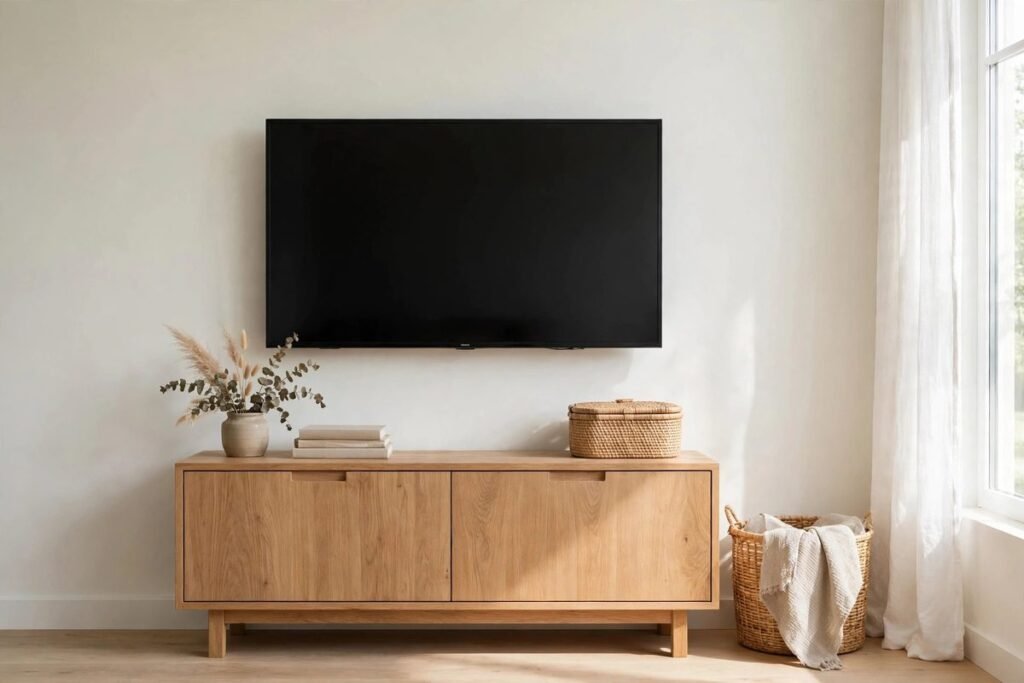
Learning how to mount a TV on the wall is one of the most satisfying home jobs you can do in an afternoon: the screen sits at the right height, the room feels bigger, and the cables finally have somewhere sensible to go. A television is heavy, and a bracket fixed to the wrong part of the wall will not hold it.
So, can you mount a TV on the wall yourself? Yes, if the wall is sound, the bracket matches your television, and you fix into solid timber studs or masonry. This guide takes you through each step in order, so the screen ends up level, secure and exactly where you want it.
Key takeaways:
- Always fix a TV bracket into timber studs or solid masonry, never into plasterboard alone.
- Check the mount’s weight rating and that it fits your television before you drill.
- Lift the television with a second person, and check the bracket is level first.
- A fixed mount suits straight-on viewing; tilting or full-motion mounts give more flexibility.
- Plan the cables before you start, so they hide neatly once the television is up.
Read this first: the safety rules
Do not skip this section. A flat-screen television is heavy and awkward to hold, and a bracket that pulls out of the wall can injure someone and wreck the screen.
First, find the wall studs. In most modern homes the walls are plasterboard fixed to upright timber studs, and the plasterboard alone cannot hold a television. The bracket’s fixings must go into the centre of the studs, or into solid masonry if your wall is brick or block. If you cannot find a stud where you want the television, move the television or ask a professional. Mark the centre of each stud clearly, because a fixing that catches only the edge of a stud will not hold.
Second, get a second person to lift the television. Even a modest screen is wide, fragile and hard to grip, and one person cannot hold it steady while hooking it onto a bracket.
Third, check the mount’s weight rating. Every bracket is rated for a maximum television weight and a range of screen sizes, and both figures are printed on the box and in the instructions. Your television must be comfortably inside both limits.
What you will need
Most of the job uses tools you probably already own: a stud finder or a strong magnet, a tape measure, a pencil, a spirit level, a drill with the right bits for your wall, a socket set or spanner, and a screwdriver. Arrange your helper before you start.
The bracket usually comes with the fixings you need: coach bolts for timber studs, and masonry plugs and screws for brick or block walls. Read the instructions that come with your mount first, because different mounts fix in different ways. Also check the back of your television: the mounting holes form a pattern, and your bracket must match it.
Choosing the right mount
There are three main types of TV mount, and the right one depends on where you sit and how much you want to move the screen. A fixed mount holds the television flat against the wall, close and neat. It suits a room where you always watch from the same seat, directly in front of the screen.
A tilting mount looks much the same, but it lets you angle the screen down a little. That small movement makes a real difference if the television sits above eye level, because it cuts glare from windows and lamps and keeps the picture clear from a low sofa.
A full-motion mount is fixed to the wall on an arm that swings out, turns and tilts. It suits a room where you watch from more than one place, such as a kitchen and a dining table, and it makes the back of the television easy to reach. The trade-off is that it is bulkier, needs a particularly solid fixing, and holds the screen further from the wall. Prices vary, so check current prices before you buy.
| Mount type | Movement | Gap from the wall | Best for |
|---|---|---|---|
| Fixed | None | Very small | Watching straight on from one seat |
| Tilting | Angles down | Small | Screens above eye level, cutting glare |
| Full-motion | Swings, turns and tilts | Larger | Watching from several places in the room |
Finding the studs and setting the height
Start by deciding exactly where the television will go, then sit in your usual seat and look at the wall. The centre of the screen should sit roughly at your eye level when you are seated, which for most people on a sofa means the middle of the screen is a little above the height of the seat back. Mark the spot lightly in pencil.
Now find the studs. A stud finder is the quickest way: move it slowly across the wall and mark both edges of each stud, then mark the centre between them. Without one, a strong magnet can find the screws that fix the plasterboard to the studs, and tapping the wall sounds solid over a stud and hollow between them. Confirm each stud in two places, one near the top of the bracket and one near the bottom.
Most brackets need two studs, so check that the studs fall in a useful place for your screen position. Studs are usually spaced evenly apart, but measure rather than assume. If the studs do not line up with where you want the television, shift the screen sideways until the bracket catches two studs, or ask a professional.
Fixing the bracket to the wall

Hold the wall plate of the bracket against the wall at the height you marked, and check it with the spirit level. Take your time here: a bracket that starts out tilted will stay tilted. Mark the fixing holes through the plate in pencil, and double-check that each mark sits on the centre of a stud or on solid masonry.
Drill pilot holes at each mark, using the bit size the mount instructions recommend. For timber studs, drill into the stud itself and keep the drill straight so the hole does not wander. For masonry, use a masonry bit and clear the dust from each hole before you put the fixing in. Wear eye protection while you drill.
Now fix the wall plate in place. Fix the top screws first, check the level again, then tighten the lower ones. Tighten each fixing firmly, but do not force it: a bolt that spins freely in a stripped hole is holding nothing. When the plate is fixed, give it a firm tug with both hands. It should not move at all. If it flexes, stop and find out why before you go any further.
Next, attach the arms or rails to the back of the television, following the mount instructions and using the screws supplied. Lay the television face down on a soft surface, such as a bed or a rug with a blanket over it. Tighten the screws snugly, but do not overtighten them, as the back of a television is not built to take force.
Hanging the TV and hiding the cables
This is the two-person part. Lift the television together, one person on each side, and hook the arms onto the wall plate. Keep the screen upright and steady, and lower it gently until it seats properly. Do not let go until you are both sure it is hooked on. Then fit the locking screws or safety tabs at the bottom of the bracket, which stop the television lifting off the plate by accident.
Cables are what separate a tidy installation from a messy one. The simplest solution is a cable trunking strip, a slim channel that sticks to the wall and hides the cables inside it, which you can paint to match the wall. Leave a little slack at each end so you can unplug things without pulling the television off the wall.
Finally, check the viewing height from your usual seat. Your neck should feel relaxed, and you should not have to tilt your head up to see the top of the screen. If you find yourself looking up for a whole film, the screen is too high. Our guide on how to improve your posture explains why a screen at eye level matters, and our guide to what a riser desk is covers the same tidy-cable thinking for a home office setup. Check the screen is straight from your usual seat, not just from close up.
Your TV mounting checklist
Do not hang the television until every box is ticked.
- Check the mount: weight rating and screen-size range both suit your television.
- Find the studs: mark the centre of two studs.
- Set the height: centre of the screen at seated eye level.
- Level the plate: check with a spirit level before and after fixing.
- Drill carefully: pilot holes on the marks, the right bit for your wall.
- Tug-test the plate: it must not move at all before the television goes on.
- Lift with two people: hook the television on together, then fit the locking screws.
- Tidy the cables: trunking or clips, with a little slack at each end.
Frequently asked questions
Can I mount a TV on plasterboard?
Not on the plasterboard alone. The fixings must go into the timber studs behind the plasterboard, or into solid masonry. A professional installer is the better option if your wall has no usable studs.
How high should a wall-mounted TV be?
The centre of the screen should sit at eye level when you are seated in your usual spot. For most sofas that puts the centre of the screen a little above the seat back.
Can I mount a TV above a fireplace?
You can, but it is rarely the best place. A television above a fireplace usually sits too high for comfortable viewing, and heat and soot can damage the screen over time. Keep it well clear of the heat and use a tilting mount.
Do I need a stud finder?
It helps a great deal. A strong magnet can find the screws in the plasterboard, but a stud finder is quicker and far more reliable, and it removes the guesswork from the most important step of the job.
What if my wall is brick or block?
Drill into the brick or block itself, not the mortar joints, and use the masonry fixings supplied with the mount. A solid masonry wall holds a television very well.
Can I mount a TV on my own?
The bracket can be fixed by one person, but the television should always be lifted by two.
Sources
This guide reflects widely published home-improvement guidance on wall mounting and television brackets. For more practical home guides, our guide to cleaning an oven and our guide to improving your posture cover the same careful, step-by-step approach.
The bottom line
Mounting a TV on the wall is a straightforward job when you respect the weight involved: find the studs, choose a mount that suits your room and your screen, fix the bracket level, and lift the television with a second person.
Your next step: check your television’s weight and mounting pattern, buy a mount rated comfortably above it, and find your studs before you drill.
Safety note: this guide is general advice. Wall types, wiring and television weights vary, so if you are unsure about your wall, or the bracket does not feel completely solid, ask a qualified installer for help.