


What happens when you hand a locked box, a handful of padlocks, and a pile of riddles to a group of students and tell them the clock is running? That is the basic idea behind Breakout EDU, a platform that turned the escape room craze into a teaching tool. Teachers either love it or quietly avoid it, and both reactions are worth understanding before you decide whether it belongs in your room.
This article walks through what the product is, how it works in practice, what the evidence actually supports, and where it tends to fall apart. No hype, no doom. Just the honest picture.
What Breakout EDU Actually Is
Breakout EDU is a commercial educational platform built around physical breakout boxes and digital puzzle games. Players work in small teams to solve a chain of puzzles, and each solved puzzle gets them closer to opening a locked box or finishing a digital challenge before time runs out. The format borrows heavily from commercial escape rooms, which are the entertainment genre where groups pay to be locked in a themed room and solve their way out.
The company was founded in 2015 by two teachers, James Sanders and Mark Hammons, which explains a lot about the design. The puzzles are built around classroom content rather than horror themes or elaborate props. A game might ask students to decode a word lock using vocabulary terms, or open a directional lock by tracing a path across a map.
The physical kit is the part people picture first. A typical box has a main compartment secured by several different locks: a directional lock, a word lock, a color lock, a key lock, and a hasp that holds everything shut. Along with the box comes a set of clue cards. The digital side runs in a browser and removes the hardware entirely, which matters for schools without the budget for kits.
How a Game Runs in a Real Classroom
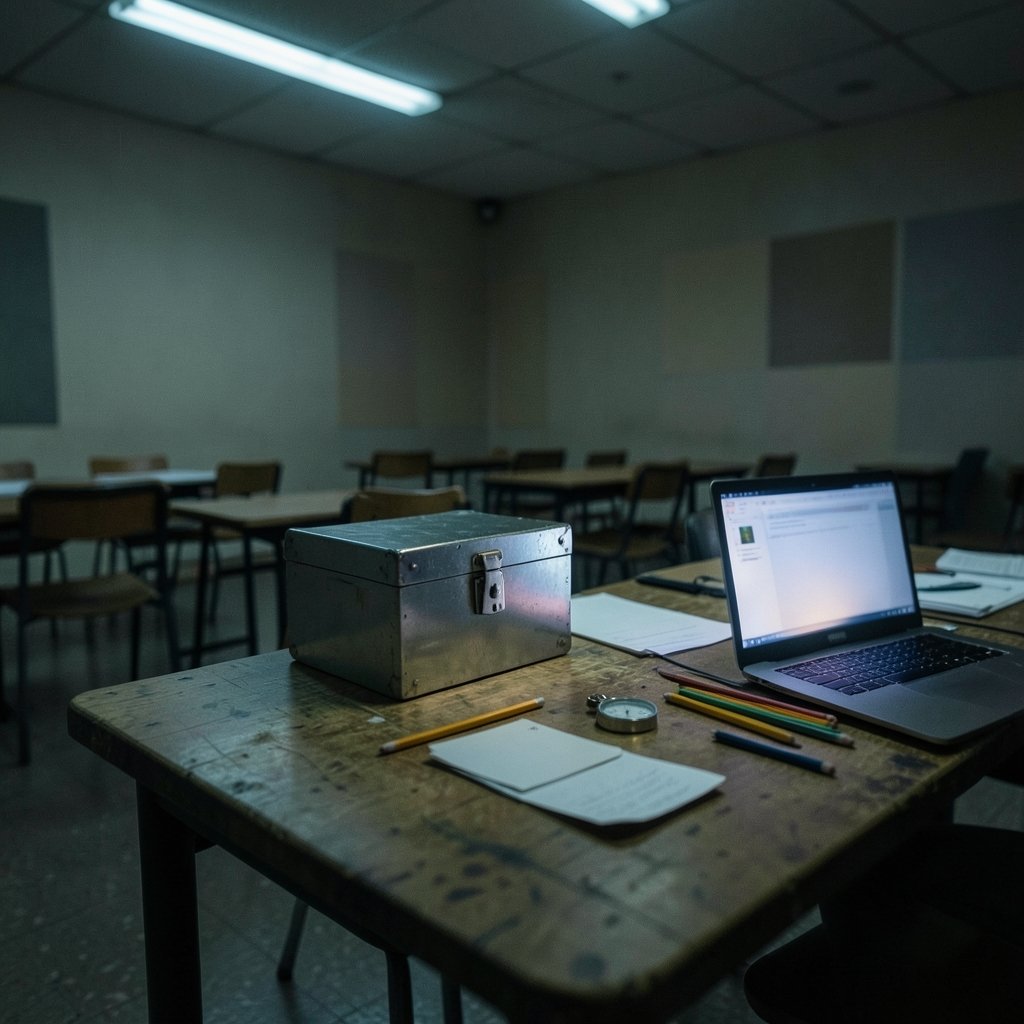
The practical rhythm of a Breakout EDU session is fairly consistent from room to room, and it is worth knowing before you commit a class period to it.
- Setup. The teacher picks a game from the platform library, prints or projects the clues, and sets the locks to match the answer key. This step takes longer than newcomers expect, often fifteen to twenty minutes the first time.
- Grouping. Students split into teams of four to six. Mixed-ability groups tend to work better than friendship groups, because the puzzles reward different kinds of thinking.
- The briefing. The teacher explains the goal and the rules, then starts the timer. Most games run thirty to forty-five minutes.
- The scramble. Teams read clues, argue, test theories, and hit dead ends. This is the messy part, and it is where most of the learning happens.
- The debrief. After the timer stops, the teacher walks through the solutions and connects them back to the content. Skipping this step is the single most common mistake.
That last point deserves emphasis. The game itself is engaging, but engagement is not the same as learning. The debrief is where a fun activity becomes a lesson, and teachers who cut it short for time often find students remember the locks and forget the material.
What the Vendor Claims and What Research Supports
Breakout EDU and its community frame the games around the 4Cs: communication, collaboration, critical thinking, and creativity. The pitch is that solving puzzles under time pressure forces students to talk to each other, divide labor, and think on their feet. That framing is reasonable as a description of what happens during play. (4c hair)
It is also a claim made by the company and its fans, not an independently validated outcome. There is broader academic literature on educational escape rooms and game-based learning that suggests these formats can support engagement and recall, but that research is adjacent to Breakout EDU rather than specific to it. Anyone searching for peer-reviewed studies validating this particular platform’s learning outcomes will find thin ground. Treat claims of effectiveness as anecdotal or vendor-reported unless a solid study turns up.
That does not make the tool worthless. It means teachers should judge it the way they judge any activity: by what they see in their own room, not by a marketing page.
Physical Kit vs. Digital Games: An Honest Comparison
The two versions of the product serve different purposes, and picking the wrong one causes most of the frustration teachers report.
| Feature | Physical kit | Digital games |
|---|---|---|
| Main appeal | Hands-on manipulation, shared box, physical locks | No hardware cost, easy to reset, works remotely |
| Setup time | High, especially the first run | Low, mostly picking a game |
| Class size fit | Best with one or two boxes and rotating teams | Scales to a full class at once |
| Failure modes | Lost keys, locks set wrong, broken hasps | Tech glitches, login issues, screen fatigue |
| Best for | Team-building, end of unit, reward days | Review days, remote learning, tight budgets |
The physical kit creates a shared focal point that digital games struggle to match. Students crowd around the box, and the social pressure of the timer pushes quieter kids into the conversation. The digital version is more practical but loses some of that energy.
The pandemic years pushed many schools toward the digital side when buildings closed, and that shift stuck for a lot of classrooms. It also revealed a hard truth: a digital breakout is a different experience, closer to a web quest than to a room full of people wrestling with a padlock.
Where Breakout EDU Goes Wrong in Practice
Most of the complaints about the platform trace back to a handful of avoidable mistakes.
Setting the locks wrong. This is the classic first-timer error. A single misdialed digit means a team solves the puzzle correctly and still cannot open the box, which destroys trust in the activity. Always test the full lock sequence before students arrive.
Printing clues in a rush. Clue cards printed at low resolution, cut crookedly, or missing a page will stall a team for ten minutes. Check every set.
Skipping the content tie-in. A breakout game with no connection to the unit is just a puzzle. The best games embed vocabulary, formulas, or historical facts directly into the clues so that solving requires knowing the material.
Ignoring the group dynamics. One student often takes over and solves everything while three others watch. Assigning roles, such as a reader, a lock operator, and a recorder, spreads the work around.
Forgetting the time buffer. A forty-five minute game plus setup plus debrief does not fit in a forty-five minute period. Plan for a full block or split the game across two days.
There is also a subtler issue: novelty fades. The first breakout of the year produces genuine excitement. The fifth, in the same room with the same format, produces eye rolls. Spacing games out and varying the format helps, and so does letting students design their own puzzles, which is arguably a richer learning task than solving someone else’s.
Who Benefits Most, and Who Should Skip It
Breakout EDU tends to shine in certain settings. Upper elementary and middle school classrooms get the most out of it, because the social dynamics are ripe for collaboration and the content lends itself to puzzle design. Team-building days, gifted programs, and library or makerspace settings also fit well, since those spaces have flexible time and a culture of hands-on activity. (The row)
It fits less comfortably in a few situations. Classrooms with very tight pacing calendars will struggle to justify a full period for a game. Teachers with large classes and only one kit will spend most of the session managing rotations rather than teaching. And any setting where the activity would be pure entertainment with no content connection is better served by something else.
The tool also has a trademark wrinkle worth knowing. “Breakout EDU” is a brand name. The generic term is an educational escape room or a breakout game, and there are free and low-cost alternatives built on the same idea, including paper-based puzzles and teacher-made digital locks. Schools on tight budgets can replicate most of the experience without buying anything, though it takes more prep time.
Practical Tips That Actually Work
A few habits separate smooth sessions from chaotic ones.
Test everything twice. Set the locks, open them, reset them, and open them again. Do the same for digital games, clicking through the full path on the student device as well as on the teacher view.
Start with a short game. A twenty-minute warm-up game teaches students the format without eating a whole period. Once they know how the locks and clues work, longer games run much more smoothly.
Build in a hint system. Give each team two or three hint cards they can trade for a clue. This prevents the total-stall scenario where a team gives up and disengages.
Pair the game with a writing task. A short reflection, such as explaining which puzzle was hardest and why, turns the activity into something you can actually assess.
Watch the clock for the debrief. Reserve at least ten minutes. Walk through each lock and ask how teams figured it out. This is where the content sticks. (2b hair)
Conclusion
Breakout EDU is a well-designed engagement tool with a real place in classrooms that can afford the time and the setup. It gets students talking, moving, and thinking under pressure, and it gives content review a social shape that worksheets never will. What it does not have is a strong independent research base proving it improves outcomes, and teachers should hold that honestly rather than treat the 4Cs language as a guarantee.
The practical verdict is simple. If you can spare a full period, test your locks beforehand, and commit to the debrief, the physical kit is worth trying. If your schedule is tight or your budget is thin, the digital games or a homemade version will get you most of the way there. Either way, the tool is only as good as the lesson wrapped around it.
Frequently Asked Questions
What age group is Breakout EDU designed for?
The platform is used from upper elementary through high school, and some adult and corporate training settings use it too. The puzzles can be scaled up or down in difficulty, so the same kit serves different grade levels. Middle school is the sweet spot, because the social dynamics and content complexity line up well with the format.
Do you need to buy the physical kit to use Breakout EDU?
No. The platform includes digital games that run in a browser with no hardware at all. Many teachers also build their own physical boxes using cheap padlocks and a storage container, then adapt the clue structure themselves. The kit saves prep time, but it is not strictly required to run a breakout activity.
How long does one game take?
Most games run thirty to forty-five minutes of play time. Add fifteen to twenty minutes for setup and at least ten minutes for the debrief. First-time setup takes longer, so budget a full class period or a block schedule slot for the first run.
Is Breakout EDU backed by research?
Not specifically. There is general research on educational escape rooms and game-based learning suggesting these formats can support engagement, but no strong body of peer-reviewed studies validates this particular platform’s learning outcomes. The 4Cs framing comes from the company and its community. Teachers should treat effectiveness claims as anecdotal and judge results in their own classrooms.
What is the difference between Breakout EDU and a regular escape room?
A commercial escape room is entertainment, usually themed around a story, with elaborate sets and paid admission. Breakout EDU is built for classrooms, with puzzles tied to academic content, reusable kits, and a teacher-controlled timer and debrief. The core mechanic is similar, but the purpose and the audience are different.
What is the most common mistake teachers make with it?
Skipping the debrief. The game creates engagement, but the learning happens when the teacher walks through the solutions and connects them back to the content. Rushing past that step turns a lesson into a party trick. Setting the locks wrong is the second most common error, and it is entirely preventable with a test run.









