What if the best calorie counter app is not the one with the longest feature list, but the one you will actually open on a Tuesday night when you are tired and hungry? That question matters more than any ranking. Most people download two or three apps, poke around for a week, and quietly stop logging. The app was never the problem. The mismatch was.
This guide skips the affiliate-driven “top 10” format. Instead, it breaks down what separates the major apps, where each one genuinely wins, and the practical mistakes that make even a great app useless. Every claim about features or pricing should be treated as a snapshot, because vendors change tiers constantly. Check the official help pages before you commit.
What “best” actually means for a calorie counter app
There is no single best app, because calorie counting is not one job. It is at least four jobs: finding foods fast, estimating portions honestly, understanding your target, and sticking with the habit long enough to learn something.
Different apps are built for different jobs. MyFitnessPal has long leaned on database breadth, advertising a food database of roughly 14 million entries in its marketing around 2020 to 2023. That number is self-reported and counts branded items, recipes, and user submissions differently than competitors do, so treat it as approximate. Cronometer leans the other way, emphasizing verified, lab-analyzed data and deep micronutrient tracking across dozens of vitamins and minerals. Lose It! leans toward simplicity. Regional apps sometimes win purely because their local food database is better.
That last point deserves emphasis. A beautifully designed app with weak coverage of your country’s brands is worse than a plain app that recognizes the yogurt in your fridge. Database relevance beats database size.
The features that separate good apps from frustrating ones
Food database quality, not just quantity
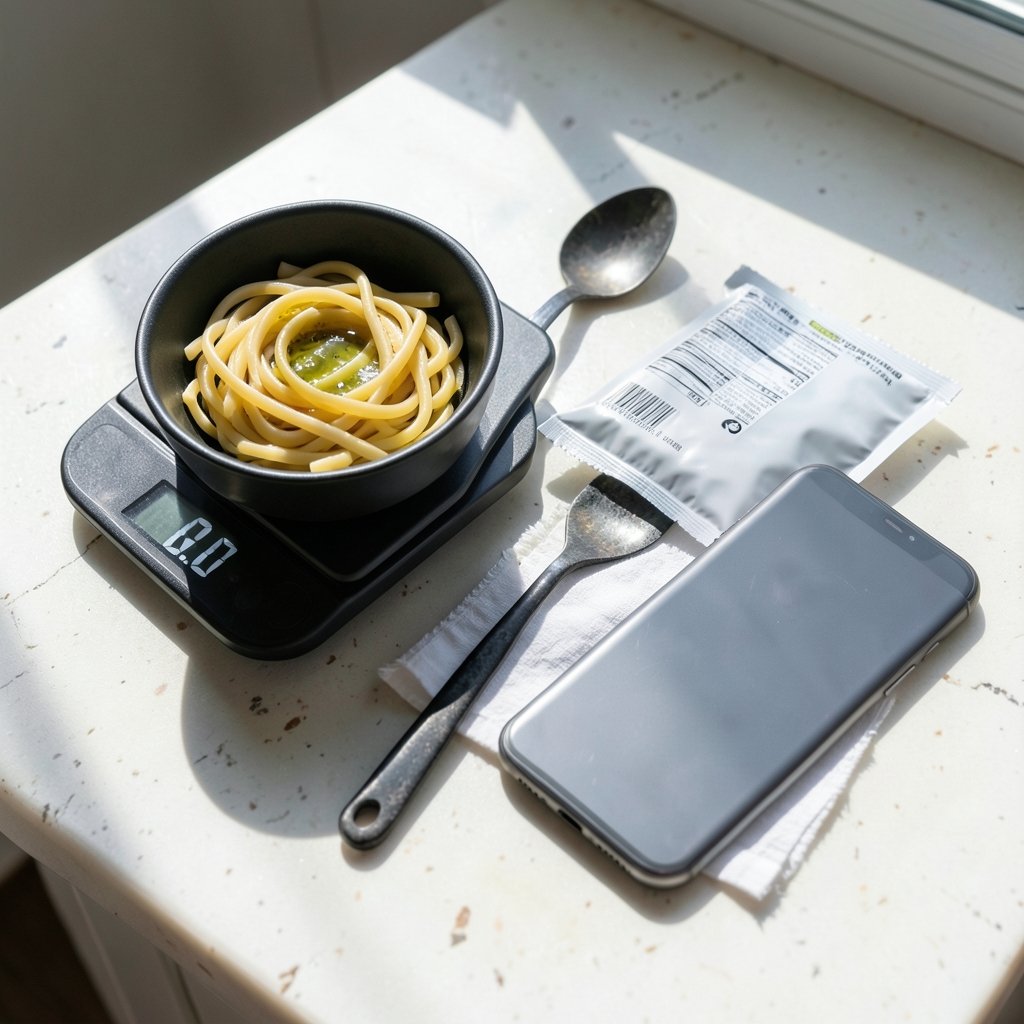
Big numbers impress, but what matters is whether the entry you tap matches the label on your package. User-submitted entries can be wildly off. When you scan a barcode, check that the calories and serving size match the physical label the first time you log an item. If they do not, create a custom entry. Ten minutes of cleanup in week one saves months of quietly wrong data.
Barcode scanning and photo logging
Barcode scanning is now standard across major apps. Photo-based estimation, rolled out by several vendors in 2023 and 2024, is convenient but less precise than weighed logging. Use it for rough days, not as your default. A photo cannot see the oil in the pan or the sugar in the sauce.
Micronutrient depth
If you care about iron, calcium, or vitamin B12 and not just calories, Cronometer’s approach is the standout. For most people chasing a weight goal, though, macro and calorie accuracy matter more than forty micronutrient bars.
Target-setting method
Apps typically estimate your resting metabolic rate using the Mifflin-St Jeor equation, published in 1990 and still the most commonly recommended formula, then adjust for activity. The math is a starting point, not a verdict. Your real maintenance level emerges from two to three weeks of consistent logging and weight trends.
Free tier versus paid
Free and paid tiers usually differ in features, not core logging. One notable event: MyFitnessPal moved its barcode scanner behind its Premium subscription in 2022, which drew heavy user criticism. Whether that is still true in 2026 needs checking. Always confirm what the free tier includes today.
| App type | Strongest at | Weak spot to watch |
|---|---|---|
| Database-first apps | Finding branded and restaurant foods fast | User-submitted entries can be inaccurate |
| Micronutrient-first apps | Verified data, vitamin and mineral detail | Smaller branded-food coverage in some regions |
| Simplicity-first apps | Fast logging, low friction | Fewer advanced insights |
| Regional apps | Local brands and dishes | Limited international coverage |
Why calorie targets are estimates, not instructions
Apps present a daily number with great confidence. That number is a guess built on a guess. Height, weight, age, and sex feed a formula; an activity multiplier adjusts it; a deficit is subtracted. Any error in the activity multiplier moves your target by hundreds of calories.
The underlying principle, energy balance, is well established. Weight management is framed in terms of calorie balance in public-health guidance, and the arithmetic of a pound of fat is often summarized as the 3,500-calorie rule, which is a useful shortcut rather than a precise law. If you want the fuller picture of how that number is derived and where it breaks down, there is a clear walkthrough of how many calories make a pound and the 3,500 rule explained.
The practical takeaway: use the app’s target for two weeks, track your weight trend, and adjust. If you are losing faster than planned, eat a little more. If nothing moves, the target was too generous. The app supplies the starting line; your data supplies the correction.
The underreporting problem nobody wants to hear
Self-reported food logs are imperfect. Research reviewed in dietary assessment literature shows that underreporting of intake is common. People forget the handful of nuts, underestimate the oil, skip the taste-testing while cooking, and round portions down. This is not a character flaw; it is how memory works.
The app cannot fix this alone. What helps is a small set of habits:
- Log the cooking oil, butter, and sauces before you cook, not after.
- Weigh high-calorie dense foods like nuts, cheese, and rice for the first month.
- Log drinks the moment you pour them, including juice and alcohol.
- Use the same portion reference repeatedly until you can eyeball it.
- Review the previous day each morning and fix obvious gaps.
A common mistake is logging only “good” days and abandoning the app after a weekend. Partial data still teaches you something. Missing data teaches you nothing.
Matching the app to your personality and goal
The right choice depends on how you think about food. Consider these profiles.
The data enthusiast wants micronutrients, verified entries, and exportable reports. Cronometer is built for this person.
The convenience seeker wants to scan a barcode, tap a meal, and move on. A database-first app fits, provided the free tier still includes scanning.
The beginner wants a clean interface and gentle guidance. Simplicity-first apps reduce the chance of quitting in week two.
The home cook eats mostly from recipes. Look for apps with solid recipe builders and the ability to save custom meals, since logging a home-cooked dish from scratch every time is exhausting.
The dancer or athlete needs activity handling that reflects real training, not just steps. If your workouts are movement-based rather than gym-based, the calorie burn estimates deserve skepticism, and it helps to understand which exercise dance moves actually count as a real workout before trusting an app’s burn number.
One more practical angle: if your usual order is a latte and a pastry, a general food database may not have your exact drink. A Starbucks calorie calculator to estimate your drink before you order can fill that gap and shows why drink calories deserve their own attention.
Privacy, data, and the fine print
Health data is sensitive. In the European Union, apps handling personal health data fall under GDPR. In the United States, consumer health apps are generally not covered by HIPAA unless they are tied to a covered entity such as a hospital or insurer. That means the privacy policy is the real contract.
Before committing months of food logs, check three things: whether the app sells or shares data with advertisers, whether you can export your history, and whether you can delete your account and data completely. An app that locks your history behind a subscription with no export option is a poor long-term bet.
Common mistakes that make any app feel useless
After watching how people actually use these tools, a few failure patterns repeat.
Chasing precision too early. Weighing every leaf of lettuce in week one leads to burnout. Start with consistent logging, then tighten accuracy where it matters.
Trusting the activity multiplier. Most people overestimate how active they are. Choose “lightly active” unless your job is physically demanding.
Ignoring the weekly view. Day-to-day swings are noise. Weekly averages are signal.
Switching apps every month. Each switch resets your history and your learning. Pick one, give it eight weeks, then evaluate.
Treating the app as a judge. The moment logging feels like a report card, people hide from it. Log the messy day. The data is still useful.
Skipping the setup. Ten minutes spent entering your real details, units, and goals at the start prevents months of skewed targets.
A simple way to test an app in one week
You do not need a spreadsheet to compare options. Run this test with any candidate:
- Download the app and complete setup with honest numbers.
- Log three days of typical eating, including one restaurant meal.
- Scan five packaged foods you own and check each entry against the label.
- Log one home-cooked recipe from scratch and see how long it takes.
- Check whether the free tier still lets you scan barcodes and view your history.
- Read the privacy policy’s data-sharing section.
- Decide whether you would open it again tomorrow without being reminded.
If the app passes steps three, five, and seven, it is a serious contender. If it fails step seven, no feature list will save it.
Where the popular apps tend to land
Putting the profiles together produces a rough map rather than a ranking. Database-first apps suit people who eat a wide variety of packaged and restaurant food and want speed. Micronutrient-first apps suit people who want to understand their diet’s nutritional quality, not just its energy content. Simplicity-first apps suit anyone who has quit a complicated app before. Regional apps suit anyone whose diet is built on local brands that global databases handle poorly.
Two caveats apply to every comparison. First, app-store ratings and “best of” lists are volatile and often affiliate-driven, so date every claim you read. Second, pricing and tier placement change frequently. A feature that was free last year may sit behind a paywall now, and the reverse happens too. The honest answer to “which is best” always carries an “as of” date.
Conclusion
The best calorie counter app is the one whose database matches your plate, whose logging speed matches your patience, and whose privacy terms you can live with. Database breadth helps if you eat packaged and restaurant food often. Micronutrient depth helps if you want nutritional quality, not just a number. Simplicity helps if past apps lost you in week two. Whatever you choose, remember that the app is a measuring tool, not an authority. Its target is an estimate, its burn numbers are rough, and its food entries occasionally lie. Your own consistent data, reviewed weekly, is what actually moves the needle. Pick one app, give it two honest months, and let the trend line, not the download count, make the final call.
Frequently asked questions
What is the best calorie counter app overall?
There is no universal winner. Database-first apps like MyFitnessPal suit people who eat varied packaged and restaurant food. Cronometer suits people who want verified data and micronutrient detail. Simplicity-first apps suit beginners. The best choice depends on your food habits, your patience for logging, and what the free tier includes right now.
Are free calorie counter apps good enough?
Often yes. Free and paid tiers usually differ in features rather than core logging, so a free tier can carry you for months. The catch is that key features sometimes move behind a paywall, as happened when MyFitnessPal put its barcode scanner in Premium in 2022. Check the current free tier before relying on it.
How accurate are photo-based calorie estimates?
Less accurate than weighed logging. Photo estimation features became common in 2023 and 2024, but a photo cannot detect cooking oil, hidden sugar, or exact portion weight. They are useful for rough days and restaurant meals, not as a replacement for weighing dense, high-calorie foods.
Why am I not losing weight while logging every day?
Underreporting is the most common reason. People forget oils, sauces, drinks, and bites while cooking, and portions get rounded down. Weigh dense foods for a month, log drinks immediately, and review yesterday’s entries each morning. Also check that your activity level is not set too high.
Do calorie counter apps work without weighing food?
They work, with less precision. Use consistent household references, like a fist for rice or a thumb for cheese, and log the same way each time. Accuracy improves through repetition. Weighing is most valuable for calorie-dense foods such as nuts, oils, and cheese, where small errors add up fast.
Is my food log data private?
It depends on the app and your location. In the EU, health data falls under GDPR. In the US, consumer health apps are generally not covered by HIPAA unless tied to a covered entity. Read the privacy policy for data-sharing and advertising terms, and confirm you can export and delete your history.