


What if the software that comes with your 3D printer mattered almost as much as the printer itself? That question sits at the heart of Creality Cloud, the online platform Creality built around its machines. It bundles a model library, cloud slicing, remote print control, and a phone app into one account. For some users it removes real friction. For others it adds a dependency they never wanted. This article walks through what the platform actually does, where it fits in the wider world of printer-maker software, and the practical mistakes that trip people up.
What Creality Cloud Actually Is
Creality Cloud is Creality’s online platform for its 3D printers. It launched around 2020 to 2021 and combines several services that used to live in separate tools. Instead of downloading a model, opening a slicer, exporting a file to an SD card, and walking it over to the printer, you can do much of that chain in one place.
The core pieces are straightforward:
- A model library where users upload and browse 3D models, some free and some paid
- Cloud slicing that prepares a file on Creality’s servers rather than your own computer
- Remote monitoring and control for Wi-Fi-connected Creality printers, including camera feeds where the hardware supports it
- Mobile apps for iOS and Android for browsing models and managing prints
Using any of it requires a Creality account, and model uploads and print data are stored on Creality’s servers. That single fact shapes most of the trade-offs discussed below.
The Model Marketplace and Its Points System
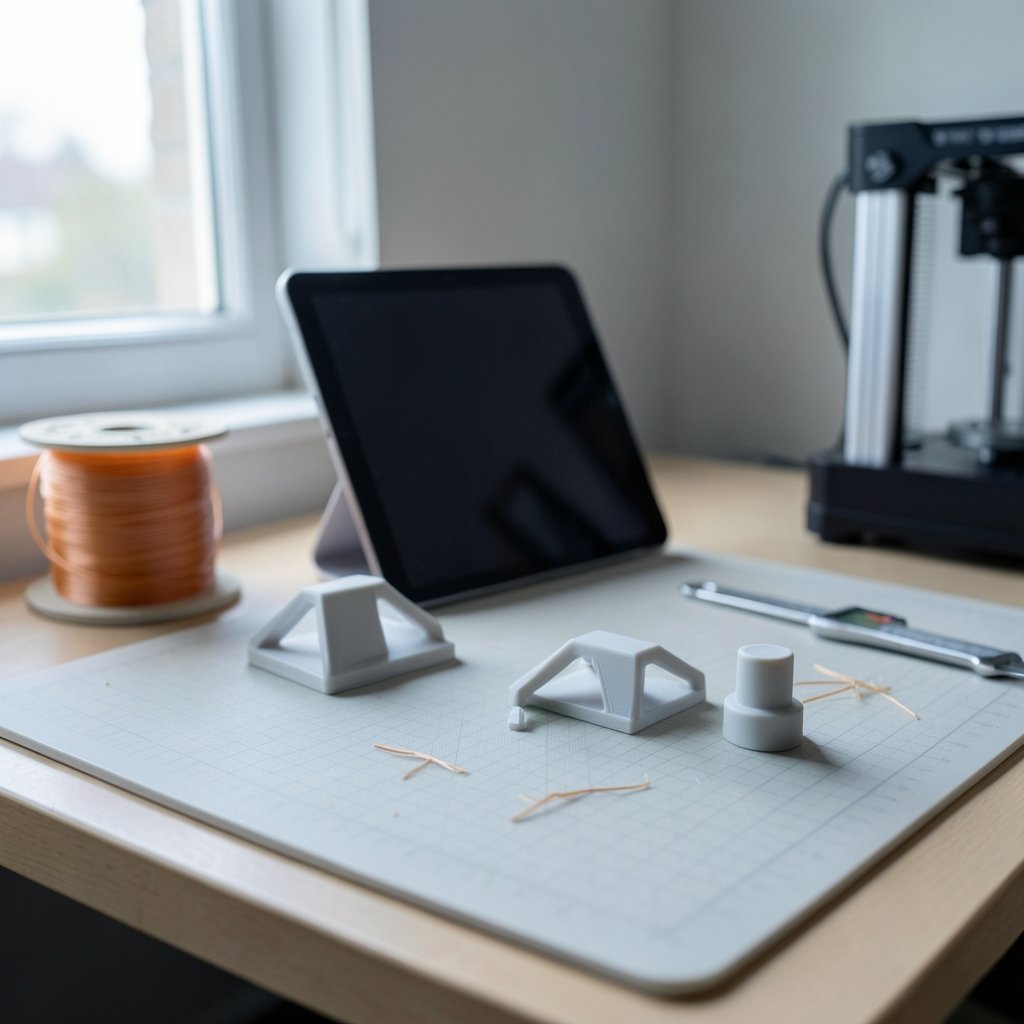
The marketplace is the part most people meet first. It hosts user-uploaded and curated models, and downloads run through a points or coin system. The exact monetization rules change fairly often, so anyone planning to publish designs there should read the platform’s own terms rather than rely on what a forum post said last year.
Practically speaking, the marketplace works best as a starting point rather than a destination. If you need a bracket, a phone stand, or a replacement knob, there is a decent chance someone has already modeled it. What you save in design time you partly pay back in quality control, because user uploads vary enormously in printability.
A few habits separate people who have a good experience from people who waste filament:
- Read the print settings attached to a model. Uploads often assume a specific layer height or infill that may not suit your machine.
- Check whether a model was designed for a different nozzle size. A detail that prints cleanly at 0.4 mm may blob at 0.6 mm.
- Download and inspect before printing. Opening a file in a local slicer first catches non-manifold geometry and floating parts that cloud previews can hide.
- Treat paid models like any other purchase. Confirm the license terms for commercial use before you sell a print.
The points system itself is the most common source of confusion. Earning and spending rules shift, and users who treat points as a permanent currency rather than a promotional mechanic tend to be less disappointed.
Cloud Slicing and Remote Control in Practice
Cloud slicing is the feature that sounds more futuristic than it feels. You pick a model, choose a printer profile and settings, and Creality’s servers generate the file. Then you send it to a connected printer and watch the job through the app.
This is genuinely convenient in specific situations. Sending a print from a phone while away from the computer is the obvious one. Managing several printers from a single dashboard is another. For a small print farm or a classroom with multiple Creality machines, remote monitoring cuts down on walking back and forth to check progress.
The limits matter just as much. Which printer models are supported changes over time, and camera monitoring depends on hardware. Anyone buying a printer specifically for cloud features should confirm support for that exact model before purchase rather than assuming the whole lineup works identically.
There is also a workflow trap worth naming. People slice in the cloud, get a mediocre result, and blame the printer. Often the cause is that cloud slicing hides settings behind simplified menus. Advanced users typically outgrow the simplified interface quickly and return to a desktop slicer for anything demanding.
Local Slicing: The Option People Forget
Here is the most useful thing to understand about Creality Cloud: for many printers, it is optional. Creality machines can generally be used with local slicers such as Creality Print or Cura without touching the cloud at all. The cloud is a convenience layer, not a requirement for most models.
That matters for three groups in particular:
| User type | Cloud makes sense | Local slicing makes sense |
|---|---|---|
| Beginner with one printer | Yes, simpler setup and guided flow | Possible, but more settings to learn |
| Privacy-conscious user | Less appealing, data leaves your network | Yes, files stay on your machine |
| Print farm or classroom | Yes, central monitoring saves time | Yes, if you need full control and repeatability |
| Offline or poor-connection location | No | Yes, works without internet |
| Advanced user tuning materials | Rarely | Almost always |
The takeaway is not that one path is better. It is that the platform is a tool with a shape, and the shape fits some jobs better than others. Verify support per printer model before committing either way.
Accounts, Data, and the Privacy Question
Because the platform requires an account and stores uploads and print data on Creality’s servers, the privacy and terms pages are the authoritative source for how data is handled. Secondary summaries, including this article, should not be treated as the final word on data practices.
What can be said plainly is the structural point: a cloud-connected printer is a networked device. Print files, timestamps, and camera feeds pass through servers you do not control. For hobbyists printing trinkets, that is a fair trade for convenience. For anyone printing proprietary parts, prototypes, or client work, it deserves a conscious decision rather than a default.
A practical middle path many users adopt is to keep the cloud for browsing and casual jobs while routing sensitive or production work through a local slicer. That keeps the convenience where it is harmless and the control where it counts.
How It Compares to Other Printer Clouds
Creality Cloud is broadly comparable to other printer-vendor clouds, such as Bambu Handy with MakerWorld, or Prusa’s Printables ecosystem. Each vendor has built a similar bundle: a model repository, a remote-control layer, and a mobile app tied to its own hardware.
The pattern is worth noticing because it explains a lot of user frustration. These platforms are designed to work best with the vendor’s own printers. Cross-brand use is limited or absent. That is a reasonable business decision and a real lock-in effect at the same time.
Specific comparison claims between platforms are hard to make responsibly because features and pricing shift constantly. What holds steady is the structural advice: choose the ecosystem whose hardware you actually own, and keep a vendor-neutral local workflow as your fallback so a platform change never strands your files.
Community, Contests, and Getting Noticed
Creality has run design contests and featured-model programs through the platform. These give designers a route to visibility that did not exist before vendor clouds became common, and they give users a stream of new models to try.
The current schedule is not something to rely on from a secondhand source. If contests are your reason for being there, check the platform directly. The same goes for featured-model selection, which has historically favored designs that photograph well and print reliably.
For designers hoping to build an audience, the practical advice is unglamorous. Upload models that actually print cleanly on common settings. Include clear photos of a finished print, not just a render. Write the settings down. Those three habits do more for a designer’s reputation than any single contest entry.
The broader lesson connects to how the luxury end of any market treats presentation: the finish and the documentation are part of the product. The same discipline that separates professional luxury real estate listings from amateur ones applies to a model page. Care shows, and people trust it.
Common Mistakes and What Actually Works
Most problems with Creality Cloud come from mismatched expectations rather than broken features. These are the recurring ones.
Assuming the cloud replaces a slicer. It does not, for anything beyond simple jobs. Learning a desktop slicer remains the single highest-value skill in 3D printing.
Ignoring printer compatibility. Support varies by model. Check before you plan a workflow around remote control.
Treating points as savings. Promotional currencies change. Do not stockpile them as though they were cash.
Skipping the license check. Paid and free models alike carry usage terms. Commercial printing without checking is a genuine risk.
Expecting cloud slicing to fix a bad model. If the geometry is broken, no server will rescue it. Inspect files locally first.
What works, in practice, is a hybrid. Use the platform for discovery, casual printing, and remote monitoring. Keep a local slicer installed and know how to use it. Read the terms once, properly, so the data question is settled in your mind rather than nagging at you.
That hybrid approach also mirrors how professionals handle any tool-dependent market. Serious buyers in luxury real estate rarely rely on a single listing portal; they combine platforms with independent advice. The principle transfers. A single vendor platform is a starting point, not a complete workflow. Anyone treating global luxury real estate as one website’s inventory would miss most of the market, and the same is true of models and printer tools.
Where the Platform Fits in a Wider Trend
Vendor clouds are now standard across the industry, and that tells you something about where 3D printing has landed. The hardware has become reliable enough that the software experience is the differentiator. A printer that prints well but connects badly feels worse than a slightly lesser printer with a smooth app.
This shift has consequences for buyers. Reviews that focus only on print quality miss half the picture. The luxury real estate broker analogy is apt again: the property matters, but so does everything around it, from the neighborhood to the paperwork. A printer’s ecosystem is its neighborhood.
It also raises the value of luxury real estate education style literacy in any field, meaning the ability to read the terms, understand the lock-in, and judge a platform on more than its marketing. Buyers who develop that literacy make better decisions across every purchase, whether it is a house or a hobby machine.
For anyone weighing a first printer, the honest summary is that Creality Cloud is a solid convenience layer with real limits. It lowers the barrier to entry and raises the ceiling on remote management. It also ties you to one vendor’s servers and one vendor’s hardware. Knowing both halves of that sentence is what separates a good purchase from a regret.
If you want to see how another high-profile property story gets dissected, the piece on Mark Zuckerberg Mount: What Is It & Is It Real? | BrassSmile shows the same discipline of checking claims against primary sources, which is exactly the habit that serves platform users well.
Conclusion
Creality Cloud is best understood as an optional convenience layer for Creality printers, not a requirement and not a replacement for local tools. Its marketplace, cloud slicing, and remote monitoring genuinely help beginners, classrooms, and small print farms. Its account requirement and server-side storage are real trade-offs that deserve a conscious decision. The users who get the most from it are the ones who combine it with a local slicer, read the terms once, and check printer compatibility before building a workflow around remote control. Treat the platform as one tool among several, and it earns its place. Treat it as the only tool, and you will eventually hit a wall it cannot move.
Frequently Asked Questions
Is Creality Cloud free to use?
The platform itself is free to access with a Creality account, and many models are free to download. Some models are paid, and downloads run through a points or coin system whose rules change over time. Check the platform’s current terms for the exact mechanics rather than relying on older descriptions.
Do I need Creality Cloud to use a Creality printer?
Generally no. Creality printers can typically be used with local slicers such as Creality Print or Cura without the cloud. The cloud is optional for many models, though support varies by printer model, so confirm the specifics for your machine.
Can I control my printer remotely through the platform?
Yes, for Wi-Fi-connected Creality printers that support the feature. You can send jobs and monitor prints, including camera feeds where the hardware allows. Which printer models are supported changes over time, so verify compatibility before planning a remote workflow.
Where is my data stored when I use the platform?
Model uploads and print data are stored on Creality’s servers, and an account is required to use the service. The platform’s privacy policy and terms of service are the authoritative source for how that data is handled. Read them directly rather than trusting secondary summaries.
How does it compare to other printer-maker platforms?
It is broadly comparable to other vendor clouds, such as Bambu Handy with MakerWorld or Prusa’s Printables ecosystem. Each bundles a model library, remote control, and mobile app tied to its own hardware. Cross-brand support is limited, and specific feature comparisons shift frequently.
Is cloud slicing good enough to replace a desktop slicer?
For simple jobs and casual printing, it is convenient and adequate. For demanding work, material tuning, or repeatable production, most experienced users return to a desktop slicer because cloud interfaces simplify away settings they need. Keeping both available is the practical approach.









