

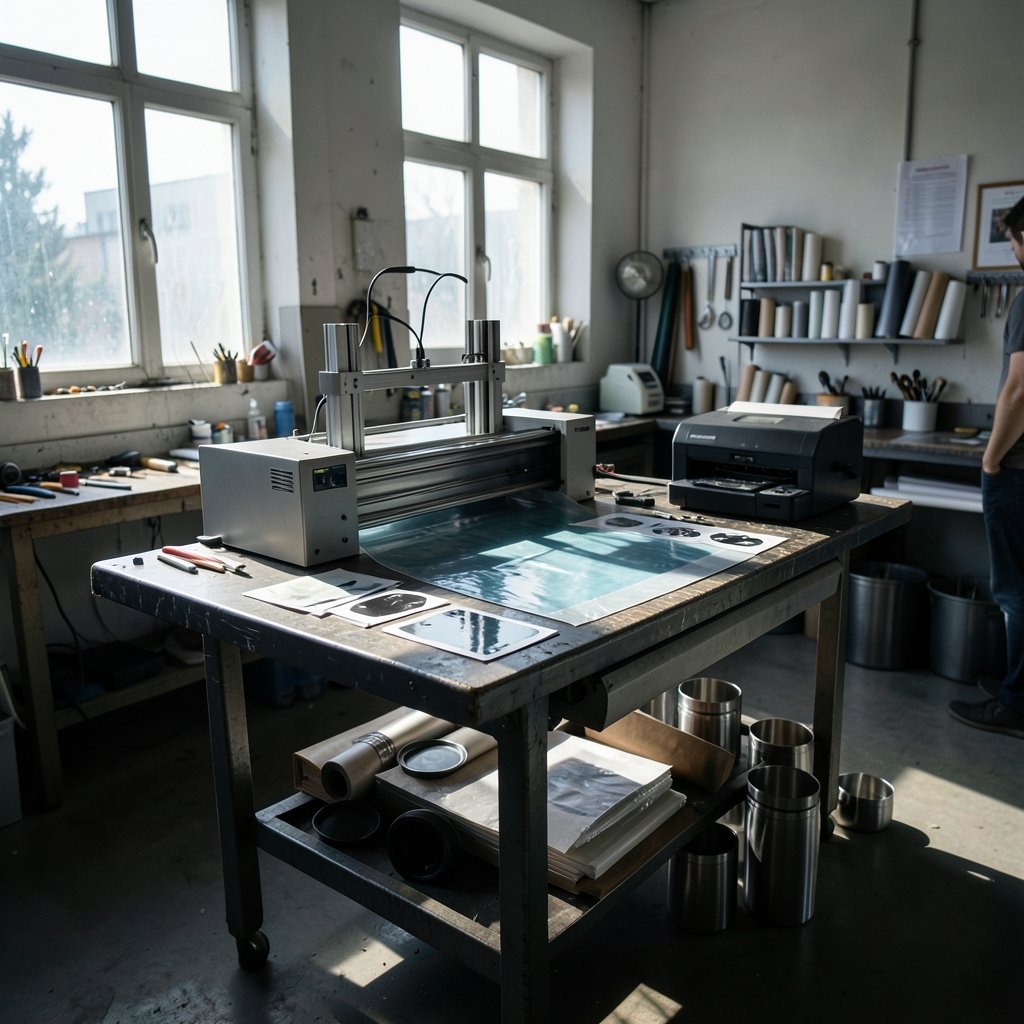
What if you could print a full-color logo onto a curved stainless tumbler and have it stay there through a hundred dishwasher cycles, without wrapping the cup in vinyl or firing up a heat press? That is the promise that has made the UV DTF printer one of the most talked-about machines in small-format custom printing. It is also a promise that gets oversold, misapplied, and blamed for a lot of peeling decals.
This article walks through how the process actually works, what it does well, where it falls short, and how to decide whether the machine earns its bench space. No hype, no vendor talking points, just the practical picture.
What a UV DTF printer actually is
UV DTF stands for ultraviolet direct-to-film. A printer lays UV-curable ink onto a special transfer film. The ink does not dry by evaporation. It cures almost instantly under a UV light source built into or attached to the machine. The printed film is then laminated with an adhesive layer, and the finished patch is applied by hand or with a small press to the object.
That is the whole trick, and it is a genuinely clever one. Because the ink cures with light instead of heat, you can decorate things that would melt, warp, or scorch in a heat press. Think plastic tumblers, glassware, metal water bottles, phone cases, laptop lids, and packaging that would never survive a 160°C platen.
It is worth separating UV DTF from the older, more familiar DTF process. Standard DTF uses water-based pigment inks and a hot-melt powder adhesive, and it is built for textiles. You print, powder, cure the powder, then heat-press the transfer onto a shirt. UV DTF skips the powder entirely and targets hard goods. Same acronym, very different machine, very different workflow.
How the process works, step by step
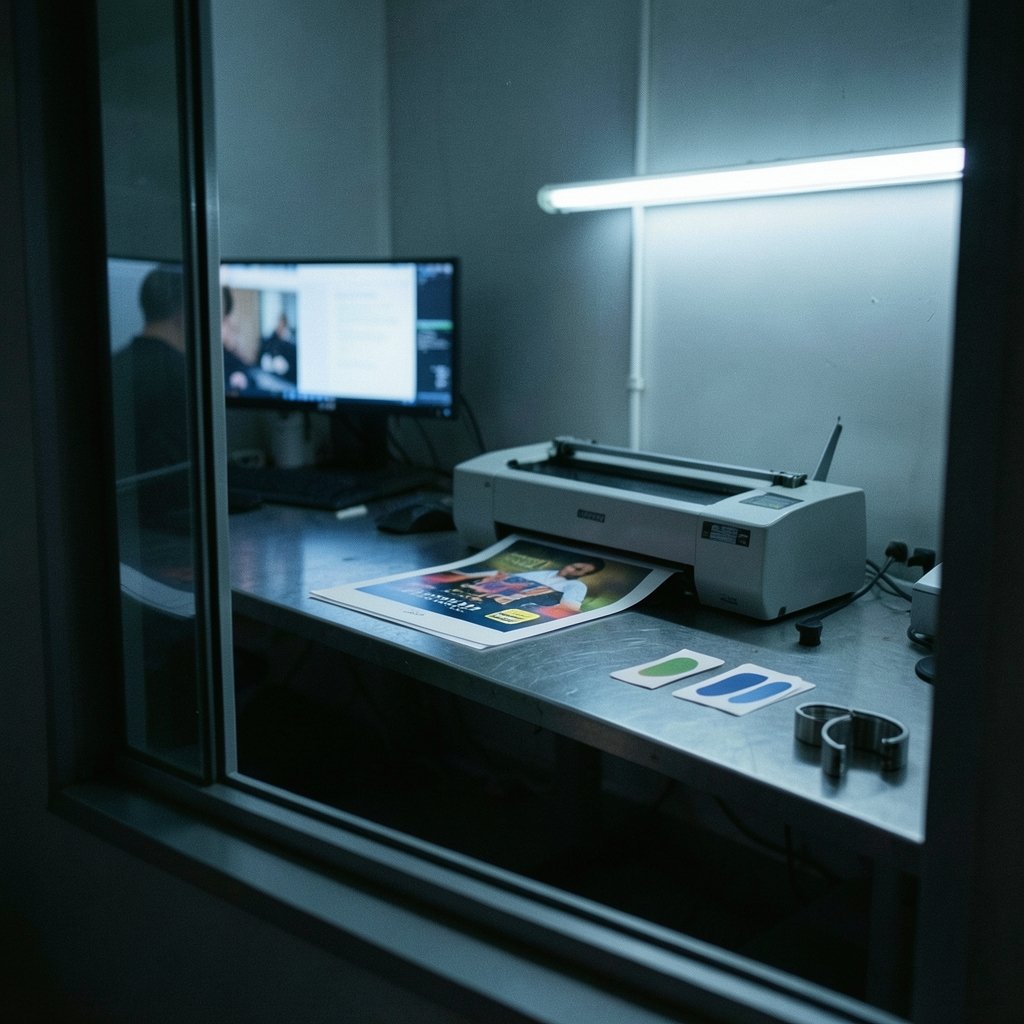
The workflow is shorter than most newcomers expect, which is part of the appeal.
- Design and rip. The artwork is prepared in design software and sent through a RIP (raster image processor) that controls ink laydown. White ink needs its own channel or spot layer, because most substrates are not white.
- Print. The printer lays down a white base layer, then color, then often a clear gloss or protective layer. UV lamps cure each pass as the film advances.
- Laminate. The printed sheet is run through a laminator that applies the adhesive transfer layer. Some setups use a separate laminator; some integrated units do it inline.
- Cut. Patches are cut by a plotter or cutting machine, or trimmed by hand for low-volume work.
- Apply. The patch is positioned on the substrate, the carrier film is peeled back, and the decal is pressed down. Many films are pressure-sensitive, so a firm rub or a short press is enough.
The raised, slightly glossy finish is a signature of the process. It reads as premium on a matte tumbler and reads as a sticker on a cheap plastic item. Substrate choice matters more than most buyers realize.
What UV DTF does well
Curved and heat-sensitive surfaces. This is the core use case. A UV DTF patch conforms to compound curves in a way that flat rigid signs cannot, and it does so without heat. Tumblers, jars, bottles, and contoured packaging are the natural home for this technology.
Short runs with no setup cost. There is no screen, no plate, no minimum order. One-offs and small batches make economic sense. That fits perfectly with the personalized-gift market and with small brands testing packaging designs.
Full color plus white on dark substrates. Printing white first produces vivid color on black, navy, and colored blanks. That single capability is why so many tumbler and drinkware sellers gravitated to the process.
Fast turnaround. Cure is immediate. There is no overnight drying, no powder shaking, no waiting for a heat press to come up to temperature. A small shop can print, laminate, cut, and apply in a single sitting.
Where UV DTF falls short
Here is the part the sales videos skip.
Durability is substrate-dependent. A UV DTF decal on properly prepared glass or coated metal can hold up well. The same decal on an untreated polypropylene cup can lift at the edges within weeks. Adhesion depends on surface energy, cleanliness, and whether the item has a release agent or mold lubricant on it. Wiping with isopropyl alcohol before application is not optional; it is the difference between a product and a return.
It is not a textile process. People routinely buy a UV DTF printer expecting to make shirts. The output feels like a stiff plastic film on fabric, and stretch and wash performance are poor compared with proper DTF or screen printing. If apparel is the goal, this is the wrong machine.
The finish is raised. Some customers love the dimensional look. Others expect a flush, “printed into the surface” feel and are disappointed. Set expectations before the order, not after.
Consumables add up. Film, adhesive laminate, ink, and maintenance parts are recurring costs. The printer is the cheap part of the equation over a few years of use.
Ink handling needs respect. UV-curable inks contain photoinitiators and acrylate monomers. Uncured ink is a skin sensitizer, and direct UV lamp exposure is an eye and skin hazard. Gloves, ventilation, and not staring into the lamp are basic, non-negotiable practices. Anyone running one of these machines should read the ink and film safety data sheets and follow local occupational health guidance rather than relying on a forum post.
UV DTF vs. the alternatives
The comparison table below is the fastest way to see whether UV DTF fits a given job.
| Factor | UV DTF | Standard DTF | Vinyl cutting | Sublimation |
|---|---|---|---|---|
| Best substrate | Curved hard goods, glass, metal, plastic | Cotton and poly-cotton fabric | Flat, simple shapes | Polyester and coated blanks |
| Heat required | None or minimal | Yes, heat press | Yes, for application | Yes, heat press |
| White ink on dark | Yes, built in | Yes, via powder | Limited by vinyl color | No |
| Setup cost per job | Very low | Very low | Low | Low |
| Finish | Raised, glossy | Soft on fabric | Flat, matte or gloss | Smooth, dyed-in |
| Weakness | Adhesion varies by surface | Not for hard goods | Complex art is laborious | Polyester only |
The short version: UV DTF owns curved hard goods and small runs. Standard DTF owns apparel. Sublimation owns polyester. Vinyl owns simple flat shapes and low budgets. Most successful shops run two of these, not one.
Practical tips that separate clean work from complaints
Clean the substrate properly. Isopropyl alcohol, lint-free cloth, and a few seconds of dwell time before applying. Skip this and nothing else you do will matter.
Match film to surface. Adhesive systems differ. A film formulated for glass is not the same as one for low-surface-energy plastics. Ask the supplier which film is specified for the material, and test a sample before committing to a hundred units.
Control your white layer. Too thin and colors go muddy on dark blanks. Too thick and the patch feels like a bumper sticker. Test on the actual substrate, not on white paper.
Respect cure and storage. Under-cured ink smears and is a skin hazard. Store film flat, out of heat and direct sun, and mind shelf life. Old adhesive is unreliable adhesive.
Do a wash and rub test before you sell. Run a finished sample through the dishwasher or scrub it with a thumb for a minute. If it fails in your shop, it will fail in a customer’s hands.
Keep the machine clean. UV printheads are expensive, and cured ink is permanent. Daily wipe-downs and a proper maintenance routine cost minutes and save hundreds.
Who should actually buy one
A UV DTF printer makes sense for a shop already selling drinkware, glassware, gifts, or packaging personalization, where the bottleneck is decoration speed or the inability to handle curves. It makes sense for a business doing short-run branded merchandise where setup costs would otherwise kill the margin. It makes sense as an add-on to an existing print operation.
It makes less sense for a hobbyist who wants to print t-shirts, for anyone unwilling to test adhesion on every new blank, or for a buyer who assumes the machine is plug-and-play. It is closer to a small production line than a desktop appliance.
One more consideration: the learning curve is real but short. Most of the difficulty is not in the printing. It is in substrate selection, surface prep, and knowing which jobs to turn down. That judgment is what experienced operators charge for, and it is what no printer spec sheet can give you.
If your product mix leans toward textured or curly surfaces, note that hair-focused content and textured-surface finishing share the same lesson: preparation and material matching decide the outcome far more than the tool. The same principle shows up across decorative work, from 4c hair styling to the row of test samples a print shop keeps on the wall. Even a discussion of 2b hair versus straighter textures circles back to the same truth: match the method to the material, or the result will not hold.
Conclusion
The UV DTF printer is a genuinely useful tool that got marketed as a magic box. It solves a real problem, decorating curved and heat-sensitive objects in full color with white ink and no setup cost, and it does so quickly and affordably at small scale. It does not replace apparel printing, it does not forgive sloppy surface prep, and it will not make a bad product strategy good.
Buy one if your work involves drinkware, glass, packaging, or hard goods and you are prepared to test adhesion, handle inks responsibly, and learn which substrates to refuse. Skip it if fabric is your main market or if you want a machine that requires no judgment. Treated as a production tool with real constraints, it earns its place. Treated as a shortcut, it becomes a very expensive source of peeling decals.
Frequently asked questions
What is a UV DTF printer used for?
It prints full-color designs, including white, onto a transfer film that is laminated with adhesive and applied to hard or curved objects. Common uses include tumblers, glassware, water bottles, phone cases, packaging, and small branded merchandise. It is not designed for textiles.
Can a UV DTF printer print on shirts?
Technically it can apply a patch to fabric, but the result is a stiff plastic film with poor stretch and wash performance. Standard DTF, screen printing, or sublimation are the right processes for apparel. Use UV DTF for hard goods.
How long do UV DTF prints last?
There is no single answer, because durability depends on the substrate, the adhesive film used, surface preparation, and how the item is cleaned. On properly cleaned glass and coated metal with a matched film, prints hold up well. On untreated or low-surface-energy plastics, edges can lift within weeks. Always test the exact blank and film combination before selling.
Do you need a heat press for UV DTF?
Usually not. Most UV DTF films are pressure-sensitive, so firm, even pressure by hand or with a small applicator is enough. Some operators use mild warmth to improve conformability on tight curves, but the process is defined by curing with UV light rather than heat-transferring with a press.
Is UV DTF safe to use in a small shop?
It can be, with basic controls. Uncured UV ink contains photoinitiators and acrylate monomers that can sensitize skin, and direct exposure to UV lamp light is an eye and skin hazard. Wear gloves, ventilate the work area, avoid looking into the lamp, and follow the ink and film safety data sheets plus local occupational health requirements.
How much does it cost to run a UV DTF printer?
The printer itself is only part of the cost. Film, adhesive laminate, ink, maintenance parts, and cutting consumables are ongoing expenses, and printhead replacement is the big-ticket risk. Per-unit cost drops sharply with volume and with efficient nesting of artwork on each sheet, so small shops should price jobs around real consumable use rather than the machine’s purchase price.









