

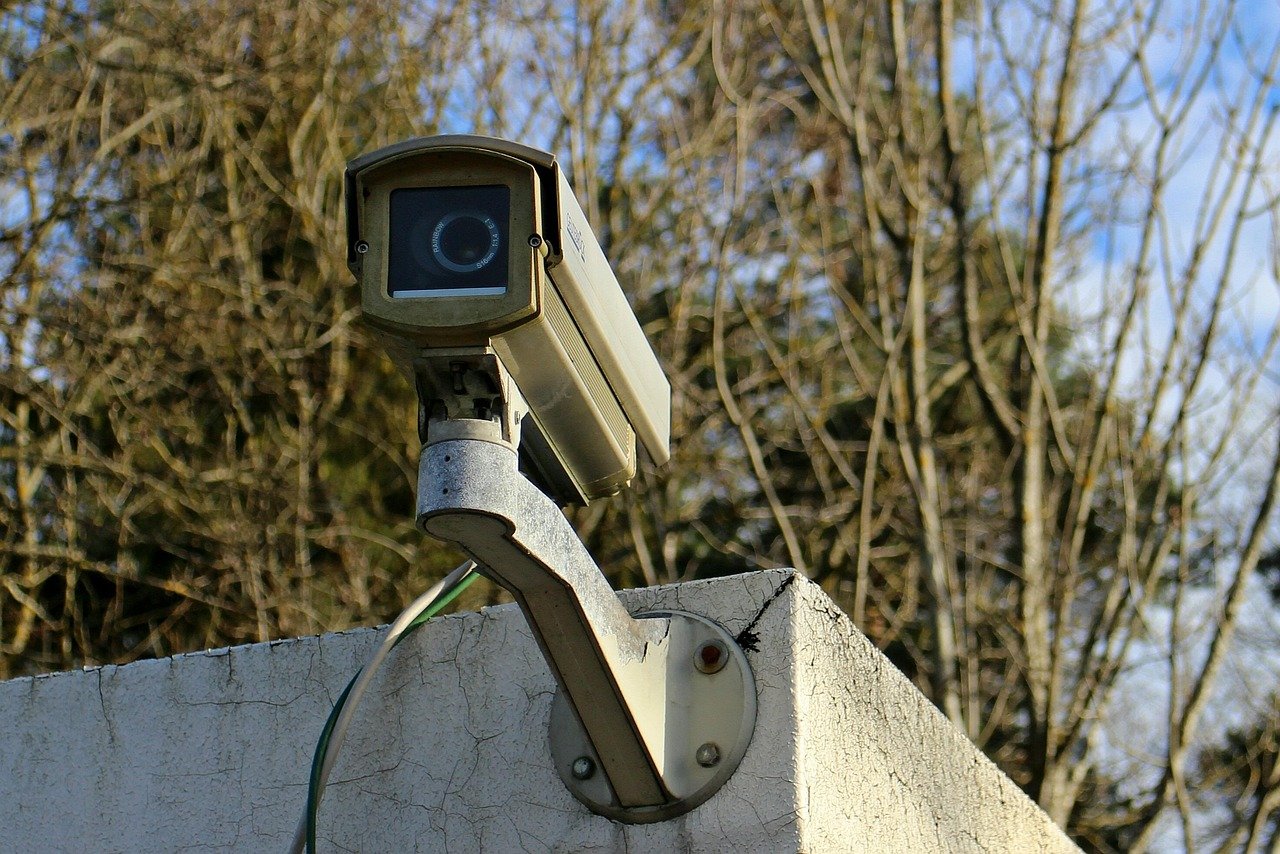
What good is a security camera if the footage disappears, the app locks you out, or the feed points straight at your neighbor’s bathroom window? That question drives every buying decision in this category, and it is the one most product roundups skip. The best home security camera is not the one with the highest megapixel count or the slickest app. It is the one that keeps recording when the internet drops, stores footage where you control it, and respects the privacy of everyone who walks past your door.
This guide takes a practical look at what separates a genuinely useful camera from an expensive doorbell ornament. It covers the hardware decisions that matter, the security and legal questions buyers routinely ignore, and the mistakes that show up again and again in real installations.
Start With What You Need the Camera to Do
Before comparing specs, sketch the job. A camera watching a front porch has different demands than one covering a dark side yard or a detached garage. Most households end up with two or three cameras serving different purposes rather than one do-everything unit.
A simple way to plan:
- List every entry point: front door, back door, garage, side gate, ground-floor windows.
- Note the light conditions at each spot, day and night.
- Decide whether you need to identify faces and license plates or just see that something happened.
- Check where power and Wi-Fi actually reach. A camera with a great sensor is useless if the signal drops every few minutes.
The last point trips up more buyers than any other. People buy a battery camera, mount it at the far corner of the property, then discover the Wi-Fi barely reaches and recordings arrive in stuttering fragments. Walk the property with a phone and test signal strength at each planned mounting spot before ordering anything.
Wired, Battery, or Solar: The Trade-Off Nobody Mentions
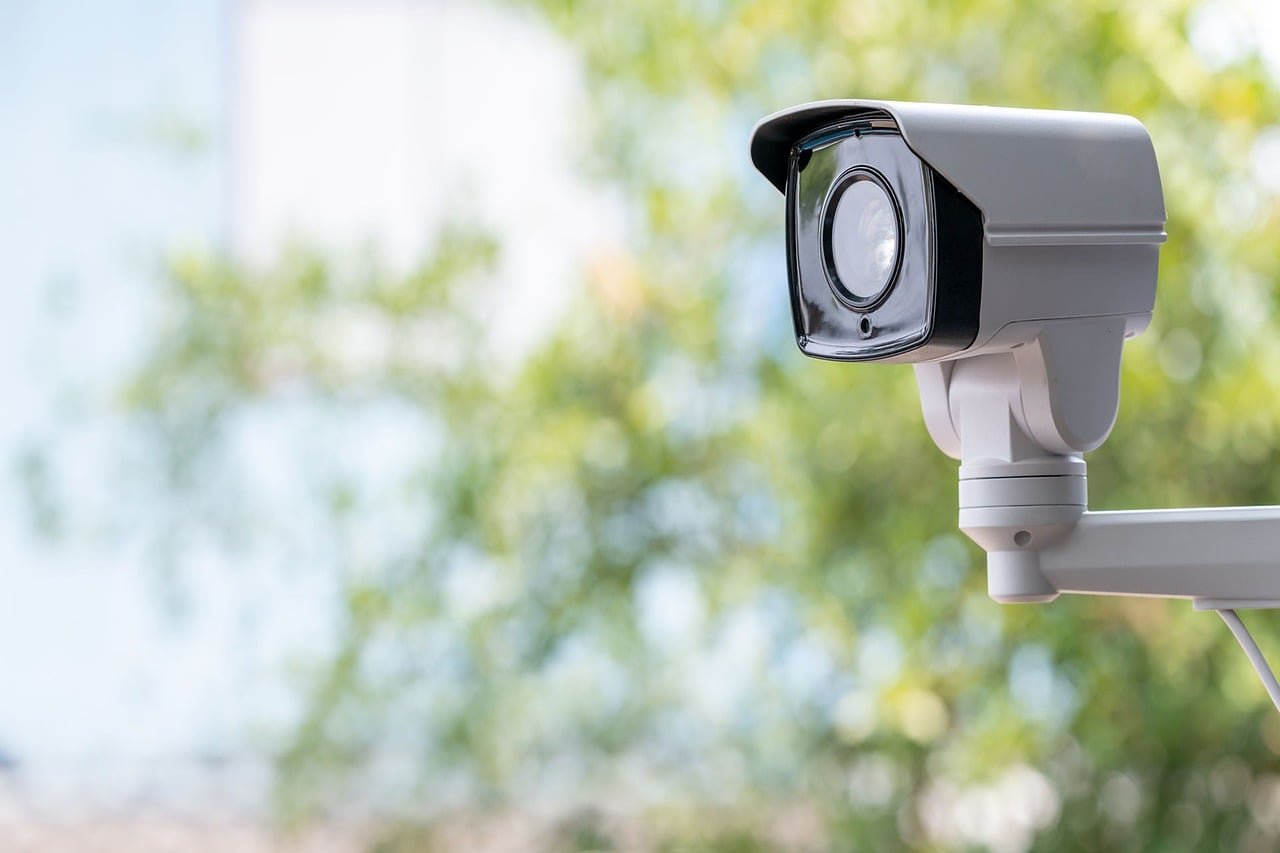
Every camera runs on one of three power approaches, and each carries a hidden cost.
| Power type | Strengths | Weaknesses | Best for |
|---|---|---|---|
| Wired (PoE or mains) | Continuous recording, no charging, reliable | Installation work, cable runs | Front doors, long-term setups |
| Battery | Easy placement, no wiring | Recharging every few weeks, missed events while asleep | Renters, quick deployments |
| Solar | No manual charging in sunny climates | Weak performance in winter or shade | Remote gates, outbuildings |
Battery cameras deserve a specific warning. Many models do not record continuously. They wake when motion is detected, which means the first second or two of an event often goes unrecorded. A person walking quickly past can be gone before the camera is fully awake. If catching every moment matters, wired continuous recording is the honest answer, even though it is the least convenient to install.
Resolution Is Not the Same as Usability
Manufacturers love big numbers. A 4K label sounds impressive, but resolution only helps if the rest of the pipeline supports it. Three factors matter more in practice than raw pixel count:
Field of view. A wide lens captures more area but stretches faces at the edges. A narrower lens gives clearer identification but leaves blind spots. Two cameras with moderate views usually beat one ultra-wide camera.
Night performance. Infrared gives black-and-white footage; color night vision needs either strong ambient light or a built-in spotlight that alerts everyone you are watching. Check sample night footage before buying, not the marketing stills.
Bitrate and compression. A 4K camera streaming at a low bitrate produces mushy detail. Storage and bandwidth costs rise fast with high-quality 4K, so budget for both.
For households that also want to stay active at home, the same planning logic applies to fitness spaces: a luxury home gym needs power, ventilation, and layout thought through before equipment arrives, and cameras are no different. Plan the infrastructure first, then buy the hardware.
The Security Problem Hiding in Cheap Cameras
Here is the uncomfortable part of this category. A camera is a computer with a lens, and cheap connected devices have a poor track record on security. In 2023, a U.S. Federal Trade Commission settlement with Ring addressed allegations that employees and contractors had broad access to customer videos and that account security was inadequate. In 2024, a separate FTC settlement with Wyze concerned failures to secure cameras and customer data. These were not obscure brands. They were two of the biggest names in the market.
Regulators have started responding. California’s SB 327, in force since 2020, requires makers of connected devices to include reasonable security features. The UK’s Product Security and Telecommunications Infrastructure regime, with rules in force from April 2024, bans universal default passwords on consumer connectable products and requires vulnerability-disclosure policies. The European standard ETSI EN 303 645 sets similar baseline expectations, and NIST’s IoT guidance describes what manufacturers should build in.
What does this mean for a buyer? A few concrete checks:
- Change the default password immediately. Bans on universal defaults exist precisely because so many people never did.
- Turn on two-factor authentication in the camera app if it is offered.
- Keep firmware updated. Set updates to automatic where possible.
- Segment the camera network. Putting cameras on a separate Wi-Fi network or VLAN limits the damage if one device is compromised. This is the single most effective step most homeowners skip.
That last tip sounds technical but is easier than it used to be. Many modern routers offer a guest network that isolates devices from the main home network. Cameras belong there.
Where the Footage Lives Matters More Than the Camera
Cloud storage is convenient and it is also where privacy gets murky. Many consumer cameras upload footage to vendor servers by default, and retention periods, encryption practices, and sharing arrangements differ widely between brands and plans. Those details change frequently, so check the current documentation rather than trusting an old review.
Three storage models exist:
Vendor cloud only. Simplest to use, but you rent storage forever and depend on the company staying solvent and secure.
Local storage (SD card or NVR). Footage stays in your house. You control access. The trade-off is that a thief who spots the recorder can take it, so mount recorders out of sight or back up critical clips.
Hybrid. Local recording with optional cloud backup for alerts. For most households this is the sensible middle ground: continuous local footage, cloud clips for events you might need to access remotely.
Whichever you choose, verify what happens when the internet goes down. A camera that stops recording without a connection is a camera that fails exactly when a break-in is most likely. Local recording keeps working through an outage.
Privacy, Neighbors, and the Law
Pointing a camera at your own property is straightforward. Pointing it anywhere else invites trouble. Local rules on private surveillance vary enormously. Some jurisdictions require registration of private cameras, and many restrict placement that captures a neighbor’s property or public spaces in ways that intrude on reasonable privacy.
A practical checklist before mounting anything:
- Angle the camera so it covers your entryway, not the street or the neighbor’s windows.
- Talk to neighbors before installing outward-facing cameras. A two-minute conversation prevents months of friction.
- Check municipal codes for registration requirements.
- Consider whether audio recording is legal in your area. Many places restrict recording conversations you are not part of.
Facial recognition features deserve special caution. Illinois’ Biometric Information Privacy Act restricts collecting biometric identifiers, including face geometry, without consent, and camera and doorbell products have faced litigation over it. If a camera offers face-based alerts, understand what data leaves the device and where it goes.
Smart Features That Earn Their Place
Not every feature is marketing filler. A few genuinely improve daily life:
Person and package detection. On-device detection that distinguishes people from swaying branches cuts false alerts dramatically. Look for cameras that process this locally rather than shipping every frame to a server.
Two-way audio. Useful for deliveries and deterrence, though audio quality varies wildly.
Integration with a broader system. Cameras that talk to lights, locks, and alarms create useful automation, like a porch light triggering when a person is detected at night. If you are expanding a property, treat this as part of the home expansion plan rather than an afterthought, wiring for cameras while walls are open saves real money later.
Local AI processing. Detection handled on the device means fewer uploads and faster alerts. It is one of the clearest signs of a well-engineered product.
Features that rarely justify a premium: exotic resolution claims, decorative designs that compromise mounting flexibility, and subscription-locked basics like viewing live video, which some brands still gate behind a paywall.
Common Mistakes That Undo a Good Purchase
Experience across countless installations surfaces the same errors repeatedly.
Mounting too high. A camera eight feet up sees the tops of heads, not faces. Seven feet or lower, angled slightly down, gives usable identification footage.
Ignoring the glare problem. A camera facing a wall or window that catches IR reflection at night produces a washed-out image. Test the night view before final mounting.
Skipping the trial period. Most reputable brands offer returns. Install the camera temporarily, test a week of real footage, and return it if the alerts are unusable or the night image is poor.
Overlooking the budget beyond the box. A realistic home renovation budget for security includes cabling, mounting hardware, storage, and subscriptions. A camera that costs little upfront but requires a monthly plan can cost more over three years than a pricier model with local storage.
Forgetting curb appeal and resale. Visible, well-placed cameras reassure buyers; a tangle of cables and mismatched units does the opposite. If selling is on the horizon, the way security hardware looks matters, and the same principles behind luxury home marketing apply: presentation and documented, working systems add value.
Matching Cameras to Specific Situations
Different homes need different answers. A few common scenarios and what tends to work:
Renters. Battery cameras with local SD storage avoid wiring and landlord negotiations. Accept the charging routine.
Families with a front porch. A wired doorbell camera plus one wired camera covering the driveway covers most incidents. Continuous recording on the doorbell catches deliveries and visitors reliably.
Large properties. A PoE system with a network video recorder centralizes management. It is more work to install but scales cleanly and keeps footage on-site.
Remote or rural homes. Solar cameras with cellular backup handle locations without reliable power or internet, though expect compromises on continuous recording.
For anyone layering home systems, small environmental choices matter too: luxury home scents and smart lighting set a mood, and cameras should integrate with those systems rather than fight them. The broader lesson from home security setups that actually make sense is that complexity for its own sake creates failure points; buy what you will maintain.
Conclusion
The best home security camera is not a single product but a fit between your property, your habits, and your tolerance for maintenance. Prioritize continuous recording or reliable local storage, treat network security as part of the purchase rather than an afterthought, and mount cameras where they capture faces instead of the tops of heads. Check what happens during an internet outage, read the current privacy documentation instead of old reviews, and talk to your neighbors before you point anything outward. Do those things and almost any reputable camera will serve you well. Skip them and even the most expensive system becomes a subscription you resent and footage you cannot use.
FAQ
What is the most important feature in a home security camera?
Reliable recording tops the list. A camera that misses events because it is asleep, offline, or out of storage fails at its only job. Continuous recording or dependable local storage matters more than resolution, app design, or extra features.
Are cheap security cameras safe to use?
They can be, with precautions. Change the default password immediately, enable two-factor authentication, keep firmware updated, and put cameras on an isolated network such as a router’s guest network. Regulators in several regions now require baseline security features, but configuration still falls on the owner.
Do security cameras work without internet?
Many do, if they record to a local SD card or network recorder. Live viewing from your phone usually requires a connection, but local recording continues through an outage. Check the specifications carefully, because some cloud-only models stop recording entirely when offline.
Can my neighbor’s camera legally point at my house?
It depends on where you live. Many jurisdictions restrict cameras that capture a neighbor’s private spaces, and some require registration of private cameras. Local codes vary widely, so check municipal rules and raise concerns directly with the neighbor first.
How much storage do I need for continuous recording?
As a rough guide, a single 4K camera recording continuously can consume well over 100 GB per week depending on bitrate and compression. Most households choose a recorder sized for two to four weeks of retention, which balances cost against the ability to review older events.
Is facial recognition in cameras a good idea?
Treat it cautiously. Face-based features raise privacy and legal questions, and biometric privacy laws in some regions restrict collecting face data without consent. For most homes, person detection without identifying individuals delivers the useful alerts with far less risk.














