

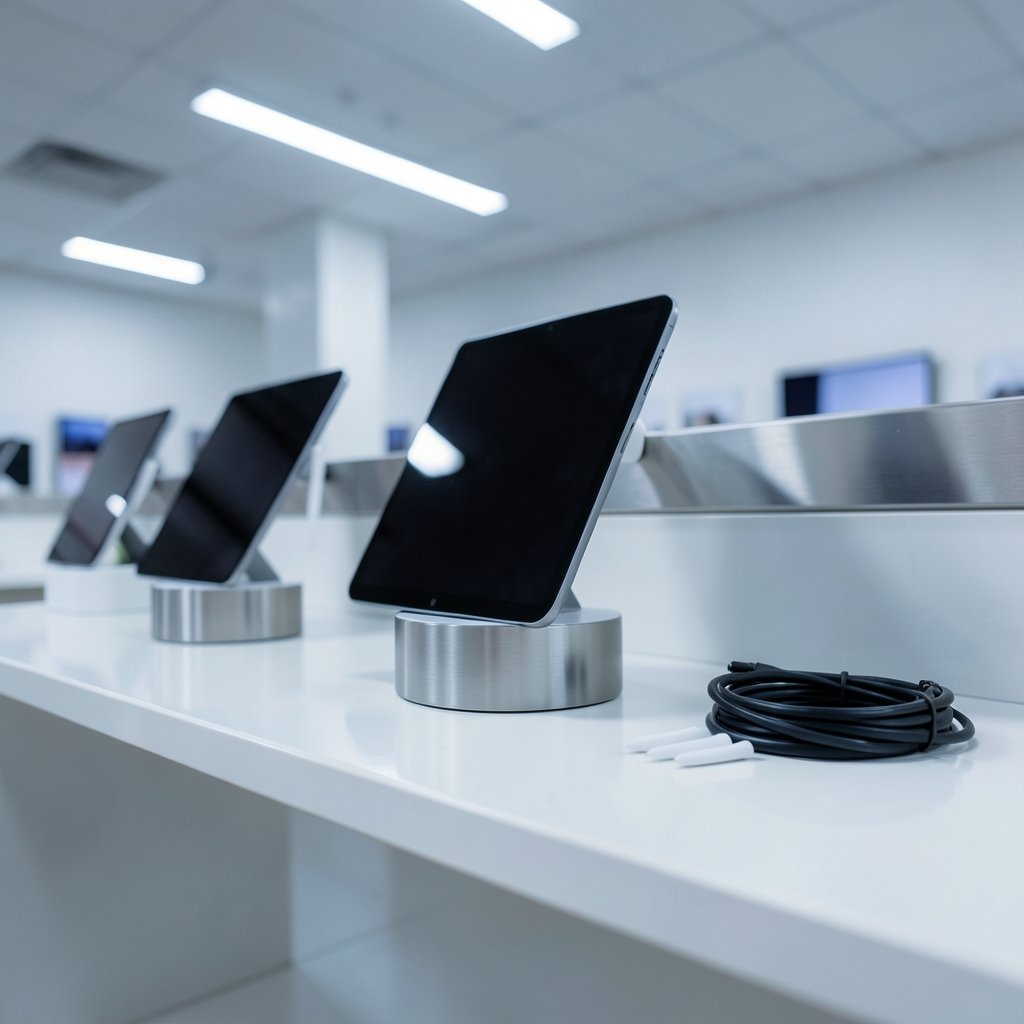
What if the app you choose matters more than the iPad you buy? That sounds like an exaggeration until you watch two people with identical iPad Airs get wildly different results. One takes ten minutes to find last week’s meeting notes. The other searches a scribbled word and lands on it in two seconds. The hardware is the same. The software, and the way it matches their habits, is not.
That gap is why “best” is such a slippery word in this category. A student annotating lecture slides, a contractor sketching on a job site, and a novelist typing between hand-drawn plot maps have almost nothing in common except a stylus and a glass screen. This guide sorts the real contenders by how people actually work, flags the mistakes that trip up new buyers, and explains what to check before spending money.
Start With the Question Nobody Asks First
Most buyers download the app with the prettiest App Store screenshots. A better first move is to answer three questions honestly.
First, which Apple Pencil do you own? The original Apple Pencil, the second-generation model, the USB-C version, and the Apple Pencil Pro do not behave identically. Pressure sensitivity, magnetic charging, hover, and the newer squeeze and barrel-roll gestures depend on both the Pencil and the iPad model. An app can only offer advanced tool switching if the hardware underneath supports it. Buying a premium note app for a Pencil that cannot do pressure sensitivity is money spent on features you will never see.
Second, what are you capturing? Handwriting, typed text, audio, PDF markup, and diagrams are five different jobs. Very few apps are excellent at all five.
Third, where do the notes need to live? A locked-down work iPad with cloud restrictions rules out some otherwise great options. A student who switches between iPad, phone, and a Windows laptop needs cross-platform syncing that actually works.
Answer those three and the shortlist shrinks fast. Skip them and you end up with three subscriptions and no system.
The Contenders at a Glance

Here is how the main options line up before we dig into each one. Pricing models in this category shift often, so treat the cost column as a shape rather than a number.
| App | Best for | Strength | Watch out for |
|---|---|---|---|
| Apple Notes | Everyone, as a baseline | Free, preinstalled, handwriting search | Fewer power tools for heavy PDF work |
| GoodNotes | Handwritten notebooks and study | Notebook organization, handwriting search | Paid; pricing model has changed over time |
| Notability | Lecture and meeting capture | Audio recording synced to notes | Subscription model has drawn criticism |
| Microsoft OneNote | Typed notes across devices | Free, cross-platform, strong syncing | Handwriting feel lags behind Pencil-first apps |
| Obsidian | Long-term personal knowledge | Local Markdown files, full ownership | Not built around the Pencil |
| Notion | Team and project notes | Blocks, databases, collaboration | Cloud-dependent, not stylus-first |
| PDF Expert | Document annotation | Solid PDF markup workflow | Narrower note-taking scope |
Apple Notes: The Free Baseline That Keeps Getting Better
Apple Notes is the app most people already have and the one they most often underestimate. It is free, preinstalled, and synced through iCloud without any setup. Handwriting search arrived in the iPadOS 17 era, and Math Notes followed in iPadOS 18, letting users write equations by hand and get them solved in place.
For a large share of users, that is genuinely enough. The practical advantage is that it removes friction: no account, no trial, no decision. The limitation is depth. If you need layered notebooks, custom templates, or serious PDF annotation workflows, Apple Notes will feel like a studio apartment when you need a house.
A sensible approach: start here for two weeks. Note what annoys you. That annoyance is your shopping list.
GoodNotes: The Notebook Powerhouse
GoodNotes built its reputation on one thing done well: making a digital notebook feel like a paper one, then adding what paper cannot do. Handwriting search is the headline feature. Scribble a word on a page, search for it later, and the app finds it. For students and anyone who thinks in ink, that alone justifies the price.
The organization runs on notebooks and folders, with templates that mimic ruled paper, planners, and grids. It is a comfortable place to spend hours.
The catch is cost and change. GoodNotes has shifted its pricing model over time, moving toward subscription options alongside other purchase paths. Before committing, check the current terms directly rather than trusting a year-old review. Also be realistic about scope: if you mostly type, you are paying for a handwriting engine you will not use.
Notability: Built Around Audio
Notability’s defining feature is audio recording tied to your notes. Tap record during a lecture or meeting, write as you listen, and later tap a word to jump to that moment in the recording. For students in dense lectures or anyone who takes minutes in meetings, this is a genuinely different capability, not a gimmick.
The friction is the business model. Notability moved to a subscription around 2021, and the change drew significant user backlash at the time. That history matters less than the current terms, which are worth verifying before you build a workflow around the app. If audio sync is central to how you capture information, it is hard to beat. If it is not, you are paying for a feature you will ignore.
Microsoft OneNote: The Typed-Note Champion
OneNote is free, cross-platform, and excellent at what it does best: typed notes organized into notebooks, sections, and pages, syncing cleanly across iPad, phone, and desktop. For anyone whose notes are mostly text with the occasional sketch, it is a strong default, especially in workplaces already using Microsoft tools.
Where it stumbles is the handwriting feel. The ink experience is serviceable but not the reason anyone chooses OneNote. If you write by hand for hours a day, the Pencil-first apps will feel noticeably better under the stylus.
Obsidian and Notion: Different Species Entirely
These two get lumped into note-app lists, but neither is Pencil-first, and that changes the recommendation.
Obsidian stores notes as local Markdown files you own. Nothing is locked in a proprietary format, and linking between notes builds a web of connected ideas over time. For researchers and writers building a long-term knowledge base, that ownership is the whole appeal. The trade-off is that handwriting and drawing sit off to the side rather than at the center.
Notion is block-based and cloud-first, built for databases, project tracking, and collaboration. Teams love it. Someone sketching diagrams during a design review will find it clumsy compared with a dedicated ink app.
The honest framing: these are thinking and organizing tools, not digital paper. If your iPad is primarily a notebook, look elsewhere first.
PDF Expert and the Annotation Niche
A huge share of real iPad note-taking is actually document markup: contracts, research papers, building plans, marked-up drafts. PDF Expert handles that workflow cleanly, and GoodNotes competes in the same space with its annotation tools.
The mistake here is buying a general note app when your actual job is PDF review. If ninety percent of your notes are comments on someone else’s document, pick the tool built for documents and stop shopping for notebooks.
What Actually Works in Practice
A few habits separate people who thrive with these apps from people who abandon them after a month.
Pick one app for capture and stop switching. The cost of a mediocre app used consistently is lower than the cost of three great apps used randomly. Fragmented notes are worse than imperfect notes.
Learn the search, not the features. Handwriting search is the single highest-value capability in this category, and most users never test it before buying. Write a page, wait a day, then search for a word you scribbled. If it fails, the app fails.
Test with your own Pencil before you trust a review. Compatibility between Pencil generations and iPad models is genuinely confusing, and it determines which features exist at all. A five-minute test beats an hour of reading.
Watch the subscription trap. Note apps have moved toward recurring pricing repeatedly. Add up three years of cost before deciding, not one month.
Export early to check for lock-in. Take a notebook, export it, and open the file somewhere else. If the export is unusable, you do not own your notes.
Cross-Device Reality Check
An iPad does not exist alone. Notes taken on a tablet often need to appear on a phone, a work laptop, or a shared team space.
Apple Notes, OneNote, and Notion sync broadly and reliably. GoodNotes and Notability sync well within their own ecosystems. Obsidian syncs through files, which is flexible but requires setup.
If your workplace blocks certain cloud services, test syncing on day one, not month three. Discovering a sync restriction after building a semester of notebooks is a painful lesson.
The same logic applies beyond note-taking. People who care about how tools fit their actual habits tend to apply that thinking everywhere, whether they are comparing room design apps before a renovation or reading through a breakdown of the best apps for interior design to see how reviewers weigh features against real use. The pattern is identical: match the tool to the task, not to the marketing. (Top 10 yacht charter apps updated 2027 actually changed)
Matching the App to the Person
Abstract comparisons only go so far. Here is the practical mapping.
The student in lectures: Notability if audio sync matters, GoodNotes if handwritten notebooks and search matter more. Many students run both and accept the overlap.
The meeting-heavy professional: Apple Notes for speed, OneNote if the workplace runs on Microsoft. Audio sync is the deciding factor if you take minutes.
The artist or designer who thinks in ink: GoodNotes for notebooks, PDF Expert for client documents. Skip the typed-note tools.
The researcher building a knowledge base: Obsidian for ownership and linking, with a separate ink app for sketches.
The budget-conscious beginner: Apple Notes, full stop. It is free, capable, and removes the excuse to procrastinate.
The team collaborator: Notion for shared project notes, with a personal ink app on the side.
Notice that nobody needs all of these. Two apps is usually the ceiling before organization collapses.
Common Mistakes That Cost Real Money
Buying for screenshots rather than workflow tops the list. So does ignoring Pencil compatibility until after checkout. Another frequent error: subscribing annually to an app used twice a month, when a one-time purchase elsewhere would have covered the same job.
Less obvious but just as costly is refusing to migrate. People cling to an app that no longer fits because moving notes feels like loss. In practice, exporting a semester of notebooks takes an afternoon, and the relief of a better-fitting tool lasts years.
Finally, do not confuse feature lists with usefulness. An app with forty tools you never open is not more capable than one with eight you use daily.
Conclusion
The best iPad note-taking app is not a single winner; it is the one that matches your Pencil, your capture habits, and your need to share. Apple Notes wins on zero friction and cost. GoodNotes wins on handwritten notebooks and search. Notability wins on audio. OneNote wins on typed, cross-platform notes. Obsidian and Notion win on long-term organization, provided you accept they are not stylus-first.
Start with the free option, test handwriting search with your own scribbles, check the current pricing terms directly, and export a notebook before you commit. Do that, and the decision takes an afternoon instead of a year of second-guessing.
Frequently Asked Questions
What is the best free iPad note-taking app?
Apple Notes is the strongest free choice for most people. It comes preinstalled, syncs through iCloud, supports handwriting search, and added Math Notes for handwritten equations. Microsoft OneNote is the better free pick if your notes are mostly typed and need to sync to Windows or Android devices.
Do I need a specific Apple Pencil for note-taking apps?
Yes, and this trips up a lot of buyers. The original Apple Pencil, the second-generation model, the USB-C version, and the Apple Pencil Pro support different features on different iPads. Pressure sensitivity, magnetic charging, hover, and newer gestures like squeeze and barrel roll all depend on the specific pairing. Check compatibility before buying an app that advertises advanced stylus tools.
Is GoodNotes or Notability better for students?
It depends on how you capture lectures. Notability records audio and links it to your handwriting, so you can tap a word and hear that moment again. GoodNotes focuses on notebook organization and handwriting search. Students who record lectures lean toward Notability; students who build structured handwritten notebooks lean toward GoodNotes.
Can I search my own handwriting in these apps?
In several apps, yes. Apple Notes and GoodNotes both offer handwriting search, which lets you find a scribbled word later. This is the single most valuable feature in the category and the easiest to test: write a page, wait a day, then search for a word you wrote by hand. If it fails, the app is not right for you.
Are note-taking apps worth a subscription?
Only if you use the feature that justifies it. Audio sync, advanced PDF tools, and cross-device syncing are legitimate reasons to pay. Before subscribing, add up three years of cost and compare it with a one-time purchase alternative. Also export a notebook to confirm your notes are not locked into a format you cannot move.
What is the best iPad note app for PDF annotation?
For document-heavy work, PDF Expert handles markup cleanly, and GoodNotes competes well in the same space with its annotation tools. If most of your notes are comments on contracts, papers, or plans, choose a document-focused app rather than a general notebook app built around blank pages.














