

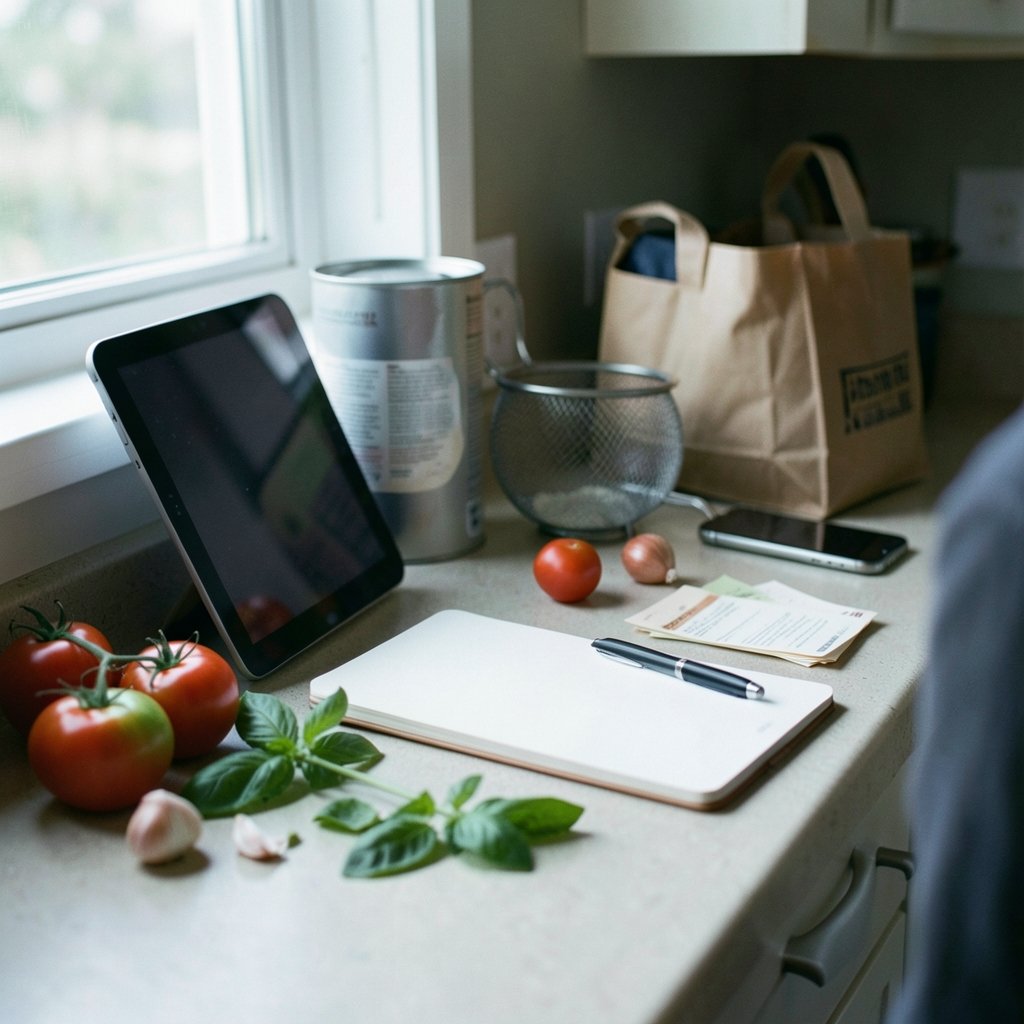
What happens when you find a great recipe online, save it, and then can’t find it again three weeks later? For most home cooks, that’s the moment recipe apps stop being a nice extra and start being essential. A good app does more than store links. It pulls in recipes from websites and photos, builds grocery lists, plans the week, and keeps everything working when the Wi-Fi drops in the middle of a grocery store aisle.
The tricky part is that “best” depends entirely on how someone cooks. A person who plans seven dinners on Sunday needs something different from someone who collects recipes like postcards and cooks from memory. This guide breaks down the strongest options by what they actually do well, where they fall short, and the practical mistakes that make people abandon an app after two weeks.
What separates a useful recipe app from a pretty one
The recipe app market looks crowded until you sort it by one question: does the app do the boring work for you? The boring work is importing, scaling, list-making, and syncing. Apps that skip those steps tend to become digital junk drawers.
Import reliability matters most. Most modern recipe sites embed structured data using the Schema.org Recipe vocabulary, which exposes ingredients, instructions, and cook times in a machine-readable format. Apps that read this data can pull a full recipe from a URL in seconds. Apps that don’t force manual typing, and nobody keeps doing that past week two.
Offline access is the second filter. Kitchens have bad signal, and stores have worse. A recipe that only loads with full bars is a recipe that fails exactly when it’s needed.
Cross-platform sync decides whether the app survives a phone upgrade or a shared household. One person planning on a laptop and another shopping on a phone only works if both see the same list.
Cost model deserves honesty too. One-time purchases and subscriptions behave very differently over five years, and free tiers often hide the feature that made the app appealing in the first place.
Paprika Recipe Manager: the planner’s workhorse

Paprika Recipe Manager has been around since roughly 2010 and has built a loyal following for one reason: it treats recipes as data, not as bookmarks. The app runs on iOS, Android, Mac, and Windows, and it’s sold as a one-time purchase rather than a subscription. That pricing model alone makes it unusual in a market that has drifted toward monthly fees.
The workflow is where it earns its reputation. Users clip a recipe from a browser, and Paprika pulls the ingredients and steps into its own format. From there, the app scales quantities, builds a grocery list sorted by aisle, and holds a weekly meal calendar. Because everything lives on the device and syncs through the user’s own account, recipes stay readable on a plane or in a basement supermarket.
The trade-offs are real. The interface looks like software built by engineers for engineers, and new users often need a week before the layout stops feeling cluttered. There’s no built-in library of curated recipes, so the app is only as good as what gets put into it. Anyone who wants inspiration handed to them will find it empty on day one.
Practical tip: spend the first session importing ten favorite recipes rather than fifty. Learning the editing tools on a small set prevents the common mistake of dumping in a huge pile and never cleaning up the duplicates.
NYT Cooking: curation over customization
NYT Cooking launched in 2014 and has become one of the most recognizable curated recipe collections anywhere, with a separate app and website behind a subscription. What it offers is editorial judgment: tested recipes, notes on what went wrong in testing, and a comments section where thousands of cooks report their substitutions.
That testing culture is genuinely valuable. A recipe that has been cooked by professional testers and then adjusted by hundreds of home cooks is a different product from a random blog post. For anyone learning technique, the app functions as a structured cooking course disguised as a recipe box.
The limitation is ownership. Recipes live inside a subscription, and if it lapses, access goes with it. The app is also built around browsing and saving rather than deep personal organization, so it doesn’t replace a dedicated recipe manager for someone with a hundred family recipes on index cards. Many serious cooks run both: a subscription for discovery and a manager for the personal collection.
Recipe Keeper: the flexible middle ground
Recipe Keeper sits between the two extremes. It runs on iOS, Android, Windows, and the web, and it emphasizes importing from websites and photos, which matters for anyone with a cookbook shelf full of handwritten cards. It offers a free tier with a paid upgrade, so the entry cost is low enough to test properly.
The photo import is the standout feature in practice. Photographing a recipe card and having the text recognized saves hours compared with typing, though handwriting recognition is never perfect. Expect to correct a few measurements, especially fractions and abbreviated units.
The free-versus-paid split is the thing to check before committing, since the features behind the paywall have shifted over time. The honest approach is to install it, import five recipes, and see whether the free tier covers the actual workflow before paying for anything.
Mealime and the weeknight planning problem
Mealime takes a different angle entirely. Instead of storing recipes, it generates weekly meal plans and builds the grocery list automatically. It has historically been free with an optional paid tier, which makes it the easiest recommendation for someone who wants to stop deciding what to cook.
The design assumes a specific user: someone cooking three to five dinners a week, willing to follow a plan, and happy to shop from a list. For that person, it removes the daily friction that leads to takeout. For someone who cooks improvisationally from what’s in the fridge, the structured plans feel like a cage.
A practical note from how these apps get used: generated plans work best when the user swaps out one meal immediately. Plans that get followed exactly for a week and then abandoned are common. Plans that get edited to fit real life tend to stick.
What happened to Yummly, and why it matters
Yummly was a recipe search and recommendation app acquired by Whirlpool in 2017, and Whirlpool announced in 2025 that it would shut the service down. The exact date and whether every piece of the platform is fully retired should be checked before relying on it, but the direction is clear.
The lesson extends beyond one app. Recipe services owned by appliance makers or media companies can be discontinued when business priorities shift. That’s an argument for keeping a personal, exportable copy of any recipe that matters. Apps with clean export options and local storage protect against the shutdown problem. Cloud-only services don’t.
Anyone building a collection should test the export path early. If the app can’t produce a readable file of saved recipes, the collection is rented, not owned.
The big community sites and their apps
AllRecipes, founded in 1997 and owned by Dotdash Meredith since 2018, remains one of the oldest large user-contributed recipe sites and has a mobile app. Cookpad, founded in Japan in 1997, is a massive user-generated platform that’s especially strong in Japan and parts of Asia, and it has shifted parts of its business toward paid features.
These platforms excel at volume and at everyday home cooking. Reviews flag which recipes actually work, and the comment sections often contain the real technique notes. The weakness is organization: saving recipes inside a community site rarely produces the clean, searchable personal collection that a dedicated manager does.
For anyone weighing app categories more broadly, the same logic that applies to room design apps applies here. The tool that wins is the one matching a real weekly habit, not the one with the longest feature list. The best apps for interior design follow the same pattern of import, organize, and export.
How the main options compare
| App | Platforms | Cost model | Best for | Main weakness |
|---|---|---|---|---|
| Paprika Recipe Manager | iOS, Android, Mac, Windows | One-time purchase | Deep personal organization and planning | Dated interface, no built-in recipes |
| NYT Cooking | iOS, Android, web | Subscription | Tested recipes and technique | No ownership, limited personal library |
| Recipe Keeper | iOS, Android, Windows, web | Free tier plus paid upgrade | Importing from sites and photos | Feature split needs checking |
| Mealime | iOS, Android | Free with optional paid tier | Weekly planning and grocery lists | Rigid for improvisational cooks |
| AllRecipes | iOS, Android, web | Free | Volume and community reviews | Weak personal organization |
| Cookpad | iOS, Android, web | Free with paid features | Global home cooking | Regional variation in content |
Mistakes that make people quit a recipe app
The most common failure isn’t the app. It’s the setup. A few patterns show up again and again.
Importing everything at once. A library of 400 unsorted recipes is harder to use than a library of 30. Import what gets cooked this month, and let the collection grow with actual use.
Skipping the grocery list feature. The list is often the real value. An app that turns a week of recipes into a sorted shopping list saves more time than any search feature.
Ignoring units and scaling. Recipe scaling breaks down with awkward fractions and with ingredients that don’t scale linearly, like salt, leavening, and strong spices. Check scaled quantities by hand the first few times.
Never testing offline mode. Turn on airplane mode in the kitchen once. If the recipe won’t load, the app isn’t ready for real cooking.
Assuming ratings mean quality. App store ratings shift constantly, and editorial badges like Editors’ Choice are awarded at the discretion of the store and can be removed. Any “best app” claim should carry a date.
Building a system instead of picking one app
The most effective setup for most households combines two tools rather than searching for one perfect app. A subscription service handles discovery and testing. A manager handles the personal collection, the family recipes, and the shopping list. The two don’t need to integrate perfectly, because the handoff is a single copy-paste.
For anyone who also cooks from scratch regularly, the same organizational discipline pays off elsewhere. A well-built chili seasoning recipe that actually tastes balanced is worth saving in a format that scales, and a chicken gravy recipe that turns pan drippings into a silky sauce benefits from notes on what went wrong last time. Recipe apps are only as useful as the notes people put into them.
Conclusion
There is no single best recipe app, and any list claiming otherwise is selling something. Paprika Recipe Manager wins for people who want deep, permanent, offline organization and don’t mind an unglamorous interface. NYT Cooking wins for anyone who values tested recipes and is comfortable renting access. Recipe Keeper is the pragmatic middle, Mealime is the answer for weeknight indecision, and the big community sites remain the best free source of everyday recipes.
The real test is simple. Pick one app, import ten recipes that get cooked regularly, build a grocery list, and use it for two weeks. If the habit survives, the app is right. If it doesn’t, the problem was never the app store ranking.
Frequently asked questions
Are free recipe apps good enough, or is paying worth it?
Free apps cover basic saving and searching well. Paid apps earn their cost through reliable importing, offline access, and clean grocery lists, which are the features people actually use weekly. A one-time purchase like Paprika often costs less over several years than a subscription, so the cost comparison should span years, not months.
Can recipe apps import from any website?
Most can import from sites that publish structured recipe data, which is the common standard across major food sites. Sites without that data may import partially or need manual fixes. Photo import handles cookbook pages and handwritten cards, though handwriting recognition usually needs a few corrections.
What happens to saved recipes if an app shuts down?
It depends on whether the app allows export. Services that store recipes only in the cloud can disappear along with the collection, as the Yummly shutdown showed. Before committing to any app, find the export option and test it once so there are no surprises later.
Do recipe apps work without internet?
Some do, and it’s worth checking before relying on one. Apps that store recipes locally keep working in kitchens and stores with poor signal. Cloud-only apps may fail exactly when a recipe is needed. A quick airplane-mode test settles the question in under a minute.
Is a meal-planning app better than a recipe organizer?
They solve different problems. Meal planners decide what to cook and generate lists, which suits people who want the decision made. Organizers store and scale recipes, which suits people who already know what they’re cooking. Many households use one of each.
How many recipes should go into a new app?
Start with ten to twenty that get cooked regularly. A small, clean library is faster to search and easier to maintain than a large unsorted one. Let the collection grow through actual cooking rather than bulk importing, and delete duplicates as they appear.














