

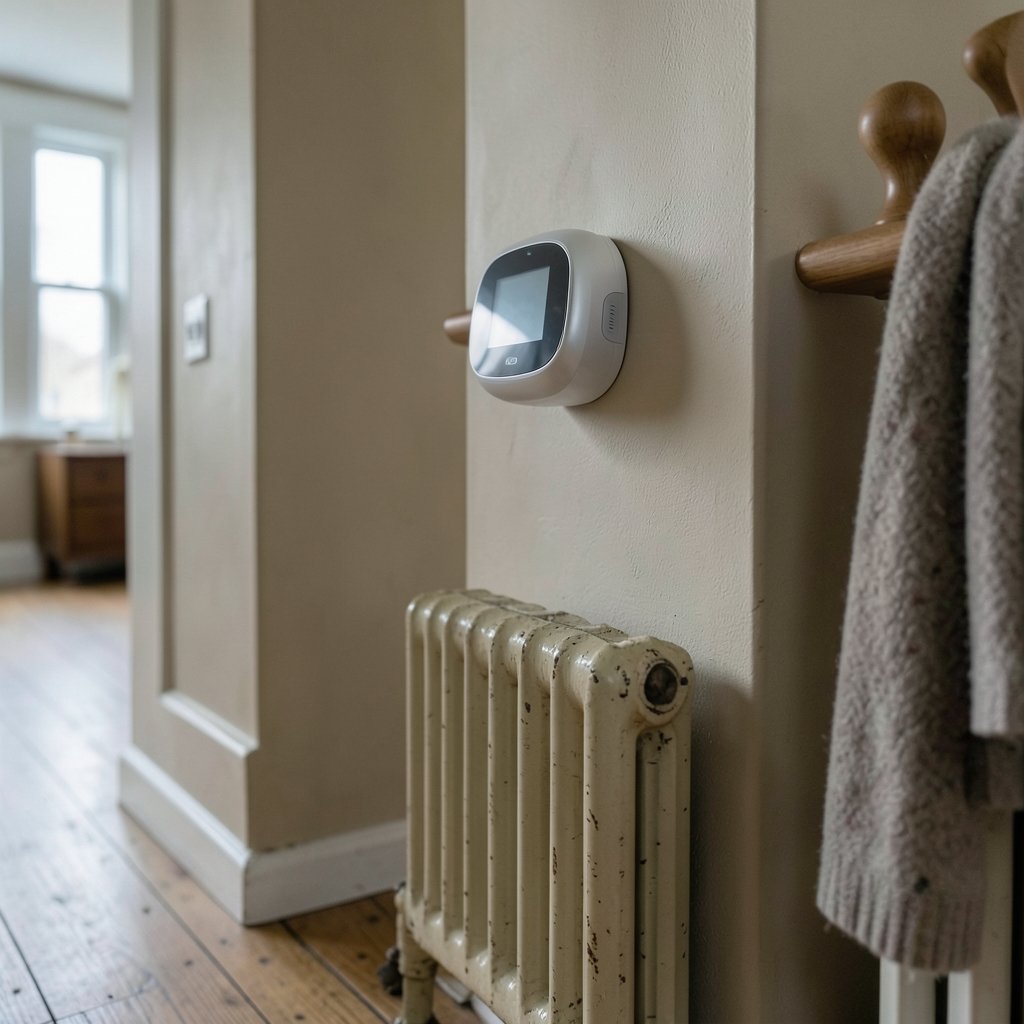
What if the single most boring device on your wall could cut your heating and cooling bills by double digits without you lifting a finger? That’s the pitch behind every smart thermostat on the shelf. The reality is messier, more interesting, and far more useful once you know where the marketing ends and the engineering begins.
This guide cuts through the spec sheets. It covers how smart thermostats actually work, which features matter in a real house, where buyers routinely get burned, and how to pick a model that fits your HVAC system, your phone, and your habits.
How smart thermostats actually earn their keep
A traditional programmable thermostat runs a schedule you set once and forget. A smart thermostat watches. It learns when people are home, adjusts setpoints around occupancy, and reports energy use back to you. That feedback loop is the core of the ENERGY STAR connected thermostat specification, which took effect in 2016 and requires certified models to demonstrate occupancy-based adjustment and energy-use reporting.
The underlying physics is old news. Setback savings have been understood for decades, with commonly cited guidance suggesting roughly 1% savings per degree Fahrenheit of setback over an 8-hour window. The smart part is automation: the thermostat does the setback consistently, including on the days you forget.
The first mainstream model, Nest’s Learning Thermostat, launched in October 2011 and built its reputation on auto-scheduling from occupancy patterns. Google acquired Nest Labs in January 2014, folding the brand into its hardware ecosystem.
What the savings claims really mean

Here’s where buyers need to slow down. Savings figures vary wildly depending on who is doing the measuring.
Vendor and utility-partnered studies tend to report the rosiest numbers. Ecobee has publicly cited a 2016–2017 Ontario study conducted with Alectra Utilities reporting heating and cooling savings in the roughly 20–25% range for participating homes. Those are real households and real bills, but they are not independent peer-reviewed trials.
Independent utility program evaluations in the US have generally found smaller average savings, often in the single digits to low teens. Nest’s own white paper claimed around 10–12% on heating and 15% on cooling.
The honest takeaway: a smart thermostat will likely save you something, but the size of that something depends on your climate, your schedule, your HVAC equipment, and how well the device is configured. Anyone promising a fixed percentage across all homes is selling, not explaining.
The features that separate good from great
Occupancy sensing
Remote sensors placed in bedrooms and living areas let the thermostat prioritize rooms that are actually occupied. This matters most in homes with uneven temperature zones or rooms that sit empty all day. A thermostat with only a wall-mounted sensor knows the hallway temperature, not the nursery temperature.
C-wire and power requirements
This is the most common installation failure point. Many smart thermostats need a C-wire (common wire) to draw continuous power. Homes without one may need a power adapter kit or professional installation. Manufacturer support documentation flags missing C-wires as a frequent cause of returns. Before buying, pull the thermostat off the wall and photograph the wiring. Count the wires and note the labels. It takes two minutes and prevents a lot of frustration.
Ecosystem compatibility
Matter, released by the Connectivity Standards Alliance in October 2022, was designed to make smart-home devices work across platforms. Thermostat support has been added incrementally rather than all at once, so check current compatibility for your specific hub before assuming a device will integrate. Thread, a low-power IPv6 mesh protocol standardized in 2015, powers many newer thermostats and offers better battery life and reliability than Wi-Fi alone, but it requires a Thread border router in the home.
Energy reporting
A thermostat that shows you daily and monthly usage patterns changes behavior. Seeing that a two-hour setback during the workday saved real money is more persuasive than any marketing claim.
Matching the thermostat to your home
Not every house needs the same device. A few common scenarios:
| Home situation | What matters most | What to skip |
|---|---|---|
| Apartment with central air, one zone | Occupancy sensing, simple app | Remote sensors, complex zoning |
| Older home without a C-wire | Power adapter compatibility, pro install option | Models requiring hardwired power |
| Multi-zone house | Multiple sensors, zone control | Single-sensor budget models |
| Heat pump system | Heat pump-specific staging support | Models without auxiliary heat handling |
| Rental property | Easy removal, no permanent wiring changes | Hardwired models |
If you are planning a larger remodel alongside the upgrade, it helps to think about the thermostat as one piece of a broader efficiency plan. A well-planned home expansion or a careful home renovation budget should account for HVAC zoning and control upgrades from the start, because retrofitting ductwork later costs far more than specifying it upfront.
Common mistakes that undermine performance
Installing without checking HVAC compatibility. Heat pumps, dual-fuel systems, and multi-stage equipment have specific wiring requirements. A thermostat that supports a standard gas furnace may not handle a heat pump with auxiliary heat. Check the manufacturer’s compatibility checker before purchase, not after.
Skipping the setup wizard. Most smart thermostats ask about system type, fuel source, and equipment stages during setup. Rushing through this step causes the device to run the wrong algorithm. A heat pump configured as a gas furnace will run inefficiently and may short-cycle.
Placing remote sensors badly. A sensor sitting in direct sun or next to a heating vent reads false temperatures and skews the whole schedule. Place sensors at seated height, away from windows and vents.
Ignoring the schedule for the first month. Learning algorithms need data. Overriding the thermostat constantly during the first few weeks prevents it from establishing a useful baseline. Let it run, then adjust.
Forgetting utility rebates. Many utilities offer demand-response rebates tied to smart thermostat enrollment, where the utility adjusts setpoints during peak demand events. These programs are voluntary and can reduce bills further, but read the terms so you know how often your comfort will be traded for savings.
Privacy: the question most buyers forget to ask
A thermostat knows when you are home, when you sleep, and when you leave. That data has value. Several smart thermostat makers have faced scrutiny over data collection practices, including reporting on law-enforcement requests. Before buying, read the vendor’s privacy policy and look for clear language about what data is collected, how long it is retained, and whether it is shared with third parties. The FTC publishes general guidance on privacy and security for connected devices that is worth a skim if you want a framework for evaluating any smart-home purchase.
Where the thermostat fits in a whole-home approach
A smart thermostat is a control device, not a magic efficiency machine. It optimizes whatever HVAC system it is connected to. If the ducts leak or the insulation is thin, the thermostat will simply schedule a losing battle more efficiently.
That is why the best results come from pairing controls with envelope improvements. Upgrading insulation, sealing ductwork, and replacing aging equipment deliver compounding savings that no scheduling algorithm can match. Homeowners thinking about a bigger project may find useful context in resources on luxury home marketing, since energy-efficient systems and smart controls have become genuine selling points in the high-end market.
For households building out a wellness-oriented home, the same logic applies to other rooms. A luxury home gym with dedicated climate control benefits from a zoned thermostat just as much as a home office does. And if you are considering scent diffusers or other air-quality additions, ambient factors like luxury home scents interact with ventilation and filtration in ways that a well-configured HVAC system handles better than a window unit.
How to choose in five practical steps
- Photograph your current wiring. Note every wire and its terminal label. This single step prevents most compatibility surprises.
- Confirm your system type. Gas furnace, heat pump, dual fuel, or multi-stage. Match the thermostat’s supported configurations exactly.
- Check your ecosystem. Confirm current Matter and Thread support for your hub, or verify the vendor’s own app works with your phone and voice assistant.
- Decide on sensors. One sensor covers a small apartment. Multiple sensors are worth the cost in larger or multi-level homes.
- Check rebates and utility programs. Enrollment can add savings but comes with setpoint control during peak events. Decide if that trade is acceptable.
For readers who want to understand the broader smart-home landscape before committing, the Luxury Home Marketing Institute publishes material on how connected-home features influence buyer expectations, which is useful context whether you are upgrading to sell or to stay.
Conclusion
The best smart thermostat for your home is not the one with the longest feature list or the loudest savings claim. It is the one that matches your HVAC equipment, installs cleanly, and runs a schedule you will actually leave alone. Occupancy sensing and energy reporting deliver real value. Vendor savings figures deserve skepticism. Wiring compatibility deserves ten minutes of your attention before you spend a few hundred dollars.
Get those fundamentals right, and the device on your wall stops being a gadget and starts being the quietest cost-cutting tool in the house.
Frequently asked questions
Do smart thermostats really save money?
Yes, but usually less than the marketing suggests. Independent utility program evaluations have generally found average savings in the single digits to low teens, while vendor and utility-partnered studies report higher figures. Savings depend heavily on climate, schedule, equipment, and correct setup.
What is a C-wire, and do I need one?
A C-wire is a common wire that provides continuous power to the thermostat. Many smart models require one. Homes without a C-wire can often use a power adapter kit or hire a professional installer. Check your wiring before buying.
Will a smart thermostat work with a heat pump?
Many do, but not all. Heat pump systems with auxiliary or emergency heat require thermostats specifically configured to support them. Always check the manufacturer’s compatibility list for your exact equipment before purchase.
What does Matter support mean for a thermostat?
Matter is an interoperability standard released in October 2022 that aims to let smart devices work across different platforms. Thermostat support has been added incrementally, so verify current compatibility with your specific hub rather than assuming universal support.
Are smart thermostats a privacy risk?
They collect occupancy and usage data, which has real value. Some makers have faced scrutiny over data practices and law-enforcement requests. Read the vendor’s privacy policy and look for clear disclosure about retention and third-party sharing before you buy.
How long does installation take?
A straightforward swap on a compatible system takes 20 to 30 minutes. Jobs requiring a power adapter, new wiring, or heat pump configuration can take an hour or more, and professional installation is worth considering if your wiring is unclear.
One last note on timing. Thermostats are frequently discounted during utility-sponsored efficiency events and seasonal retail promotions, so comparing prices across a few weeks can save meaningful money on the same model. Buy for compatibility first, price second, and features third; the reverse order is how most disappointing purchases happen.
With the wiring photographed, the system type confirmed, and the ecosystem checked, you have done more diligence than most buyers ever will. That preparation is what separates a thermostat that quietly saves money for years from one that gets bypassed with a manual override by the second week. Choose deliberately, install carefully, and let the schedule run long enough to prove itself.














