What if the fix for your home’s dead zone is not a better router, but a second device placed in the right spot? That question trips up a lot of people. They buy the cheapest box on the shelf, plug it into the room with no signal, and wonder why nothing improves. The truth is that the “best” Wi-Fi extender depends less on brand hype and more on how your home is laid out, what router you already own, and whether you can run a cable.
This guide cuts through the marketing numbers and explains what actually moves the needle. It covers the different device types, the standards worth paying for, where to put an extender, and the mistakes that waste money.
What “Wi-Fi Extender” Really Means
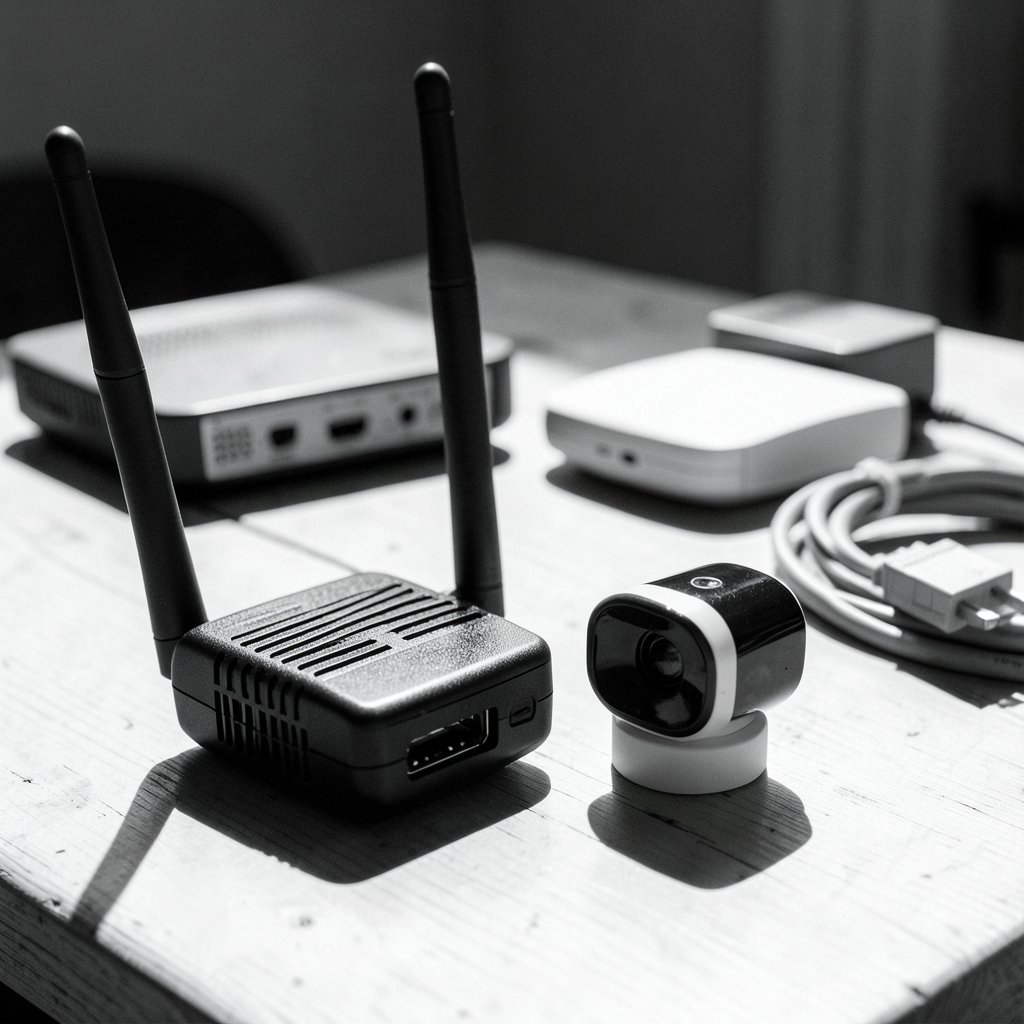
The word extender gets used loosely, but it describes two different things. A repeater grabs your existing Wi-Fi signal and rebroadcasts it. It’s simple and needs no wiring, but because it listens and talks on the same radio, it often cuts throughput roughly in half. A mesh node or access point connects back to your network through a dedicated radio or an Ethernet cable, which avoids that penalty.
That distinction matters more than any spec sheet. If someone complains that their extender “made the internet slower,” they usually bought a repeater and placed it poorly. If someone raves about seamless roaming across a big house, they almost certainly have a mesh system with a wired or dedicated backhaul.
There’s also a standards angle. The Wi-Fi Alliance launched its Wi-Fi CERTIFIED EasyMesh program in 2018 to define how multiple access points from different brands can work together. In practice, mesh ecosystems still tend to be vendor-locked, so buying a node that matches your router brand is usually the safer bet.
The Standards Worth Paying For
Wi-Fi generations matter because an old extender can drag a fast router down to its own speed. Here’s how the main options compare.
| Standard | Year certified | Key benefit | Watch out for |
|---|---|---|---|
| Wi-Fi 5 (802.11ac) | 2014 | Cheap, widely available | Bottlenecks newer routers |
| Wi-Fi 6 (802.11ax) | 2019 | OFDMA, better with many devices | Older extenders can’t keep up |
| Wi-Fi 6E | 2021 | Adds clean 6 GHz band | Shorter range, worse wall penetration |
| Wi-Fi 7 (802.11be) | 2024 | Multi-link operation (MLO) | Needs both ends to support it |
Wi-Fi 6 certification began in September 2019 and brought features like OFDMA and target wake time, which help when dozens of devices share one network. Wi-Fi 6E opened the 6 GHz band, adding more clean channels, but that band travels shorter distances and struggles through walls, which directly affects where you can place an extender. Wi-Fi 7 certification arrived in January 2024, and its multi-link operation can reduce the classic repeater penalty, but only if both the router and the extender support it.
The practical takeaway: match the extender to your router’s generation. Buying a Wi-Fi 7 node for a Wi-Fi 5 router is like putting racing tires on a sedan.
Wired Backhaul Beats Wireless Every Time
If there’s one piece of advice that separates a good setup from a frustrating one, it’s this: a cable beats the air. An access point connected by Ethernet avoids the throughput halving that plagues repeaters. Home Ethernet commonly runs at 1000BASE-T, defined by IEEE 802.3ab back in 1999, and that’s plenty for most households.
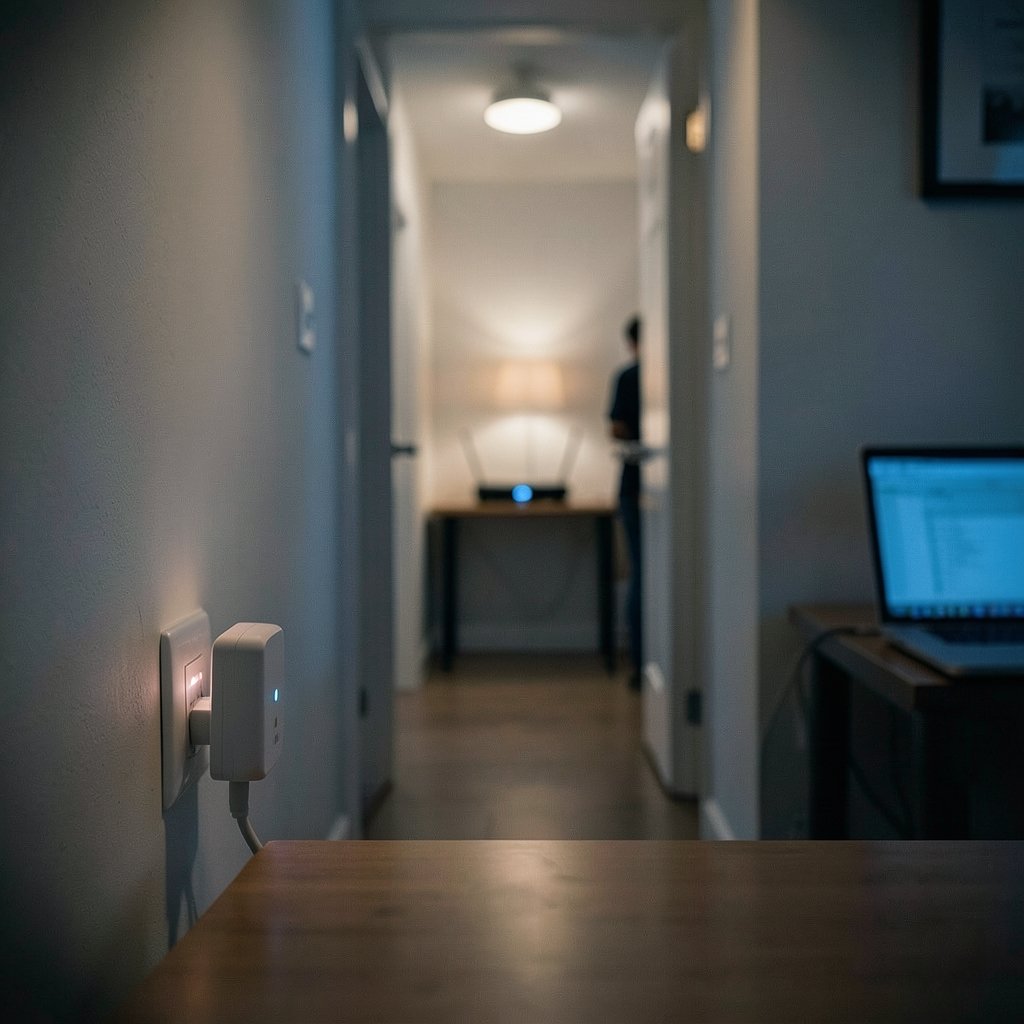
Not everyone can fish cable through walls. The fallbacks are powerline adapters, which push data over existing electrical wiring, and MoCA, which uses coaxial cable. Powerline performance swings wildly depending on how your home is wired, so treat it as a maybe rather than a guarantee. MoCA is more reliable where you already have coax outlets near the dead zone.
A simple rule of thumb: if you can get a cable to within a room of the problem area, do it. The difference in real-world speed is often dramatic, and it costs far less than upgrading to the newest mesh kit.
Placement: The Factor That Decides Everything
Here’s where most people go wrong. They put the extender in the room with weak signal, expecting it to amplify what’s there. But an extender can only rebroadcast a signal it can receive well. Place it in the dead zone and it’s repeating a whisper.
The fix is to move it roughly midway between the router and the dead zone, ideally with line of sight or at least one wall between them. Think of it as a relay runner passing a baton: the handoff has to happen while the signal is still strong. This is general radio-frequency guidance rather than a measured study, but it’s the closest thing to practitioner consensus in the field.
A few placement habits that pay off:
- Put the extender high and out in the open, not behind a TV or inside a cabinet.
- Keep it away from microwaves, cordless phone bases, and fish tanks.
- Test with a speed test app in the dead zone before and after moving it a few feet.
- On dual-band models, let the extender use one band to talk to the router and another to serve devices where possible.
Small adjustments often beat buying a more expensive unit. A well-placed mid-range extender will outperform a flagship model stuffed in a closet.
Security and Compatibility Checks
Before buying, confirm the extender supports WPA3, the security certification the Wi-Fi Alliance introduced in 2018. A WPA2-only extender can force your whole network down to the older standard, which weakens every device on it. Most current models handle WPA3, but budget units sometimes lag.
Compatibility is the other trap. Mesh nodes are frequently locked to their own brand, so a node from one manufacturer won’t mesh with a router from another. Check that the extender can either join your existing mesh or run as a standalone access point with the same network name.
Regulatory limits also vary by country. In the US, the FCC’s Part 15 rules cap transmit power on the 2.4 GHz and 5 GHz bands, and a 2020 FCC order opened 1,200 MHz of the 6 GHz band for unlicensed use. That’s why imported extenders sometimes behave differently than expected, and why buying a model certified for your region matters.
Reading the Marketing Numbers
Vendor claims of “up to 3,000 Mbps” are almost always PHY rates, the raw radio speed, not what your devices will actually see. Real-world extender throughput is often 40 to 60 percent of the router’s speed at the extender’s location. No single authoritative benchmark exists across all models, so treat big numbers skeptically and look for independent testing instead.
The other thing to weigh is your actual need. A single dead bedroom needs a modest extender. A three-floor house with a garden office probably needs a mesh system with wired backhaul. And if your router is old, replacing it may solve the problem more cheaply than adding a device to patch it.
Matching the Device to Your Hair, Er, Home
Home networks come in as many shapes as, well, hair types. A compact apartment with thick walls behaves nothing like an open-plan house. If you’ve ever tried to match a styling routine to a hair pattern, you know the feeling: the 4c hair approach that works for one person flops for another, and the same is true of network gear. A single strong router might cover a small flat, while a sprawling layout needs nodes placed like the row of houses on a street, each one handing off to the next.
The lesson transfers neatly. Just as 2b hair needs a lighter touch than coily textures, a light-coverage home needs a lighter-touch extender than a dense, obstacle-filled one. Match the tool to the terrain, not to the loudest review.
Common Mistakes That Waste Money
A few errors show up again and again:
- Placing the extender in the dead zone. Covered above, but it’s the number one culprit.
- Mixing brands in a mesh. Nodes from different makers usually won’t roam together.
- Ignoring the router’s age. An extender can’t fix a router that’s failing.
- Skipping the firmware update. Out-of-date firmware causes dropouts and security gaps.
- Using the same network name carelessly. Some setups benefit from separate names so devices don’t cling to a weak signal.
- Forgetting the password change. Default admin credentials are a real risk.
None of these require spending more. They require a little patience during setup.
What Actually Works in Practice
The setups that perform best share a pattern. They use a wired or dedicated backhaul where possible, place nodes with clear line of sight, and keep every device on the same Wi-Fi generation. They also set realistic expectations: an extender extends coverage, it doesn’t create speed that isn’t there.
If a cable isn’t an option, a tri-band mesh node that uses one band purely for backhaul is the next best thing. It costs more but avoids the halving problem. For a single room, a well-placed dual-band extender is often enough.
Finally, test after setup. Run a speed test next to the router, in the dead zone, and at the extender itself. If the extender’s own speed is poor, move it closer to the router. That one measurement tells you more than any spec sheet.
Conclusion
The best Wi-Fi extender isn’t the most expensive one or the one with the biggest number on the box. It’s the one that matches your router’s generation, supports WPA3, and sits in the right spot, ideally with a cable running to it. Get the placement right and a mid-range device will beat a flagship in the wrong corner every time. Start by mapping your dead zones, check whether Ethernet is feasible, then buy a model that fits your existing gear. Do that, and the buffering stops.
Frequently Asked Questions
Does a Wi-Fi extender slow down my internet?
It can. A repeater typically halves throughput because it uses the same radio to receive and retransmit. Mesh nodes with a dedicated backhaul or a wired connection avoid most of that penalty.
Where should I place my Wi-Fi extender?
Roughly halfway between your router and the dead zone, with as clear a path as possible. Placing it inside the weak-signal area is the most common mistake because it has to rebroadcast a signal it can barely receive.
Is a mesh system better than a single extender?
For large or multi-floor homes, usually yes. Mesh nodes roam better and often use dedicated backhaul. For one problem room, a single well-placed extender is cheaper and just as effective.
Do I need Wi-Fi 6 or Wi-Fi 7 to see a difference?
Only if your router supports the same standard. Matching generations matters more than chasing the newest one. A Wi-Fi 6 extender paired with a Wi-Fi 5 router will not provide Wi-Fi 6 features.
Can I use an extender from a different brand than my router?
Often yes, if it runs as a standalone access point with the same network name. It usually won’t join another brand’s mesh, though, so roaming between nodes may be clunky.
How do I know if my extender is working well?
Run speed tests next to the router, in the dead zone, and at the extender itself. If the extender’s own speed is low, move it closer to the router. That single check tells you more than any marketing claim.