

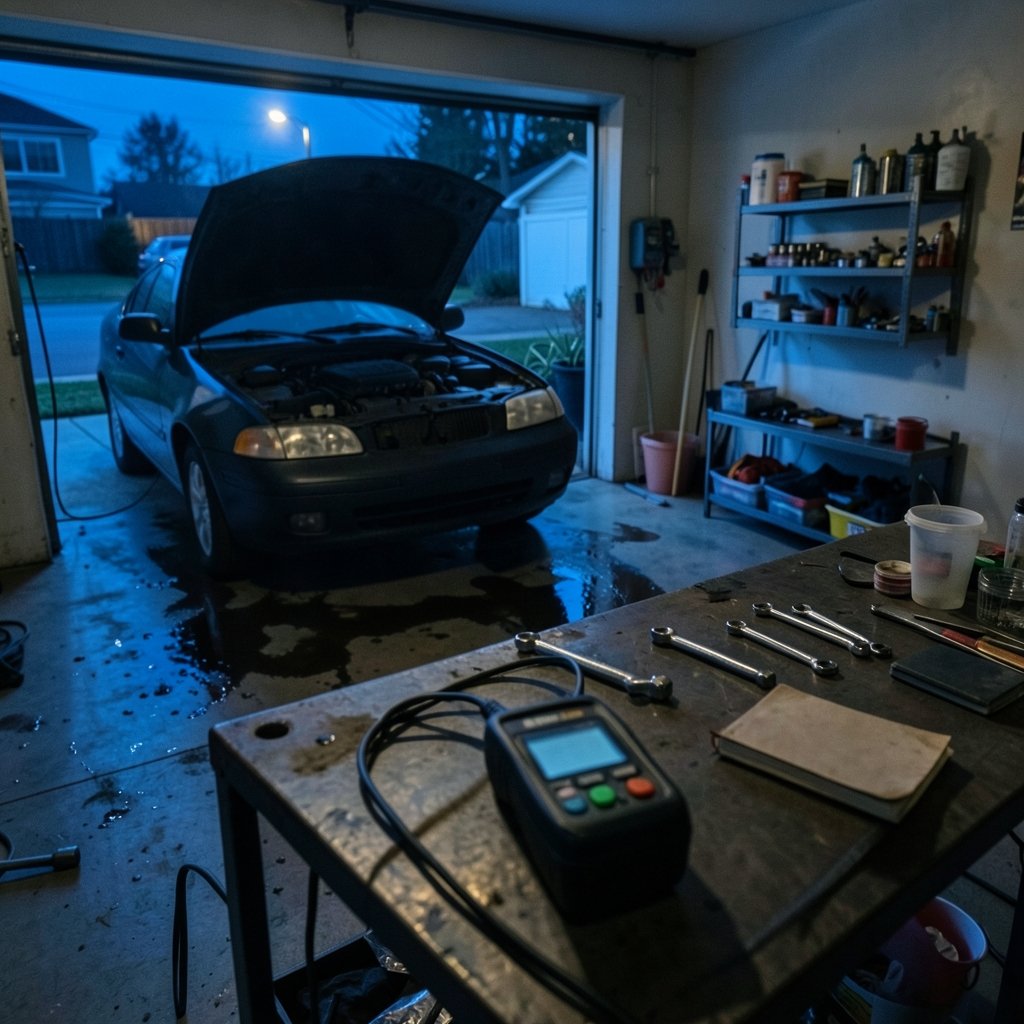
What if the check engine light is trying to save you money, and the only thing standing between you and a $900 repair bill is a $30 gadget? That is the promise of an OBD2 scanner, and mostly it holds up. The trick is picking the right one, because the market swings from pocket-sized code readers to touchscreen tools that cost more than a used laptop.
Independent testing keeps landing on the same handful of names. German testing organization GTÜ ran eight OBD-II testers against prepared cars with deliberately planted faults in engine, brake, and comfort systems, and the Launch CRP123 took first place by a wide margin. Meanwhile, long-term forum users at Grassroots Motorsports keep recommending cheap Bluetooth dongles paired with a phone app for anyone who mostly wants codes and live data. Both answers can be right. Here is the shortlist, sorted by who each tool actually suits.
The Shortlist at a Glance
| Scanner | Best for | Standout strength | Main limitation |
|---|---|---|---|
| Launch CRP123 / CRP123X Elite | Best overall for serious DIY | Wide vehicle coverage, big screen, top marks in independent testing | Menu dig required for a simple code read |
| BlueDriver | Best Bluetooth pick for most people | Clean app, solid data, easy setup | Phone-dependent, no standalone screen |
| GearWrench Bluetooth scanner | Best for mixed garage use | Strong test results across data categories | App quality varies by phone |
| Innova 1000 | Best for extra diagnostic help | Built-in repair resources | Pricier with less data than rivals |
| Ancel BD310 | Best hybrid corded/Bluetooth | Works alone or with a phone | Powertrain codes only, no ABS or airbag |
| Motopower MP69033 | Best budget starter | Cheap, simple, large backlit display | Basic functions, engine codes only |
| Foxwell NT604 Elite | Best for live data hounds | Huge number of live data parameters | Slow to display a simple code |
What Testers Actually Measure

Before the picks, it helps to know what separates a good scanner from a frustrating one. Car and Driver’s testing team ran every device through the same checklist: time from plug-in to code display, number of live data parameters, freeze frame data, emissions readiness monitors, interface quality, and extra diagnostic resources. That last category matters more than shoppers expect, because a scanner that explains a code in plain language saves hours of searching.
Two patterns show up again and again in hands-on testing. Corded scanners tend to be quicker to use, while Bluetooth scanners become more user-friendly once setup is done. And price does not guarantee speed. One premium model with 104 live data parameters took nearly three minutes just to read a mass airflow code, which is fatal in a shop where time is money.
Launch CRP123 and CRP123X Elite: The Overall Pick
If one tool has to cover a whole driveway of mixed makes, this is the family to look at. In the GTÜ test, the Launch CRP123 finished first with a “very recommendable” rating, well ahead of the field. That result came from finding planted faults across engine, brake, and comfort electronics, rather than engine codes alone.
The CRP123X Elite is the version most reviewers discuss. Its responsive buttons and touchscreen get consistent praise. The knock is navigation depth: reviewers note it takes too many steps to pull a simple code readout, which makes it overkill for someone who just wants to know why the light is on. For anyone planning brake work or module diagnostics, though, the extra reach pays off. Prices move around, so check current listings rather than trusting an old figure.
BlueDriver: The Bluetooth Benchmark
BlueDriver is the name that keeps surfacing in comparison tests, and for good reason. It pairs with a phone app, delivers solid live data and freeze frame information, and handles the setup process without drama. Reviewers consistently rank it near the top of the Bluetooth category, and it is the tool they reach for when they want a code read without hauling out a dedicated handheld.
The honest limitation is the one every dongle shares: no phone, no tool. If the battery is flat or you are working in a dead-signal garage, a corded unit is simpler. For most home mechanics, though, the trade is worth it. If you like the idea of scanning data and tracking changes over time, the same mindset applies to health tracking, as this look at what a BIA before surgery body composition scan can tell your care team shows.
GearWrench Bluetooth Scanner: The Quiet Overachiever
GearWrench does not get the loudest marketing, but it beat several better-known rivals in side-by-side testing on data breadth and usability. It reads codes, streams live data, and clears faults without fuss. The app is functional rather than beautiful.
Where it stumbles is polish. The interface will not win design awards, and some users find the connection routine fiddly the first few times. Pair it once, keep the adapter plugged in, and those complaints mostly fade.
Innova 1000: Good Tool, Awkward Price
Innova has a strong reputation among DIYers, and the 1000 is a perfectly capable Bluetooth scanner. It adds diagnostic resources that help newer users understand what a code means. The problem is positioning. Testers found it delivers less information than the GearWrench and BlueDriver, costs more, and runs a less intuitive app.
That does not make it bad. It makes it a tool to buy on sale or when you specifically want Innova’s repair guidance. If you are comparison shopping, put it third on your list, not first.
Ancel BD310: The Hybrid That Does Two Jobs
The BD310 is the clever one. It works as a standalone corded reader that clears check engine codes in seconds, then switches to Bluetooth mode with a side button. Paired with the app, it streams live gauges and can mount on an air vent as a secondary dashboard display. A magnetic mount and short ribbon cable come with it, and the app translates fault codes automatically.
The catch is scope. It handles powertrain codes only, so no ABS or airbag modules and no service resets. The physical screen shows numbers without text definitions unless you open the app. For a driver who wants a permanent gauge display plus quick code clearing, it is a smart buy at roughly £50 to £60 in UK pricing.
Motopower MP69033: The Budget Starter
Not everyone needs module diagnostics. If the goal is reading a code, clearing it, and moving on, the Motopower MP69033 covers it cheaply. It has a large backlit display that is easy to read in a dim garage, and it has been singled out as a strong value pick by multiple outlets.
Set expectations low on depth. It monitors engine management, reads and clears codes, and stops there. No service interval reset, no battery registration, no ABS. For a first scanner or a glovebox backup, that is fine.
Foxwell NT604 Elite: Data Rich, Patience Required
Foxwell earns its fans. The NT604 Elite displays a huge spread of live data parameters, and its interface is friendlier than its price suggests. Forum users who want broad vehicle coverage often land on Foxwell for the value.
Speed is the dealbreaker. In timed testing it took close to three minutes to surface a simple mass airflow code. If you are diagnosing an intermittent fault with a laptop open beside you, that is tolerable. If you are late for work and the light just came on, it is maddening.
How to Choose Without Overthinking It
Start with the job, not the spec sheet. A few practical rules sort most buyers in under five minutes.
- Decide whether you need modules beyond the engine. ABS, airbag, and transmission codes require a tool that explicitly lists those systems. Most budget readers do not.
- Pick corded or Bluetooth based on your habits. Corded wins on speed and works without a phone. Bluetooth wins on live data display and logging.
- Check the app before you buy. Read recent reviews for the specific app, not the hardware alone. A great dongle with a clunky app is a bad tool.
- Confirm your vehicles are covered. American, Asian, and European coverage varies by model, and older or unusual cars are where cheap tools fail.
- Budget for what comes next. If you plan to do your own oil changes and battery swaps, service reset capability matters more than live data depth.
One more tip from the testing bench: write down the freeze frame data before you clear anything. Those snapshot values show the conditions when the fault set, and they are gone the moment you hit erase. Mechanics see this mistake constantly. A driver clears the code to kill the light, the underlying problem stays, and the diagnostic trail goes cold. Print or photograph the screen first. It sounds trivial until you are the one staring at a blank history, and the same “capture it before you lose it” logic applies to documents, as anyone who has tried to print QR codes that actually scan first try can confirm. (Anne hathaways mother mary premiere we actually know)
Also resist the urge to buy the cheapest dongle on a marketplace listing. German testing found budget devices delivered little, and the gap between a $20 no-name reader and a $50 name-brand unit is usually the difference between a tool that works every time and one that works sometimes. There is a reason the same brand names keep appearing in every roundup, and it is not marketing spend alone.
Conclusion
The best OBD2 scanner is the one that matches your actual work, not the one with the longest feature list. For most DIYers who want a dependable all-rounder, the Launch CRP123 family earns its keep, backed by a first-place finish in independent fault-finding tests. For phone-first users, BlueDriver remains the benchmark, with GearWrench close behind on data breadth. Budget shoppers can start with the Motopower MP69033 and upgrade later, while hybrid users get real value from the Ancel BD310. Buy for the job in front of you, capture your freeze frame data, and the check engine light stops being a mystery and becomes a to-do list.
Frequently Asked Questions
Do I really need a scanner, or can I just ignore the check engine light?
Ignoring it rarely works out. A steady light often means an emissions or sensor fault that will worsen, and a flashing light signals a misfire that can damage the catalytic converter. A basic scanner costs less than most diagnostic fees and tells you whether the problem is urgent.
Will a cheap OBD2 scanner work on my car?
Usually yes for engine codes, since OBD-II is a standardized system on cars sold in most markets since the mid-1990s. Cheap readers often miss ABS, airbag, and transmission modules, and they may struggle with older or unusual vehicles. Check the tool’s listed coverage before buying.
What is the difference between a corded scanner and a Bluetooth one?
Corded scanners are typically quicker to use and need no phone. Bluetooth scanners pair with an app, which usually gives better live data graphs and logging once setup is complete. Testers have found both approaches work well, so pick based on whether you want speed or screen real estate.
Can a scanner tell me exactly which part to replace?
No. A code points to a system or circuit, not a specific failed component. A mass airflow code, for example, can mean a dirty sensor, a vacuum leak, or wiring trouble. Use live data and freeze frame values to narrow it down before buying parts.
How long does it take to read a code?
It varies more than shoppers expect. Quick corded readers can display a code within seconds of plugging in, while some feature-rich models take a couple of minutes to boot and navigate. If speed matters, look for hands-on timing tests rather than spec sheets.
Are expensive scanners worth it for home mechanics?
Only if you use the extra capability. A mid-range tool that reads ABS and airbag codes and performs service resets pays for itself on one brake job. If you only ever read engine codes, a budget reader plus a good repair guide is the smarter spend.











