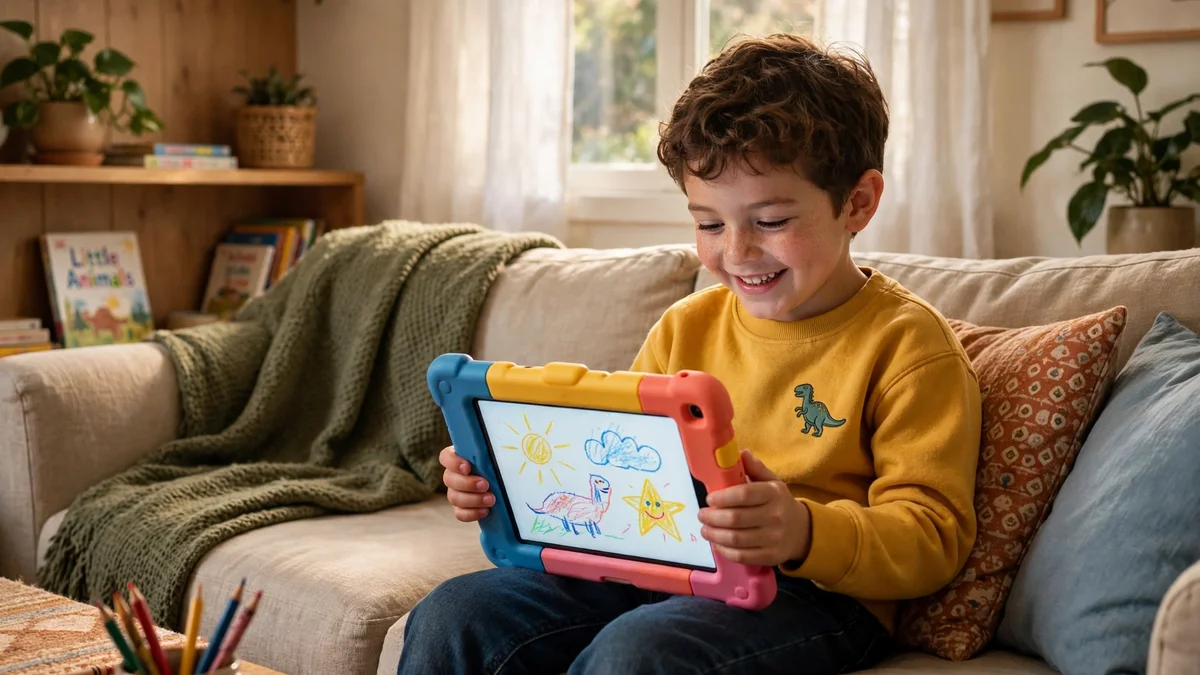
The best kids tablets are the ones that survive being dropped, keep screen time under your control, and still feel like a treat rather than a chore. A good kids tablet is built for small hands, sticky fingers, and the occasional tumble, and it comes with parental controls that actually work.
So what are the best kids tablets in 2027? The right choice depends on your child’s age, how much independence you want to allow, and whether the tablet will be used mainly for learning, play, or a mix of both. This guide works through ten picks for each of those needs.
None of the picks here asks you to hand over an adult device and hope for the best. Every one is designed, or at least properly set up, for children, and several pair well with our round-up of the best gifts for one-year-olds.
Key takeaways
- The best kids tablets pair a tough, drop-friendly design with controls you can set in minutes.
- Match the tablet to your child’s age: simple devices suit younger children, older children need room to grow.
- A good case matters as much as the tablet itself, and a screen protector is worth adding.
- Check what is included: some tablets bundle books and games, others charge extra.
- Set time limits and content filters together, and review them as your child gets older.
How to choose the best kids tablets
Start with your child’s age and how the tablet will be used. A three-year-old needs big buttons and simple menus, while a nine-year-old wants room for schoolwork and video calls. The age guidance on the box is a useful starting point, but your child’s habits matter more.
Next, look at the parental controls before you look at anything else. You should be able to set time limits, approve or block apps, and filter content, ideally from your own phone. If the controls feel fiddly in the shop, they will feel worse at home.
Finally, think about durability and support. A tablet with a sturdy case and a generous damage promise beats a fragile one with a pretty screen, so check how long the maker will keep the software updated. Our guide to the best gifts for two-year-olds has more ideas for the same age group.
The 10 Best Kids Tablets
1. A tough first tablet for toddlers
A first tablet should survive a toddler’s idea of careful handling. Look for a thick, soft-edged case, a knock-proof screen, and large icons a small child can navigate alone.
Content should be locked down by default, so little fingers cannot wander into a shop or a browser. Sessions are short at this age, so quick wake-up matters most.
Best for: the youngest tablet users, aged around two to four.
2. A tablet with a built-in kids’ library
Some tablets come with a ready-made library of books, games, and videos, so there is plenty to do from day one.
The library is usually tied to a subscription, so check what happens when it ends. A good bundle keeps the core books and games available and treats the subscription as an extra.
Best for: families who want content ready to go on day one.
3. A tablet that grows with your child
A tablet with age-based profiles can start locked down for a five-year-old and open up gradually as that child grows. Set the profile once, and the content, limits, and approvals adjust with it.
Check how flexible the profiles really are. Some offer only two or three broad age bands, while others let you fine-tune each setting.
Best for: parents who want one tablet to last several years.
4. A tablet with a stylus for young artists
For a child who loves to draw, a tablet with a proper stylus turns screen time into making time. Look for a balanced pen, a simple drawing app, and a responsive screen.
A good stylus should tuck into the case, so it does not vanish into the sofa. The tablet also doubles as a notebook and a sketchbook for journeys.
Best for: young artists who like to draw, colour, and doodle.
5. A sturdy tablet for school-age children
Once homework enters the picture, a kids tablet needs to handle reading, writing, and research without fuss. Look for a clear screen, a keyboard option, and space for school apps and books.
Check that the tablet works with the apps your child’s school uses. A sturdy case is still essential, since school bags are not gentle places.
Best for: children aged around six to ten, for school as well as play.
6. A tablet with the strongest parental dashboard
Some parents want fine-grained control, and this kind of tablet delivers it. A strong dashboard lets you set weekday and weekend limits, approve each app, and see a simple report of what your child has been doing.
The best dashboards run from your own phone, so you can change a setting from another room. Control is only useful if it is easy to use, so try the dashboard before you commit.
Best for: parents who want detailed control over screen time and content.
7. A lightweight tablet for travel and car journeys
Long journeys are where a kids tablet earns its keep. Look for a light body, a case with a stand, and room to download books, films, and games before you leave home.
Offline content matters, since signal is never guaranteed on the road. A headphone socket helps keep the peace, so pack the charger in the same bag.
Best for: families who travel often and need offline content.
8. A tablet for sharing between siblings
When two or three children share one tablet, separate profiles keep the peace. Each child gets their own home screen, games, and time limit, so one sibling cannot spend another’s screen time.
Sharing means more wear, so a rugged case and a screen protector are worth the extra cost. Agree the rules in advance, including who gets the tablet first after school.
Best for: families with two or more children sharing one device.
9. A tablet for older children ready for more freedom
Older children, around ten and up, need a tablet that treats them as nearly grown up while keeping sensible guardrails in place. Look for a full app store, a browser with filtering, and controls that relax step by step.
Agree the rules together and review them every few months. A tablet that grows with your child’s judgement lasts longer than one that keeps them in a walled garden they have outgrown.
Best for: children aged around ten and up, ready for more independence.
10. A tablet with a rugged case and screen protection included
Some tablets arrive with the protection already sorted: a thick bumper case, a built-in screen protector, and a damage promise that covers drops and spills. This suits families who would rather not shop for accessories separately.
Check what the damage promise actually covers before you rely on it, and read the small print on how a claim is made. Check the screen protector every few months, since scratches build up over time.
Best for: accident-prone children and parents who want protection from day one.
The 10 Picks at a Glance
Find your child’s age group below.
| Pick | Best age | Why it works | Keep in mind |
|---|---|---|---|
| Tough first tablet | Around 2 to 4 | Drop-friendly case | Locked down |
| Built-in library | Around 3 to 7 | Content ready to go | Subscription terms |
| Grows with child | Around 5 to 9 | Age-based profiles | Profiles vary |
| Stylus for artists | Around 5 to 10 | Drawing and making | Keep the pen safe |
| Sturdy school tablet | Around 6 to 10 | Homework ready | School apps |
| Strongest dashboard | Any age | Fine-grained control | Ease of use |
| Lightweight travel | Around 4 to 9 | Offline downloads | Pack the charger |
| Sharing siblings | Around 4 to 10 | Separate profiles | Extra wear |
| Older children | Around 10 and up | Room to grow | Review rules often |
| Rugged protection | Any age | Case included | Cover terms |
What a Good Kids Tablet Feels Like
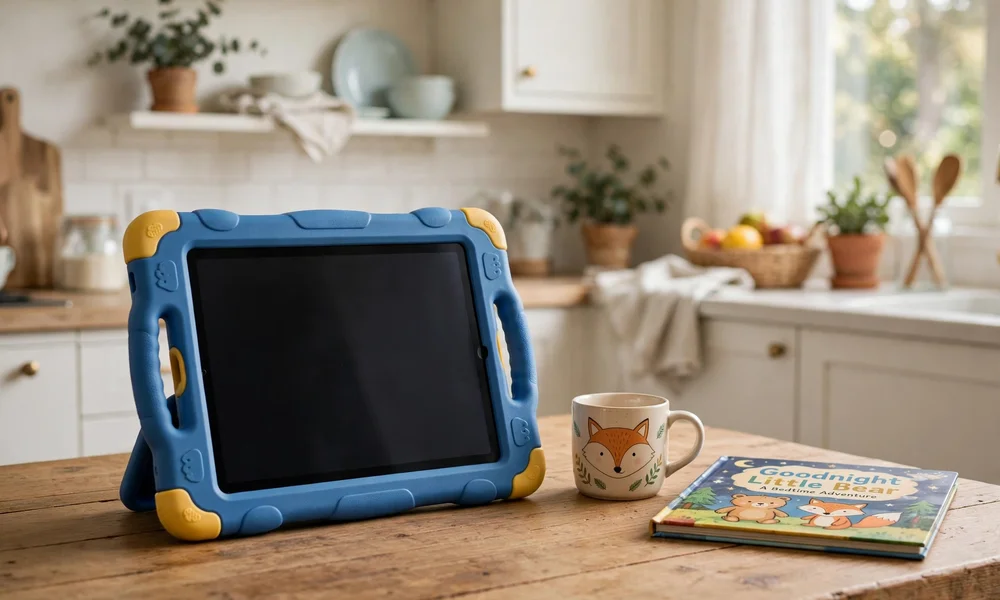
A good kids tablet feels solid the moment a child picks it up. The case has a soft grip, the buttons are easy to find, and the screen responds to a light touch. It feels made for small hands, not an adult device dressed up in a bright cover.
It also feels calm to use. Menus are simple, icons are large, and there are no pop-ups begging for a purchase or a subscription. A child can find their favourite book or game without help.
Finally, a good kids tablet belongs in family life rather than taking it over. It comes out for a story, a drawing, or a long journey, then goes back on its shelf without a fuss.
What to Check Before You Buy
Run through the practical points before ordering. Confirm the age guidance, read what the damage promise covers, and make sure the case and screen protector are included. If your child already loves a particular app or book series, check that it runs on the tablet you have in mind.
Think about how the tablet will be used alongside other toys. Our guide to the best educational toys for three-year-olds is a useful companion if you are balancing screen time with hands-on play. Order early if you need the tablet for a birthday or a holiday.
Your Buying Checklist
- Note your child’s age and how the tablet will mainly be used.
- Check the parental controls and try the dashboard before you buy.
- Confirm the case, screen protector, and damage cover are included.
- Read the full section of your chosen pick first.
- Check that your child’s apps and books will run on it.
- Set time limits and content filters on the first day.
- Keep the receipt safe for the first week.
Frequently Asked Questions
What age is right for a first kids tablet?
Most children are ready for a simple, locked-down tablet at around two or three, when they can follow a story or a simple game. Keep sessions short, sit with them at first, and choose large icons and strong parental controls.
Should I buy a kids tablet or put a case on an adult tablet?
A dedicated kids tablet is usually simpler, since the content, controls, and case are designed for children from the start. An adult tablet in a rugged case can work for an older child, but you will need to set up the controls yourself.
How much screen time is sensible for a child?
That depends on your child’s age and your family’s routine, and it is worth following the guidance of your child’s doctor or school. Short, purposeful sessions work better than long, open-ended ones.
Can a kids tablet be used for schoolwork?
Yes, and many are designed with school in mind. Look for a clear screen, a keyboard option, and support for your child’s school apps. Check with the school first if you are unsure which apps are needed.
What should I do if my child breaks the tablet?
Check the damage promise first, since many kids tablets include accidental-damage cover for drops and spills. Keep the receipt and packaging, and contact the maker or retailer promptly rather than trying a repair yourself.
The Bottom Line
The best kids tablets in 2027 are not about one perfect device for every child. They are about matching a tough, well-controlled tablet to the child in front of you. Choose one pick, set the controls on day one, and the tablet will be a help rather than a headache.
A quick note on safety: keep screen time within the limits your child’s doctor or school recommends, use the parental controls to set daily time limits and filter content, and check the age guidance on apps and games before you approve them. A tablet works best as one part of a balanced day, alongside play and reading.