

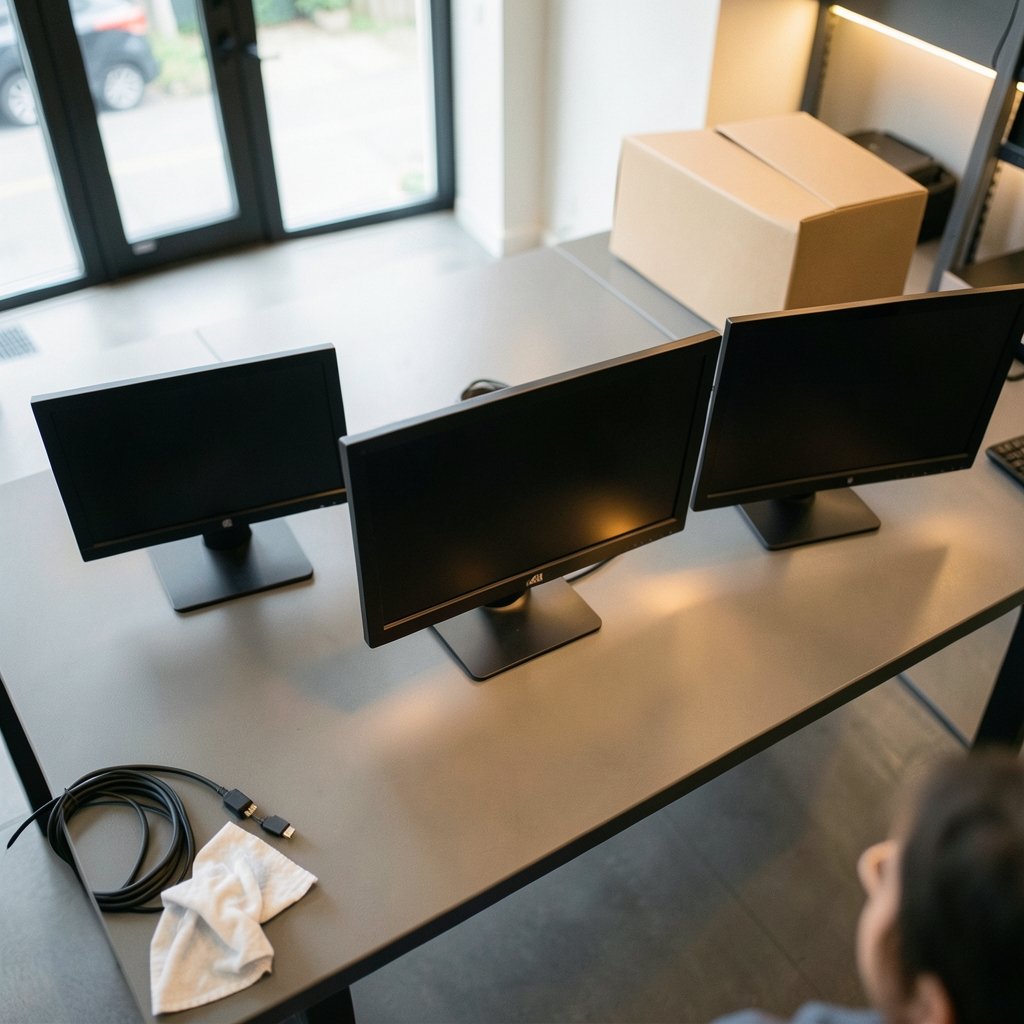
What if the monitor holding back your setup costs less than a new pair of sneakers? That’s not a hypothetical. Right now, 27-inch 1080p panels with 120Hz refresh rates are landing around $99, and 32-inch 4K displays have dipped to $199.99 in early Black Friday pricing. The catch is that the monitor aisle is crowded with near-identical model numbers, and two screens with the same specs can feel wildly different on a desk. This roundup cuts through that noise with specific, named picks for gaming, productivity, and tight budgets, plus the one limitation of each that reviewers keep flagging.
The Shortlist at a Glance
| Monitor | Best for | Panel | Key spec | Price seen in listings |
|---|---|---|---|---|
| Samsung 24-Inch CF396 | Budget curved pick | Curved LED | 1080p, great sRGB coverage | $116.99 |
| AOC 24B3HA2 | Cheapest solid 1080p | IPS | 120Hz, 4ms, built-in speakers | $82.47 |
| Samsung Odyssey G5 32″ | Immersive QHD gaming | Curved QHD | 165Hz, 1ms, HDR10 | $196.92 |
| AOC AGON PRO AG276QZD2 | OLED on a budget | QD-OLED | 27″ QHD, 101% DCI-P3 | $297.49 |
| LG 32U701B-B | Big-screen productivity | 4K | 32″, 99% sRGB, HDR10 | About $250 |
| Dell 32 Plus 4K | Work by day, play by night | 4K | 120Hz, FreeSync Premium | $279 |
| ASUS BE27AQ | Business and office | IPS | 27″ WQHD, USB hub, speakers | Check retailer |
Samsung 24-Inch CF396: The Budget Curved Screen That Doesn’t Feel Cheap
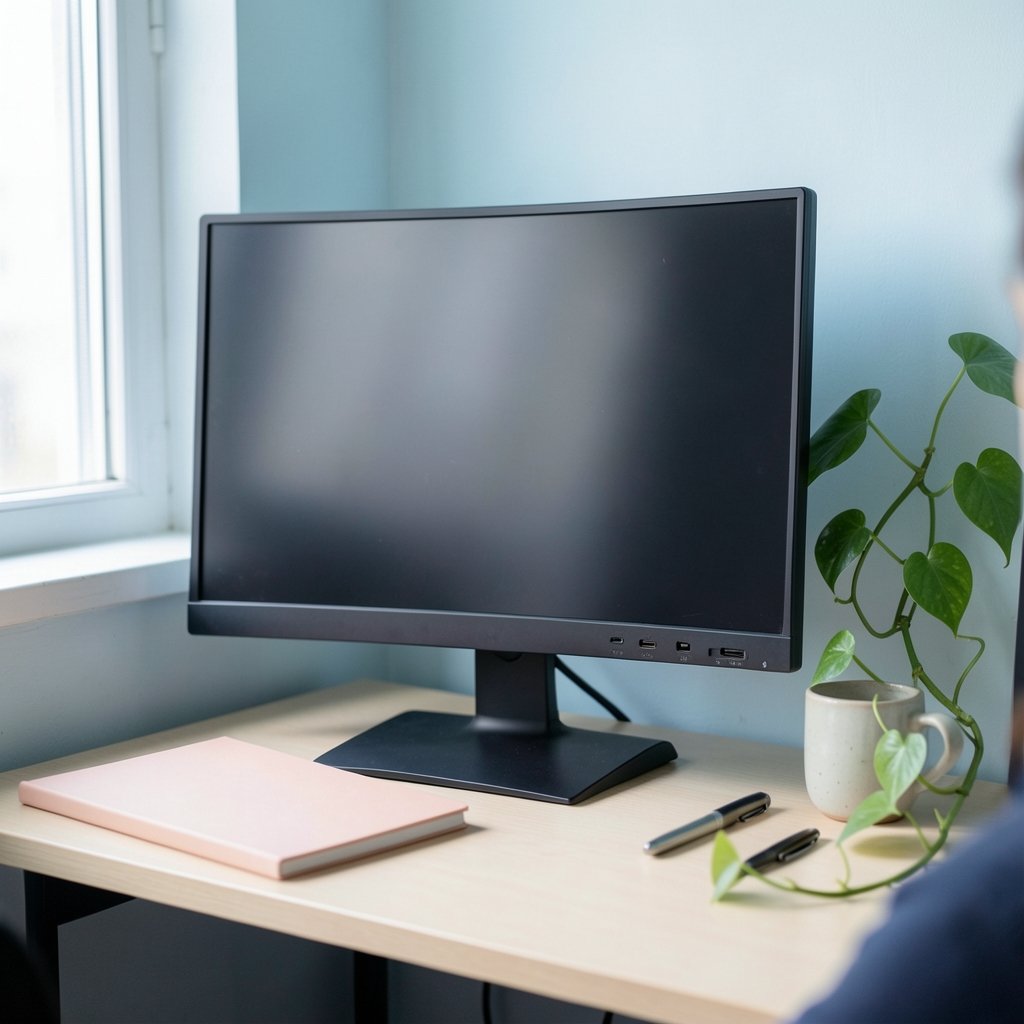
Who it suits: Anyone who wants a curved display for movies and casual work without spending $200.
The CF396 is the rare budget monitor that reviewers actually enjoy looking at. Its panel is bright and vibrant for the price, and it covers the sRGB color space well enough that photos and video don’t look washed out. The mini-joystick controller on the back is a small luxury you usually only get on pricier models. At $116.99, it’s a sensible second screen or a first monitor for a student desk.
The limitation: The stand only tilts, so you can’t raise or swivel it, and the port selection is sparse. The warranty is also just one year, which is short even by budget standards. If you need height adjustment, budget for a VESA arm.
AOC 24B3HA2: The Cheapest Screen Worth Buying
Who it suits: Tight budgets, dorm rooms, and anyone building a cheap dual-monitor setup.
At $82.47, the AOC 24B3HA2 is about as low as you can go without landing on a panel that hurts to look at. It pairs an IPS panel with a 120Hz refresh rate and 4ms response time, which is a genuinely unusual combination at this price. IPS means wide viewing angles and accurate color, so it works fine for spreadsheets, streaming, and light gaming. Built-in speakers mean one less cable on the desk.
The limitation: 1080p at 24 inches is fine, but don’t expect HDR or serious color grading accuracy. This is a workhorse, not a creator’s tool.
Samsung Odyssey G5 32-Inch: The Immersive QHD Gaming Pick
Who it suits: Gamers who want a big, curved screen without paying OLED money.
The Odyssey G5 packs a 2560×1440 QHD panel into a 32-inch frame with a 1000R curve, 165Hz refresh rate, 1ms response time, and HDR10 support. Listings have shown it at $196.92, down from around $220. The 1000R curve is aggressive enough to wrap around your field of view, which makes racing and open-world games feel more physical.
The limitation: A 1000R curve is polarizing. If you also use the screen for design work or reading long documents, straight lines will look slightly bowed at the edges. Pair it with a graphics card that can actually push 165 frames per second at QHD, or you’re paying for headroom you won’t use.
AOC AGON PRO AG276QZD2: OLED Without the Flagship Tax
Who it suits: Gamers who want true blacks and near-instant response but refuse to spend four figures.
This is the standout of the early Black Friday crop at $297.49, a 15% discount. The 27-inch QHD QD-OLED panel uses self-lit pixels, which means each pixel turns off completely for true black, and it covers 101% of the DCI-P3 color space. In a dark room, HDR content looks dramatically better than on any IPS panel at this price. OLED also delivers near-instant pixel response, so motion blur basically disappears.
The limitation: OLED looks best in dark rooms. In a bright, sunlit office, the glossy finish and lower full-screen brightness can undercut the advantage. Text rendering on some OLED panels also shows slight color fringing, which bothers some readers more than others. Buy from a retailer with a generous return window so you can judge it on your own desk.
LG 32U701B-B: The 4K Screen for People Who Live in Documents
Who it suits: Remote workers, spreadsheet wranglers, and anyone who tiles six windows at once.
The LG 32U701B-B puts a 3840×2160 panel across 32 inches, which is a huge step up in usable space from a 1080p screen. LG rates it at 99% sRGB coverage with HDR10 support, and the matte surface plus Reader Mode and Flicker Safe features are designed to keep long sessions comfortable. Connectivity includes HDMI, DisplayPort 1.4, and a headphone input, along with LG Switch software for window management. It has appeared at about $250.
The limitation: 4K at 32 inches means you’ll want display scaling at 125% or 150%, and older laptops may struggle to drive it at a smooth refresh rate. Check your machine’s output before you buy.
Dell 32 Plus 4K: The Do-It-All Work-and-Play Display
Who it suits: People who want one screen for office work and evening gaming.
The Dell 32 Plus 4K combines a 3840×2160 panel with a 120Hz refresh rate, built-in speakers, AMD FreeSync Premium support, and a minimalist design. It has been spotted at $279, which is remarkable for a 4K panel at that refresh rate. FreeSync Premium matters more than raw hertz in practice because it removes screen tearing when frame rates fluctuate, which they always do.
The limitation: 120Hz is a big jump from 60Hz, but it isn’t a 240Hz esports panel. Competitive shooter players chasing every frame should look elsewhere.
ASUS BE27AQ: The Office Workhorse
Who it suits: Business buyers and home-office users who need ports and ergonomics more than refresh rates.
The ASUS BE27AQ is a 27-inch WQHD IPS panel positioned for business use. It includes a USB hub so you can plug peripherals straight into the monitor, built-in speakers, and the accurate color and wide viewing angles that IPS panels are known for. A 5ms response time is fine for office work and casual video. Pricing varies by retailer, so compare before committing.
The limitation: This is not a gaming monitor. A 5ms response time and business tuning mean fast-paced games will feel less responsive than on the AOC or Samsung picks above. It’s also the least aggressively priced option here, so buy it for the ports and ergonomics, not the specs sheet.
How to Choose Without Overpaying
Work backward from your actual use, not from the spec sheet. A few practical rules that hold up:
- Match resolution to screen size. 1080p is fine up to 24 inches. At 27 inches, 1440p sharpens text noticeably. 4K suits 27-inch and 32-inch screens, but it needs a capable graphics card for fast games.
- Treat refresh rate as a threshold, not a score. The jump from 60Hz to 144Hz is obvious to almost everyone. Beyond 240Hz, the gains mainly help fast shooters.
- Prioritize adaptive sync. AMD FreeSync or G-Sync Compatible support removes tearing when frame rates vary, and it matters as much as the hertz number.
- Pick the panel for your room. IPS gives accurate color and wide viewing angles at a lower price. OLED delivers true blacks and near-instant response, but it looks best in dark rooms.
- Check the stand and ports before checkout. Tilt-only stands and sparse ports are the two most common budget compromises, and both are annoying every single day.
Timing matters too. Monitor prices swing hard during sale events, and stacking a Best Buy discount code that actually saves you money on top of an already-discounted display is where the real savings live. If you’re shopping the November sales, it helps to know how to spot real savings in Best Buy Black Friday deals rather than trusting the crossed-out price. And if you’re weighing whether to buy now or wait, the same discipline that applies to a best stock to buy right now applies here: don’t chase a single headline number, compare the whole picture.
Common Mistakes That Cost Real Money
The biggest one is buying a 4K monitor without checking whether your laptop or desktop can drive it at a comfortable refresh rate. The second is paying for 240Hz when the games you play cap out well below that. The third is ignoring the stand: a monitor that sits too low will have you craning your neck within a week, and a $30 VESA arm fixes it. Finally, don’t assume the panel type from the price. Plenty of cheap IPS screens outperform expensive VA panels for office work, and the reverse is true for dark-room movie watching.
Conclusion
The best monitor isn’t the one with the longest spec sheet. It’s the one that fits how you actually spend your hours. For pure value, the AOC 24B3HA2 at $82.47 is hard to argue with. For gaming immersion, the Samsung Odyssey G5 delivers a lot of curve and refresh rate for under $200. The AOC AGON PRO AG276QZD2 is the pick if you want OLED and can control the light in your room. And for work, the LG 32U701B-B and Dell 32 Plus 4K cover the two main productivity paths: maximum space versus a balance of space and speed. Pick the one that matches your desk, your room, and your graphics card, and you’ll stop thinking about your monitor entirely, which is exactly the point.
FAQ
What size monitor is best for a small desk?
A 24-inch screen is the safe choice for a compact desk, and 1080p resolution looks sharp at that size. If you have room for 27 inches, step up to 1440p so text stays crisp. Measure the depth of your desk first, since a 32-inch panel sitting too close can feel overwhelming.
Is OLED worth it for a budget monitor?
It can be, if you mostly use the screen in a dark room. OLED panels light each pixel individually, so they produce true blacks and near-instant response. In a bright room, the advantage shrinks and the glossy finish can become a distraction. Buy from a retailer with a good return policy so you can test it in your own space.
Do I need 144Hz for everyday work?
No. For documents, spreadsheets, and video, 60Hz is perfectly comfortable. The jump to 120Hz or 144Hz is most noticeable in scrolling, cursor movement, and games. If you split your time between work and play, a 120Hz panel like the Dell 32 Plus 4K is a sensible middle ground.
What is adaptive sync, and does it matter?
Adaptive sync, sold as AMD FreeSync or G-Sync Compatible, syncs the monitor’s refresh rate to your graphics card’s frame output. That eliminates screen tearing and stutter when frame rates fluctuate. In practice, it matters as much as the refresh rate number, especially in games that can’t hold a steady frame rate.
Should I buy a curved or flat monitor?
Curved screens like the Odyssey G5’s 1000R panel pull the edges into your field of view, which feels immersive for games and movies. Flat panels are better for design work, long documents, and multi-monitor setups, where curved edges can look slightly bowed. Try one in a store if you can before committing.
When is the best time to buy a monitor?
Major sale events are when prices move most, and early Black Friday pricing has already pushed several models well below their list prices. Compare the sale price against the typical street price rather than the manufacturer’s suggested price, and check whether a coupon stacks on top. Outside sale windows, prices tend to drift back up within a few weeks.











