What if the one upgrade that changes how your PC games feel costs less than a new graphics card and takes thirty seconds to install? That is the pitch behind a good controller. Windows support for gamepads is better than it has ever been, and the market is crowded with pads that promise hall effect sticks, back buttons, trigger stops, and enough software to bury a spreadsheet.
The trouble is that most of those feature lists are noise. A controller you never pick up because the dongle drops out or the sticks start drifting after four months is worse than the cheap one already in your drawer. This roundup sorts the field by who each pad suits, what it does well, and where it falls short, so you can match a name to your habits instead of your wishlist.
Quick Comparison of the Top PC Controller Picks
| Controller | Best for | Connection | Standout feature | Main limitation |
|---|---|---|---|---|
| Xbox Wireless Controller | Most people, zero fuss | USB-C, Bluetooth, optional wireless adapter | Works out of the box with Xinput | Expensive for what it is |
| GameSir G7 Pro | Midrange PC-first buyers | 2.4GHz dongle, wired | PC-focused extras at a fair price | No console family behind it |
| GameSir Tarantula Pro | PlayStation layout fans | 2.4GHz, Bluetooth, USB-C | Switchable face-button layouts | Small central buttons |
| ManbaOne | Style and customization | Wired, dongle, Bluetooth | Anti-drift hall effect sticks | Niche brand support |
| PDP Victrix Pro | Tinkerers and left-handers | Wireless | Modular button and stick swaps | Costs more than basics need |
| ROG Raikiri II Pro | Competitive players with budget | Wired and wireless | Low latency, high polling rate | Premium price |
| Xbox Adaptive Controller | Players with specific access needs | Wired hub design | 19 input jacks for aids | Limited built-in controls |
Xbox Wireless Controller: The Default That Just Works
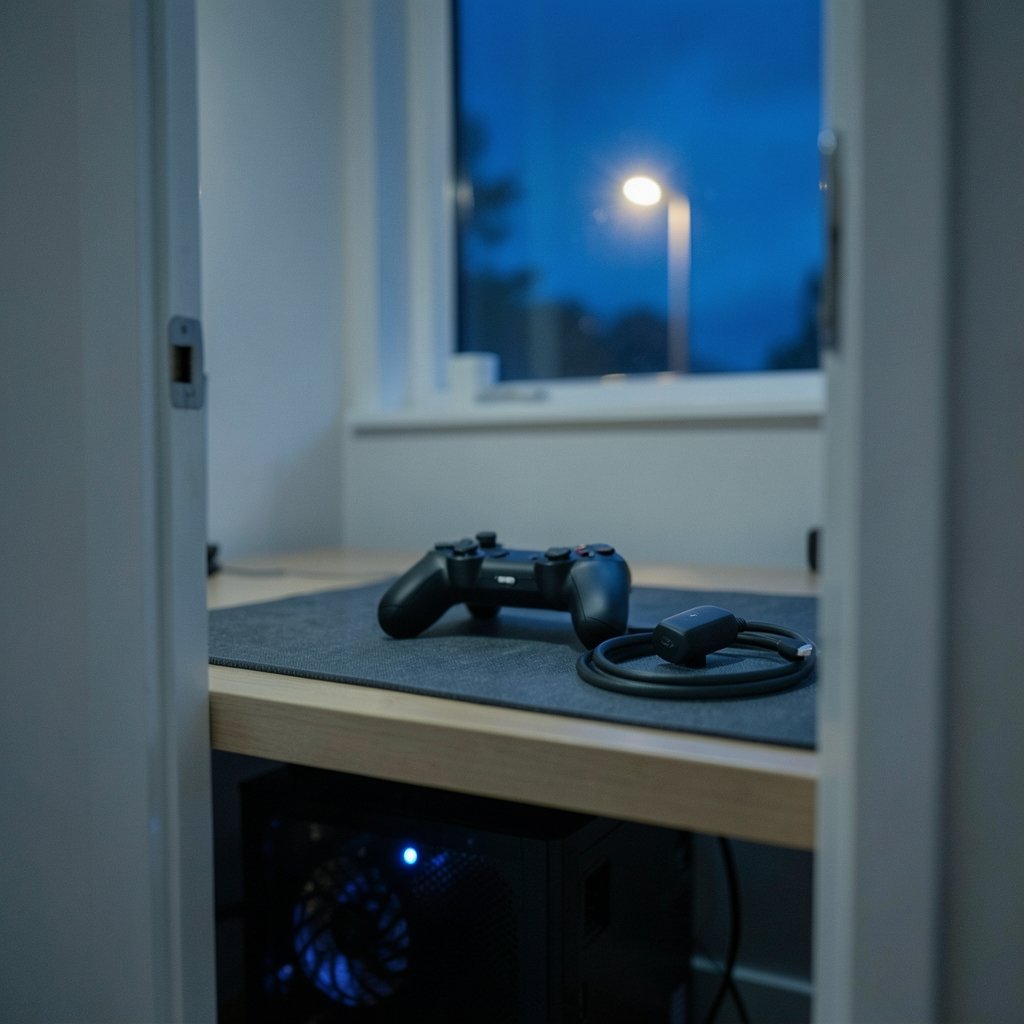
If someone wants a controller that behaves like a mouse plugged into a PC, this is the answer. Microsoft’s official pads speak Xinput, the protocol Windows understands natively, so they connect and play with no setup in any game that supports a controller. That single fact saves hours of fiddling with third-party mapping tools.
The connection story is flexible. The pad runs over USB or Bluetooth, and a separate Microsoft wireless adapter for Windows gives a more stable, longer-range link with lower latency. If your desk sits far from the tower or your Bluetooth radio shares a busy band, that adapter is the difference between a smooth session and a stuttery one.
The catch is price. Official controllers are often expensive, so budget buyers should look at licensed alternatives before defaulting to the brand name. Buy this one if you want the path of least resistance and own an Xbox as well, since the same pad covers both.
GameSir G7 Pro: The Midrange PC-First Pick
The G7 Pro earns its place because it does not pretend to be a console accessory. It is compatible with a number of devices and offers both 2.4GHz and wired connections for PC use, which is the combination that matters most on a desktop. A dongle link skips the Bluetooth pairing dance every time you sit down.
Its real selling point is PC-side extras that usually cost more. Buyers get a pad aimed squarely at desktop players rather than a console hand-me-down with a dongle in the box.
Where it stumbles is console support. There is no console family behind it, so if you split time between a PC and a living-room console, you may end up owning two pads. For PC-only players, that trade is easy to accept.
GameSir Tarantula Pro: Symmetrical Sticks Done Right
PlayStation-style layouts have a devoted following, and this pad is one of the strongest expressions of that preference. It carries 2.4GHz, Bluetooth, and USB-C wired connectivity, RGB lighting that stays tasteful, electronic button layout swapping, button mapping, trigger stops, rumble, and macros. Build quality is described as stellar, and at the same price point it beats the DualSense on features.
The headline trick is quick-switch LED face button layouts. A macro on the multifunction button on the rear of the pad flips the layout, which matters if you jump between games that assume different prompts.
Two honest gripes: the central buttons are quite small, and the charging stand costs extra. Neither is a dealbreaker, but factor the stand into your budget if you like a tidy desk.
ManbaOne: Hall Effect Sticks Without the Premium Tax
Stick drift is the reason most people replace a controller, so hall effect joysticks deserve attention. They use magnetic sensing rather than contact-based parts that wear down over time. The ManbaOne puts anti-drift hall effect sticks in a pad that can connect wired, through a USB dongle, or over Bluetooth.
The sticks feel good, the buttons are tactile, and rumble comes via a G-sensor. It also looks the part, with a customizable design that stands out on a shelf of black plastic. If aesthetics matter to you as much as input quality, this is a legitimate reason to pick it.
The limitation is support. Smaller brands have thinner software teams and shorter driver histories, so check that the companion app covers the features you care about before buying.
PDP Victrix Pro: The Modular Option for Tinkerers
Some players want to change how a controller feels as well as how it performs. The Victrix Pro is a wireless pad with a modular design: you can swap button modules based on your preferred layout, which is useful if your left hand is dominant. There are four types of joysticks to choose from, so you can tune stick height and tension to your grip.
That modularity is the whole pitch. A stealth black colorway with purple accents makes it one of the better-looking options too.
The downside is that modular systems invite spending. You pay for the base unit and then keep buying parts. If you never actually swap anything, you have bought complexity you do not use.
ROG Raikiri II Pro: Built for Competitive Play
For players with a serious budget, the Raikiri II Pro is a major step forward over the Xbox Wireless version and a significant leap over its predecessor, the Raikiri Pro. Reviewers have called it a serious controller that serves competitive gaming well thanks to low latency and a high polling rate on both wired and wireless connections.
It also wins on ergonomics and customization, with every detail considered and easily replaceable parts. Awards from European outlets stack up around exactly those points.
The limitation is obvious: price. This is a top-of-the-line pad, and the gains over a midrange option show up in ranked play more than in a cozy single-player campaign.
Xbox Adaptive Controller: The Most Inclusive Option
Not every reader needs back buttons. Some need a pad that accepts foot pedals, switches, and joysticks. The Adaptive Controller is less a gamepad and more an input hub shaped like a fightstick, with 19 3.5mm jacks that correspond to all the typical controller inputs.
Its built-in controls are limited, but it still features two large remappable buttons on its face plus a D-pad, view button, and home button. The point is the excess of inputs, and compatibility with PC continues to push it above alternatives for players with specific abilities.
It is not cheap by any means, and it is not the right first pad for most people. For the players it serves, nothing else comes close.
How to Choose Without Overthinking It
Start with the failure that actually ends controllers: stick drift. Hall effect and TMR sticks use magnetic sensing rather than contact-based parts that wear down, so they are worth paying attention to. If a pad you like lacks them, weigh that against the price.
Then work down this order:
- Connection. A 2.4GHz dongle is usually more consistent than Bluetooth on PC. Wired is the most reliable of all and removes battery anxiety.
- Back buttons. Useful for almost any genre, essential for competitive shooters and racing games.
- Software. A companion app that actually works decides whether macros, remapping, and dead-zone tuning are usable or decorative.
- Platform overlap. PC-focused pads often skip Xbox and PlayStation entirely, so check console support if you share the pad.
One practical habit: test the sticks in a game with a visible dead zone before your return window closes. Slow circular motion in a menu will reveal drift that a quick match hides. Another: keep the dongle on a front-panel port or a short extension cable, because a metal case and a USB hub in the way cause more dropouts than any firmware bug. And if you are weighing a controller against other gear upgrades, the same logic of matching a tool to a specific job applies across hobbies, whether that is a budget beef cut that rewards slow cooking or a paint sprayer that beats a roller only in the right room. (Jade roller under eye it can cannot fix)
Common Mistakes Buyers Make
The first mistake is buying features instead of fit. A pad with twelve extra inputs is useless if it cramps your hands after an hour. Grip shape and weight matter more than the spec sheet.
The second is ignoring the wireless adapter. Many buyers pair an official pad over Bluetooth, hit interference, and blame the controller. A dedicated adapter fixes a problem that was never the pad’s fault.
The third is skipping the software. Mapping tools from smaller brands vary widely, and a pad whose app crashes is a pad whose best features stay locked. Download the app before the return window closes.
The fourth is chasing console branding. A PC-first pad often delivers more for the money, and the platform question only matters if you actually own the console.
Conclusion
The best controller for PC is the one that matches your connection, your grip, and your budget, not the one with the longest feature list. The Xbox Wireless Controller remains the safe default for anyone who wants plug-and-play reliability. The GameSir G7 Pro is the smarter buy for PC-only players who want a dongle and back buttons without paying flagship prices. PlayStation-layout fans should look hard at the Tarantula Pro, drift worriers at the ManbaOne, tinkerers at the Victrix Pro, and competitive players at the Raikiri II Pro. Pick one, test the sticks early, and spend the saved money on games.
Frequently Asked Questions
Do I need a special controller for PC?
No. Any pad that speaks Xinput, which includes official Xbox controllers, works out of the box in games that support controllers. Others may need mapping software, so check before buying.
Is Bluetooth or a 2.4GHz dongle better for PC gaming?
A 2.4GHz dongle is usually more consistent than Bluetooth on PC, with lower latency and fewer dropouts. Bluetooth is fine for casual play but more prone to interference.
What are hall effect sticks and why do they matter?
Hall effect sticks use magnetic sensing instead of contact-based parts that wear down. Since stick drift is the main reason people replace controllers, they are worth prioritizing.
Can I use a PlayStation controller on a PC?
Often yes, but support varies by game and may require extra software. PC-focused pads frequently skip console support entirely, so confirm compatibility before buying if you also own a console.
How much should I spend on a PC controller?
Budget pads cover the basics, midrange options add hall effect sticks and back buttons, and premium models target competitive play with low latency and high polling rates. Match the tier to how often you play.
How do I check a new controller for stick drift?
Open a game with a visible dead zone or a calibration screen and move each stick slowly in a full circle without touching it. Any cursor movement at rest signals drift, so test before the return window closes.