

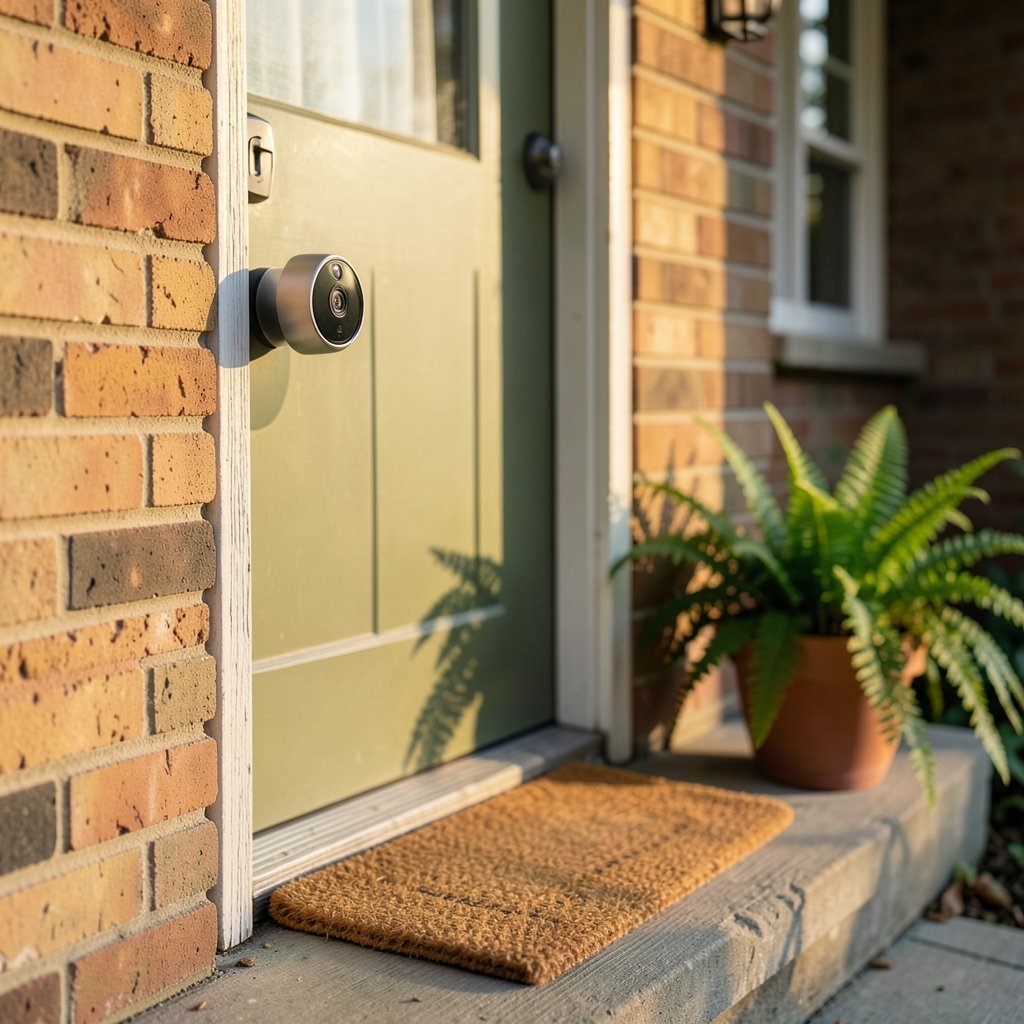
What if the single most useful security device you can buy costs less than a decent pair of running shoes and installs in under an hour? That is the promise of the modern video doorbell. Yet walk into any electronics store, or scroll through any shopping app, and the choices blur together: wired versus battery, 1080p versus 2K, free storage versus yet another monthly bill. The truth is there is no universal “best” doorbell camera. There is only the best one for your wiring, your Wi-Fi, your budget, and your comfort level with cloud subscriptions. This guide breaks the category down by how people actually live, so you can stop comparing spec sheets and start choosing with confidence.
Start With the Question Nobody Asks First: Do You Have Doorbell Wiring?
Before resolution, before brand names, before anything else, check what is already at your front door. Most homes built in the last several decades have low-voltage doorbell wiring, typically running 16 to 24 volts AC from a transformer near the furnace or electrical panel. If that wiring exists and is healthy, a wired doorbell camera is almost always the smarter long-term buy. It draws constant power, never needs recharging, and often delivers a more reliable stream because it is not rationing battery life.
If there is no wiring, or the transformer is undersized, you have two paths. You can hire an electrician to run new low-voltage lines, which is usually a modest job but still a job. Or you can go with a battery-powered model, which mounts almost anywhere with screws and adhesive and connects over Wi-Fi. The trade-off is real: battery units need periodic recharging, sometimes every few weeks in high-traffic homes, and many cut features to save power. A common mistake is buying a battery doorbell for a busy street where it will trigger dozens of times a day, then discovering the charge lasts barely a month. Match the power source to the traffic, not the other way around.
What Actually Matters in the Spec Sheet

Manufacturers love big numbers, but only a handful of specs change daily life. Here is how to read them without getting sold.
| Spec | What to look for | Why it matters |
|---|---|---|
| Resolution | 1080p minimum, 2K preferred | Enough detail to identify a face or a license plate at the doorstep |
| Field of view | Roughly 150° to 180° horizontal | Wider catches packages at your feet; too wide distorts faces at the edges |
| Night vision | Infrared or color night vision | Porch lights fail; the camera should not |
| Storage | Local microSD or hub, plus cloud option | Cloud-only means a subscription forever |
| Power | Wired, battery, or both | Determines installation effort and upkeep |
| Smart detection | Person, package, vehicle alerts | Cuts false alarms from trees and passing cars |
Two of these deserve extra attention. First, field of view: a 180-degree lens sounds great until you realize it stretches faces near the frame edges into funhouse mirrors. A slightly narrower lens with a good sensor often produces more usable evidence. Second, storage: many cameras advertise free viewing but charge for recorded history. If you want to review what happened last Tuesday, check whether a microSD card or local hub can do that without a plan. Reading the fine print on storage is the single best way to avoid subscription regret.
The Subscription Trap, Explained Honestly
Almost every major brand sells hardware near cost and makes money on cloud plans. That is not a scam, it is a business model, but you should go in knowing it. Typical paid tiers include recorded video history, richer detection zones, and sometimes facial recognition or cellular backup. Without a plan, many cameras still give you live view and push alerts, which may be all you need.
The practical tip: decide your yearly budget before you shop. A camera that costs a little more but includes local recording can be cheaper over three years than a bargain unit with a mandatory plan. If you dislike subscriptions on principle, look specifically for models with local storage and confirm the card slot or hub is included, not sold separately. Also confirm the camera keeps working, at least for live view, if your internet drops.
Privacy and Security: The Part Most Buyers Skip
A doorbell camera points at a public space, and that creates obligations. Recording audio and video of sidewalks or a neighbor’s property can raise wiretapping, eavesdropping, or privacy-law questions depending on where you live. In the United States, state laws differ on whether audio recording requires consent from everyone involved, so it is worth checking your state’s rules before you enable the microphone. A camera aimed squarely at your own walkway, with motion zones trimmed to exclude the neighbor’s window, avoids most friction.
Security of the device itself matters too. In 2023, the Federal Trade Commission announced a settlement with Ring over allegations that employees and contractors had access to customers’ private videos, a reminder that cheap hardware can carry hidden costs. Before buying, check for two-factor authentication, strong encryption of stored and streamed video, and a clear data-retention policy. Change the default password on day one, keep the camera’s firmware updated, and put it on a separate Wi-Fi network if your router supports a guest band. These steps take ten minutes and close the most common doors.
There is a related lesson from the broader world of connected devices: anything that watches your front door is also a small computer on your network. Treat it like one. If you want a sense of how tracking and connected hardware can quietly gather data, the story of how Kogniz contact tracing AI cameras tracked workplace activity is a useful cautionary tale about devices that collect more than buyers expect. (Red door escape room expect before you book)
Matching the Camera to Your Life
The “best” camera depends on which of these households sounds like yours.
The Renter With No Wiring
Battery is the answer, ideally one with a removable pack so you can swap a charged battery in rather than waiting by the door. Look for models that support local storage on a card, since renters move and subscriptions travel awkwardly. Mount with removable adhesive where possible.
The Busy Family Home
Wired power plus package detection is the winning combination. You want alerts that distinguish a courier from a cat, and you want recorded clips you can review without hunting. A camera with a built-in chime kit or a plug-in chime helps if your old mechanical chime does not play well with the new unit.
The Smart-Home Tinkerer
Ecosystem compatibility decides everything here. Check whether the model works with Amazon Alexa, Google Home, or Apple HomeKit, and note that HomeKit Secure Video support is limited to specific models. Buying first and checking compatibility later is one of the most common and most annoying mistakes in this category.
The Privacy-First Buyer
Prioritize local storage, on-device detection, and a brand with a published security whitepaper. Be willing to give up some cloud convenience for control. Read the retention policy carefully; “we may share data with partners” is a sentence worth taking seriously.
Installation Realities Nobody Mentions
Even a simple doorbell swap has friction points. The transformer is the classic culprit: an old 10-volt transformer may not power a modern camera, causing random reboots or a dead unit. Check the transformer rating before you buy, or buy a camera that tolerates a wide voltage range. Wi-Fi signal at the door is the second culprit. Front doors are often the farthest point from the router, and a weak signal produces laggy video and missed alerts. A mesh node near the entryway solves this more often than a new camera does.
Angle matters too. Mounting the camera at chest height and angling it slightly down captures faces and packages better than a high mount that mostly records the top of heads. If your door is recessed, consider a wedge mount to avoid recording a wall. And if you are already comfortable with small home repairs, the same patience pays off here: measure, test the Wi-Fi, then drill. For a broader look at how door hardware decisions play out in practice, this guide to what a door frame and doors term really means when you buy right covers the vocabulary that trips people up.
A Quick Word on Wired vs. Battery vs. Hybrid
Wired wins on reliability and zero recharging. Battery wins on installation flexibility. Hybrid models accept wired power but include a battery backup, which is the best of both if your wiring is marginal. For most buyers with existing wiring, hybrid is the quiet sweet spot: it keeps running during brief outages and does not complain about a slightly weak transformer. If you are replacing a whole entry setup, the same logic that applies to choosing a hinge door or hinge that odd phrase really means when you choose right applies here: match the hardware to the frame you actually have, not the one in the showroom.
How to Test a Camera in the First Week
Buy, install, then stress-test. Walk up to the door at different times of day and check whether the footage identifies you clearly. Order a package and see whether the alert fires before the courier leaves. Turn on the porch light at night and confirm the camera does not wash out faces. Test the two-factor authentication and confirm the app logs you out properly. If the camera fails any of these, return it within the window rather than living with a compromise for years. Returns are free; regret is not.
Conclusion
The best doorbell camera is not the one with the biggest number on the box. It is the one that matches your wiring, survives your Wi-Fi, respects your budget, and does not quietly monetize your front porch. Start with power, then storage, then detection quality, and only then compare brands. Buy for the next three years, not the next three weeks, and test it hard while the return window is open. Do that, and your doorstep gets smarter without your life getting more complicated.
Frequently Asked Questions
Do I need a subscription for a doorbell camera to work?
No. Most cameras deliver live view and motion alerts without a plan. What usually requires payment is recorded video history and advanced detection like package or facial recognition. If you want history without a monthly fee, choose a model with a microSD slot or a local hub and confirm it is included in the box.
Is a wired or battery doorbell camera better?
Wired is better if you have compatible low-voltage wiring, because it never needs recharging and tends to stream more reliably. Battery is better for renters or homes without wiring, at the cost of periodic charging and sometimes reduced features. A hybrid model that accepts wired power with a battery backup suits marginal wiring.
What resolution do I actually need?
1080p is the practical minimum for identifying a face at your door. 2K gives noticeably sharper detail for license plates and distant faces, and 4K helps if you need to crop into footage. Resolution matters less than a good sensor, decent night vision, and sensible motion zones.
Can my neighbor object to my doorbell camera?
They can, and the concern is often legitimate if the lens or microphone reaches into their space. Point the camera at your own walkway, trim motion zones to exclude their property, and check your state’s rules on audio recording, which vary widely. A polite conversation before installation prevents most disputes.
How do I keep a doorbell camera secure?
Enable two-factor authentication, change the default password immediately, install firmware updates, and use strong unique credentials. Put the camera on a separate Wi-Fi network if possible. Check the manufacturer’s data-retention policy before buying, and remember that regulators have acted against camera makers over privacy lapses.
What is the biggest mistake buyers make?
Buying on resolution alone and ignoring power, Wi-Fi strength, and storage terms. A 4K camera with a weak signal and a mandatory subscription is worse than a 1080p unit that records locally and stays online. Check the transformer, test the Wi-Fi at the door, and read the storage fine print before you commit.














