


What if the laptop you actually need costs hundreds less than the one everyone tells you to buy? That is the strange spot the MacBook Air sits in right now. Apple’s lineup has shifted, prices have jumped, and the “cheap” entry point has moved. Shopping for the best MacBook Air is less about chasing the newest chip and more about matching a specific machine to a specific person.
This roundup covers the named options worth considering, who each one suits, where it falls short, and what the current pricing looks like. Prices move fast, so treat every figure here as a starting point and confirm on the official product page before you commit.
The Shortlist at a Glance
| Model | Best for | Standout strength | Main limitation | Starting price |
|---|---|---|---|---|
| 13-inch MacBook Air (M5) | Most people | Fast M5 chip, 512GB base storage | $1,299 base price after increases | $1,299 |
| 15-inch MacBook Air (M5) | Screen-first buyers | Bigger display, still light | Higher cost, same fanless limits | $1,499 |
| MacBook Air (M4, refurbished or resale) | Budget buyers | Lower entry price | Older chip, shrinking stock | Varies by seller |
| MacBook Air (M1, 2020) | Light everyday use | Very low price where found | Discontinued, aging hardware | Varies by seller |
| MacBook Neo | Price-sensitive students | Cheapest new Mac laptop | Fewer features than the Air | Check Apple’s site |
| MacBook Pro (M6) | Creative professionals | Sustained heavy-workload power | Much higher price | $2,000 |
13-Inch MacBook Air With the M5 Chip
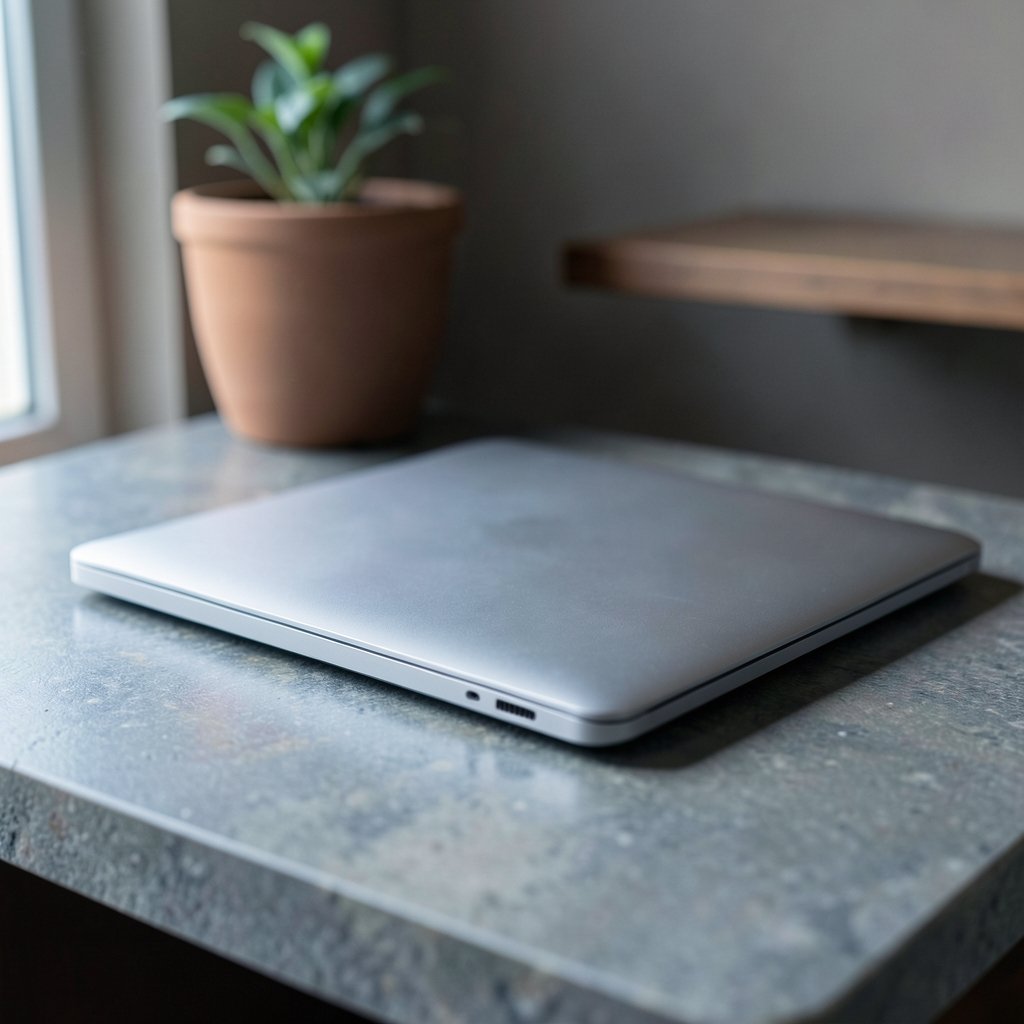
This is the model most buyers should start with. The M5 chip brings a 10-core CPU and up to a 10-core GPU, and Apple doubled the base SSD to 512GB while making storage faster across the lineup. For email, documents, browsing, streaming, and light photo work, it is more machine than the job requires, which is exactly the point.
Who it suits: students, office workers, writers, and anyone who wants one laptop that handles everything without drama.
What it does well: the fanless design stays silent, battery life is strong, and the aluminum chassis is light enough to forget in a bag. The webcam, speakers, and keyboard all get consistently good marks from reviewers, and the haptic trackpad remains a favorite.
The real limitation: price. The M5 Air abandoned the M4’s $999 starting point, launched at $1,099, and has since climbed to $1,299 for the base 13-inch configuration. Reviewers have tied that jump to memory pricing pressure rather than new features. It is still a fair deal in this market, but it is no longer the bargain it once was.
If you are weighing retail promotions against list price, it helps to know how store discounts actually work. Our breakdown of how a Best Buy discount code actually saves you money explains where the genuine savings hide. (Best buy jobs retail geek squad warehouse roles really pay)
15-Inch MacBook Air With the M5 Chip
Same chip, bigger canvas. The 15-inch Air weighs about 3.3 pounds, which is still lighter than a 14-inch MacBook Pro, so the size bump does not turn it into a desk anchor. The cheapest configuration runs $1,499.
Who it suits: people who work in split-screen all day, watch a lot of video, or simply hate squinting. Reviewers who compare the two sizes often argue the 15-inch Air hits the sweet spot for most buyers.
What it does well: the extra screen real estate makes spreadsheets, document editing, and side-by-side research noticeably more comfortable, and the display keeps the same 500-nit brightness and color accuracy as the 13-inch.
The real limitation: the fanless chassis. Push sustained workloads like long 4K exports or 3D rendering and the machine warms up and throttles. Occasional video editing is fine. Professional continuous rendering is not its job.
Refurbished M4 MacBook Air
Here is where smart shoppers look. Apple’s Refurbished Store sells returned, ex-display, and previous-generation Macs at reduced prices, fully tested and backed by a one-year warranty. Third-party resellers do the same.
Who it suits: buyers who want Apple Silicon performance without the new price, and who are comfortable checking stock regularly.
What it does well: the M4 generation is still a capable everyday machine, and the savings can be substantial. The M4 Air also supports two external displays alongside the built-in screen, a feature that matters more than most spec sheets suggest.
The real limitation: availability. Apple has discontinued all pre-M5 MacBook Airs, so refurbished and resale stock is finite and prices fluctuate. You also give up the doubled base storage of the M5 generation, and 256GB fills up fast if you keep local video or photo libraries.
MacBook Air M1 (2020)
Five years after launch, the M1 Air still holds up remarkably well. Owners report solid performance, excellent battery life, and value that is hard to beat at current resale prices. When Apple Silicon arrived, it made most competing laptops look outdated overnight.
Who it suits: light users on a tight budget, second-laptop buyers, and anyone who mainly writes, browses, and streams.
What it does well: the core experience, typing, battery, silence, portability, remains intact. It is a genuinely usable machine, not a compromise box.
The real limitation: it is discontinued, so you are buying used or from leftover stock, with the warranty and battery-health questions that come with it. It also lacks the newer camera and display refinements. If you find one cheap, verify battery cycle count before paying.
MacBook Neo
Apple’s lineup changed shape with the Neo’s arrival. The veteran 2020 13-inch M1 model was finally discontinued alongside it, and a MacBook Air is no longer Apple’s budget Mac laptop. That role now belongs to the Neo.
Who it suits: price-sensitive buyers, especially students, who want a new Mac with a warranty and do not need Air-level polish.
What it does well: it lowers the entry point to macOS considerably and is a reasonable pick for coursework, note-taking, and everyday tasks.
The real limitation: features got stripped away in the process, including keyboard backlighting, high-speed ports, and ambient brightness and color adjustment. The Air is also described as more future-proof than the Neo. If those omissions matter to you, the extra spend on an Air is justified.
Students should also know Apple’s Education Store pricing. The 13-inch M5 Air drops to $1,199 for students in the U.S. and £1,199 in the U.K., while the 15-inch falls to $1,399 and £1,399. That is a straight discount with no hoops.
MacBook Pro With the M6 Chip
Worth naming so you can rule it out deliberately. The M6 MacBook Pro has been called the best laptop tested this year, with the compute for serious image and video editing, audio production, and local AI workflows.
Who it suits: creative professionals whose income depends on sustained performance.
What it does well: fans. The Pro handles long heavy workloads without the thermal throttling that slows a fanless Air.
The real limitation: at $2,000, it is more computer than most people need for email, documents, browsing, casual gaming, and streaming. Buying it for those tasks is paying for headroom you will never touch.
How to Choose Without Overthinking It
Work through these in order and the decision usually makes itself.
- Name your heaviest regular task. If it is sustained 4K export or 3D rendering, go Pro. If it is occasional editing or light gaming, the Air is fine.
- Check what you already own. If you have an M2, M3, or M4 Air, the M5 improvements help, but they do not change the machine’s class. Skip this cycle.
- Decide if you need a redesign. OLED displays, 120Hz ProMotion, and thinner chassis changes are rumored for 2027. If you want those, waiting is reasonable.
- Set a storage floor. 512GB is the comfortable base. 256GB works only if you live in the cloud.
- Hunt the discount, not the sticker. A $100 or more discount on an M5 Air is worth grabbing. Seasonal events produce the deepest cuts, and our guide to Best Buy Black Friday deals that spot real savings shows how to tell a real markdown from a padded one.
One practical note from experience: people routinely overspend on the chip and underspend on storage. The base M5 chip handles years of everyday work. A full SSD ruins the experience in month eight. Put your money there first.
Common Mistakes That Cost Real Money
Buying the Pro “just in case” is the classic error. So is assuming the Air is still the budget option, it is not, and the Neo now occupies that slot. Another frequent slip: ignoring refurbished stock because it feels risky, when Apple’s refurbished machines come tested with a one-year warranty.
Finally, do not buy storage you can rent. Cloud plans and external drives are cheap. Internal SSD upgrades are not.
Conclusion
The best MacBook Air for most people is the 13-inch M5 model, provided you can stomach $1,299 or find it discounted. Step up to the 15-inch if screen space matters more than savings. Step down to a refurbished M4 or a cheap M1 if budget rules, and consider the Neo if you want new hardware at the lowest price. The Pro exists for people who genuinely need it, and that is a smaller group than the marketing suggests. Match the machine to your real workload, buy storage before chip upgrades, and let the discounts come to you.
Frequently Asked Questions
Is the MacBook Air still Apple’s cheapest laptop?
No. With the MacBook Neo’s arrival, the veteran 2020 13-inch M1 model was discontinued, and the Air is no longer Apple’s budget Mac laptop. The Neo now fills that role.
How much does the M5 MacBook Air cost?
The base 13-inch configuration is $1,299, up from a $1,099 launch price and the M4’s $999 starting point. The cheapest 15-inch configuration is $1,499. Students pay $1,199 and $1,399 respectively through Apple’s Education Store.
Should I upgrade from an M2, M3, or M4 MacBook Air?
Probably not yet. For recent Apple Silicon owners, the M5 improvements are worth having but do not alter the machine’s class. Waiting makes more sense unless you find a steep discount or your current machine is failing.
Is the fanless design a real problem?
Only for sustained heavy workloads. Long 4K video exports and 3D rendering can cause thermal throttling on the Air. Occasional editing, light gaming, and everyday tasks run fine, and the silence is a genuine benefit.
What storage should I pick?
512GB is the sensible floor, and it is now the base on the M5 generation. The older 256GB models work if you rely on cloud storage, but local photo and video libraries fill that space quickly.
When is the best time to buy?
When you find the M5 Air at $100 or more off, which reviewers describe as a grab-it price. Seasonal sales produce the deepest cuts, and larger discounts have appeared on higher-capacity models specifically.
What about the M4 Air at full price? If a retailer has cleared out M4 stock at a genuine markdown, it can undercut the M5 and still deliver years of service. Paying list price for last year’s model, however, rarely makes sense now that the M5 doubles base storage and adds the newer chip. Compare the out-the-door price, not the percentage off the sticker.
The bottom line on timing. Apple’s pricing cadence is predictable enough to plan around: new Airs arrive in spring, and discounts cluster around back-to-school and holiday windows. If you need a laptop this week, buy the M5 13-inch with 512GB and stop reading reviews. If you can wait a few months and your current machine still works, the savings are usually worth the patience. Either way, skip the upsell and put the difference toward storage, AppleCare, or simply your own peace of mind.











