

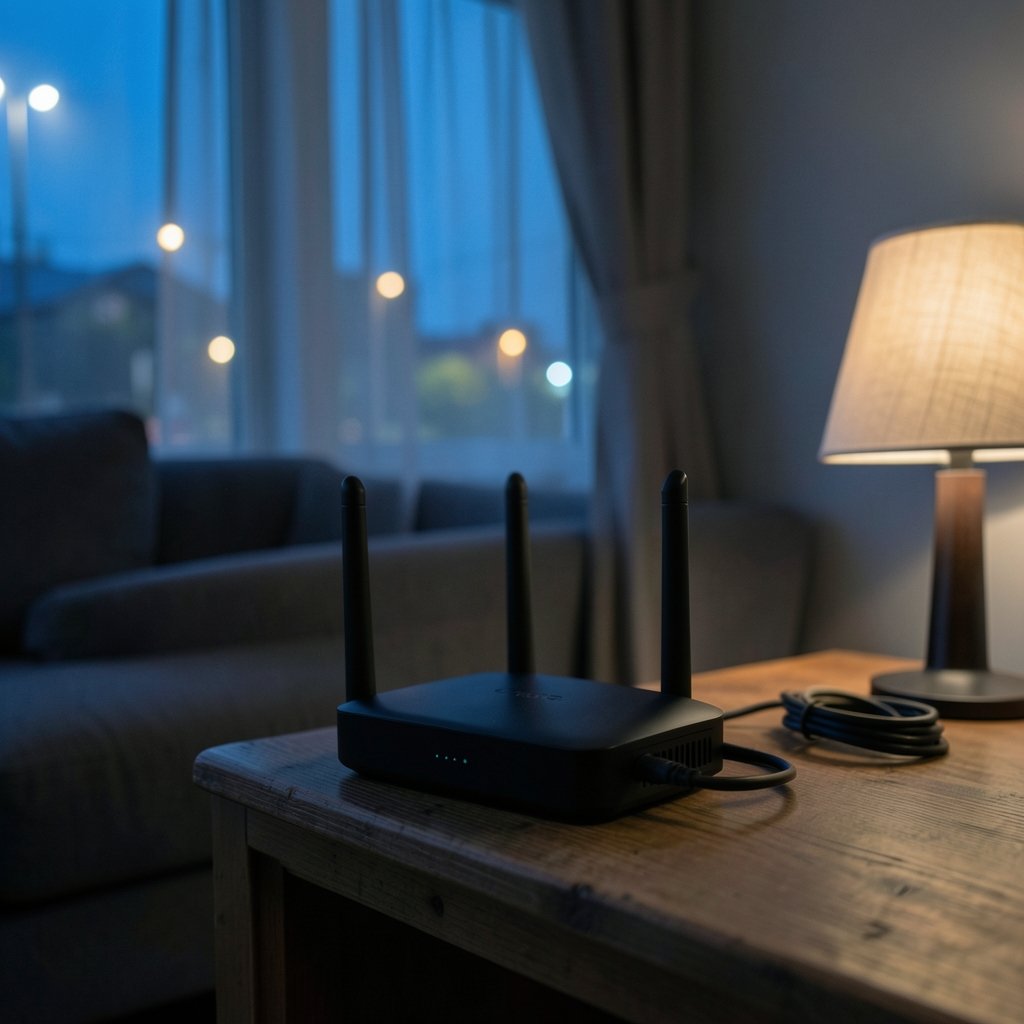
What if the reason your video calls freeze and your games stutter has nothing to do with your internet plan and everything to do with the box sitting in the corner of your living room? That is the question worth asking before spending money on faster service. Most people never replace the router their provider hands them, and that default gear is often the weakest link in the chain. The good news is that the market has never offered better options, from budget-friendly Wi-Fi 6 boxes to tri-band Wi-Fi 7 monsters with 10-gigabit ports. The harder part is picking one. This shortlist covers the specific models that keep showing up in expert roundups, what each one does well, and where each one falls short.
Quick Comparison of the Top Picks
| Router | Best for | Wireless standard | Standout feature | Main limitation |
|---|---|---|---|---|
| TP-Link Archer AXE75 | Most homes wanting fast, affordable Wi-Fi 6E | Wi-Fi 6E (tri-band) | Speeds up to 5,400 Mbps | 6 GHz range is weaker than the other bands |
| Asus ROG Rapture GT-BE98 Pro | Serious gamers | Wi-Fi 7 | Deep gaming traffic controls | Expensive and oversized for small flats |
| TP-Link Archer BE9700 | Future-proofing a busy household | Wi-Fi 7 | High throughput, low latency | Premium price for a standard most devices lack |
| Keenetic Titan | Power users who want room to grow | Wi-Fi 7 | 10 Gbps port plus 2.5 Gbps and four gigabit ports | Overkill for light users |
| AVM FRITZ!Box 5690 Pro | Large homes and second residences | Wi-Fi 7 | Six internal antennas with beamforming | Feature set leans toward European fiber and DSL setups |
| Linksys Hydra Pro 6 | Casual streaming and browsing | Wi-Fi 6 (dual-band) | Simple setup, mesh-compatible | Modest coverage for the price |
| Ubiquiti UniFi Dream Router 7 | Fiber users who enjoy tinkering | Wi-Fi 7 | Built-in controller and advanced firewall | Requires buy-in to the UniFi product line |
TP-Link Archer AXE75: The Sensible Step Up
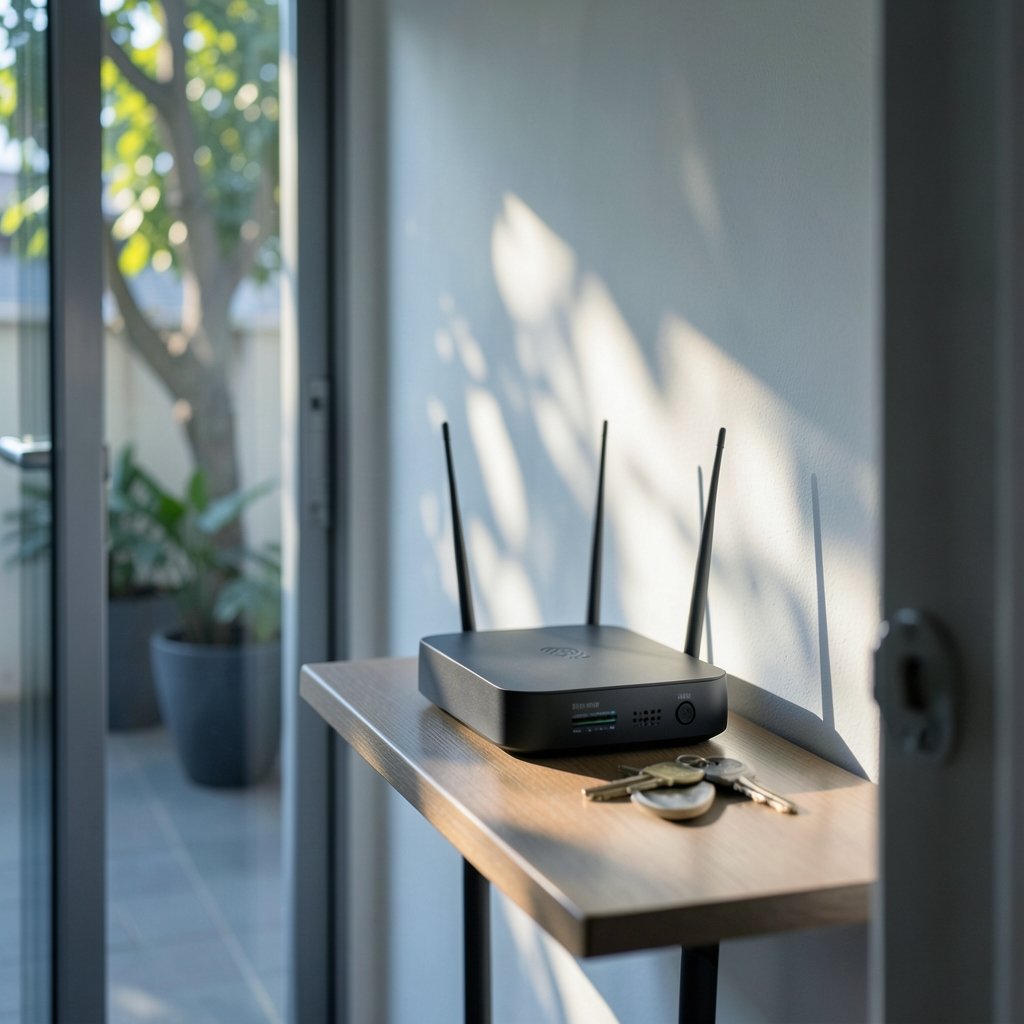
For anyone upgrading from an aging provider box, the Archer AXE75 is the easiest recommendation on this list. It is a tri-band Wi-Fi 6E router rated for speeds up to 5,400 Mbps, which is plenty for 4K streaming, video calls, and a house full of phones and laptops. The 6 GHz band gives compatible devices a clean lane with less interference from neighbors.
The catch is real, though. Reviewers note that the 6 GHz signal does not carry as far as the 2.4 GHz and 5 GHz bands, so a router placed in a far corner will leave the fastest band struggling at the other end of the house. Put it centrally, or accept that older bands will do the heavy lifting in distant rooms.
If you are still deciding how much router you actually need, a practical guide to choosing the best Wi-Fi router for your home can help you match square footage and device count to the right class of hardware before you spend. (Router bits choose right profile shank speed)
Asus ROG Rapture GT-BE98 Pro: Built for Gamers
Gaming routers are often marketing exercises with RGB lights slapped on. The Asus ROG Rapture GT-BE98 Pro is one of the exceptions. It has been the top pick in dedicated gaming router testing, and the reason is not the styling. It offers granular traffic management that lets you push a game ahead of everything else on the network, plus the low-latency features competitive players actually notice.
The limitation is the obvious one: price. This is a premium device aimed at people who treat ping as a personal matter. If your main concern is streaming Netflix in the bedroom, you are paying for features you will never touch.
TP-Link Archer BE9700: A Wi-Fi 7 Workhorse
Wi-Fi 7 routers have moved from novelty to mainstream, and the Archer BE9700 stands out as one of the more balanced entries. It targets high speed, wide coverage, and low latency rather than chasing a single benchmark. Multi-stream modes and modern high-speed ports mean it will not bottleneck a fast fiber line.
The honest limitation is that Wi-Fi 7 only pays off if your devices support it. A household full of older laptops and phones will see improvements, but not the dramatic ones the spec sheet suggests. Buy it for the years ahead, not for next week.
Keenetic Titan: Room to Grow
The Keenetic Titan is aimed at people who want a router that stays relevant for years. It pairs a Wi-Fi 7 radio with a 10 Gbps port, a 2.5 Gbps interface, and four gigabit ports, backed by a tri-core processor and 1 GB of RAM. That is enough headroom to serve dozens of simultaneous devices, run a mesh setup, filter traffic, or connect a backup provider.
The limitation is complexity. This is a router for someone who enjoys settings menus and wants to use them. For a two-person flat with a handful of gadgets, most of that capacity sits idle.
AVM FRITZ!Box 5690 Pro: Coverage for Awkward Homes
Thick walls and long hallways defeat most routers. The FRITZ!Box 5690 Pro was tested in exactly that kind of environment, including a rural second home where solid walls normally kill coverage, and it held up well. Six internal antennas and beamforming, which steers the signal toward the devices using it instead of spraying it evenly, reduce dead spots noticeably.
Its limitation is regional fit. The FRITZ!Box line is built around European fiber and DSL setups, so buyers elsewhere should confirm compatibility with their provider before ordering.
Linksys Hydra Pro 6: Simple and Solid
Not everyone needs the fastest thing on the shelf. The Linksys Hydra Pro 6 is a dual-band Wi-Fi 6 router with a coverage zone of roughly 2,700 square feet and speeds up to 5.4 Gbps. It handles HD streaming, web surfing, email, and small file transfers without drama, and it can join a mesh network with compatible Linksys units later.
The limitation is value. It is a capable router, but the software interface feels dated and limited compared with rivals, and the coverage claim assumes a fairly open floor plan.
Ubiquiti UniFi Dream Router 7: For the Tinkerers
The UniFi Dream Router 7 is a compact desktop unit with a built-in UniFi controller, an advanced firewall, and Wi-Fi 7. For fiber users who want to go all in, it is a genuinely powerful all-in-one that handles very fast connections without breaking a sweat.
The limitation is the UniFi system. It rewards people who like managing their own network and penalizes those who want a plug-and-play box. If you do not want to learn the interface, look elsewhere.
What Actually Matters When You Choose
Spec sheets lie by omission. A router rated at 10 Gbps means nothing if your laptop’s Wi-Fi card tops out far lower, and a coverage claim measured in square feet assumes walls do not exist. Here is what tends to matter in practice.
Match the standard to your devices
Wi-Fi 6E and Wi-Fi 7 are backward compatible, so older devices still work. But the speed and congestion benefits only reach hardware that supports the newer bands. Count how many of your devices are recent before paying a premium.
Check the ports
A fast wireless radio chained to a slow wired port is a waste. If you have fiber above gigabit speeds, look for 2.5 Gbps or 10 Gbps ports, or the router becomes the bottleneck.
Think about placement before buying
Most “weak signal” complaints are placement problems. A router buried in a cabinet or stuck in a corner cannot beamform its way out. Central, elevated, and out in the open beats any antenna upgrade.
Look for automatic firmware updates
Security patches matter more than raw speed over a router’s lifespan. Some manufacturers update automatically, others require manual installs, and some have faced pushback from users who say updates affect performance. Either way, confirm the vendor issues updates regularly and makes them easy to apply.
Use quality-of-service settings
Most routers include QoS controls that let you prioritize devices or applications. Putting a work computer ahead of a games console takes two minutes and solves more household arguments than a hardware upgrade.
Common Mistakes That Waste Money
The most frequent error is buying the fastest router available and plugging it into a slow connection. The second is ignoring the modem, which can cap speeds regardless of the router behind it. The third is skipping the setup wizard and leaving default network names and passwords in place. A close fourth is placing a mesh node too far from its parent unit, which halves the backhaul speed and defeats the purpose.
There is also a quieter mistake: treating the router as a one-time purchase. Networks change, devices multiply, and firmware ages. A router that was right three years ago may not be right now.
How to Pick Without Overthinking It
Start with your internet speed and your home’s size. Under 500 Mbps in a flat or small house? A solid Wi-Fi 6 router like the Hydra Pro 6 covers it. Gigabit fiber in a larger home with many devices? Step up to Wi-Fi 7, and pick between the Archer BE9700 for balance, the Keenetic Titan for expandability, or the FRITZ!Box 5690 Pro for stubborn walls. Gamers should look at the ROG Rapture line, and tinkerers at UniFi.
One more consideration applies to anyone who works from home or runs a small office: routing decisions affect more than speed. If you are comparing services that depend on reliable connectivity, understanding the difference between ride sharing and ride hailing in cost, route, and rider experience shows how much network quality shapes the experience behind an app. The same logic applies to video calls and cloud tools.
Conclusion
The best router is not the fastest one on the shelf. It is the one that matches your connection, your home, and your patience for settings menus. For most households, the TP-Link Archer AXE75 delivers the best balance of price and performance. Gamers get real value from the Asus ROG Rapture GT-BE98 Pro, while the Archer BE9700 and Keenetic Titan offer the most future-proofing. The FRITZ!Box 5690 Pro wins for difficult layouts, the Hydra Pro 6 keeps things simple, and the UniFi Dream Router 7 rewards anyone willing to learn its ways. Pick the one that fits how you actually use the internet, place it well, and update it regularly. That combination beats any spec sheet.
FAQ
What is the difference between Wi-Fi 6, 6E, and 7?
Wi-Fi 6 improved efficiency in crowded networks. Wi-Fi 6E added a new 6 GHz band with far less interference. Wi-Fi 7 builds on both with wider channels and multi-link operation, which lets compatible devices use several bands at once for better stability. Newer standards are backward compatible, so older devices still connect.
Do I need a Wi-Fi 7 router right now?
Only if you have fast fiber, many devices, and at least some Wi-Fi 7 hardware, or if you plan to keep the router for five years or more. For basic streaming and browsing on older devices, a good Wi-Fi 6 or 6E router costs less and performs well.
Why is my new router slower than expected?
Check three things: the speed of your internet plan, the capabilities of your devices, and the router’s placement. A router cannot exceed the speed of the connection feeding it, and distant rooms will always see weaker signals. Wired connections to a laptop are the quickest way to confirm where the bottleneck sits.
Is a mesh system better than a single router?
Mesh helps in large or multi-story homes with awkward layouts, because several units share one network name and hand devices off as you move. In a smaller home, a single well-placed router is simpler, cheaper, and often faster.
How often should I replace my router?
There is no fixed schedule, but every four to five years is a reasonable rule of thumb. Replace sooner if the manufacturer stops issuing security updates, if your internet plan has outgrown the hardware, or if devices regularly drop connections.
Does a gaming router actually reduce lag?
It can help, but only when the router is the bottleneck. Gaming routers prioritize game traffic and offer fine-grained controls, which smooths things when the household is busy. If lag comes from your internet provider or a distant server, no router will fix it.











