

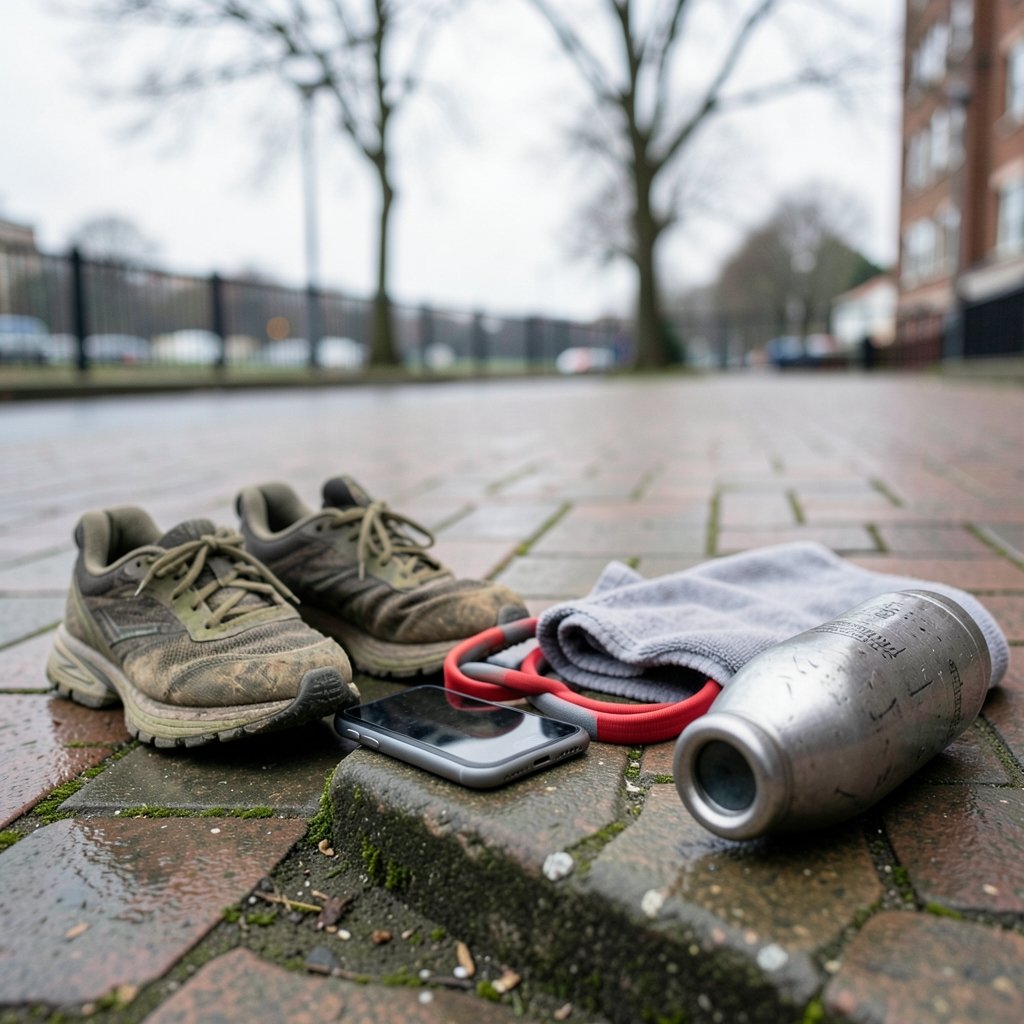
Downloading a fitness app with big plans, using it twice, and then leaving it unused is a common pattern. Millions of people install workout apps every year, and a large share abandon them within weeks. Most fitness goals quietly die in the gap between downloading and doing.
So what separates the apps that stick from the ones that fade? It is rarely the flashy animations or the celebrity trainers. The best workout apps share a few unglamorous traits: they fit your schedule, they match your equipment, and they make the next session easy to start. This guide breaks down what actually matters, which categories of apps serve which goals, and the mistakes that sabotage even well-designed programs.
Why Most Workout Apps Fail Their Users
The fitness app market is enormous, and app store rankings shift constantly. Any “best of” list is a snapshot, not a permanent verdict. That volatility matters because people often pick apps by download count rather than by fit.
The deeper problem is behavioral. Health guidelines are clear about what people need: adults should get 150 to 300 minutes of moderate activity or 75 to 150 minutes of vigorous activity each week, plus muscle-strengthening work on two or more days. Apps are frequently marketed against those benchmarks, but a download does not produce a habit.
Research on mobile health apps has generally found small-to-moderate short-term effects on physical activity, with few rigorous long-term trials. In plain terms: an app can nudge you, but it will not carry you. The people who succeed tend to treat the app as scaffolding around a routine they already value, not as the routine itself.
There is also a regulatory nuance worth knowing. In the United States, general wellness and fitness apps are not typically regulated as medical devices, though apps that make medical claims can cross that line. That means the quality bar varies wildly. Some apps are built on exercise science; others are built on engagement metrics.
Match the App to Your Actual Goal

The single biggest predictor of app satisfaction is goal alignment. A strength app will frustrate a runner, and a running app will bore someone who wants to lift. Here is a practical breakdown.
| Goal | What to look for | What to skip |
|---|---|---|
| General fitness and habit building | Short sessions, reminders, beginner progressions | Complex periodization, jargon-heavy plans |
| Strength training | Exercise libraries, set and rest tracking, progressive overload | Endless cardio classes |
| Running or endurance | GPS tracking, pacing plans, audio cues | Heavy video libraries |
| Home training with little gear | Bodyweight programs, minimal-equipment filters | Programs requiring gym machines |
| Flexibility and recovery | Guided mobility, breathwork, low-intensity sessions | High-intensity leaderboards |
If you are torn between formats, it helps to understand how different styles actually compare. A useful starting point is this breakdown of HIIT vs Pilates vs barre and which full body workout actually delivers results, because the app you choose should serve the training style you will genuinely repeat.
The Features That Separate Good Apps From Busywork
Feature lists are long, but only a handful of functions change outcomes. When evaluating any app, prioritize these.
Progressive overload tracking
If an app cannot show you what you lifted last time, it cannot help you get stronger. Look for clear logging of weight, reps, and sets, plus a simple way to see progress over weeks.
Realistic session length
A 60-minute program sounds impressive until you skip it three days running. Twenty to thirty minute sessions you complete beat hour-long sessions you dread. Filter for duration before anything else.
Offline access
Gym Wi-Fi is unreliable, and basement home gyms have none. Downloadable sessions matter more than most people expect.
Sensible notifications
One well-timed reminder can help. Fifteen pings a day trains you to ignore the app entirely. Check whether notification settings are granular.
Transparent pricing
Subscription prices and free-tier limits change frequently, so treat any quoted price as a snapshot and check the current terms in the app store listing before committing. Watch for auto-renewal and annual plans that hide the monthly equivalent.
Practical Tips That Make Any App Work Better
Experience from the field, and from the common failure patterns people report, points to a few habits that consistently help.
Pick one app, not five. App-hopping fragments your data and your attention. Give a single app eight weeks before judging it.
Schedule sessions like appointments. Put them on your calendar with a start time instead of a vague daily reminder.
Start below your ego. Choose the beginner variation even if you are experienced. The first two weeks are about proving the routine is sustainable.
Log honestly. Inflated numbers feel good for a day and useless for a month. Accurate logs are what make progression possible.
Pair the app with your environment. If you train at home, browse options in a home workout machine and equipment library so your program matches what you own rather than what you wish you owned.
Audit your data settings. Consumer investigations have found that many health and fitness apps share data with third parties. Spend five minutes in the privacy settings before you start logging sleep, heart rate, or location.
Common Mistakes People Make With Workout Apps
Some missteps show up again and again, and each one is fixable.
Chasing leaderboards instead of form. Gamified apps reward volume. Volume with sloppy technique builds nothing and risks injury. Turn off competitive features if they push you toward bad reps.
Ignoring the warm-up. Many apps bury warm-ups in a separate tab. Skipping them to save time is a false economy.
Treating the app as the plan. The app is a delivery mechanism. The plan is your weekly schedule, your sleep, and your food. No app compensates for missing those.
Never adjusting the program. Bodies adapt. If a program feels easy for two straight weeks, it is time to progress, and good apps make that a two-tap change.
Overlooking the visual environment. Where and how you train affects how often you train. Even small choices, like the color zones in your gym and gear design that shape your workout, influence energy and focus more than people admit.
What About Niche and Adjacent Apps?
Workout apps do not exist in isolation. Many people pair training with other app categories, and the same evaluation principles apply: fit, simplicity, and honest tracking.
If you travel and train on the move, knowing which tools are worth the storage space helps. This look at how the top yacht charter apps updated in 2027 actually changed is a good reminder that “updated” rarely means “better” and that version history deserves a glance before you install anything.
Naming conventions can also mislead. The real meaning behind the Dogpound workout name and how to actually train it shows how branding often outruns substance, a pattern common across fitness apps too.
And if your training space doubles as your living room, design tools can genuinely improve the experience. Browsing room design apps or the best apps for interior design can help you carve out a dedicated corner, which reliably increases how often you show up.
Dance-based training deserves a mention as well. If you enjoy movement to music, it is worth knowing which exercise dance moves actually count as a real workout so your fun sessions still contribute to weekly activity targets.
How to Test an App Before You Commit
A structured trial beats a random download. Try this sequence over two weeks.
- Install the app and complete the onboarding honestly, including your available equipment and realistic session length.
- Do three sessions in the first week. Note whether you had to modify anything to finish.
- Check the log. Can you see what you did and compare it to the next session?
- Review the paywall. Identify exactly what the free tier includes and what the subscription gives you access to.
- Read the privacy settings and disable anything you are uncomfortable sharing.
- Decide at day fourteen. Keep it, or delete it and try one alternative, not five.
This process costs less time than a single wasted month on the wrong program.
Who Should Pay for a Workout App?
Free apps can carry a beginner a long way, especially for general fitness and habit building. Paid subscriptions tend to earn their cost when you need structure: a progressive strength program, a race training plan, or coached instruction for a skill like Olympic lifting.
The decision rule is simple. If you will use it three or more times a week for at least three months, the per-session cost is usually modest. If you are unsure, stay free until your habit is stable. Paying for accountability you have not yet built rarely works.
One more consideration: device compatibility. A subscription tied to a watch or a specific ecosystem can become a trap if you switch phones. Check export options for your data before you invest months of logs.
Conclusion
The best workout apps are not the ones with the biggest marketing budgets or the most five-star ratings this week. They are the ones that match your goal, fit your schedule, track your progress honestly, and respect your data. Pick one, run a two-week trial with clear criteria, and give it eight weeks before you judge it. The app is a tool. The habit is the achievement, and any app that makes the habit easier is doing its job.
Frequently Asked Questions
What is the best workout app overall?
There is no single best app, because “best” depends on criteria like your goal, equipment, budget, privacy preferences, and device. A strength trainee, a new runner, and someone rehabbing an injury need different tools. Evaluate apps against your own requirements rather than against download rankings, which change frequently.
Are free workout apps good enough?
Often, yes, especially for general fitness and building a habit. Free tiers usually include core workouts and basic tracking, while paid tiers add structured programs and coaching. Start free, and upgrade only once you are consistently training three or more times a week.
How many minutes a week should a workout app program for?
Health guidelines recommend 150 to 300 minutes of moderate-intensity aerobic activity or 75 to 150 minutes of vigorous activity weekly, plus muscle-strengthening on two or more days. A good app should help you reach those totals rather than lock you into a single rigid session length.
Do workout apps actually work?
Research on mobile health apps generally shows small-to-moderate short-term improvements in activity, with limited rigorous long-term evidence. Apps work best as support for a routine you are committed to. They help with structure, reminders, and tracking, but they do not replace consistency, sleep, or nutrition.
Is my workout app data private?
Not necessarily. Consumer investigations have found that many health and fitness apps share data with third parties. Before logging sensitive information, review the app’s privacy settings, disable unnecessary permissions like location, and check whether your data can be exported or deleted.
How long should I try an app before deciding?
Give it two weeks of structured testing and up to eight weeks of regular use. In the first two weeks, confirm the sessions fit your schedule and the logging is useful. After eight weeks, check whether you are progressing. If not, switch to one alternative rather than collecting apps.














