


What if the biggest upgrade to your gaming setup isn’t a new graphics card at all, but the screen you’re staring at? That’s the uncomfortable truth many players discover after spending hundreds on a GPU and still seeing blurry motion, washed-out colors, or screen tearing. A monitor decides how every frame actually reaches your eyes, and the wrong one quietly caps the hardware you already own.
This roundup skips the theory and gets straight to specific displays worth shortlisting, grouped by who each one suits. Every pick below leans on published test data and hands-on reports, with the trade-offs spelled out so you can match a panel to your games, your desk, and your budget.
Quick Comparison of the Top Gaming Monitor Picks
| Monitor | Best for | Panel and resolution | Refresh rate | Standout strength | Main limitation |
|---|---|---|---|---|---|
| ASUS ROG Swift PG27AQDP | Overall competitive play | OLED, 1440p | High refresh OLED | Fast, clean motion | Premium price |
| Gigabyte MO27Q28G | Value OLED buyers | Tandem WOLED, 1440p | High refresh | Strong SDR brightness under 600 Euro | HDR is only adequate |
| MSI MAG 271QPX QD-OLED E2 | 240Hz seekers | QD-OLED, 1440p | 240Hz | Deep contrast and color | Text clarity concerns |
| MSI MPG321URX | 4K visual quality | QD-OLED, 4K | High refresh | Sharp detail plus OLED blacks | Needs a strong GPU |
| Dell Alienware AW3423DWF | Wide-screen immersion | QD-OLED, ultrawide | High refresh | Immersive field of view | Takes desk space |
| AOC Q27G3XMN | Tight budgets | LCD, 1440p | High refresh | Affordable entry point | Weaker HDR than OLED |
| Philips Evnia 27M2N8500 | Latency obsessives | OLED | High refresh | Extremely low input lag | Accuracy quirks |
Prices shift constantly, so treat any figure here as a starting point and confirm on the retailer’s page before buying.
ASUS ROG Swift PG27AQDP: The All-Rounder for Competitive Play
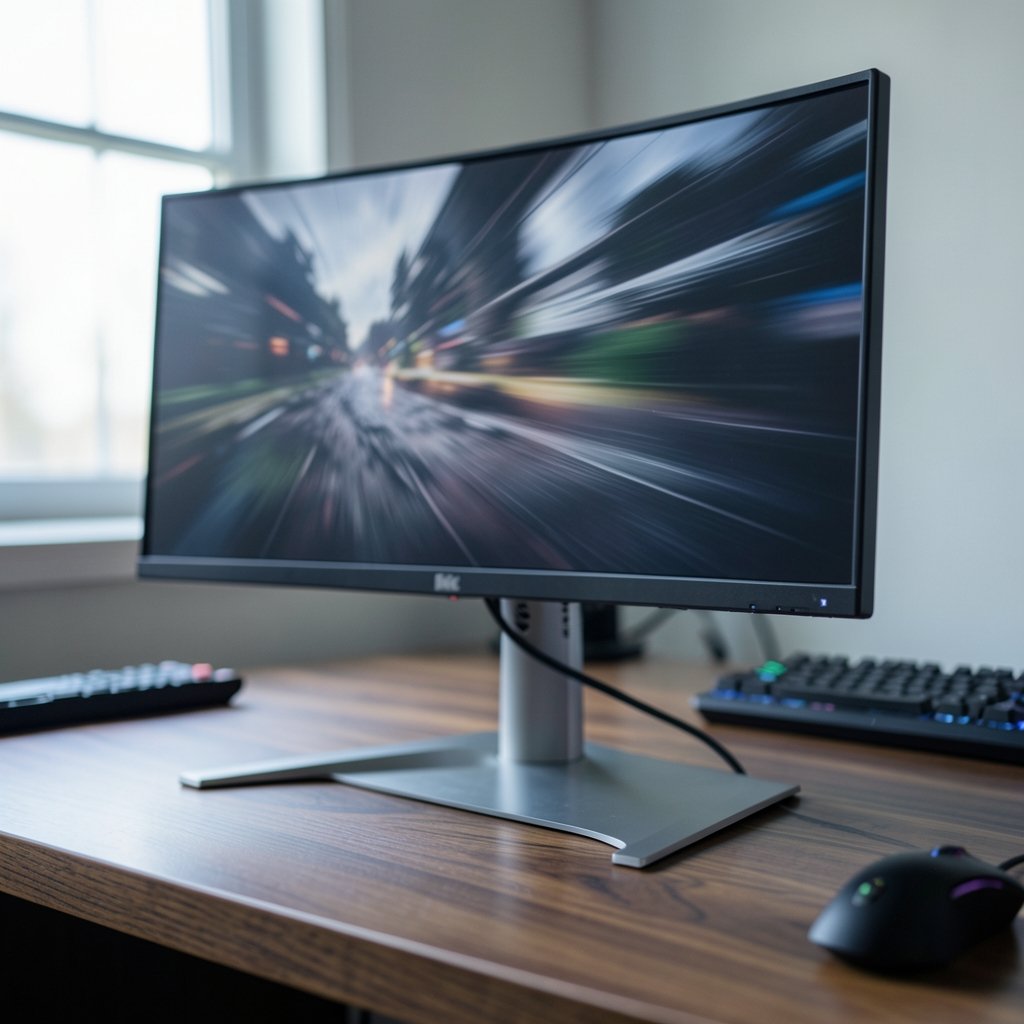
If someone wants one monitor that does almost everything well, this is the name that keeps surfacing at the top of roundups. It’s the overall pick in widely shared 2025 gaming monitor rankings, and the reasoning is simple: OLED motion clarity plus a 1440p resolution that most gaming PCs can actually drive at high frame rates.
Who it suits: players who split time between ranked shooters and big single-player games, and who want one screen to handle both.
What it does well: OLED panels switch pixels almost instantly, so fast camera turns stay readable instead of smearing. The 1440p sweet spot keeps text and detail crisp without demanding a flagship GPU.
The real limitation: price. This sits in premium territory, and OLED care features like pixel shifting and auto-dimming exist precisely because static elements can leave marks over time. Buyers should also check text rendering in person if they plan to work on the same screen.
Gigabyte MO27Q28G: The Value OLED That Changes the Math
For years, OLED meant paying a serious premium. The MO27Q28G is the monitor that broke that pattern, and independent testing has flagged it as a price tip in the affordable OLED segment thanks to an LG tandem WOLED panel sold below 600 Euro.
Who it suits: anyone who wants true OLED contrast without stretching to flagship pricing, especially 1440p players.
What it does well: SDR brightness is a genuine strength here, which matters more than spec sheets suggest because most games and desktop work run in SDR, not HDR. Color reproduction is solid, and HDR performance plus motion sharpness are described as good enough rather than exceptional.
The real limitation: it’s a value pick, not a halo product. If your priority is the brightest possible HDR peaks or the fastest possible panel, spend more. Reviewers have also pointed to sibling models like the MO27Q28GR as top 1440p options, so compare the variants before committing.
MSI MAG 271QPX QD-OLED E2: Built for 240Hz Believers
QD-OLED adds a quantum dot layer to an OLED panel, and the result is some of the richest color and deepest black levels you can buy. This MSI model is the go-to 240Hz recommendation in current roundups.
Who it suits: competitive players with hardware that can push very high frame rates, and anyone who wants HDR games to look genuinely dramatic.
What it does well: contrast is the headline. Dark scenes stay dark without the gray haze that plagues cheaper LCD panels, and colors pop without looking artificial.
The real limitation: OLED subpixel layouts can cause text fringing, so if the monitor doubles as a work display, view one in person first. Burn-in is a real consideration too, though modern panels ship with mitigation features.
MSI MPG321URX: The 4K Pick for Visual Fidelity
Who it suits: players running a high-end GPU who care more about detail and atmosphere than raw refresh numbers, plus anyone who also watches a lot of video on their desk.
What it does well: 4K resolution on a QD-OLED panel delivers both sharpness and contrast, so open-world games and HDR films look outstanding. HDMI 2.1 support means current consoles can take advantage of it too.
The real limitation: 4K is demanding. Without a strong graphics card you’ll be trading frame rate for pixels, and that trade usually hurts more in fast multiplayer games than it helps.
Dell Alienware AW3423DWF: Immersion With a Wider View
Ultrawide monitors change how games feel. A 34-inch curved panel wraps slightly around your vision, and racing games, flight sims, and cinematic titles benefit enormously.
Who it suits: players who want atmosphere over competitive edge, and anyone who multitasks with several windows open.
What it does well: the curve plus OLED contrast creates a genuinely immersive image, and the extra horizontal space reveals more of the game world.
The real limitation: desk depth. Measure before you buy, because an ultrawide crowds a small setup fast. Some competitive shooters also letterbox content at this aspect ratio, and OLED screens tend to have glossy coatings that reflect room light.
AOC Q27G3XMN: The Budget Entry That Still Delivers
Who it suits: first-time buyers, students, and anyone building a setup on a strict budget who still wants a capable gaming screen.
What it does well: it’s the budget recommendation in mainstream roundups, and it uses Mini-LED backlighting with local dimming, which gives it a stronger HDR impression than most LCDs at its price. LCD panels also avoid OLED burn-in worries entirely.
The real limitation: response times don’t match OLED, and HDR brightness in small bright spots can’t compete with a good OLED. It’s a smart compromise, not a free lunch.
Philips Evnia 27M2N8500: For Players Who Feel Every Millisecond
Input lag is the delay between your input and what appears on screen. Reviewers who measure it have described this Evnia model as delivering the lowest input lag they had recorded, which is a striking claim for a display aimed at competitive players.
Who it suits: ranked-ladder players in fast shooters and fighting games where reaction time decides rounds.
What it does well: class-leading responsiveness, with image accuracy tests noting only minor flaws. The broader Evnia line also includes curved OLED ultrawides praised for SDR and HDR quality.
The real limitation: it’s a specialist. If you mostly play story-driven games or do color-critical work, other picks in this list offer better balance for the money.
How to Choose Without Overthinking It
Ignore the spec sheet for a moment and answer three questions honestly.
- What does your PC actually push? A 240Hz monitor is wasted if your GPU holds 90 frames per second. Match refresh rate to realistic frame rates, not to marketing.
- What do you play most? Fast shooters reward refresh rate and low input lag. Open-world and cinematic games reward resolution, contrast, and HDR. Ultrawides reward immersion.
- Will you work on this screen? Text clarity on OLED can bother some people, and static toolbars raise burn-in questions. Check in person if you can.
- What ports do you need? HDMI 2.1 matters for current consoles, and DisplayPort matters for high refresh rates on PC. USB-C with power delivery helps laptop users.
- What is your desk like? Curved and ultrawide panels need depth and viewing distance. A 27-inch flat screen fits almost anywhere.
One practical mistake people make constantly: buying the brightest, fastest panel and then running it in default mode. Most gaming monitors ship with oversaturated picture presets. Switching to a calibrated or sRGB mode, enabling adaptive sync, and turning on the panel’s OLED care features takes ten minutes and improves the experience more than most upgrades.
If you’re still assembling the rest of the setup, it’s worth thinking beyond the screen. A responsive keyboard and a low-latency headset round out the experience, and guides on how to choose the best gaming keyboard for your setup and why the best wireless gaming headset actually matters when you buy cover that ground well. Seating matters too, and a look at why the best budget gaming chairs actually matter before you spend helps avoid a painful mistake.
Before committing to any OLED, it also pays to understand the trade-offs around brightness, burn-in, and panel care. A primer on what OLED monitors buyers should know before spending big is a sensible read first. And if the budget simply won’t stretch to a desktop display, guides on how to find the best cheap gaming laptops without wasting money cover the portable alternative.
Conclusion
There’s no single best gaming monitor, only the one that matches your hardware, your games, and your desk. The shortlist above covers the realistic spread: the ROG Swift for all-round competitive play, the Gigabyte MO27Q28G for value OLED, the MSI MAG 271QPX for 240Hz speed, the MPG321URX for 4K fidelity, the Alienware ultrawide for immersion, the AOC for tight budgets, and the Philips Evnia for players chasing the lowest possible latency.
Pick the category that fits your habits first, then confirm current pricing and availability at the retailer. That order of operations saves more money and regret than any spec comparison ever will.
Frequently Asked Questions
Is OLED worth it for gaming?
For most players, yes, if the budget allows. OLED delivers near-instant pixel response and deep contrast that LCD panels struggle to match, which makes fast motion clearer and dark scenes richer. The trade-offs are price, potential burn-in with static content, and text clarity quirks on some models.
What refresh rate do I actually need?
Match it to what your PC can realistically output. A high refresh panel only helps when your GPU produces enough frames to fill it, so a 144Hz or 180Hz screen paired with a mid-range card often feels better than a 240Hz display running half-empty.
Is 1440p or 4K better for gaming?
1440p is the practical sweet spot for most setups because it looks sharp and keeps frame rates high. 4K makes sense when you have a strong GPU and prefer detail and atmosphere over raw speed.
Do I need HDMI 2.1 or DisplayPort?
HDMI 2.1 matters if you connect a current console or want high refresh rates over HDMI. DisplayPort is the usual choice for high refresh gaming on PC. USB-C with power delivery is a bonus for laptop users.
How do I prevent OLED burn-in?
Use the panel’s built-in protection features, such as pixel shifting and auto-dimming, hide static taskbars, and avoid leaving bright static logos on screen for hours. Modern OLED monitors include several of these techniques to extend panel life.
Are ultrawide monitors good for gaming?
They’re excellent for immersion in racing, simulation, and cinematic games, and great for multitasking. Competitive shooters may letterbox at that aspect ratio, and you’ll need enough desk depth to sit comfortably away from the curve.











