

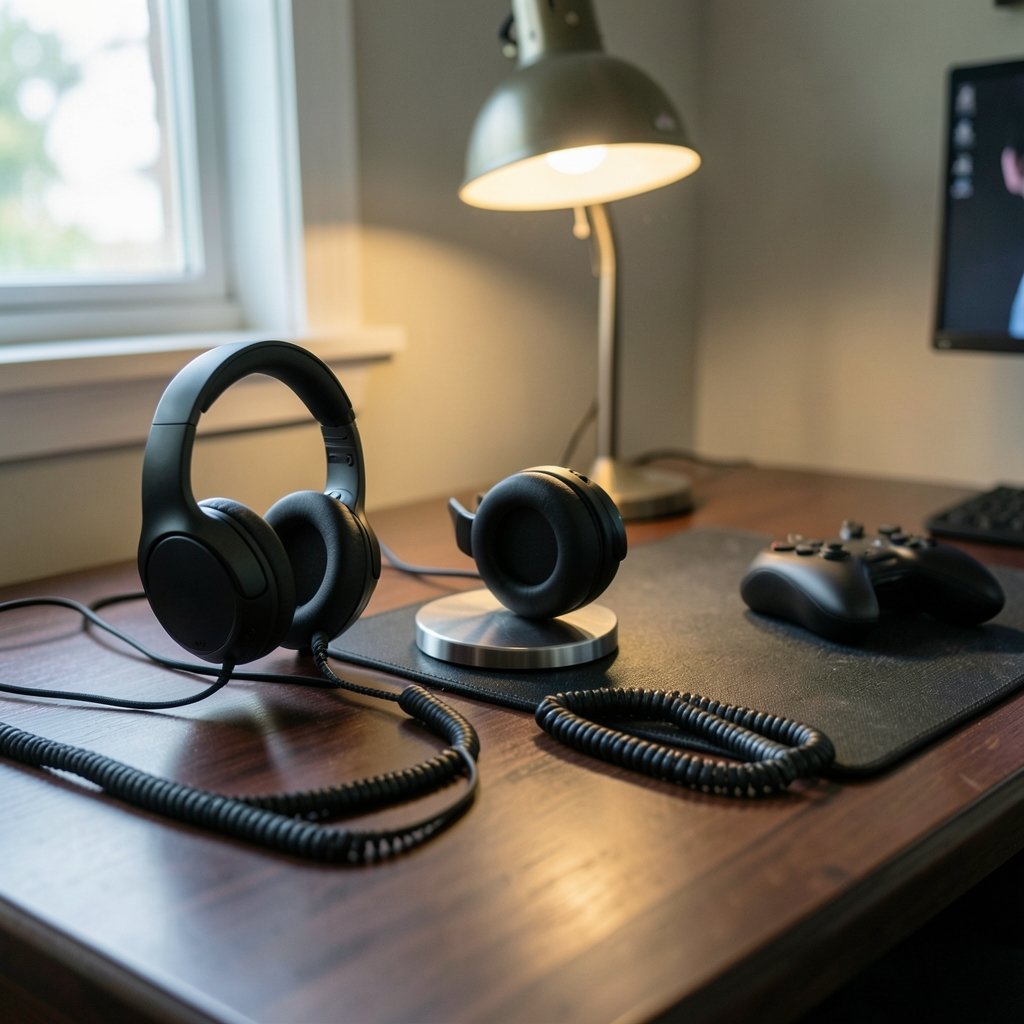
What if the reason you keep losing firefights has nothing to do with your aim and everything to do with what’s on your ears? Footsteps you can’t place, a mic that sounds like a drive-through speaker, a clamp that turns hour three into a headache. Audio gear is the most underrated upgrade in gaming, and the market is crowded with options that look identical on paper.
This roundup skips the theory and goes straight to named picks. Each one below has a clear job, a real weakness, and a price only where a published review states one. Match your platform and budget, and you can stop shopping.
The Shortlist at a Glance
| Headset | Best for | Connection | Standout strength | Main trade-off |
|---|---|---|---|---|
| SteelSeries Arctis Nova Elite | Multi-device players with deep pockets | Wireless, multi-platform | 84% noise reduction ANC, hot-swappable batteries | Premium price for features cheaper models share |
| Audeze Maxwell 2 | Sound-quality purists | Wireless | Best-in-class audio for games | Heavier, niche focus |
| SteelSeries Arctis Nova 5 | Wireless on a mid budget | 2.4 GHz + Bluetooth | Dual wireless, strong value | Fewer flagship extras |
| HyperX Cloud III | Wired buyers who want durability | 3.5mm jack | Sturdy build, simple controls, detachable mic | Weak spatial audio, limited tweaking |
| Razer BlackShark V3 Pro | Competitive esports play | Wireless | 12mm super wideband mic, clear voice chat | Aesthetic isn’t for everyone |
| Logitech G435 Lightspeed | Budget wireless | LIGHTSPEED + Bluetooth | 165g weight, $79.99 | Cutbacks to hit the price |
| HyperX Cloud Stinger 2 | First headset, tight budget | Wired | Comfortable, doesn’t feel cheap | Basic feature set |
SteelSeries Arctis Nova Elite: The Multi-Platform Flagship

If you game on a PC, a PS5, and a Switch, the Nova Elite is built for exactly that life. Its headline trick is a hot-swappable dual battery system: one battery charges in the base station while the other powers the headset for 30 hours, which effectively means unlimited runtime if you keep the rotation going. Carbon fiber drivers deliver excellent clarity, and the bass is more precise than earlier Arctis models. The game-specific EQ preset library, plus full parametric EQ, lets you tune sound per title.
Noise cancellation is the real showstopper. It achieves 84% noise reduction, the best measured in the testing behind that review. The catch? The Elite only makes sense if you’ll actually use its multi-device features or want a headset that doubles as everyday headphones. Most of its best tricks, including game presets, custom EQ, and hot-swappable batteries, also appear in the cheaper Nova Pro Wireless. Game on one platform only, and you’re paying a hefty premium for diminishing returns.
Audeze Maxwell 2: The Sound-Quality Pick
Some players care about one thing: how the game actually sounds. The Maxwell 2 earns its place as the best-sounding option for gamers, thanks to planar magnetic drivers built with high-end headphone expertise rather than gaming-peripheral shortcuts. Explosions have texture, dialogue sits cleanly in the mix, and positional cues land with unusual precision.
The honest limitation is weight and focus. This is a headset for people who treat audio as the main event, not a featherweight run-and-gun accessory. If you want the lightest possible fit for marathon sessions, look elsewhere. If you want to hear details your old headset smeared together, this is the one.
SteelSeries Arctis Nova 5: The Wireless Value Play
Here’s the pick most people should start with. The Nova 5 offers both 2.4 GHz wireless and Bluetooth, so you can connect to a console or PC and still take a call without unplugging anything. That dual-connection flexibility used to be a flagship-only feature.
It doesn’t match the Elite’s ANC or battery system, and the build is less premium. But for players who want cable-free convenience without flagship pricing, it hits the sweet spot. Pair it with a sensible desk setup and you’ll notice the difference immediately. If you’re also upgrading the rest of your kit, it’s worth reading up on how to choose the best gaming keyboard for your setup so your audio and input upgrades land together.
HyperX Cloud III: The Wired Workhorse
Not everyone wants another battery to manage. The Cloud III runs on a 3.5mm jack, works with PC, PlayStation, Xbox, Switch, and mobile, and weighs 304g with 53mm drivers. Reviewers consistently praise its sturdy build, simple controls, and solid sound, and the detachable microphone makes it easy to swap to a desk mic later.
Two honest caveats: spatial audio is weak, and tweaking options are limited. If virtual surround is a priority for competitive shooters, this isn’t the pick. If you want a headset that survives being tossed in a bag for years, it’s hard to beat. The Cloud III also shows up repeatedly across major roundups as the default wired recommendation, which tells you something about consistency.
Razer BlackShark V3 Pro: Built for Voice Chat
The BlackShark line earned its reputation in esports, and the V3 Pro keeps the helicopter-pilot look while upgrading the internals. The standout is a 12mm super wideband microphone that samples voice at 48kHz, which means your squad hears you clearly instead of through a tin can. For team games where callouts decide rounds, that matters more than bass slam.
The trade-off is stylistic: the design is loud, and the feature set leans competitive rather than cinematic. If you mostly play single-player epics, you’re paying for mic hardware you won’t fully use.
Logitech G435 Lightspeed: The Budget Wireless Champion
Budget wireless used to mean bulky plastic and dropouts. The G435 avoids most of that at 165 grams (5.8 ounces) and $79.99, supporting both LIGHTSPEED wireless and low-latency Bluetooth. It’s the clearest example of how far cheap wireless headsets have come.
You do make trade-offs. Materials are basic, the mic is serviceable rather than great, and there’s no premium padding. But as a first wireless headset or a second pair for a laptop, it’s a smart buy. If your whole setup is budget-conscious, the same logic applies to seating: see why the best budget gaming chairs actually matter before you spend.
HyperX Cloud Stinger 2: The First-Headset Pick
For a gift, a younger player, or anyone testing whether they even like headset gaming, the Stinger 2 delivers what this price range actually needs: a comfortable, inexpensive headset that works properly and doesn’t feel like a waste of money after a week. It’s wired, straightforward, and forgiving.
Don’t expect surround sound wizardry or a broadcast-grade mic. Expect a headset that does the basics without frustration, which is more than many budget rivals manage.
How to Choose Without Overthinking It
Work through these in order, and the shortlist above collapses to one or two names:
- Pick your platform first. Xbox, PlayStation, PC, and Switch don’t all play equally nice with every wireless dongle. Wired 3.5mm is the universal safe answer.
- Decide wired versus wireless. Wireless means charging discipline. If you know you’ll forget, wired saves you the ritual.
- Set a hard budget. The jump from budget to mid-range buys real improvements. The jump from mid-range to flagship mostly buys multi-device convenience and ANC.
- Check the mic before the drivers. Most players notice a bad mic immediately and bad bass only sometimes.
- Weigh comfort over specs. A 165g headset you forget about beats a 350g flagship you take off every 90 minutes.
One more practical note: your headset is one piece of a chain. A great headset on a laptop that stutters won’t sing, so it’s worth knowing how to find the best cheap gaming laptops without wasting money if the machine itself is the weak link.
Common mistakes that waste money
- Buying flagship ANC for a quiet room where you’ll never use it.
- Ignoring weight, then wondering why your neck aches.
- Assuming “7.1 surround” on the box means good positional audio. The Cloud III proves otherwise.
- Skipping the return window. Fit is personal, and a clamp that bothers you on day one will bother you on day thirty.
What actually works in practice
Match the headset to your dominant use case, not the spec sheet. Competitive shooters reward mic clarity and positional accuracy. Single-player immersion rewards sound quality. Multi-device households reward connection flexibility. Most buyer’s remorse comes from buying for the wrong column in that list. And if you’re building an identity to go with the gear, a set of cool gaming nicknames is cheaper than any upgrade.
Conclusion
The best gaming headset isn’t the most expensive one. It’s the one whose strengths match how you actually play. Multi-device players should look hard at the Arctis Nova Elite and its battery rotation. Sound purists should audition the Audeze Maxwell 2. Most everyone else lands on the Nova 5 or the Cloud III, and budget buyers get genuinely good options in the G435 and Stinger 2.
Start with your platform, set a ceiling, and let the mic and comfort break the tie. Your ears will thank you, and your squad will stop asking you to repeat yourself.
Frequently Asked Questions
Are expensive gaming headsets worth it?
Sometimes. Flagship models like the Arctis Nova Elite justify their price if you’ll use multi-device switching, hot-swappable batteries, and 84% noise reduction ANC. If you game on one platform in a quiet room, most of those features go unused, and a mid-range model delivers nearly the same experience for far less.
Is wired or wireless better for gaming?
Wired is simpler: no charging, no dongle pairing, universal 3.5mm compatibility, as the HyperX Cloud III demonstrates. Wireless wins on freedom and convenience, and modern 2.4 GHz connections have largely closed the latency gap. Choose wireless if you’ll keep batteries charged, wired if you know you won’t.
Do I need a headset with a good microphone?
Yes, if you play anything with voice chat. Team shooters live and die on callout clarity. The Razer BlackShark V3 Pro’s 12mm super wideband mic sampling at 48kHz is the clearest example of mic hardware worth paying for. Solo players can deprioritize it or use a separate desk mic.
What is the best budget gaming headset?
The Logitech G435 Lightspeed at $79.99 is the standout budget wireless pick, thanks to its 165g weight and dual LIGHTSPEED and Bluetooth support. On the wired side, the HyperX Cloud Stinger 2 offers a comfortable, inexpensive option that doesn’t feel like a waste of money after a week.
How much should I spend on a gaming headset?
Enough to get a comfortable fit and a usable mic, and no more unless you need specific features. Budget models cover the basics. Mid-range buys dual wireless and better materials. Flagship money buys ANC, multi-device support, and premium drivers. Decide which of those you’ll genuinely use before spending.
Does spatial audio actually help in competitive games?
It can, but implementation varies wildly. The HyperX Cloud III, for example, is praised for build and sound yet criticized for weak spatial audio. If positional accuracy is your priority, test the specific model’s surround performance rather than trusting the box, and favor headsets reviewed for strong positional cues.
Whichever you choose, buy from a retailer with a fair return policy and test it during the first week: clamp force, earcup depth, and mic clarity are personal, and no spec sheet captures them. A headset that fits your head, your platform, and your budget will outperform a more expensive one that fights you every session.











