


What if the biggest mistake in buying a 3D printer isn’t picking the wrong brand, but picking the wrong category of machine entirely? That question sits behind most of the frustration people report after their first month of printing. The market has split into clear lanes: beginner-friendly filament printers that mostly work out of the box, multicolor machines with automatic filament systems, large-format workhorses, and resin printers that trade convenience for detail.
This roundup names specific machines, says who each one suits, and flags the limitation that matters most. Two names show up again and again across expert testing: Bambu Lab and Elegoo’s Neptune line. Both earn their place below, but for very different buyers.
Quick comparison: the shortlist at a glance
| Printer | Best for | Standout strength | Main limitation |
|---|---|---|---|
| Bambu Lab A1 mini | Beginners and hobbyists on a budget | Great-looking prints, fast, easy setup, optional four-color printing | Small print bed, cramped touchscreen |
| Elegoo Neptune 4 Plus | Large objects on a budget | Big build area, nearly problem-free printing, multiple filament types | Takes up a lot of space, no filament included |
| Bambu Lab P1S Combo | Hobbyists wanting less tuning | Enclosed frame, up to 500 mm/s, AMS for multicolor | No active chamber heater |
| Creality K2 Plus Combo | Big projects with color | 350 × 350 × 350 mm build volume | Large footprint, premium price tier |
| Qidi Q2 | Serious hobbyists and product designers | Closed frame, heated chamber, high-temp extruder | Not a starter machine |
| Elegoo Mars 5 Ultra | Miniatures and fine detail | Layers as thin as 0.01 mm | Resin handling and confusing documentation |
If you also print paper documents, labels, or packaging alongside your projects, it pays to know how to choose the best home printer without wasting money on ink before you commit desk space to two machines.
Bambu Lab A1 mini: the easiest first printer
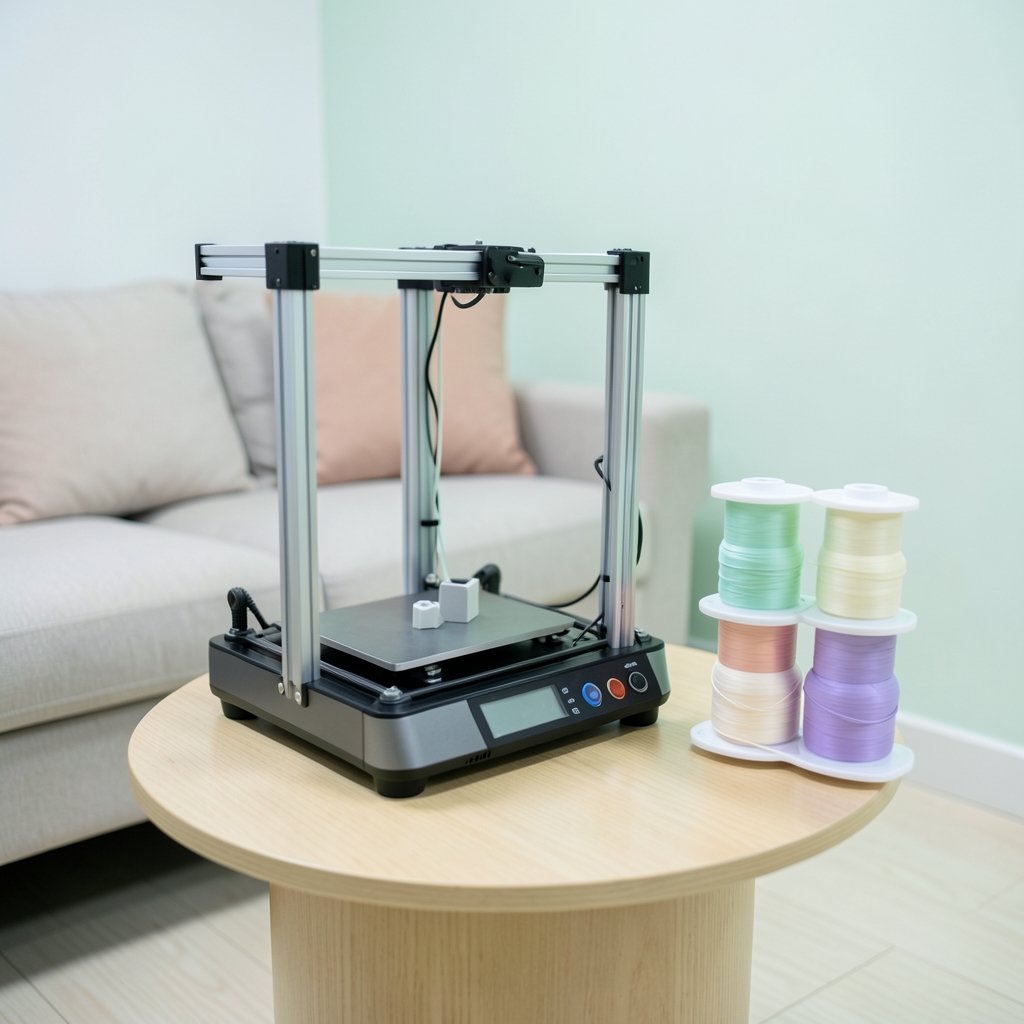
PCMag calls the A1 mini a top-notch printer for beginners and hobbyists seeking an affordable option, and its reasoning is practical rather than technical. The machine is easy to get going, fast at standard print speed, and produces excellent-quality prints at low cost. Assembly is quick, and an optional, reasonably priced accessory adds four-color printing.
Who it suits: someone who wants to unbox, run the setup, and hold a finished print the same afternoon. It also suits households where the printer lives on a side table rather than in a workshop.
The limitation worth knowing: the print bed is small. Anything beyond small-to-medium parts needs to be split into pieces or printed on a bigger machine. The touchscreen control panel is also cramped, which gets annoying when you’re adjusting settings mid-print. Multicolor printing works, but it generates filament waste because the machine has to purge between color changes.
The A1 mini is the machine to buy when you’re unsure whether the hobby will stick. It removes the two classic beginner killers: slow assembly and endless manual tuning.
Elegoo Neptune 4 Plus: big prints without a big spend
The Neptune 4 Plus is the value pick for anyone whose projects are simply too large for a compact printer. Testers describe it as capable of printing large objects with generally very good print quality, nearly problem-free in operation, and supportive of multiple filament types.
Who it suits: makers printing functional parts, cosplay pieces, organizers, or prototypes where size matters more than color. It’s also a sensible second printer for someone who already owns a small machine and keeps hitting its limits.
The limitation worth knowing: it takes up a lot of space, so measure your bench before ordering. It also ships without filament, which catches out first-time buyers who expect to print the same day. Budget for at least one spool in the same order.
One practical tip from the field: with any open-frame printer of this size, the first week is about learning your machine’s quirks, not chasing perfect prints. Level the bed carefully, print a small test model, and only then start the twelve-hour jobs.
Bambu Lab P1S Combo: the less-tuning option
The P1S Combo targets hobbyists who want to spend time designing rather than fiddling. It pairs a 256 × 256 × 256 mm build volume with print speeds up to 500 mm/s, a 300°C hotend, an enclosed frame, a built-in camera, and the AMS multicolor system. The included AMS handles four colors, and adding more compatible units pushes that to 16.
Who it suits: people who want to print with ABS and ASA as well as PLA. The enclosure helps retain heat, which matters for those materials.
The limitation worth knowing: the enclosure retains heat but the printer doesn’t have an active chamber heater. If your plans involve demanding engineering materials that need a genuinely heated chamber, look further up the range.
Creality K2 Plus Combo: for genuinely large projects
The K2 Plus Combo is the premium large-format option on this list, with a 350 × 350 × 350 mm build volume and speeds up to 500 mm/s. That volume changes what’s possible: full-size helmets, large mechanical assemblies, and multi-part projects that would otherwise need joining.
Who it suits: makers whose wish list is dominated by big objects, and who want multicolor capability without giving up build space.
The limitation worth knowing: it’s a substantial machine in every sense. The footprint is large, and it belongs on a sturdy, dedicated surface rather than a flimsy shelf. Check the current price and bundle contents with the retailer, since combo pricing moves around.
Qidi Q2: the bridge between hobbyist and prosumer
The Qidi Q2 is a closed-frame machine that aims to bridge the gap between serious hobbyist rigs and prosumer printers. It’s relatively compact for a closed-frame printer of its build volume, so it fits tighter spaces than many competitors. It includes advanced automatic bed leveling and multi-material capabilities thanks to a heated chamber and a high-temperature extruder.
Who it suits: hobbyists and product designers who need repeatable results with engineering filaments rather than decorative prints.
The limitation worth knowing: this is not a starter machine. It rewards users who already understand slicing settings, material profiles, and chamber temperatures. Beginners will get more value from the A1 mini first.
Elegoo Mars 5 Ultra: detail that filament can’t match
Resin printers occupy a different world. The Mars 5 Ultra can generate layers as thin as 0.01 mm, which is 10 to 20 times thinner than a typical filament printer. That’s why resin machines are popular with tabletop gamers printing miniatures packed with detail. Reviewers note the print quality is not in dispute, especially on beautifully detailed game miniatures.
Who it suits: miniature painters, jewelers, and anyone whose work lives or dies on surface detail.
The limitation worth knowing: documentation has been described as poor or even confusing, which creates regular obstacles on the path to those beautiful prints. Resin is also toxic, shouldn’t be used by young children, and needs good ventilation. Its toxicity is chronic, meaning exposure gets worse over time. If you print resin, treat gloves, ventilation, and safe disposal as part of the purchase, not an afterthought.
If your interest leans toward printing on fabric and garments rather than plastic, a different technology applies entirely, and it’s worth reading about UV DTF printers, where they print well and where they fail before spending money.
How to choose without overthinking it
Work through these in order. Most buyers find the answer lands on one machine within ten minutes.
- Decide filament or resin first. If you want miniatures and fine detail, resin wins. If you want functional parts, props, and everyday objects, filament wins. This single choice eliminates half the market.
- Measure your largest planned print. Not your average print, your largest. Build volume is the spec people most often regret ignoring, and it’s the one you can’t upgrade later.
- Be honest about tuning. Enclosed, automated machines cost more but hand you finished prints sooner. Open-frame budget machines reward tinkerers and punish people who just want results.
- Count the hidden costs. Filament isn’t always included, multicolor printing wastes material during purges, and resin adds gloves, ventilation, and cleaning supplies.
- Check the software and support situation. A polished machine with a beta app is a frustrating combination. Read recent owner reports alongside launch reviews.
One more practical note: speeds quoted in marketing are ceiling figures, not typical ones. A machine rated at 500 mm/s will spend most of its life printing well below that, because quality settings slow it down. Judge printers on print quality and reliability first, speed second.
Where the print world overlaps with the rest
Plenty of 3D printing enthusiasts also care about print in its older senses. The same eye for detail that makes a good miniature painter shows up in people who collect magazines, and the print boom that raised a generation is a useful reminder that physical objects carry weight that screens don’t. If you’re producing labels, packaging, or promotional material for a small making business, learning to print QR codes that actually scan on the first try saves real reprint costs. And if your projects involve vehicle interiors or workshop builds, it’s worth understanding what the automatic label on a Sprinter van really means before you buy one, because the same “automatic doesn’t mean hands-off” logic applies to 3D printers with auto-leveling and AI failure detection.
Conclusion
The best 3D printer in 2026 is the one that matches your largest project, your patience for tuning, and your tolerance for mess. For most beginners, the Bambu Lab A1 mini is the safest entry point, with fast setup and excellent print quality at low cost. For big objects on a budget, the Elegoo Neptune 4 Plus delivers size and near trouble-free printing, provided you have the bench space and remember to order filament. Hobbyists who want enclosure benefits and multicolor output should weigh the P1S Combo, while large-format makers and detail-obsessed miniature painters have clear, named options in the K2 Plus Combo and the Mars 5 Ultra. Pick the category first, the size second, and the brand third. That order is what separates a printer that earns its desk space from one that collects dust.
Frequently asked questions
Is a resin printer better than a filament printer for beginners?
Usually not. Resin printers deliver finer detail, with layers as thin as 0.01 mm, but resin is toxic, needs good ventilation, and shouldn’t be used around young children. Filament printers are the safer and simpler first machine for most people.
How much space does a large 3D printer need?
More than the spec sheet suggests. The Elegoo Neptune 4 Plus, for example, is noted for taking up a lot of space, and the Creality K2 Plus Combo’s 350 × 350 × 350 mm build volume implies a substantial frame. Measure the machine’s outer dimensions plus room for filament spools and clearance.
Do multicolor printers waste filament?
Yes. Switching colors requires purging the nozzle, which costs both time and material. One design workaround is a second nozzle, which lets at least one filament avoid the swap and purge cycle entirely.
What print speed should I actually expect?
Treat quoted maximums as ceilings. A printer rated at 500 mm/s will usually run slower on quality settings. Prioritize print quality and reliability, then treat speed as a bonus.
Can I print ABS and ASA on a beginner printer?
Not reliably on an open-frame machine. Those materials benefit from an enclosed frame that retains heat, which is why enclosed models are recommended for hobbyists who want to print with ABS and ASA. Note that heat retention is not the same as an actively heated chamber.
What hidden costs should I budget for?
Filament if it isn’t included, extra spools for multicolor work, replacement nozzles and build plates, and for resin printing, gloves, ventilation, and cleaning supplies. Factor these in before comparing sticker prices.











