


What if the biggest upgrade to your PC setup isn’t a graphics card or a monitor, but the thing sitting on your ears? That’s the strange truth about headsets: a $60 pair that fits right can change how you play more than a $600 part you’ll never notice. The problem is that the market is a mess of near-identical black plastic, inflated claims, and review scores that ignore the one thing that matters most, which is whether the headset fits your head, your ears, and your motherboard.
This roundup skips the theory and names seven specific headsets, each with a clear job. Some are cheap, some are not, and at least one will probably annoy you in a small way. That’s fine. Every option below has a real limitation, because pretending otherwise is how buyers get burned.
The Shortlist at a Glance
| Headset | Best for | Connection | Standout strength | Watch out for | Listed price |
|---|---|---|---|---|---|
| HyperX Cloud III | First serious headset | Wired (3.5mm / USB) | Comfort and durability | Basic feature set | $99 (wired) |
| HyperX Cloud III Wireless | Long sessions without cables | 2.4 GHz wireless | Battery life and fit | Sound trails the wired version | Not stated |
| SteelSeries Arctis Nova 7 | Multi-device players | 2.4 GHz + Bluetooth | Works on PC, console, mobile | Many features are PC-only | Around $150–170 |
| Logitech G PRO X 2 Lightspeed | Competitive FPS on PC | 2.4 GHz Lightspeed | Sound quality plus software | Premium price | $249 |
| Razer Barracuda X | Budget wireless | USB-C dongle | Wide platform support | Fewer tuning options | $99 |
| Logitech G435 Lightspeed | Lightest possible setup | Lightspeed wireless | Weight and price | Toy-like looks | $29–$60 |
| Nacon RIG 900 Max HS | Immersive single-player | Wireless | Comfort over long sessions | Premium price tag | Not stated |
Prices above come from published coverage and move around constantly, so treat them as a starting point rather than a promise. Check the retailer page before you commit.
HyperX Cloud III: The Safest First Buy
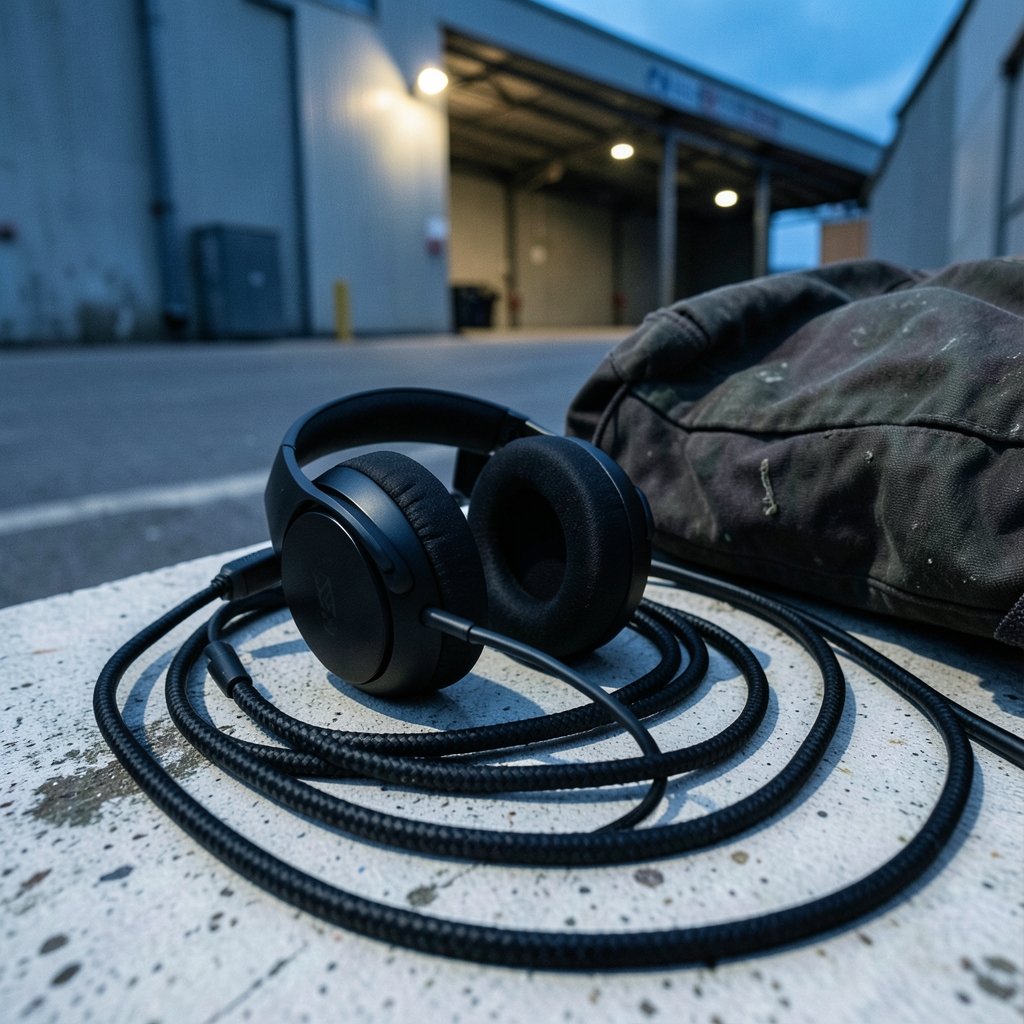
If someone asks for one recommendation and refuses to answer follow-up questions, this is the one. The Cloud III is the wired version of a formula HyperX has refined for years, and reviewers consistently praise two things: it survives being thrown in a bag, and it stays comfortable for hours.
The catch is honesty about what you’re buying. The Cloud III has no noise canceling and no party tricks. It gets the basics right and is priced accordingly. For someone who plays with a wired controller nearby or doesn’t mind a cable, that’s not a compromise, it’s a bargain. If you’re building out a whole desk, pair it with a keyboard you’ve actually researched rather than grabbed off a shelf, since the same logic applies: choose best gaming keyboard your setup deserves the same patience.
Who it suits: students, first-time buyers, anyone who breaks things.
HyperX Cloud III Wireless: Same Shape, Fewer Cables
The wireless Cloud III keeps the matte black and red look and the sturdy build, then cuts the cord. Reviewers who have tested both generally suggest the wired model if sound quality is the priority, because a TRS connection avoids the small compromises wireless introduces, and you never deal with a battery that refuses to wake up after draining completely.
Where the wireless version wins is battery life and freedom. If you move between a desk and a couch, or you’re tired of yanking a cable out mid-match, the trade is worth it. Just charge it on a schedule instead of waiting for the low-battery beep in the middle of a ranked game.
Who it suits: players who hate cables more than they love pristine audio.
SteelSeries Arctis Nova 7: The Multi-Device Workhorse
This is the headset for people who game on a PC but also own a console, a phone, and a laptop. The Nova 7 connects over a 2.4 GHz dongle and Bluetooth at the same time, so you can take a call while your game stays connected. Coverage of the Nova 7X and 7P variants highlights comfort, strong build quality, and high compatibility as the main draws, and notes that the full feature set is available only on PC.
That last point is the limitation worth repeating. If you split your time between platforms, expect some features to sit unused. The microphone is also serviceable rather than excellent, so streamers should look elsewhere or add a dedicated mic. Comfort is genuinely strong, though, and that matters more than any spec sheet line.
Who it suits: one headset for everything, PC first.
Logitech G PRO X 2 Lightspeed: For Players Who Want to Hear Footsteps
At around $249, this is the pick for competitive shooters where audio cues decide rounds. Reviewers describe it as sounding good, feeling good, and lasting a long time, with broad platform support and a deep set of software features. The graphene drivers and the tuning app give you more control than most rivals, and that control is the point: you can shape the sound to your game instead of accepting whatever preset shipped in the box.
The honest downside is price. You are paying flagship money for a headset that still won’t match a dedicated pair of studio headphones for music. If your library is mostly single-player RPGs, the extra competitive tuning is money you’ll never hear. Spend it on a chair instead, and read up on why a best budget gaming chairs actually matters before you spend before you blow the budget on audio alone.
Who it suits: ranked FPS players with a fixed budget for one good purchase.
Razer Barracuda X: Wireless Without the Sting
The Barracuda X is the answer to “I want wireless and I have $99.” It uses a USB-C dongle that plugs into a huge range of devices, and reviewers single out the microphone as genuinely good for the price. That’s rare in this bracket, where mics usually sound like a walkie-talkie underwater.
What you give up is tuning depth and build luxury. It’s plastic, it’s light, and it doesn’t pretend to be a flagship. For a first wireless headset, or a second one for travel, that’s a fair trade. Just don’t expect it to survive being sat on.
Who it suits: budget wireless buyers and laptop gamers.
Logitech G435 Lightspeed: Absurdly Light, Absurdly Cheap
This headset looks like a kid’s toy and weighs about as much as one. Reviewers note that beneath the bright colors it packs real punch for the price, and that it’s made with recycled materials. At its lowest listed price it’s almost an impulse buy.
The limitation is obvious the moment you put it on: no boom mic depth, modest isolation, and a fit that won’t suit larger heads. It’s also not the pick for someone who wants their desk to look serious. But for a teenager, a secondary setup, or a gift, it’s hard to beat. If you’re kitting out a new player entirely, funny gaming names and a cheap laptop matter as much as audio, so start with how to find best cheap gaming laptops without wasting money before adding peripherals.
Who it suits: light travelers, younger players, tight budgets.
Nacon RIG 900 Max HS: The Comfort King
Reviewers who spend five or six hours in a session tend to notice one thing above all: whether their ears are on fire. The RIG 900 Max HS reportedly avoids that entirely, with plush cups that never chafed or overheated during long sessions, plus a build described as remarkably durable. Audio quality gets called pristine, which is high praise for immersive single-player games.
The catch is the price. It sits in premium territory, and if you mostly play competitive shooters, you’re paying for comfort and richness you may not fully use. It’s also a headset you’ll struggle to take off, which sounds like marketing until you’ve lost an evening to it.
Who it suits: long-session RPG and adventure players.
How to Choose Without Overthinking It
Ignore most of the spec sheet. Four things actually decide whether you’ll be happy.
- Fit first. Clamping force and ear cup depth matter more than driver size. If you have a larger head, look for deep cups; a headset that presses on your ears becomes unbearable in 90 minutes.
- Connection second. Wired is still the most reliable and the cheapest way to get clean sound. 2.4 GHz dongles beat Bluetooth for latency, and reviewers consistently note that competitive players gravitate toward wired or proprietary wireless for exactly that reason.
- Microphone third. If you talk to people, a detachable or flip-to-mute mic is worth more than a fancy EQ. If you stream, budget for a separate mic.
- Software last. Companion apps are useful, but they’re also the first thing to be abandoned when a company loses interest. Don’t buy for the app.
One more practical tip: check the return window before you buy. The single most common mistake is keeping a headset that felt fine for ten minutes and painful after two hours. Wear it for a full evening while doing something boring, then decide.
Conclusion
The best gaming headset for PC isn’t the most expensive one or the one with the longest feature list. It’s the one that fits your head, matches how you actually play, and doesn’t make you wince when you see the receipt. Start with the HyperX Cloud III if you want zero risk, go Nova 7 if you juggle platforms, pick the G PRO X 2 if ranked matches are your life, and grab the Barracuda X or G435 if the budget is tight. Everything else is detail.
Frequently Asked Questions
Is a wired or wireless headset better for PC gaming?
Wired is more reliable and usually sounds cleaner for the money, since there’s no battery or wireless compression to worry about. Wireless wins on convenience, and 2.4 GHz dongles keep latency low enough for competitive play. If you hate cables, go wireless and charge on a schedule.
How much should I spend on a gaming headset?
A solid wired headset starts around $99 and covers most players well. Mid-range wireless sits near $150, and flagship models run $249 and up. Spending more buys tuning depth, build quality, and comfort, not a transformation. Set a ceiling before you browse.
Do I need a headset with a microphone?
Only if you play multiplayer or take calls. A detachable or flip-to-mute mic adds flexibility, and most gaming headsets include one. If you stream or record, a separate microphone will beat any built-in option, so don’t pay extra for mic quality you won’t use.
Can I use a console headset on my PC?
Usually yes, especially with USB-C dongles and 3.5mm connections, which work across a wide range of devices. The catch is that platform-specific features often only work on the platform they were designed for. Check compatibility before assuming every button will function.
Why does my headset hurt after a couple of hours?
Clamping force, shallow ear cups, and weight are the usual culprits. Headsets marketed as lightweight or with deep plush cups tend to do better over long sessions. If a pair hurts within the return window, send it back rather than hoping it breaks in.
Are expensive gaming headsets worth it for single-player games?
Less so than for competitive shooters. Premium models earn their price through positional audio and tuning tools that help you hear footsteps and reloads. For story-driven games, comfort and a balanced sound profile matter more than competitive precision, so a mid-range pick is often enough.











