

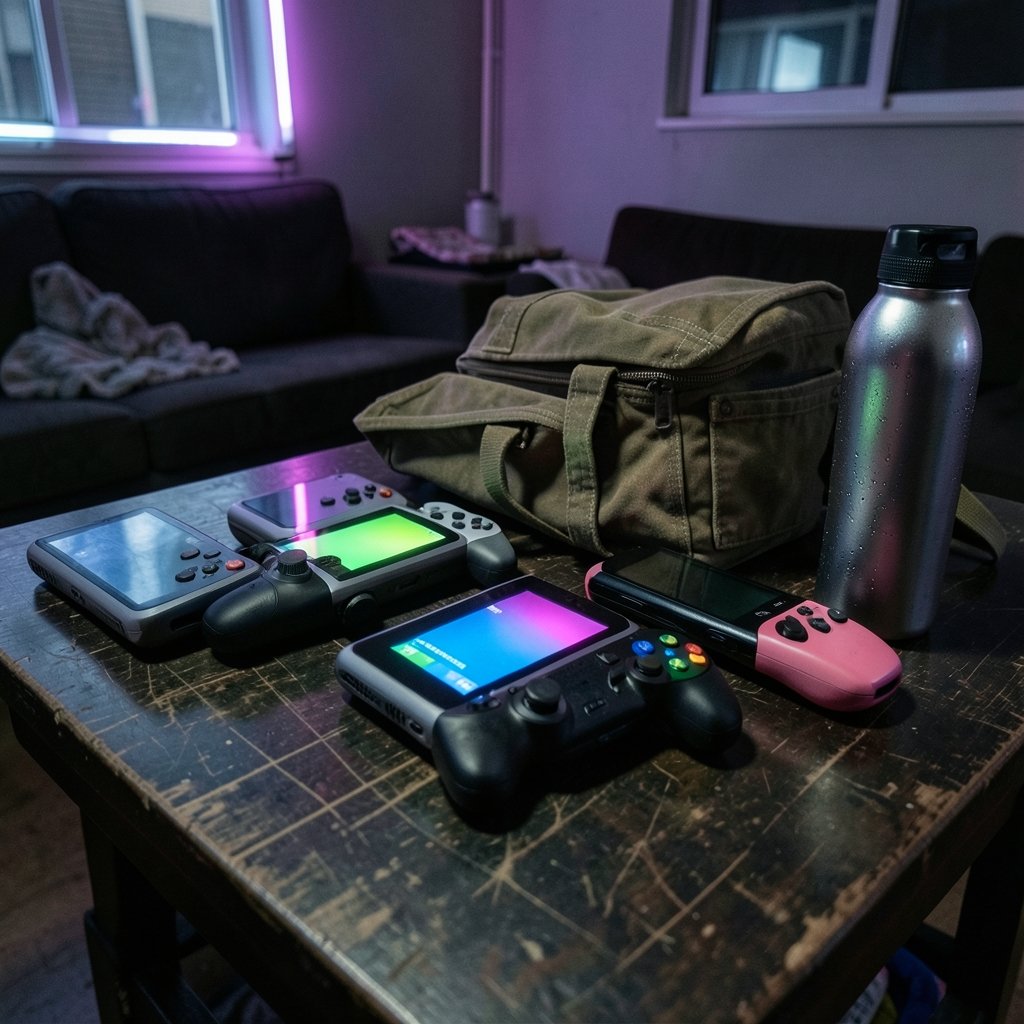
What if the best gaming console you ever own never needs a TV? That question stopped being hypothetical a while ago. Handhelds now run full PC games, stream your Steam library, and slip into a backpack next to a water bottle. The catch is that the market got crowded fast, and the wrong pick can leave you with a heavy brick and a dead battery.
This roundup cuts to the shortlist. Six named devices, what each one does well, where each one stumbles, and who should actually buy it.
The Shortlist at a Glance
| Device | Best for | Screen | Standout strength | Main trade-off |
|---|---|---|---|---|
| Steam Deck OLED | Most people | 7.4-inch OLED, 1,280 x 800, HDR | Affordability plus a huge PC library | Large body, no detachable controllers |
| Asus ROG Xbox Ally X | Windows loyalists | 7-inch class LCD | Widest game library, strong lightweight performance | Expensive, no HDR, buggy interface |
| Lenovo Legion Go S (SteamOS) | Comfort on long trips | 8-inch | Excellent grip and Hall Effect sticks | Bigger and heavier than a Deck |
| Lenovo Legion Go 2 | Big-screen players | 8.8-inch | Largest display in the group | Heavy at 922 g |
| MSI Claw A8 | Value hunters | 8-inch class | Strong price-to-performance | Display contrast lags OLED rivals |
| Nintendo Switch Lite | Kids and commuters | Compact LCD | Light, cheap, enormous library | No TV docking, aging platform |
Steam Deck OLED: The Default Choice for Most Buyers

If someone asks which portable gaming device to buy without giving any other details, the Steam Deck OLED is the safe answer. It has the most balanced package in the category: a vibrant HDR OLED panel, controls that feel considered rather than crammed in, improved haptics on the trackpads, and battery life that outlasts the original model by roughly an hour in average play.
The library is the real argument. Steam carries decades of PC games, and the Deck runs many of them well without tinkering. Trackpads make mouse-driven titles like strategy games and management sims genuinely playable, which is something most rivals cannot claim.
The limitations are honest ones. It is a large device, the screen can feel small in games with dense UI, the controllers do not detach, and some Steam titles simply will not run. Buyers who want a console-like experience with zero fiddling should look elsewhere. Buyers who want a flexible PC in their hands should start here.
Asus ROG Xbox Ally X: The Windows Power Option
For players who want Windows on a handheld, the Asus ROG Xbox Ally X is the current flagship pick. It supports a wider library than the Steam Deck or the Switch because it runs full Windows, and it handles lightweight games with excellent performance for its components.
The hardware earns praise too. Bumpers and buttons feel clicky and responsive, the joysticks carry good tension, and the substantial grips are often more comfortable than the flatter designs common in this category. If you have large hands, that matters more than any spec sheet number.
Two caveats keep it from being the universal recommendation. First, it is expensive. Second, the display does not support HDR and does not show great contrast, and the interface remains buggy and inconsistent. Windows handhelds still demand patience with updates and settings. If you mostly play indie and older titles and want the broadest compatibility, the trade is worth it. If you want plug-and-play, it is not.
Lenovo Legion Go S: Comfort Wins on Long Flights
The Legion Go S in its SteamOS version is the sleeper pick. Testers who spend hours with handhelds tend to gravitate toward it for one reason: it feels better in the hands than the competition. The grips cradle your fingers naturally, and the Hall Effect RGB joysticks sit in positions that do not force your thumbs into an awkward reach the way the Steam Deck OLED can.
That comfort compounds on a long trip. A device that fits your hands stays fun at hour three; one that fights your grip does not. The 8-inch screen also gives more breathing room than a 7-inch panel.
The cost is size. At 736 g and roughly 299 mm wide, it is not a pocket device, and it will dominate a small bag. Performance is solid for SteamOS titles but does not match the top Windows machines. Think of it as the long-haul travel machine rather than the benchmark champion.
Lenovo Legion Go 2: The Big-Screen Pick
The Legion Go 2 is the answer for anyone who has ever squinted at a handheld and wished it were bigger. Its 8.8-inch display is the largest in this group, and it makes text-heavy RPGs and strategy games far easier to read.
That screen comes with heft. At 922 g, it is the heaviest device on this list by a wide margin, and holding it unsupported for long sessions will tire your arms. It also sits at the top of the price range. If you mostly play at a desk, on a tray table, or propped against a cushion, the weight matters less and the screen matters more. If you play standing on a train, look at the Legion Go S instead.
MSI Claw A8: The Value Play
The MSI Claw A8 is known as the best value option among Windows handhelds. It delivers capable performance for the money and gives budget-conscious buyers a way into Windows without flagship pricing.
The compromise is the panel. Contrast and overall display quality do not match the OLED competition, and once you have played on an OLED handheld, going back is noticeable. The Claw makes the most sense for players who prioritize frame rates and library access over picture quality, or who plan to dock the device to a monitor most of the time.
Nintendo Switch Lite: Still the Right First Handheld for Kids
Not every buyer wants a PC in their pocket. The Switch Lite is markedly more comfortable in smaller hands, more compact and lighter than any other Switch model, and it carries the same vast game library at an affordable price.
The trade-offs are real. It cannot dock to a TV, which removes the Switch’s signature flexibility, and its LCD display is unspectacular. The platform also will not receive new games for much longer, so it is a purchase for the back catalog rather than a long-term bet. For a younger player who wants their own machine to take anywhere, it remains the simplest recommendation on this list.
If your budget is tight overall, it is worth pairing a handheld decision with sensible spending elsewhere. The same logic that applies to budget gaming chairs applies here: spend on the parts you touch and look at every day, and save on the rest.
How to Choose Without Overthinking It
Work through these in order. The first question usually settles it.
- Decide on the platform first. SteamOS gives you a console-like experience and a massive PC library. Windows gives you the widest compatibility and the most setup headaches. Nintendo gives you first-party games and simplicity.
- Weigh the device in your hands, literally. Anything above about 700 g gets uncomfortable when held up for an hour. If you commute standing up, favor lighter models.
- Check the screen technology. OLED panels deliver contrast that LCD cannot match, and it is the single most noticeable upgrade in daily use.
- Match the screen size to your games. Text-dense RPGs and strategy titles want 8 inches or more. Fast action games are fine on 7.
- Budget for storage and accessories. Handheld storage fills quickly, and a case plus a power bank is close to mandatory for travel.
One practical tip that saves real frustration: before buying, check whether the specific games you play most are verified for your chosen device. Compatibility varies wildly between SteamOS and Windows, and a device that runs 90 percent of the store can still miss the one title you care about.
Another common mistake is buying on raw performance alone. In practice, battery life, weight, and screen quality shape daily satisfaction far more than benchmark scores. A slightly slower handheld you actually enjoy holding beats a faster one that stays in a drawer.
If you are building out a full setup rather than just picking a handheld, the supporting gear matters too. A wireless gaming headset that fits properly is worth more on a noisy train than any spec upgrade, and a keyboard you actually enjoy typing on makes docked sessions far better. Small peripherals, outsized impact.
Conclusion
There is no single best portable gaming device, but there is a best one for you, and the shortlist above narrows it to six. The Steam Deck OLED remains the default for most buyers thanks to its balance of price, library, and screen. The ROG Xbox Ally X wins for Windows compatibility and raw flexibility. The Legion Go S wins on comfort, the Legion Go 2 on screen size, the MSI Claw A8 on value, and the Switch Lite on simplicity for younger players.
Pick the platform first, then the weight and screen that fit how you actually play. Do that, and you will end up with a handheld you reach for daily instead of one that lives in a drawer.
Frequently Asked Questions
Which portable gaming device is best for most people?
The Steam Deck OLED is the most balanced choice. It combines an HDR OLED display, comfortable controls, improved battery life, and access to a huge PC library at a relatively affordable price. Its main drawbacks are its large size and the fact that some Steam games do not run on it.
Is a Windows handheld better than a Steam Deck?
It depends on your library. Windows devices like the Asus ROG Xbox Ally X support a wider range of games and handle lightweight titles very well, but they cost more, often lack HDR, and ship with interfaces that are still buggy and inconsistent. SteamOS offers a smoother, more console-like experience with fewer compatibility surprises.
How heavy is too heavy for a handheld?
Comfort varies by person, but anything above roughly 700 g becomes tiring to hold unsupported for long sessions. The Legion Go S sits at 736 g, and the Legion Go 2 reaches 922 g. If you play standing or on a commute, favor lighter models or plan to rest the device on something.
Do I need an OLED screen on a handheld?
It is not mandatory, but it is the most noticeable upgrade in everyday use. OLED panels deliver far better contrast and color than the LCD screens on the MSI Claw A8 and Switch Lite. If you play in dim rooms or care about visual quality, prioritize OLED.
Is the Nintendo Switch Lite a good first handheld for a child?
Yes, for the right child. It is lighter and more compact than other Switch models and markedly more comfortable in smaller hands, and it has an affordable price and a vast library. The catch is that it cannot dock to a TV and will not receive new games for much longer.
What should I check before buying a handheld?
Verify that the specific games you play most are supported on your chosen device, since compatibility differs significantly between SteamOS and Windows. Then weigh battery life, weight, and screen quality, which affect daily satisfaction more than benchmark scores do.









