

What if the most important tech purchase in your home office is the one everyone complains about? Printers have a reputation problem, and honestly, most of it is deserved. They jam, they drink ink, and they go offline at the exact moment a deadline lands. But a good one quietly earns its keep for years.
This guide skips the philosophy and gets to the shortlist. Seven named machines, each with a clear job, a real weakness, and a straight answer on who should buy it. Every pick below is grounded in published lab testing and hands-on reviews, so readers can compare options without wading through spec sheets.
Comparison Table: The Shortlist at a Glance
| Printer | Best for | Standout strength | Main limitation |
|---|---|---|---|
| Epson EcoTank ET-2830 | Low running costs | Refillable ink tanks | Higher upfront price |
| Epson EcoTank Pro ET-5850 | Small business volume | Low cost per page, duplex ADF | Expensive to buy |
| Canon MAXIFY GX5550 | Home office all-rounder | Strong office feature set | Not a photo specialist |
| Brother HL-L6310DW | Mono document printing | Consistently high ratings | No color |
| HP LaserJet M234dw | Compact mono MFP | Fast text, good scans | Dark graphics, costly to run |
| Canon PIXMA TS5350i | Tight budgets | Low purchase price | Cartridges are small |
| Epson EcoTank ET-18100 | Mixed home use | Affordable all-rounder | Underwhelming plain paper prints |
Epson EcoTank ET-2830: The Cheapest Page You’ll Ever Print
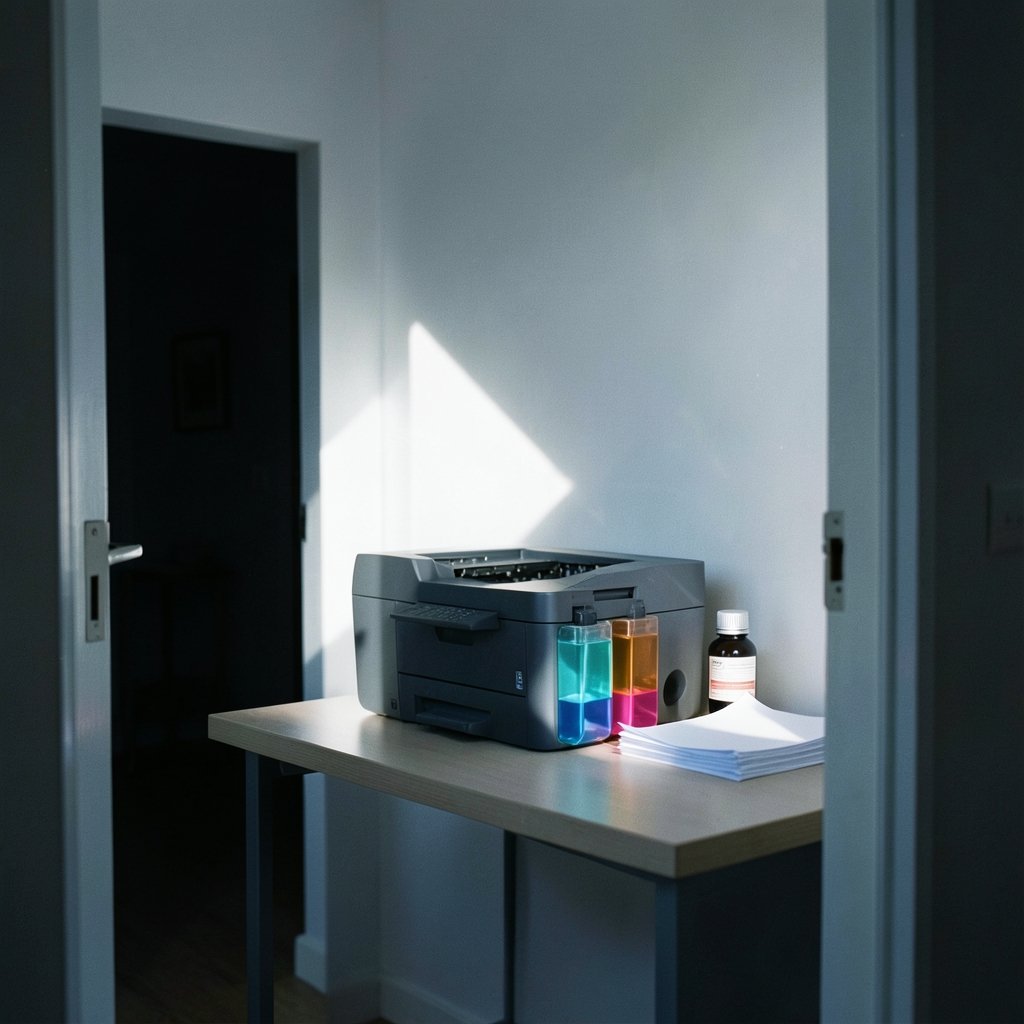
If the goal is to stop flinching every time a document prints, this is the machine to look at first. Refillable ink tanks replace cartridges, and reviewers consistently flag low running costs as the star of the show. That matters more than any spec: the purchase price stings once, while ink bills arrive every month.
The trade-off is predictable. Tank printers cost more upfront than cartridge models, and the ET-2830 is a plain home printer rather than a photo machine. It suits households that print homework, forms, and the occasional color page. Anyone who mostly prints photos should read up on best photo printers turning digital files into gallery ready before committing to a tank model.
Epson EcoTank Pro ET-5850: For the Small Business That Prints All Day
This is the workhorse of the group. The ET-5850 prints well and inexpensively, with generous input capacity and high volume ratings, which is why it gets called incomparable value for small businesses and workgroups. It also adds auto-duplexing through the document feeder, so two-sided scanning stops being a manual chore.
The obvious catch is the price. This is a serious purchase, and it only makes sense if the monthly page count justifies it. A household printing twenty pages a week will never earn that money back. A two-person office printing invoices, contracts, and client packs every day will.
Canon MAXIFY GX5550: The Home Office All-Rounder
Reviewers position the GX5550 as the best home office printer in their rankings, and the reasoning is simple: it does a bit of everything without embarrassing itself. Documents look sharp, running costs stay manageable, and it fits the shape of a real home office rather than a print shop.
It is not the machine for someone whose main goal is gallery-grade photo output, and it is not the cheapest entry point either. Think of it as the sensible middle. If the decision is between this and a budget cartridge model, the honest question is how many pages get printed each month. That calculation decides more purchases than any spec comparison, which is why it helps to choose best home printer without wasting money ink before clicking buy.
Brother HL-L6310DW: The Mono Laser That Keeps Winning
One pattern shows up across nearly every roundup: Brother printers rate very highly. The HL-L6310DW is a monochrome laser built for people who print text, lots of it, and want it fast and sharp. Laser printing wins on quality and speed for documents, and this model is the safest bet in that category.
The limitation is built into the name. Monochrome means no color, ever. School projects with diagrams, birthday cards, and anything with a photo need a different machine. But for contracts, manuscripts, shipping labels, and the endless tide of paperwork that runs a small business, a mono laser is the least frustrating tool available.
HP LaserJet M234dw: Small, Fast, and Surprisingly Good at Scanning
For anyone who needs a multifunction device but has no interest in color, the M234dw is a strong fit. It is compact, prints text very quickly, and the built-in scanner produces excellent document scans and copies. Reviewers also note the scan quality holds up well for a machine this size.
Two warnings come with it. First, graphical prints and copies come out dark, so it is a poor choice for anything image-heavy. Second, it is expensive to run compared with tank models. There is also no automatic document feeder, which means feeding pages by hand one at a time. For a solo desk with modest volume, those trade-offs are acceptable. For a shared office, they are not.
Canon PIXMA TS5350i: The Cheap Printer With a Catch
Sometimes the right printer is simply the affordable one. The TS5350i earns its place as a budget pick: the purchase price is low, setup is straightforward, and it handles everyday printing without drama. For a student, a spare-room desk, or a household that prints a few pages a week, that is enough.
The catch is the ink. Small cartridges mean frequent replacements, and the cost per page climbs quickly once volume rises. This is the classic budget-printer trap: cheap to buy, expensive to own. Anyone printing more than a handful of pages weekly should run the math on a tank model instead. The same logic applies to photo work, where paper choice matters as much as hardware; the guide to matte size explained frame mats paper sheets print finishes is worth a read before ordering supplies.
Epson EcoTank ET-18100: The Affordable Tank Option
Not every tank printer costs a fortune. The ET-18100 delivers a great all-around experience with low running costs, and reviewers describe it as keeping the burden on the wallet low. Refillable tanks also save time compared with swapping cartridges, which is a small quality-of-life win that adds up over years of ownership.
The honest weakness is plain paper printing, which reviewers call underwhelming, and the machine is not cheap to buy. It suits a household that wants low ongoing costs and prints a mix of documents and color pages without expecting lab-quality photos. Buyers who want the cheapest possible entry point should look elsewhere.
How to Choose Without Regret
The options above split cleanly once the real question gets asked: what actually gets printed?
- Count the pages. Estimate monthly volume honestly. Under fifty pages, a budget cartridge model works. Over two hundred, a tank or laser model pays for itself.
- Decide on color. Documents, labels, and forms need no color. School projects and photos do. Mono lasers win on speed and sharpness for text.
- Weigh the running cost, not the sticker. Cheap printers with small cartridges are the most expensive machines on this list over three years.
- Check the scanner. A flatbed handles books and IDs. An automatic document feeder handles multi-page contracts. Know which one the desk actually needs.
- Measure the space. Compact models fit shelves and small desks. Office workhorses need real square footage.
A few practical notes from the field. Printers that sit unused for weeks tend to clog, especially inkjets, so a quick monthly test page prevents most problems. Setup instructions are a common frustration, so budget twenty minutes and follow them in order rather than improvising. Keep the machine on the same Wi-Fi network as the computer, and update the firmware once after setup, not mid-deadline.
There is also a design dimension worth noticing. Print culture shapes what people wear, read, and collect, from the 90s teenage magazines print boom that raised generation to the way fashion magazines print glossies still shape we wear. A home printer is a small participant in that same tradition, which is a nice thought when the ink bill arrives.
The Verdict
For most homes, the Epson EcoTank ET-2830 is the pick that ends the ink-cost argument. For small offices, the EcoTank Pro ET-5850 justifies its price through volume and duplex scanning. The Canon MAXIFY GX5550 is the safest all-rounder, the Brother HL-L6310DW is the text-printing champion, and the HP LaserJet M234dw is the compact mono specialist. Budget buyers can start with the Canon PIXMA TS5350i as long as they accept the cartridge math, and the Epson EcoTank ET-18100 covers mixed use at a lower tank price.
No single machine wins for everyone, and that is the point. Match the printer to the page count, the color need, and the desk space, and the complaints fade. Choose by habit instead, and the old printer reputation returns fast.
Frequently Asked Questions
Is an inkjet or a laser printer better for a home office?
It depends on what gets printed. Laser printers win on quality and speed for text documents, which makes them ideal for contracts, invoices, and forms. Inkjets handle color and photos better and usually cost less upfront. A home office that prints mostly black-and-white paperwork will be happier with a laser, while a household printing school projects and photos should lean inkjet.
Are tank printers really cheaper to run than cartridge printers?
Yes, over time. Refillable ink tanks replace small cartridges, and reviewers consistently identify low running costs as their biggest advantage. The catch is the higher purchase price. A household printing a few pages a week may never earn back the difference, while anyone printing regularly will see the savings within the first year or two of ownership.
How much does a good printer cost?
Prices vary widely by category, and they shift with sales and regional availability. Budget cartridge models sit at the low end, tank and laser models cost more upfront, and office workhorses with duplex scanning and large paper trays sit at the top. Because pricing changes often, check the current price on the manufacturer’s official page before buying rather than relying on an older review.
Do I need a scanner and copier built in?
Only if the desk actually uses them. A multifunction device saves space and cabling, and models like the HP LaserJet M234dw produce excellent document scans for their size. But scanning apps on phones handle occasional documents well, so someone who prints twice a week can skip the extra hardware and spend the money on better print quality instead.
Why do printers jam or go offline so often?
Most jams trace back to paper: damp sheets, overfilled trays, or mismatched paper settings. Offline errors usually come from network drops or stale firmware. Practical fixes include fanning the paper stack before loading, keeping the tray below its maximum line, and updating firmware once after setup. Inkjets that sit idle for weeks also clog, so a monthly test page prevents most of it.
Which printer is best for printing photos at home?
A dedicated photo printer beats a general-purpose machine for image quality, and cartridge-based inkjets often handle borderless photo printing well. Tank models prioritize low running costs over fine detail on glossy paper, and reviewers note some tank printers produce underwhelming plain paper results. Anyone serious about prints should choose a model built for photos rather than compromising on a document machine.











