


What if the laptop you buy this week could still feel fast three years from now, without you paying flagship money? That is the real question behind every “best Windows laptop” search, and the answer has shifted. Reviewers who tested dozens of machines are now pointing at a handful of standouts: the Dell XPS 14 for balanced work, the Asus Zenbook A14 for everyday value, the HP OmniBook line for battery life, and a few specialists for gaming and big-screen work.
This roundup skips the theory and goes straight to specific machines, with who each one suits, what it does well, and where it falls short. Prices appear only where published testing states them, so treat any figure as a snapshot and confirm on the retailer page before buying.
Quick comparison of the top Windows laptops
| Laptop | Best for | Standout strength | Main trade-off |
|---|---|---|---|
| Dell XPS 14 | All-round work | Strong performance, great battery, sleek build | Premium price |
| Asus Zenbook A14 | Most people, everyday use | Light, fast, long battery, good value | Average webcam and speakers |
| HP OmniBook 5 14 (Snapdragon) | Working from anywhere | Near-35-hour battery in rundown testing | Arm app compatibility |
| HP OmniBook 7 Aero | Light travel with a sharp screen | 2K display, strong speakers, low weight | Not a power machine |
| Acer Swift Go 16 | Big-screen productivity | 2.8K OLED, strong value | Weak hinge, so-so mic |
| Acer Nitro 16X Aurora | Gaming and heavy workloads | RTX 5070, 240Hz matte display | Short battery, around $2,000 |
| MSI Prestige 16 AI+ | Creators | 16-inch 2.8K OLED, slim redesign | High price, listed at $2,149 |
| Samsung Galaxy Book6 Ultra | Content creation | High-end hardware, 3K touchscreen | Size and cost |
Dell XPS 14: the safest all-round choice
If someone wants one laptop that handles spreadsheets, video calls, light editing, and the occasional game without drama, the XPS 14 is the pick most reviewers land on. Testers describe it as a well-rounded 14-inch machine with a sleek build, impressive performance, and fantastic battery life, and it earns the “best Windows laptop for work” label in at least one major roundup.
The catch is price. Dell positions the XPS line above its mainstream models, and the 14-inch model sits near the top of the range. Buyers who mostly browse and type will pay for headroom they never use. For everyone else, it is the least risky purchase on this list.
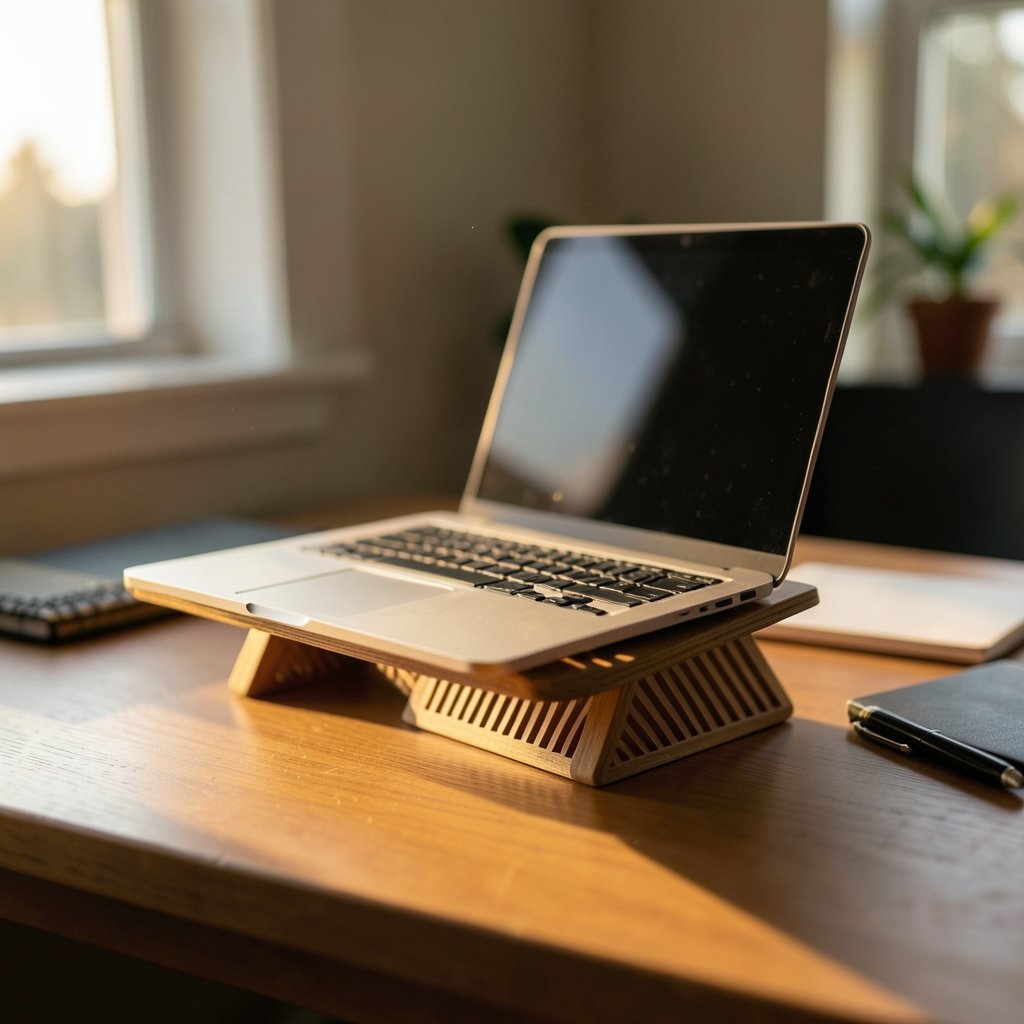
One practical note from experience: the XPS chassis is thin, and thin laptops run warm under sustained load. If your day involves hour-long video exports, plan for a stand or a lap desk rather than a cushion.
Asus Zenbook A14: the value pick most people should start with
The Zenbook A14 (UX3407NA) is the machine reviewers hand to friends who ask, “Just tell me what to buy.” It is described as the best general-purpose Windows laptop for most people: attractive, lightweight, fast, long-lasting, and affordable. Testers praise its OLED display, comfortable keyboard, and everyday performance, and several call it their first choice for anyone who wants a MacBook Air alternative.
The honest limitations: the webcam and speakers are average, and some apps hit compatibility snags. Neither matters much for browsing, writing, and streaming. Both matter if you present on video calls all day.
If you are also shopping for a student heading to a specific school, it helps to know what a Strayer university hp laptop bundle really includes before comparing it against a straight retail purchase.
HP OmniBook 5 14: the battery-life champion
Battery anxiety is the quiet reason many people never leave the house with a laptop. The Snapdragon-powered OmniBook 5 14 solves that. In rundown testing it delivered near-35-hour battery life, which makes it the obvious pick for long flights, all-day campus days, and work-from-anywhere schedules.
The trade-off is the Arm chip inside. Windows on Arm runs most everyday software well, but it can stumble on older or niche apps. Before buying, list the programs you cannot live without and confirm each one runs natively. Photo editors, developers, and accountants with legacy tools should check twice.
HP OmniBook 7 Aero: light, sharp, and pleasant to use
The OmniBook 7 Aero takes a different angle: a lightweight build, a 2K display, and a loud speaker system. It suits commuters and travelers who care more about screen quality and portability than raw benchmark scores.
It is not a workstation. If your job means heavy rendering or large datasets, look at the creator and gaming picks below. If your job means documents, calls, and a bag that does not hurt your shoulder, this is a strong fit. The same logic applies to other everyday tech decisions, like understanding what a fashion laptop label really means before you buy one so marketing terms do not steer you toward the wrong model.
Acer Swift Go 16: the big-screen value play
Some people want a 16-inch screen without paying 16-inch flagship prices. The Swift Go 16 answers that with a 2.8K OLED panel, an Intel Core Ultra 9 285H processor, 32GB of RAM, and a tested battery life of 11 hours and 32 minutes. Reviewers call it a stellar value and note its good mix of ports, including two USB-C, two USB-A, HDMI, and a microSD reader.
The weak points are real: a weak hinge and a mediocre microphone. Neither breaks the deal at this price, but if you open and close the lid dozens of times a day or record podcasts, test one in person first.
Acer Nitro 16X Aurora: gaming without compromise
For gamers, the Nitro 16X Aurora is the value monster of this group. The tested configuration runs an Intel Core Ultra 9 275HX and an RTX 5070, and reviewers report it handles demanding titles like Cyberpunk 2077 well above 60fps at native 1600p without AI upscaling. The 240Hz matte display gets called dreamy, and an OLED upgrade is optional. It costs around $2,000 as tested.
Reality check: battery life measured five hours and 40 minutes. That is fine for a gaming laptop and bad for a lecture hall. It is also heavy. If you want the wider landscape of options, this breakdown of how the best gaming laptop 2025 actually separated winners shows how quickly configurations and prices move.
MSI Prestige 16 AI+: a creator’s canvas
The Prestige 16 AI+ targets people who edit photos, cut video, and design for a living. It pairs a 16-inch 2.8K OLED display with a slim redesign and Intel’s latest chip generation, and it was listed at $2,149. Reviewers praise the screen and the sharper chassis.
The limitation is straightforward: this is a lot of money for a laptop that is not a gaming powerhouse. Creators who also game should compare it against the Nitro above. Buyers on a budget should look at the Zenbook first.
Samsung Galaxy Book6 Ultra: the premium creative option
The Galaxy Book6 Ultra rounds out the list as a laptop for creators, with high-end hardware and a 3K touchscreen. It suits designers and editors who want a big, bright panel and do not mind paying for it.
Two cautions. First, big touchscreens drain batteries faster than plain panels. Second, premium Windows machines depreciate quickly, so buying last generation’s model at a discount is often smarter than chasing the newest chip.
What about MacBooks and Chromebooks?
Reviewers keep comparing Windows laptops to MacBooks because the choice is real. The short version: buy Windows if you need the widest app selection, want touchscreens and convertible designs, or care about gaming. MacBooks generally win on battery life. Chromebooks suit people who live in a browser and want to spend very little, but check that your essential apps exist on ChromeOS before switching.
Screen problems are a separate headache that hits every brand. If you ever see lines across a panel, this guide to vertical or horizontal lines laptop screen causes fixes explains what usually causes them and when a repair is worth it.
How to choose without overpaying
Start with the software, not the spec sheet. List the three programs you use most and confirm they run on the chip you are considering, especially if it is an Arm-based Snapdragon model. Then work through the practical filters:
- Set a hard budget and include tax and a warranty in it.
- Decide screen size first, since it drives weight, battery size, and price.
- Pick RAM for the next three years, not today. The market has been tightening on memory, and reviewers note that 8GB can still work for light use but leaves little room to grow.
- Check the ports. Two USB-C ports and no HDMI means dongles forever.
- Read the battery test numbers, not the marketing claims.
- Try the keyboard before buying if you can. It matters more than any benchmark.
Common mistakes show up again and again. People buy on processor names alone and ignore the display. They pay for a discrete GPU they never use, or skip one when their editing timeline stutters. They buy the thinnest machine and then complain it runs hot. And they forget that a laptop is a three-to-five-year purchase, so saving $100 on 8GB less memory is rarely worth it.
Timing matters too. If you are juggling a laptop purchase with a car replacement, this ranking of the best time buy car 6 timing windows ranked by real savings shows how seasonal windows change what you pay, and laptop pricing follows similar sale cycles around back-to-school and holidays.
Finally, protect what you buy. A sleeve, a screen cleaning routine, and a little care go a long way; a squeegee-style approach from this guide to the best way clean windows squeegee method that actually works translates surprisingly well to smudge-free displays when you use the right cloth. And if you tint car windows or work near heat and glare all day, knowing what car window tinting actually works gets you ticketed is a reminder that visibility rules vary by state, just as laptop return policies vary by store.
Conclusion
The best Windows laptop is not one machine; it is the one that matches your week. For most people, the Asus Zenbook A14 delivers the best balance of price, weight, and battery. For work-first buyers who want zero compromises, the Dell XPS 14 is the safest bet. The HP OmniBook 5 14 wins if battery life is everything, the Acer Swift Go 16 wins on screen size per dollar, and the Nitro 16X Aurora or MSI Prestige 16 AI+ win when performance is non-negotiable. Pick your software, set your budget, confirm the specs on the retailer page, and buy the model that fits your actual day rather than the one with the longest feature list.
Frequently asked questions
Which Windows laptop is best overall?
Most reviewers point to the Dell XPS 14 as the best all-round Windows laptop for work, thanks to its performance, build, and battery life. The Asus Zenbook A14 is the better pick for buyers who want strong everyday performance at a lower price.
Is a Snapdragon Windows laptop a good idea?
It depends on your apps. Snapdragon models like the HP OmniBook 5 14 can run for near-35 hours in rundown testing, which is exceptional. But Arm-based Windows can have compatibility issues with older or specialized software, so verify your key programs first.
How much RAM do I need in a Windows laptop?
For browsing, writing, and streaming, 8GB can still work. For multitasking, light editing, or keeping a laptop for four years or more, 16GB is the safer floor. Creators and gamers should look at 32GB, as seen in tested configurations like the Acer Swift Go 16.
Do Windows laptops have better battery life than MacBooks?
Generally, no. Reviewers consistently note that MacBooks tend to last longer, though specific Windows models close the gap. The HP OmniBook 5 14 and HP OmniBook Ultra 14 both posted excellent battery results in testing, with the Ultra lasting over 13 hours.
What is the best Windows laptop for gaming?
The Acer Nitro 16X Aurora is a strong value pick, with an RTX 5070 and a 240Hz matte display that handled demanding titles above 60fps at native resolution in testing. Expect around five to six hours of battery life and a heavier chassis.
When is the best time to buy a Windows laptop?
Watch for back-to-school and holiday sale windows, when premium models often drop below list price. Reviewers note that discounts can be substantial; one premium model was seen under $1,300 from a much higher list price. Always confirm the current price on the retailer page.











